Why Does My SIM Card Keep Disconnecting? Find the Solution
Why does my SIM card keep disconnecting? This common issue can disrupt calls, texts, and mobile data, leaving you frustrated and offline. Problems may stem from a loose SIM tray, o...
Quincy D.-Mar 29, 2026
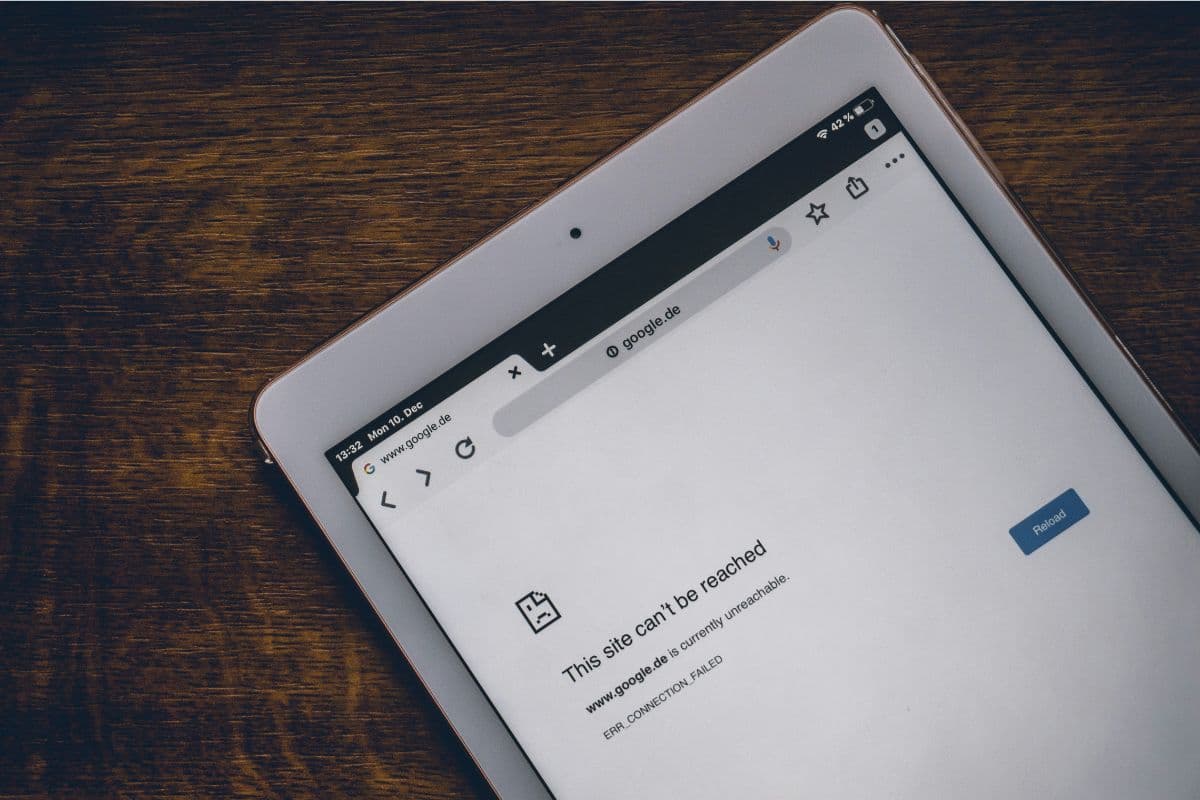
Image by Unsplash
Table of Contents
Why does my SIM card keep disconnecting? This common issue can disrupt calls, texts, and mobile data, leaving you frustrated and offline. Problems may stem from a loose SIM tray, outdated software, network issues, or even a damaged SIM card. Understanding the root cause helps you fix it efficiently and restore stable connectivity.
For step-by-step solutions and reliable guidance, you can refer to the full guide from TAG Mobile to ensure your SIM works seamlessly.
1. Why Does My SIM Card Keep Disconnecting? Common Problems
Why does my phone keep losing SIM card connection? Experiencing frequent SIM disconnections can be frustrating, especially when it interrupts calls, texts, or mobile data. Identifying the underlying cause is the first step toward resolving the issue and restoring stable connectivity for everyday use.
Weak or Unstable Network Signal
A weak or unstable network signal is a common reason why your SIM card keeps disconnecting. In areas with poor coverage, such as rural locations, tall buildings, or underground spaces, your phone may struggle to maintain a consistent connection to the nearest cellular tower. Even strong carriers can experience temporary network congestion or outages, leading to dropped calls and lost data connections.
How to fix a disconnected SIM card? To address this, you can move to a location with better signal, check carrier coverage maps, or contact your provider for network support. TAG Mobile ensures nationwide 4G LTE coverage, helping users maintain stable connectivity and minimizing signal-related SIM issues.
Damaged or Worn-Out SIM Card
Physical damage or wear on a SIM card can prevent your phone from maintaining a stable connection. Scratches, bending, exposure to moisture, or aging chips may cause the SIM to fail intermittently, leading to frequent disconnections or “No SIM” errors. Even older SIM cards that worked perfectly in the past can degrade over time.
TAG Mobile offers replacement SIM cards for eligible Lifeline users, providing a simple way to restore reliable connectivity for calls, texts, and mobile data without requiring a new device or complex troubleshooting steps.
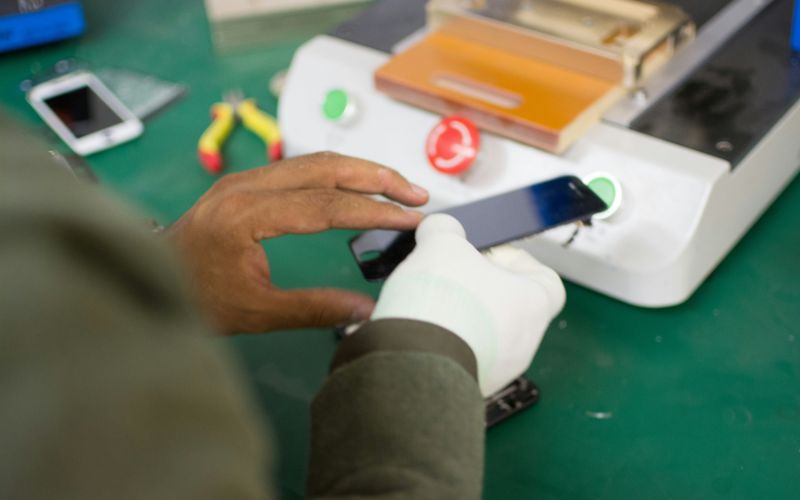
Why does my SIM card keep disconnecting? (Image by Unsplash)
Loose or Dirty SIM Card Tray
A loose or dirty SIM card tray is another common cause of intermittent disconnections. If the SIM is not seated properly or if dust, lint, or debris collects in the tray slot, electrical contacts may fail to connect, leading to dropped service.
Carefully removing the SIM, cleaning the tray with a soft cloth or compressed air, and reinserting it securely often resolves the issue. Ensuring the tray fits snugly minimizes movement inside the phone and prevents repeated disruptions.
TAG Mobile recommends checking the SIM tray whenever you experience connectivity issues, helping maintain stable calls, texts, and mobile data without unnecessary frustration.
Software or Carrier Settings Issues
Software glitches or outdated carrier settings can cause your SIM card to disconnect unexpectedly. Phones may require system updates, network resets, or manual carrier configuration to communicate properly with the network. Misconfigured APN settings, incomplete updates, or software bugs can interfere with SIM functionality even if the card itself is fine. Resetting network settings, updating the phone, or contacting your carrier can often solve these problems.
TAG Mobile provides guidance and support for troubleshooting software or settings issues, ensuring that eligible users maintain reliable service, uninterrupted calls, texts, and mobile data without worrying about repeated SIM disconnections.
Phone Hardware Problems
Sometimes, the issue is not the SIM card but the phone itself. Faulty SIM card readers, damaged internal connectors, or general hardware malfunctions can prevent a SIM from maintaining a stable connection. Even with a perfectly functioning SIM card, hardware problems can result in frequent disconnections, error messages, or complete service loss.
Diagnosing these issues often requires professional repair or replacement of the device. TAG Mobile helps users identify potential hardware problems and offers solutions through compatible devices or replacement options, ensuring that Lifeline participants can enjoy consistent connectivity for calls, texts, and mobile data without interruptions.
Frequent SIM card disconnections can disrupt calls, texts, and mobile data, and many users often wonder Why does my SIM card keep disconnecting. Fortunately, many issues can be resolved with simple troubleshooting steps. Identifying easy fixes allows you to restore stable connectivity quickly without replacing your SIM or device.
Restart Your Phone
Restarting your phone is one of the simplest and most effective ways to resolve SIM card disconnections. Powering off and back on clears temporary software glitches, resets network connections, and refreshes the phone’s internal systems. Many minor errors that cause the device to misread the SIM are corrected during a restart.
This step is quick, safe, and often resolves connectivity problems immediately, allowing your SIM to function normally again. Regular restarts can also help maintain overall device performance and network stability.
Remove and Reinsert the SIM Card
Sometimes a SIM card disconnection occurs because the card is not seated correctly. Removing the SIM and reinserting it ensures proper contact with the phone’s internal connectors. Make sure the card aligns properly in the tray and clicks securely into place. This simple step can resolve intermittent service issues caused by misalignment or slight tray movement.
If the problem persists, it may indicate a worn or damaged SIM, in which case requesting a replacement from your provider, such as TAG Mobile, can restore reliable connectivity.
Clean the SIM Card and Tray
Dirt, dust, or debris on the SIM card or tray can prevent proper contact, leading to disconnections. Carefully remove the SIM and use a soft, lint-free cloth or compressed air to clean the card and tray.
Avoid using liquids that could damage the electronics. Ensuring the card and tray are clean and properly seated helps maintain a stable connection and reduces the chance of “No SIM” errors. Regular maintenance of the SIM tray can prevent recurring connectivity issues and prolong your SIM card’s life.
Turn Airplane Mode On and Off
Toggling Airplane Mode can help refresh your phone’s network connections and fix temporary SIM card disconnections. Enabling Airplane Mode disconnects your device from all cellular, Wi-Fi, and Bluetooth signals, and turning it off forces the phone to reconnect to the network.
This process can quickly resolve minor glitches that cause intermittent service loss. It is a simple, safe, and effective troubleshooting method that often restores stable connectivity without requiring SIM replacement or complex configuration changes.
Update Your Phone Software
Outdated software can interfere with SIM card functionality and cause disconnections. Installing the latest updates ensures your phone has the most recent bug fixes, security patches, and carrier settings, improving overall network performance.
Updates often resolve compatibility issues that prevent the SIM from connecting consistently. Regularly checking for system and carrier updates is a proactive way to maintain reliable service, avoid interruptions, and ensure your device works optimally with your SIM card and mobile network.
3. Upgrade Your Phone and Device To Fix this Issue
If you frequently experience SIM card disconnections, upgrading your device can help improve stability and overall network performance. In some cases, connection issues are caused by outdated hardware or limited compatibility with newer network technologies.
Through the Lifeline Program, eligible users receive discounted or no-cost mobile service, which is typically delivered through a SIM card or eSIM provided by participating carriers. This ensures access to essential services like calls, texts, and mobile data.
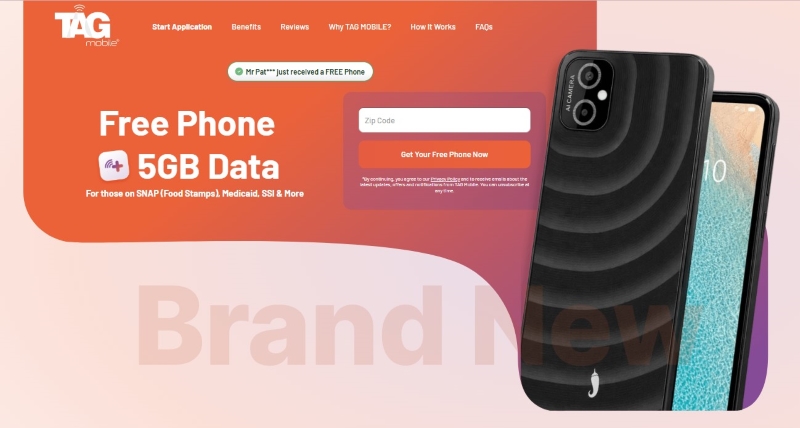
In addition to service, some Lifeline providers, such as TAG Mobile, may offer free or discounted devices as an extra benefit, depending on availability and your eligibility. These devices are not guaranteed by the program itself but are provided at the carrier’s discretion.
TAG Mobile, as a participating Lifeline provider, offers plans and compatible SIM options to help users stay connected. If available, you may also have the option to upgrade to a smartphone that better supports reliable connectivity.
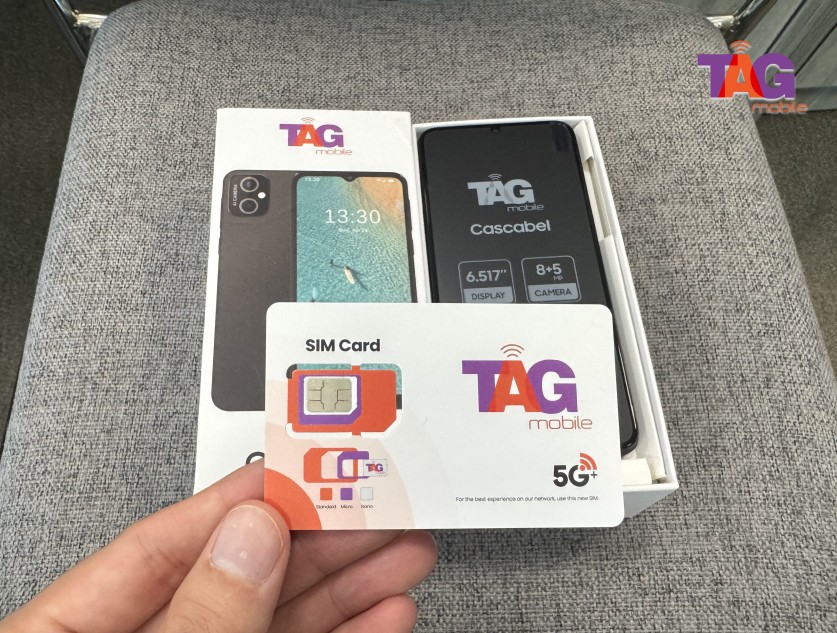
TAG Mobile free phone and SIM card package
To get started with TAG Mobile, follow these steps:
Check your eligibility for the Lifeline Program based on your income level or participation in qualifying government assistance programs. Prepare any required documents in advance.
Select TAG Mobile as your provider and browse available plans and device options. Choose a plan that may include a SIM card or eSIM, along with a free or discounted phone if eligible.
Complete the online application by entering your personal details, such as name, address, date of birth, and identification information.
Upload supporting documents if required, in case your eligibility cannot be verified automatically through the system.
Review and submit your application to ensure all information is accurate before final approval.
Wait for approval and delivery, after which your SIM card or device will be shipped to your address (typically within 7-10 business days).
Activate your service by inserting the SIM card or following eSIM instructions, then start using your plan for calls, texts, and mobile data.
Notice: The government does not cover device costs, only basic service through Lifeline. Any free or discounted devices, upgrades, or top-ups are limited-time TAG Mobile offers and may vary by state, eligibility, and availability. Terms and conditions apply.
4. FAQs About SIM Card Disconnecting Issues
Why does my SIM card keep disconnecting? SIM card disconnections can be frustrating, but understanding the common causes helps you troubleshoot effectively. Below are answers to frequently asked questions to guide you in resolving connectivity problems and maintaining stable mobile service.
Can a damaged SIM card cause signal loss?
Yes, a damaged or worn-out SIM card can prevent your phone from connecting reliably to the network. Scratches, bent edges, or aging chips may cause intermittent signal loss or “No SIM” errors. Replacing the SIM card with a new one from your carrier, such as TAG Mobile, often restores full connectivity and prevents further disruptions.
How do I fix “SIM not detected”?
SIM not detected” errors usually occur when the card is misaligned, dirty, or damaged. Power off your phone, remove the SIM card, clean the tray and card, and reinsert it securely. If the problem persists, updating software, resetting network settings, or requesting a replacement SIM from TAG Mobile can solve the issue.
Should I replace my SIM card or phone?
Whether you replace the SIM card or the phone depends on the source of the problem. If the SIM is physically damaged or worn, replacing it is usually sufficient. However, if the phone’s SIM reader or internal hardware is faulty, upgrading to a compatible device through TAG Mobile may be necessary to restore reliable service.
Can network issues cause SIM disconnections?
Yes, weak or unstable network coverage can lead to repeated SIM disconnections. Remote areas, building obstructions, or network congestion can interrupt the connection between your phone and cellular towers. Moving to a stronger coverage area or contacting your carrier, like TAG Mobile, for network support can help maintain consistent connectivity.
Final Words
Experiencing frequent SIM issues can interrupt your calls, texts, and data, and many users wonder why does my sim card keep disconnecting.
Fortunately, most problems can be fixed with simple steps like cleaning the SIM tray, updating software, or replacing a damaged card. Through the Lifeline program, providers like TAG Mobile may offer free SIM cards and devices for eligible users. Understanding the cause helps you stay connected more reliably.
Share
TAG Blog
Stories, guides, and helpful updates for staying connected.