No SIM Available? Fix “No SIM” Errors on iPhone & Android 2026
If you glance at your phone only to see a “no SIM available” notification, it can be frustrating to lose your connection instantly. This common error prevents you from making calls...
Quincy D.-Feb 22, 2026
Image by Unsplash
Table of Contents
If you glance at your phone only to see a “no SIM available” notification, it can be frustrating to lose your connection instantly. This common error prevents you from making calls, sending texts, or using cellular data, but it is usually a software glitch or a minor hardware misalignment that can be fixed in minutes.
1. What Does No SIM Available Mean?
Seeing this error message means your device’s operating system is unable to detect or communicate with the physical SIM card or eSIM profile. It acts as a digital handshake failure between your hardware and your service provider.
1.1 Definition of the “No SIM Available” Error
The “No SIM Available” error is a status alert indicating that the device does not recognize an active subscriber identity module.
Without this recognition, the phone cannot authenticate your account with the network, effectively turning your smartphone into a Wi-Fi-only tablet until the connection is restored.
1.2 Why Your Phone Displays the “No SIM” Message
There are several reasons this occurs, ranging from a SIM card that has shifted slightly in its tray to outdated carrier settings. In some cases, the internal software SIMply hangs, requiring a refresh to acknowledge the presence of the SIM card again.
Beyond physical displacement, the error often stems from “corrupted” temporary network data. If you have recently dropped your phone, the impact might have loosened the SIM.
Additionally, moisture or dust entering the SIM slot can interfere with the gold contact points, leading to a “No SIM” readout.
1.4 The “SOS Only” Status Bar Icon
When your phone cannot find your specific carrier but can still see other network towers, it may display “SOS” or “SOS Only.” According to Apple Support, this means your device is not registered on your network but can still reach emergency services via other available carriers.
1.5 Why Does My Phone Say SOS And No SIM?
If you see both “SOS” and “No SIM,” your phone is confirming it has no identity (SIM) to log onto its home network, but the cellular radio is still functional enough to pick up emergency signals.
This is common if a SIM card has failed entirely or if you are in an area with extremely poor coverage from your specific provider.
When your device fails to connect, you don’t always need a technician. Most “no SIM available” issues can be resolved through a series of logical troubleshooting steps performed at home.
2.1 No SIM Available iPhone: Step-by-Step Restart & Update Fixes
To fix iPhone says no sim, the first step for any iPhone user is a “Force Restart.” For modern iPhones, quickly press and release Volume Up, then Volume Down, and hold the Side button until the Apple logo appears. Often, this clears the cache and forces the device to re-scan the SIM tray. Also, ensure your iOS is updated, as Apple frequently releases patches for modem firmware.
2.2 Checking for Carrier Settings Updates
Carrier settings are small files that allow your phone to communicate with network towers. To check for an update, navigate to Settings > General > About. If an update is available, a prompt will appear automatically.
Keeping these updated ensures your device uses the latest network protocols for better stability. To learn more about how settings affect your service, check out this guide on optimizing your mobile data.
2.3 Inspecting the SIM Tray & Cleaning Contacts
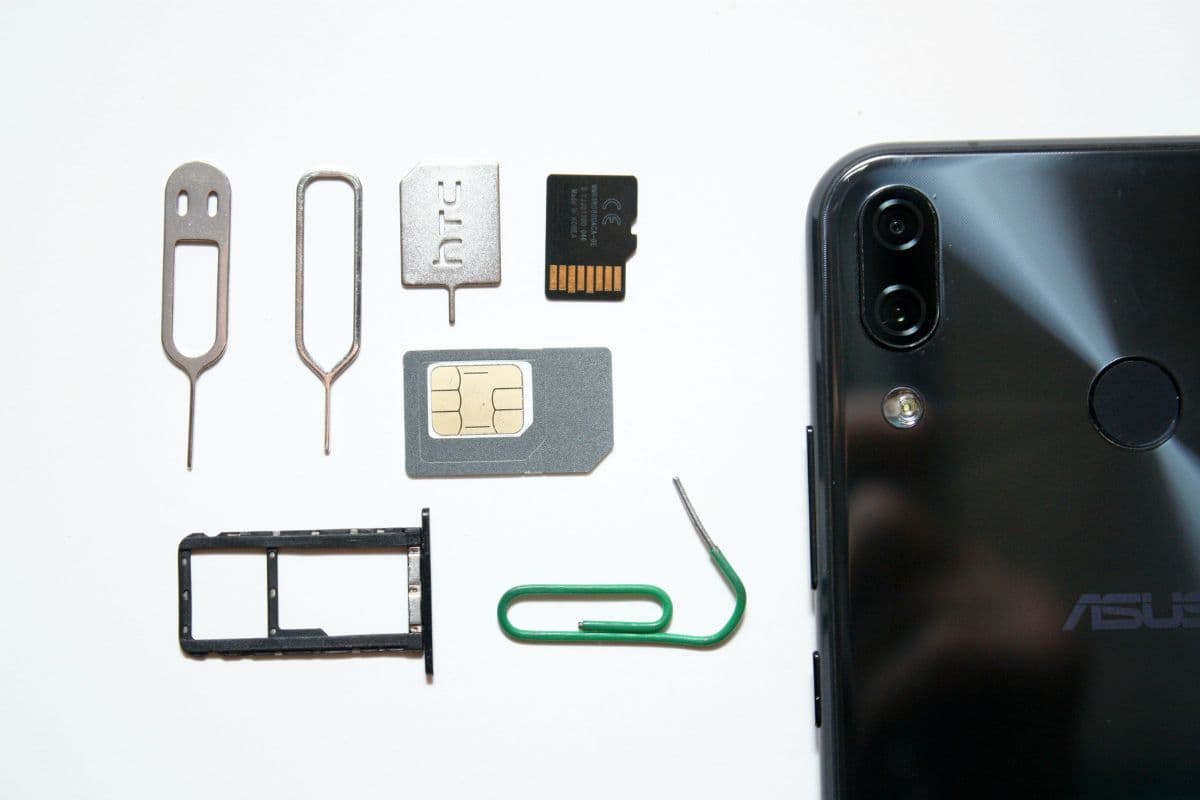
Use a SIM ejector tool or a paperclip to pop open the tray. Remove the SIM card and inspect it for scratches or grime. Use a soft, lint-free cloth to gently wipe the gold contacts. Ensure there is no debris inside the slot.
A quick puff of compressed air can help. Re-insert the tray firmly to ensure it is flush with the phone’s body.
Some recommended solutions for SIM errors. (Image by Unsplash)
If basic cleaning and restarting don’t work, the issue might reside deeper within the software or the SIM card itself. Hardware failure is rare but possible if the following steps do not yield results.
3.1 Resetting Network Settings vs Factory Reset
Before a full factory reset, try Reset Network Settings. This deletes saved Wi-Fi passwords, Bluetooth pairings, and VPN settings, but it often fixes deep-seated cellular bugs. A Factory Reset should be a last resort, as it erases all data.
Statistics from the Pew Research Center show that most users rely heavily on their devices for daily tasks, so always back up your data to the cloud before performing a full reset.
3.2 Testing with a Replacement SIM Card
If you have access to another phone, try inserting your SIM card into it. If that phone also says “No SIM,” the card is defective.
Conversely, if a different SIM card works in your current phone, your device hardware is fine, and you SIMply need a replacement SIM from your carrier. You might learn more about the differences between SIM and eSIM to see which is best for you.
3.3 When to Contact Customer Support
If you have tried all the above and your phone still insists there is no SIM, it is time to contact your service provider. There may be an issue with your account provisioning or a localized network outage.
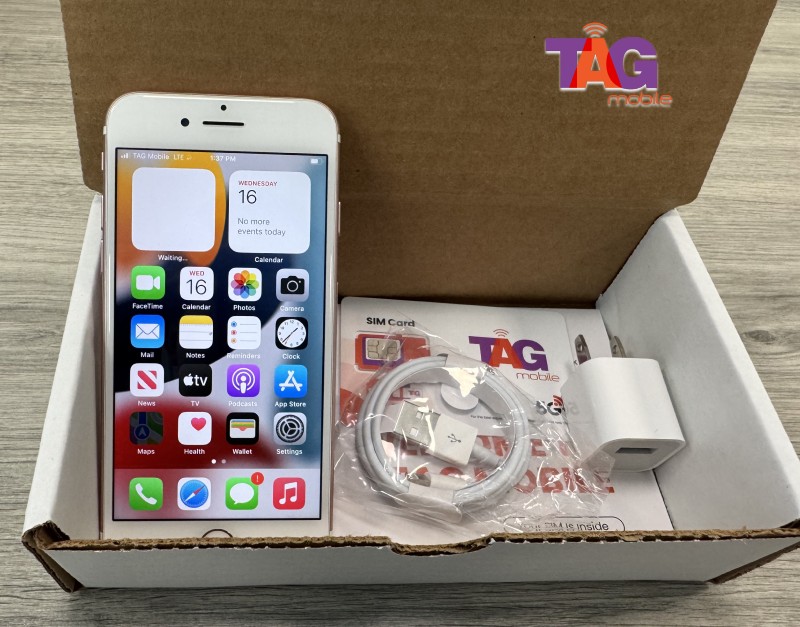
For those looking to improve their current situation, you can upgrade your TAG Mobile plan or device to ensure you are using the most modern hardware compatible with 5G networks.
4. Check If You Qualify for a Free SIM Card with Free Data
Many Americans are unaware that they may be eligible for monthly cellular benefits through government-assisted programs. According to FCC data, millions of households qualify for the Lifeline program based on income or participation in programs like SNAP or Medicaid.
TAG Mobile specializes in delivering these Lifeline-supported wireless services by offering eligible users free smartphones or SIM cards along with monthly talk, text, and data plans at no cost or reduced cost.
The company provides nationwide coverage, simple online enrollment, and step-by-step activation support to make the process easy.
With both physical SIM and eSIM options available, TAG Mobile helps ensure that issues like “no SIM available” become a thing of the past, allowing users to stay reliably connected to work, family, school, and healthcare services.
Get a free phone with services through TAG Mobile!
5. Final Words
Fixing a “no SIM available” error usually takes just a few minutes of troubleshooting. By following the steps of restarting, cleaning, and updating, you can restore your digital life and stay reachable. If your current provider isn’t giving you the reliability you deserve, it might be time for a change.
TAG Mobile is dedicated to keeping communities connected with high-quality service and support. Understanding why your phone says “no SIM available” empowers you to stay online in 2026 and beyond.
Notice: The government does not cover device costs, only basic service through Lifeline. Any free or discounted devices, upgrades, or top-ups are limited-time TAG Mobile offers and may vary by state, eligibility, and availability. Terms and conditions apply.
Share
TAG Blog
Stories, guides, and helpful updates for staying connected.