Replacing a SIM card is a common step when upgrading devices, fixing network issues, or switching carriers. Naturally, many people ask if I get a new SIM card will I lose my number...
Quincy D.-Mar 24, 2026
Image by Unsplash
Table of Contents
Replacing a SIM card is a common step when upgrading devices, fixing network issues, or switching carriers. Naturally, many people ask if I get a new SIM card will I lose my number, especially when they want to keep their existing contacts and service.
Most times, your phone number is associated with your service provider account instead of the SIM card itself. Therefore, the phone number can be moved to the new SIM card with no issues at all. Learning more about this can help you avoid interruptions with your phone usage. If you would like to know more about this, then you can visit the TAG Mobile article regarding this matter.
No, you usually do not lose your number when getting a new SIM card. Your phone number is linked to your carrier account, not the physical SIM itself, so the carrier can transfer your existing number to a new SIM card.
This process is commonly used when replacing a damaged SIM, upgrading devices, or switching to a different SIM format, such as eSIM, allowing you to keep the same number without interruption.
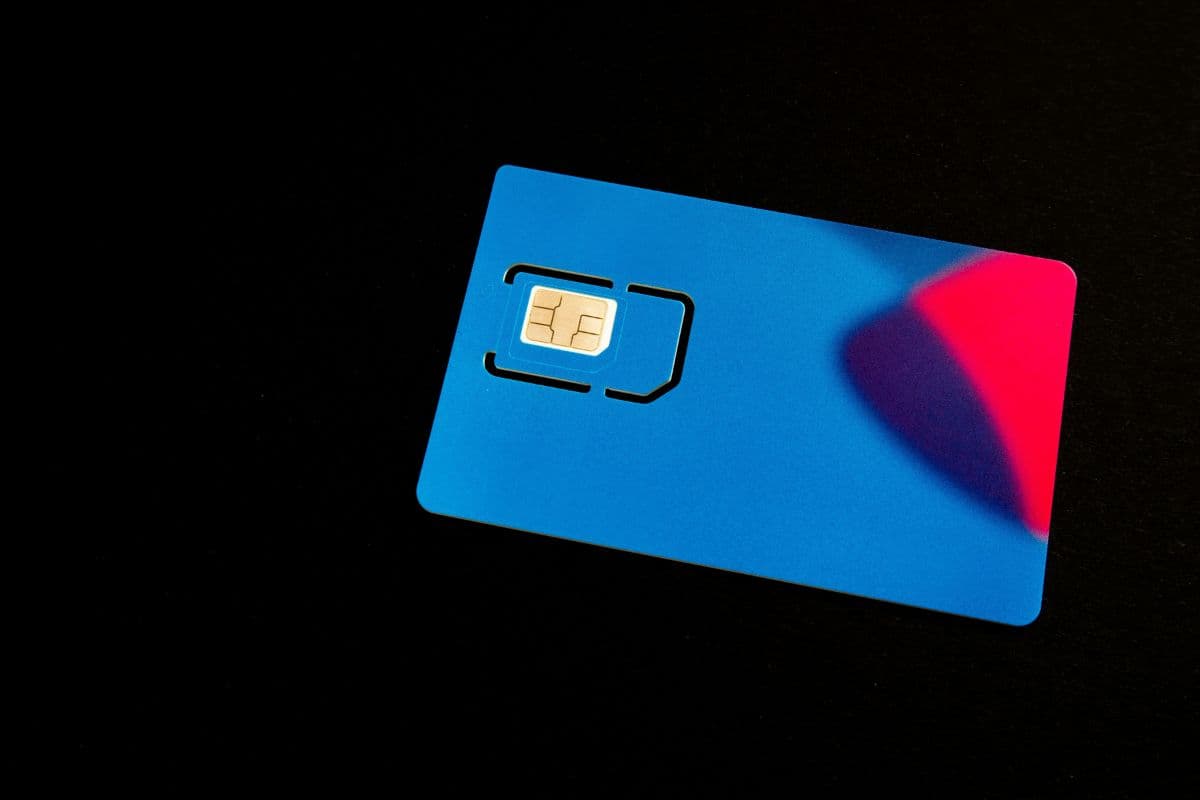
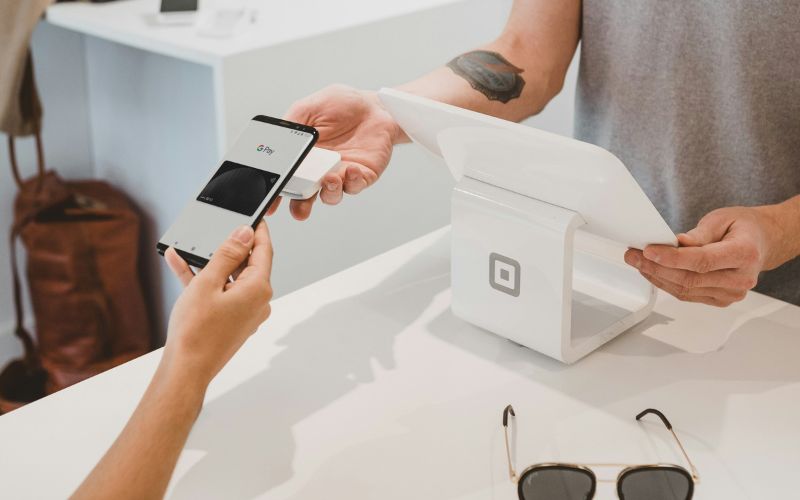
if I get a new SIM card will I lose my number? Some common situations when you need a new SIM card. (Image by Unsplash)
There are several everyday situations where getting a new SIM card becomes necessary. In most cases, replacing the SIM is a simple process and does not affect your mobile service when handled correctly.
Replacing a Damaged SIM Card
A SIM card can become scratched, bent, or worn out over time, which may cause issues like “No Service” or failed connections. In this case, requesting a replacement SIM from your carrier is the best solution.
Many users wonder if I get a new SIM card will I lose my number, but in most situations, the carrier will transfer your existing number to the new SIM without any problem.
Switching Phones
When upgrading or changing to a new phone, you may need a different SIM size or switch to eSIM if the device supports it. Moving your SIM card to a new device is usually quick, but if the formats are not compatible, a replacement SIM may be required. Once activated, your number and service plan will continue working on the new device.
Upgrading to a New Carrier
Switching to a new carrier often involves getting a new SIM card that matches the provider’s network. During this process, you can typically transfer your existing phone number through a process called number porting.
For eligible users, the Lifeline Program, a federal assistance program supported by the FCC, helps make phone service more affordable for low-income households by providing a monthly discount on wireless service.
Lifeline providers like TAG Mobile offer options such as free or upgraded smartphones along with SIM card or eSIM activation, making it easier to switch carriers and start using a new plan without extra upfront costs.
3. How to Keep Your Phone Number When Getting a New SIM
Keeping your existing phone number when switching to a new SIM card is usually a simple and well-supported process. By following the correct steps, you can transfer your number smoothly without interrupting your mobile service.
Step 1: Contact Your Mobile Carrier
Start by reaching out to your current mobile carrier or the new provider you plan to use. A representative can guide you through the process of transferring your number and confirm that your account is eligible. This is often the first step people take when they wonder if I get a new SIM card will I lose my number, as the carrier manages the number transfer.
Step 2: Provide Your Account Information
Next, you will need to provide important account details for verification. This may include your phone number, account number, PIN or password, and personal identification information. These details allow the carrier to securely link your existing number to the new SIM card.
Step 3: Activate the New SIM Card
Once your information is verified, the carrier will activate the new SIM card. This process connects the SIM to your existing account and transfers your phone number to it. Activation can usually be completed online, through an app, or with the help of customer support.
Step 4: Insert the SIM Card Into Your Phone
After activation is complete, you insert the new SIM card into your phone and turn the device on. The phone should detect the SIM and connect to the carrier network using your existing number. At this point, you can make calls, send texts, and use mobile data just as before.
When replacing or upgrading a SIM card, many users have questions about how the process works and what to expect. The answers below help clarify common concerns so you can switch SIM cards with confidence.
Can I keep my number when switching carriers?
Yes, you can usually keep your number when switching carriers through a process called number porting. Your new carrier will transfer your existing number from your old provider once you provide the required account details. As long as your account is active and the information is correct, the transfer is typically smooth.
How long does it take to activate a new SIM card?
Activating a new SIM card can take anywhere from 15 minutes to 4 hours, depending on the carrier. In some cases, especially when transferring a number, it may take up to 24 hours to fully complete. During this time, service may briefly switch between networks before becoming stable.
Can I switch from a physical SIM to eSIM and keep my number?
Of course, you can switch from a physical SIM to an eSIM while keeping your phone number. The carrier simply transfers your number from the physical SIM to the digital eSIM profile. Once activation is complete, your phone will continue to use the same number without requiring a physical card.
5. Final Words
If you’re wondering if I get a new SIM card will I lose my number, the answer is usually no, as long as you follow the correct steps with your carrier. Your phone number is linked to your account, and this allows you to transfer your number to a new SIM or eSIM. This way, you do not lose your service. Whether you need to replace your SIM or get a new device, or you want to switch from one carrier to another, you can do so quite easily.
For eligible customers, TAG Mobile provides many choices, including SIM card or eSIM activation and mobile plans. Check out TAG Mobile.
Notice: The government does not cover device costs, only basic service through Lifeline. Any free or discounted devices, upgrades, or top-ups are limited-time TAG Mobile offers and may vary by state, eligibility, and availability. Terms and conditions apply.
Share
TAG Blog
Stories, guides, and helpful updates for staying connected.