How Much Is a SIM Card for Android? A Simple Cost Guide
While setting up a new Android device or changing the service provider, many people often ask how much is a SIM card for Android and what factors influence the prices. However, the...
Quincy D.-Mar 18, 2026
Image by Unsplash
Table of Contents
While setting up a new Android device or changing the service provider, many people often ask how much is a SIM card for Android and what factors influence the prices. However, the prices of a SIM card vary from provider to provider, and some providers may charge activation fees as well. On the other hand, some providers offer SIM cards for free if you sign up for their plan. If you want to know more about the prices and how to activate a SIM card, then you may visit the guide provided by TAG Mobile.
A SIM card (Subscriber Identity Module) is a small chip inserted into an Android phone that connects the device to a mobile carrier’s network. It stores important information such as the phone number, carrier identification, and authentication data that allows the smartphone to access cellular services. Once the SIM is activated, the phone can make calls, send text messages, and use mobile data through the carrier’s network.
Most modern Android phones use nano-SIM cards, which are the smallest physical SIM format commonly used today. Some newer devices also support eSIM, a digital SIM embedded inside the phone that allows users to activate a mobile plan without inserting a physical card.
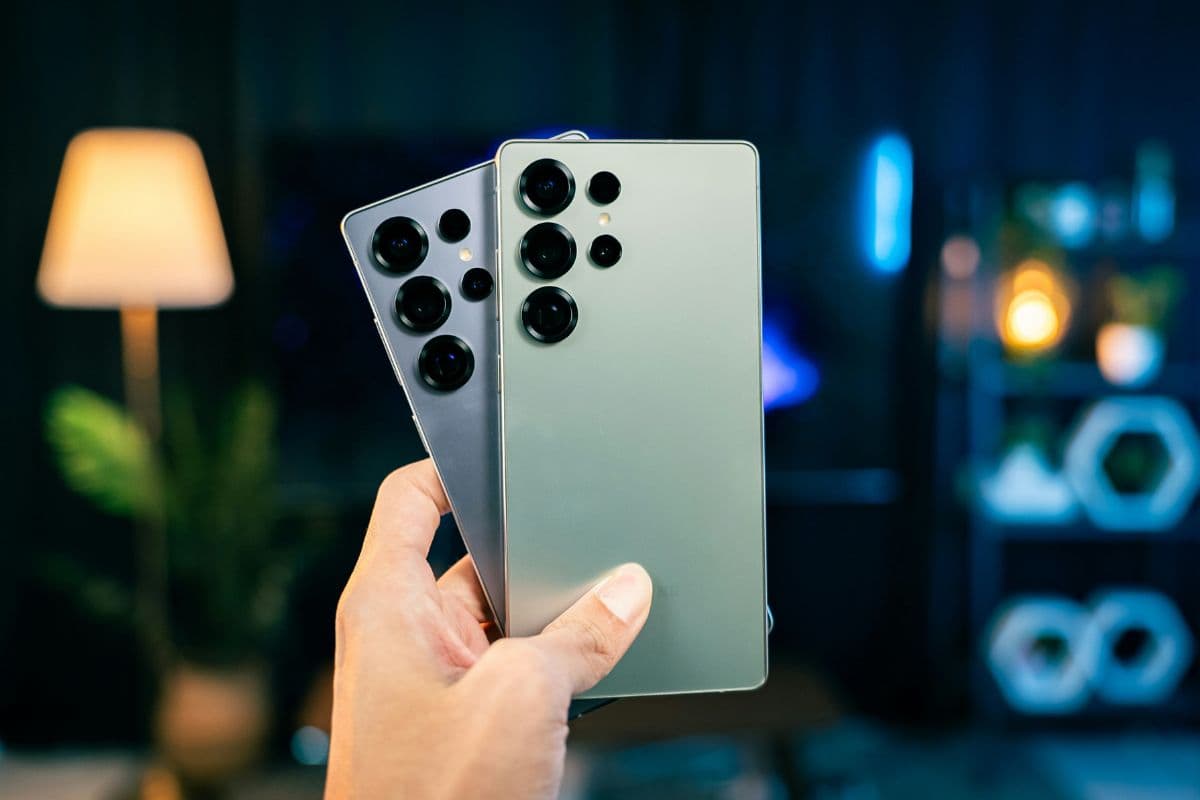
How much is a SIM card for Android (Image by Unsplash)
2. How Much Is a SIM Card for Android?
The cost of a SIM card for an Android phone is usually quite low, but the exact price can vary depending on the carrier and whether the SIM is purchased separately or included with a mobile plan. Understanding these options can help you choose the most cost-effective way to activate your device.
Average SIM Card Price in the U.S
In the United States, the typical cost of a SIM card ranges from about $1 to $10, depending on the wireless provider. Some carriers sell SIM starter kits that may include activation instructions or a small prepaid credit. Retail stores and online marketplaces often sell these kits, making it easy to get a compatible SIM card quickly.
SIM Cards Included With Activation
Many carriers include a SIM card at no additional cost when you activate a new mobile plan.
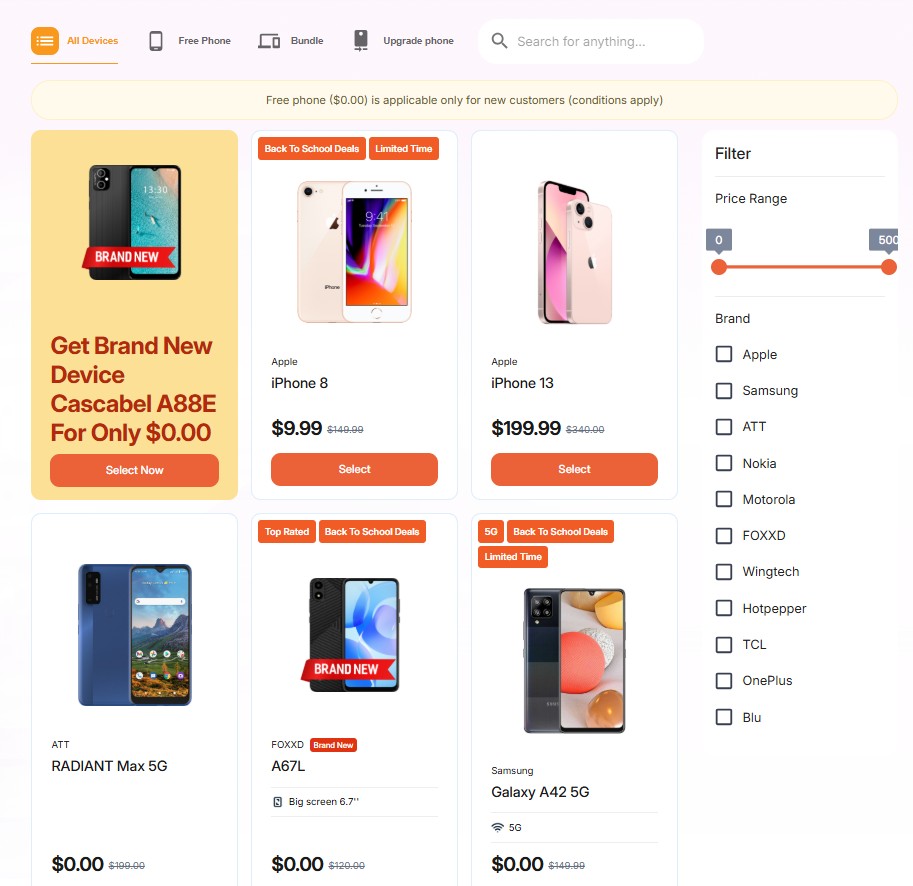
For example, providers such as TAG Mobile may offer a free SIM card or eSIM activation as part of their service for eligible Lifeline participants.
It is important to note that TAG Mobile is a Lifeline-supported provider, which means customers must qualify for the federal Lifeline assistance program to receive these benefits.
This is different from prepaid carriers where SIM cards are typically purchased as part of a standard retail plan.
For many people, the cost of mobile service can be a concern when activating a new phone. Fortunately, some programs in the United States help reduce these costs by providing discounted or free wireless services to eligible households.
The Lifeline Program
One of the most well-known options is the Lifeline program, a federal assistance program created to make phone and internet services more affordable. The program provides monthly discounts on telecommunications services for qualified households.
Eligibility is typically based on participation in government assistance programs such as Medicaid, SNAP, SSI, Federal Public Housing Assistance, or by meeting specific income guidelines.
Free SIM Cards Through Lifeline Providers
Participating wireless providers may include free SIM cards and service benefits as part of their Lifeline-supported plans.
Depending on the provider and location, these benefits may include free monthly talk and text, mobile data allowances, and SIM or eSIM activation for compatible devices. This allows eligible customers to activate their phones without needing to purchase a SIM card separately.
One example of a Lifeline-supported provider is TAG Mobile, which offers affordable wireless service options for qualified users. Eligible applicants may receive a free SIM card or eSIM activation along with monthly service benefits, making it easier to connect an Android phone to a mobile network.
After completing the application and verifying eligibility, activation instructions are typically provided so the device can begin using calls, texts, and mobile data.
Get started and apply for your mobiles services now!
Installing a SIM card is an important step when preparing an Android phone for cellular service. Once the SIM card is inserted correctly, the device can connect to the carrier’s network and enable features such as calls, text messages, and mobile data.
Step 1: Turn Off the Phone
Before handling the SIM tray, you should turn off the Android phone completely. Press and hold the power button and choose the power-off option on the screen. This step helps protect the SIM card and allows the phone to recognize the card properly when it is turned back on.
Step 2: Locate the SIM Tray
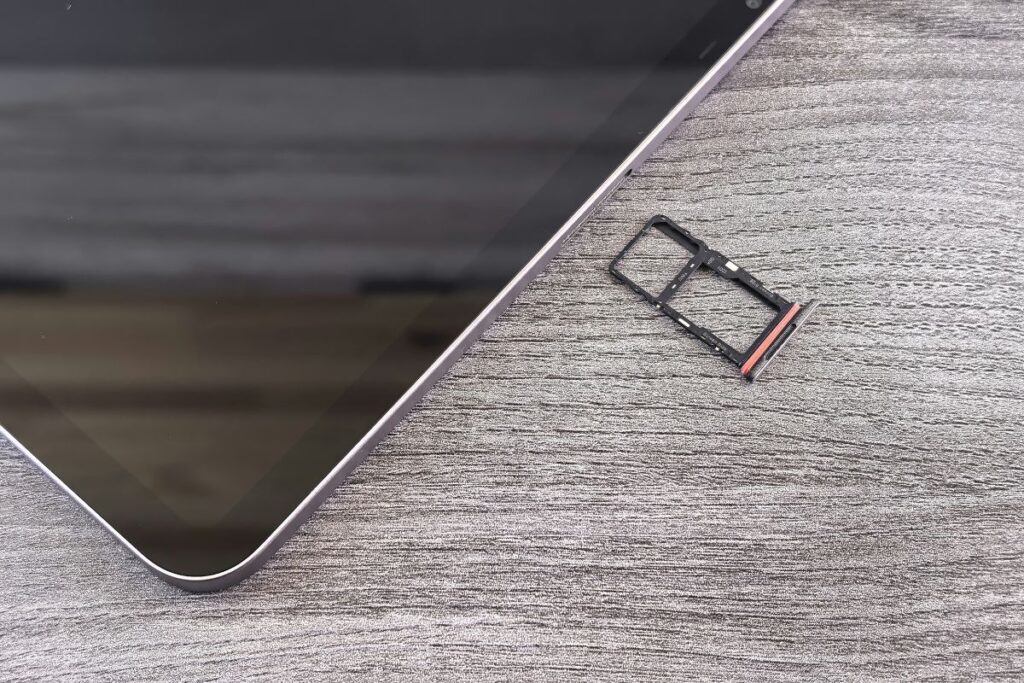
Next, take a moment to identify the location of the SIM tray on the device. Most Android phones place the tray along the side or top edge of the phone. You will usually see a thin rectangular outline with a small pinhole next to it.
Step 3: Use a SIM Eject Tool
Now insert the SIM eject tool into the pinhole beside the tray. With gentle pressure, the tray will pop out slightly from the phone’s frame. At that point, you can carefully pull the tray out so the SIM slot becomes visible.
Step 4: Place the SIM Card in the Tray
After removing the tray, place the SIM card into the slot and align the angled corner of the SIM with the shape of the tray. The SIM card should sit flat and secure so the phone can read the information correctly. At this stage, many Android owners also start researching how much is a SIM card for Android when replacing an old SIM or activating a new mobile plan.
Step 5: Turn On the Phone
Once the SIM card is positioned properly, slide the tray back into the phone slowly until it fits flush with the device. Then press the power button to turn the phone on again. After a few seconds, the Android system will detect the SIM card and connect to the carrier network, allowing the phone to display signal bars and begin using cellular services.
5. FAQs About SIM Cards for Android Phones
FAQs about SIM cards for Android phones. (Image by Unsplash)
Many Android users have questions about SIM cards when activating a new device or switching carriers. The answers below explain some common concerns about SIM cards and how they work with Android phones.
Can I get a SIM card for free?
Yes, some wireless providers offer SIM cards at no cost when you start a new mobile plan. In certain cases, free SIM cards are available through assistance programs such as Lifeline, depending on eligibility. However, many retail stores and prepaid carriers may still charge a small fee for a SIM starter kit.
Do Android phones require SIM cards?
Most Android phones require a SIM card to connect to a mobile carrier’s network for calls, texts, and mobile data. Without a SIM card, the phone can still function with Wi-Fi for tasks such as browsing the internet or using apps. However, cellular features will not work until a SIM or eSIM is activated.
Can I use an eSIM instead of a physical SIM card?
Yes, many newer Android phones support eSIM technology, which is a digital version of a SIM card built into the device. Instead of inserting a physical SIM, a mobile plan can be activated by scanning a QR code or downloading a carrier profile. This option allows users to switch carriers more easily and manage multiple plans on one phone.
6. Final Words
When setting up a new Android device, many people ask themselves how much is a SIM card for Android and what their options are. In most cases, SIM cards are quite affordable, and some carriers may even offer this service for free with the activation of a qualifying mobile plan.
A good carrier may help make the activation process easier while offering a stable calling, texting, and mobile data experience. TAG Mobile is one carrier that offers SIM card or eSIM activation, as well as mobile plans. Learn more about TAG Mobile to activate your Android device quickly.
Notice: The government does not cover device costs, only basic service through Lifeline. Any free or discounted devices, upgrades, or top-ups are limited-time TAG Mobile offers and may vary by state, eligibility, and availability. Terms and conditions apply.
Share
TAG Blog
Stories, guides, and helpful updates for staying connected.