How Do I Know If My Phone Has a SIM Card? Check Now!
It’s not always obvious whether your device uses a SIM card, especially with newer phones supporting eSIM technology. Learning how do I know if my phone has a SIM card can help you...
Quincy D.-Mar 26, 2026
Image by Unsplash
Table of Contents
It’s not always obvious whether your device uses a SIM card, especially with newer phones supporting eSIM technology. Learning how do I know if my phone has a SIM card can help you quickly identify your setup and avoid confusion when switching carriers or devices.
To explore further, TAG Mobile offers practical guidance on identifying SIM features, checking device settings, and choosing the right plan. With dependable service and easy activation options, TAG Mobile makes managing your mobile connection simple and stress-free.
1. What Is a SIM Card and Why Do Phones Use It?
A SIM card (Subscriber Identity Module) is a small chip that connects your phone to a mobile network. It stores essential information such as your phone number, carrier details, and a unique identifier that allows the network to recognize your device.
Phones use SIM cards to enable core services like calls, text messages, and mobile data. Without a SIM, most phones cannot connect to a cellular network. Modern devices may also use eSIM technology, which performs the same function digitally without a physical card.
It’s not always obvious whether your phone uses a physical SIM card, especially with newer devices supporting eSIM. Fortunately, there are a few simple ways to check and confirm how your phone connects to a mobile network.
Check the SIM Card Tray on the Side of the Phone
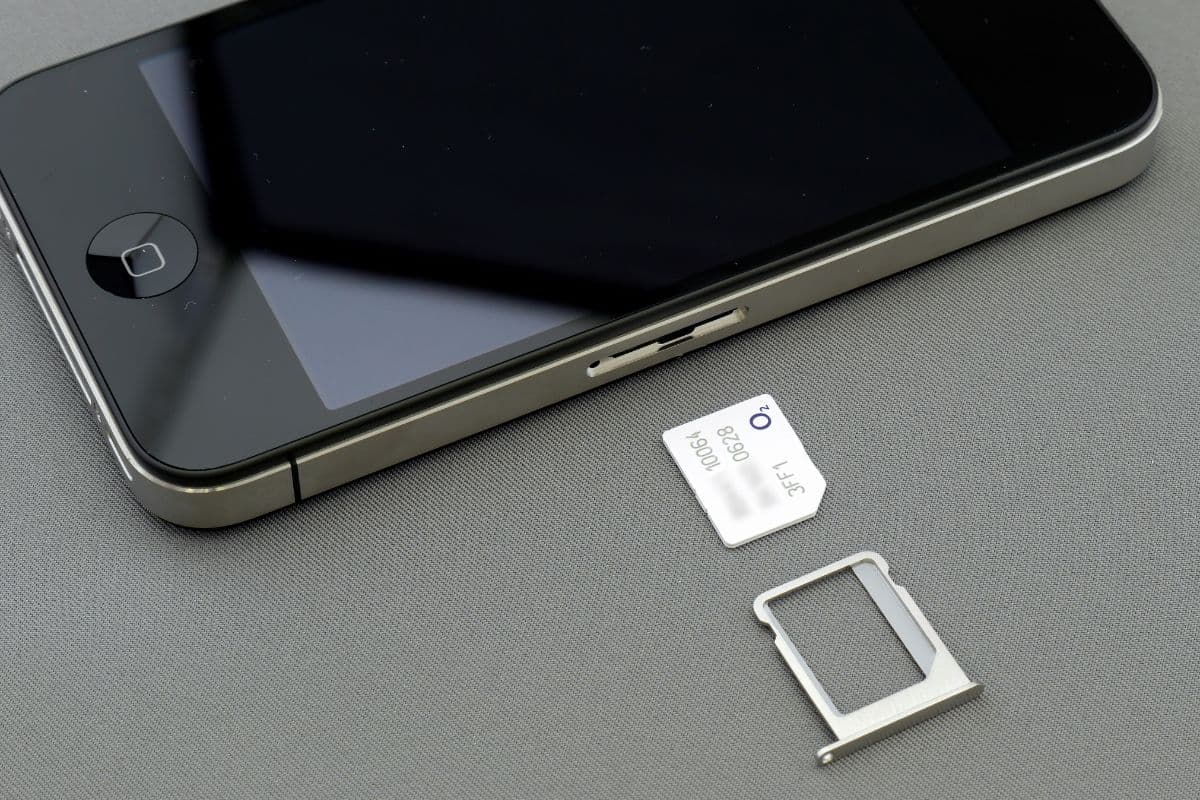
Most modern smartphones have a SIM card tray located on the side of the device. You can look for a small pinhole next to a thin slot, which indicates where the SIM tray is placed.
If you’re asking, How to check if phone has a SIM card?, this is usually the quickest and most reliable method. Using a SIM eject tool, you can open the tray and see if a SIM card is inside.
Look for a SIM Card Slot Under the Battery (Older Phones)
On older phones with removable batteries, the SIM card slot is often located underneath the battery cover. You can power off the phone, remove the back cover, and check for a small card inserted near the battery area. This method is less common today, but still applies to older or basic mobile devices.
Check Network Status on Your Phone
Another way to check is through your phone’s settings by reviewing the network or cellular status. If your device shows carrier information, signal bars, or a phone number, it likely has an active SIM or eSIM.
If you’re wondering, How do I see if my phone has a SIM?, checking these settings can confirm whether your phone is connected to a mobile network.
Common signs show your phone might not have a SIM card. (Image by Unsplash)
If your phone is not functioning as expected on a mobile network, it may be due to a missing or inactive SIM card. Recognizing these signs can help you quickly identify the issue and understand how do I know if my phone has a SIM card in the first place.
“No SIM” or “Insert SIM Card” Message
One of the most obvious signs is when your phone displays messages like “No SIM” or “Insert SIM card.” This usually means the device cannot detect a SIM card or that none is inserted. It may also happen if the SIM is damaged or not placed correctly in the tray.
No Mobile Network Signal
If your phone shows no signal bars or displays “No Service” or “Emergency Calls Only,” it could indicate that there is no active SIM card in the device. Without a SIM, your phone cannot connect to your carrier’s network. This results in a complete loss of cellular connectivity.
Unable to Make Calls Without Wi-Fi
Another clear sign is when your phone can only make calls using Wi-Fi-based apps instead of regular cellular calls. Without a SIM card, your device cannot use standard voice or SMS services. This limitation often becomes noticeable when you are outside of Wi-Fi coverage.
4. What to Do If Your Phone Doesn’t Have a SIM Card
If your phone doesn’t have a SIM card, you won’t be able to access cellular services like calls, texts, or mobile data. In this case, inserting a SIM or activating an eSIM is essential to get connected to a mobile network.
You can apply for a free device and activate an eSIM through TAG Mobile by following these steps:
Step 1: Check Your Eligibility
You should begin by confirming that you qualify for the Lifeline Program. Eligibility is typically based on annual income level or participation in programs like SNAP or Medicaid.
It’s a good idea to prepare documents such as proof of income or benefit enrollment in advance to make the process smoother.
Step 2: Visit the TAG Mobile Website
Next, let’s go to the official TAG Mobile website and enter your ZIP code. This step allows you to check whether services are available in your area and view the plans, SIM options, and devices you may qualify for.
Step 3: Choose a Plan and SIM/eSIM Option
After that, you can browse available plans and select one that fits your needs. You may also choose between a physical SIM card or an eSIM, depending on your device compatibility. If available, you can select a free or discounted phone, which usually comes with a SIM or eSIM included.
Step 4: Enter Your Information and Verify Eligibility
You will then need to complete the application form by providing personal details such as your name, address, date of birth, and identification information. In many cases, the system verifies eligibility automatically, but if not, you may be asked to upload supporting documents.
Step 5: Submit Application and Receive Your SIM
Finally, review all your information carefully before submitting the application.
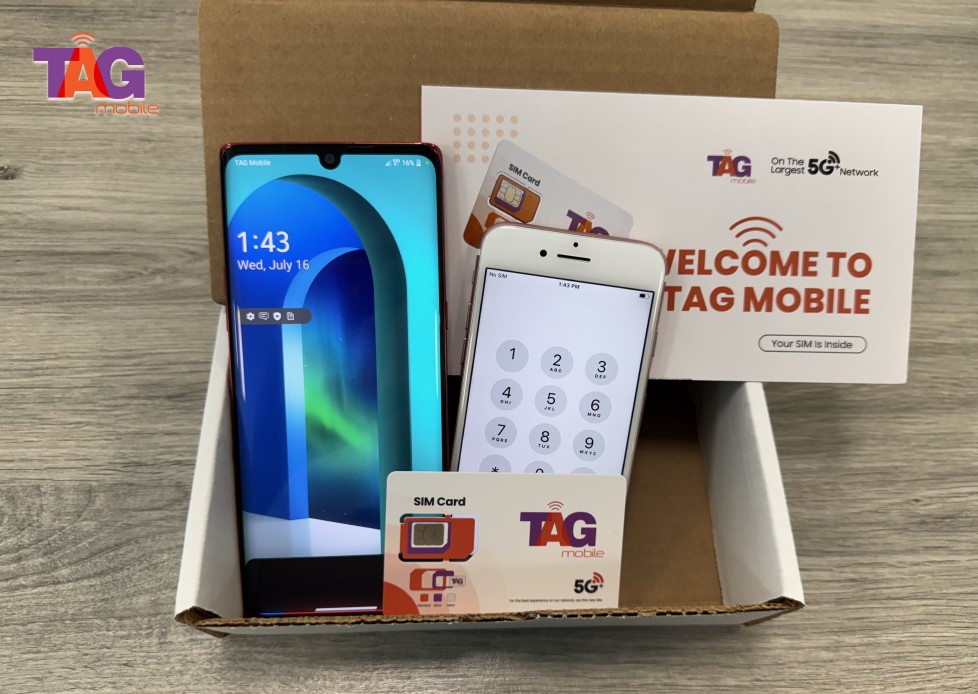
Once approved, TAG Mobile will ship your SIM card or device to your address or provide eSIM activation details. Delivery typically takes 7-10 business days, and you will receive instructions to help you activate your service quickly.
TAG Mobile is the top Lifeline provider choice for eligible US residents.
5. Final Words
Understanding how do I know if my phone has a SIM card is a simple but important step in managing your mobile device and staying connected. By checking your phone’s settings or physical SIM tray, you can quickly identify how your device connects to a network.
This knowledge helps you avoid confusion when switching phones or plans. It’s also easier to troubleshoot issues when you know your setup. With TAG Mobile, you can enjoy reliable service, flexible plans, and helpful support to keep your mobile experience smooth and hassle-free.
Notice: The government does not cover device costs, only basic service through Lifeline. Any free or discounted devices, upgrades, or top-ups are limited-time TAG Mobile offers and may vary by state, eligibility, and availability. Terms and conditions apply.
Share
TAG Blog
Stories, guides, and helpful updates for staying connected.