Why Is My Phone Not Charging? Find the 10 Causes and Fix Them
A charger can look perfectly fine while your battery percentage barely moves, making it difficult to tell where the problem actually starts. If why is my phone not charging is the...
Quincy D.-Oct 06, 2026
Image by Unsplash
Table of Contents
A charger can look perfectly fine while your battery percentage barely moves, making it difficult to tell where the problem actually starts. If why is my phone not charging is the question on your mind, the cause could be as simple as a loose connection or as serious as a worn battery or damaged component. Checking the most likely problems in the right order can help you find the fix faster and determine when professional repair may be necessary.
1. Why Is My Phone Not Charging Even When Plugged In? 10 Common Causes
Power can fail to reach your battery because of an accessory, connection, or problem inside the phone. Start with the simplest checks below, testing one change at a time.
1. The Charging Cable Is Damaged
Repeated bending can damage a cable’s internal wires, even when the outside looks intact.
For example, someone asking why is my phone not charging when plugged in should try another compatible cable first. If it works, replace the original. Stop using any cable with exposed wires, damaged connectors, or burn marks.
2. The Power Adapter Is Faulty or Incompatible
Faulty adapters can stop supplying power, while incompatible accessories may trigger charging errors.
Connect a known-working, compatible adapter to the same cable and outlet. If charging resumes, the original adapter likely needs replacing. Remember that a lower-powered charger may work slowly rather than fail completely, especially while you use the phone.
3. The Wall Outlet or Power Source Isn’t Working
An outlet without power or an empty power bank can make a working charger appear faulty. Try another wall outlet and confirm that any power strip is switched on. Recharge your power bank if needed. For testing, use a compatible wall adapter instead of a computer port that may provide limited power.
4. Dirt or Debris Is Blocking the Charging Port
Pocket lint can prevent the cable from seating properly, interrupting contact with the charging port.
In this case, you should disconnect the charger and inspect the opening under good lighting.
Follow your manufacturer’s cleaning instructions without inserting metal tools or adding liquid. You may ask a technician to remove compacted debris rather than forcing the cable into place.
5. The Charging Port Is Damaged
Loose contacts, bent pins, or corrosion can cause charging to disconnect repeatedly. Therefore, try a different cable to rule out accessory damage.
If the connection remains unreliable or only works when held at an angle, arrange a professional inspection. Repeatedly bending the connector can worsen the damage rather than solve it.
6. Your Phone Is Too Hot or Too Cold
Phones may pause charging when their temperature moves outside a safe range. For example, someone searching why is my phone not charging iPhone may notice a “Charging On Hold” alert. Unplug the device and let it return to normal temperature indoors before reconnecting. Avoid speeding up the process with heaters or refrigeration.
7. Moisture Has Been Detected
Moisture warnings block wired charging to protect the connector from damage. Unplug the cable and leave the device in a dry, ventilated place, following its manufacturer’s instructions. Do not use rice, hair dryers, or objects inside the port. Contact support if the alert continues after the recommended drying period has passed.
8. A Software Problem Is Interrupting Charging
Temporary glitches can interfere with charging or leave the battery indicator unchanged. Restart the phone, then reconnect a working charger. If the screen is unresponsive, use the manufacturer’s forced-restart instructions for your model.
Check charging limits as well: A planned pause below 100% may be a battery-protection feature rather than a failure.
9. The Battery Is Aging or Damaged
Battery problems may appear alongside rapid power loss, unexpected shutdowns, or difficulty charging.
Check the battery-health information available on your device and request an assessment if these symptoms persist. If the battery swells or lifts the screen, stop using and charging the phone. Do not press it closed or remove the battery yourself.
10. An Internal Hardware Component Has Failed
Internal charging circuitry can fail after physical damage, liquid exposure, or component wear. If working cables, adapters, and outlets make no difference, professional testing can identify the faulty part.
Contact the manufacturer or a qualified repair provider, and back up accessible data before service when the phone is safe to use.
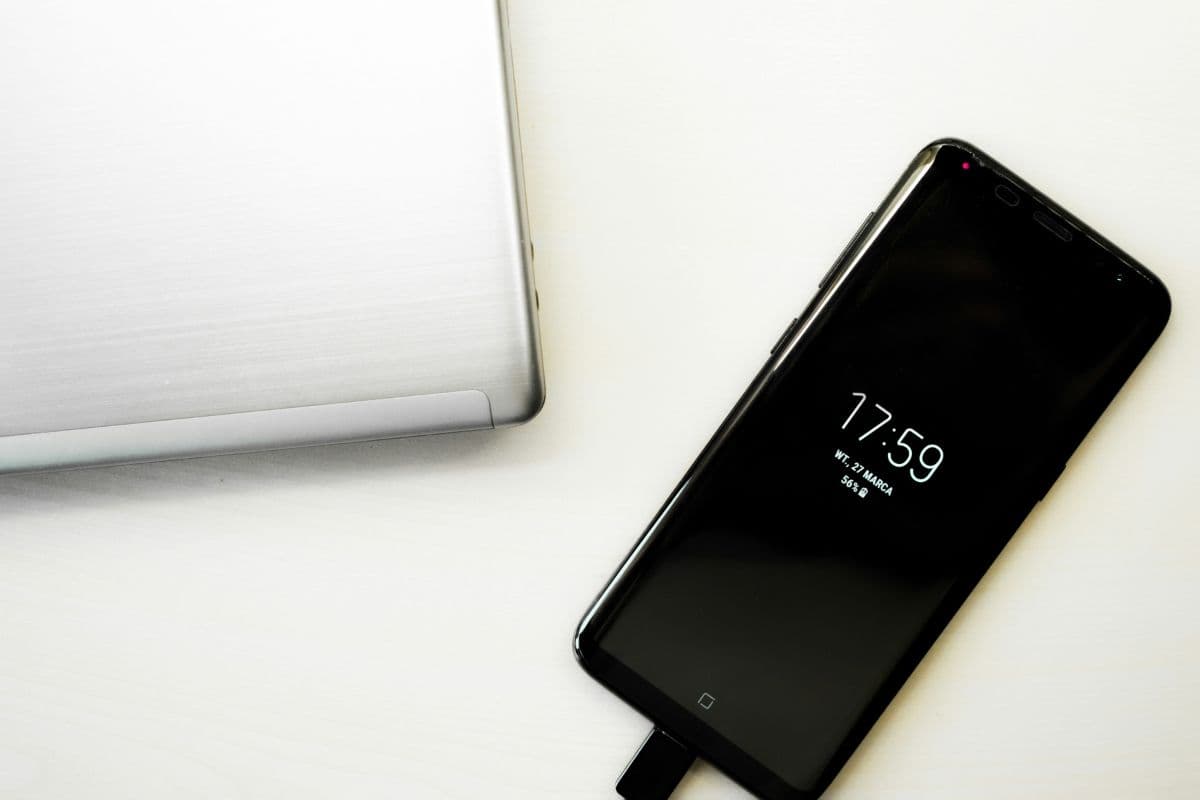
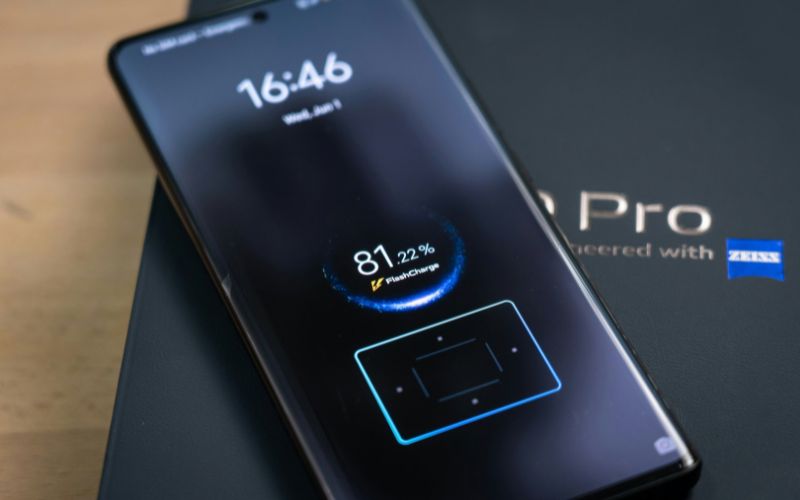
Check 10 common causes when your phone is plugged in but still will not charge. (Image by Unsplash)
2. Upgrade Your Phone Before Charging Problems Become a Daily Hassle
Repeated charging failures can disrupt work, calls, and everyday plans. If a professional assessment shows that replacing your phone makes more sense than repairing it, consider a device that fits your needs and budget.
TAG Mobile is a trusted wireless provider offering Lifeline-supported services for eligible households. Online enrollment, multilingual customer support, and service without contracts or credit checks make it a practical option for applicants. Free or discounted device offers may also be available, depending on location, inventory, and promotional conditions.
Eligible customers can receive a TAG Mobile plan that helps reduce monthly communication costs. Enter your ZIP code to review the benefits available in your area, which may include:
Free data per month.
Unlimited talk and text.
Free international calling to more than 200 countries and territories.
Nationwide 5G/4G LTE coverage, subject to local availability.
No monthly service charge for the qualifying Lifeline plan.
Free delivery and access to qualifying device promotions.
Lifeline supports service costs, while phone promotions are separate TAG Mobile offers. You may qualify through either of these two paths:
Income-based eligibility: Your household income is at or below 135% of the Federal Poverty Guidelines.
Program-based eligibility: You participate in SNAP, Medicaid, SSI, Federal Public Housing Assistance, or Veterans Pension and Survivors Benefit. Additional qualifying programs apply on eligible tribal lands.
Lifeline is limited to one benefit per household, so you should check whether you qualify with TAG Mobile and review the available device options.
See if you qualify for Lifeline, and apply through TAG Mobile to claim the best free phone and plan.
Note: Eligibility varies by state and program. Offers depend on availability and qualifications. TAG Mobile operates under the federal Lifeline Program as an Eligible Telecommunications Carrier (ETC). Service is non-transferable and limited to one service per household.
3. FAQs about Phone Charging Problems
Charging symptoms do not always mean your phone needs replacing. These answers explain common situations that can look like hardware failure and help you decide what to check next.
Can Lint Stop a Phone From Charging?
Yes, compacted lint can prevent the cable from seating fully and making reliable contact. Disconnect the charger and inspect the port, then follow the manufacturer’s cleaning instructions. Have stubborn debris professionally removed instead of scraping the contacts with a pin or other metal tool.
Why Won’t My Phone Charge Past 80%?
A charging limit, optimized charging feature, or temperature protection may intentionally pause charging around 80%. Review your battery settings and check for an on-screen explanation. If no limit is enabled and the problem persists at normal temperature, contact support for further assessment.
Can a Completely Dead Phone Take Time to Start Charging?
Yes, a deeply depleted battery may need time on a working charger before the screen shows a charging indicator or the phone starts. Use compatible accessories and follow your manufacturer’s recommended waiting period; Apple’s troubleshooting guidance includes an initial 30-minute charge. If it remains unresponsive, check the cable, adapter, and outlet before arranging service.
Should I Replace My Phone if It No Longer Charges?
Not necessarily, because replacing a cable, battery, or charging port may solve the problem. Get an assessment and compare repair costs with the device’s condition, software support, and replacement price. Stop using and charging it immediately if the battery is swollen or there are signs of serious damage.
Charging trouble becomes easier to resolve when you test the basics before assuming your phone has failed. If you are asking why is my phone not charging, check accessories, power, and battery settings, then seek help for persistent faults.
If replacement is the better option, check your eligibility and device offers with TAG Mobile. Choose the solution that restores reliable use and fits your budget.
Share
TAG Blog
Stories, guides, and helpful updates for staying connected.