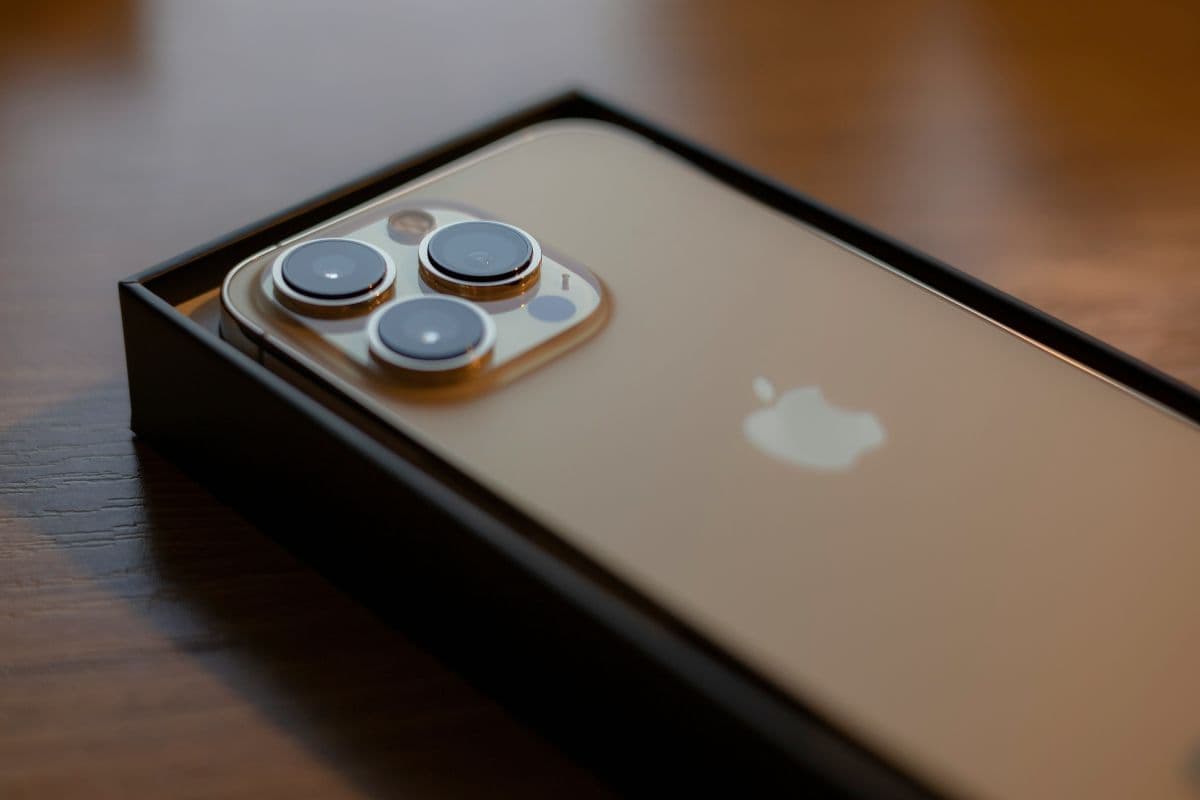
Many iPhone users are curious about which iPhones support eSIM, especially as more carriers now offer digital SIM activation. This technology enables you to access the mobile network without the need to insert the SIM card physically, making the process faster and more convenient. The newer models of iPhone are already equipped with the technology, providing the user with the advantage of having more choices when activating the SIM card.
To know more about the compatible devices and the process, you may want to check the article posted by TAG Mobile.
1. What is eSIM on iPhone?
In the case of iPhone devices, the eSIM is a digital SIM card that is integrated into the iPhone and helps the iPhone connect to the cellular network without the need for a physical nano-SIM card.
In other words, there is no need to insert or replace the SIM card, and the mobile plan can be activated using the iPhone’s settings and with the help of a QR code. With the help of the eSIM, iPhone users can switch their mobile plans and even add multiple mobile plans and international data services.
2. Which iPhones Support eSIM? Quick Explained
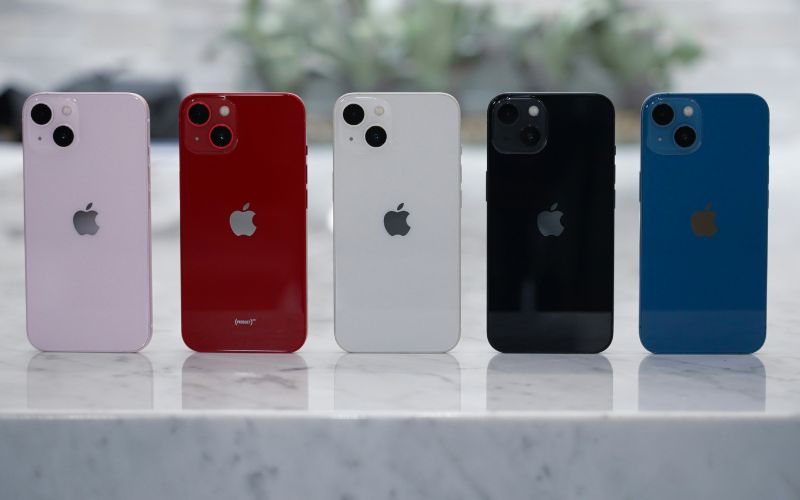
Apple began to offer the technology with the iPhone XS, iPhone XS Max, and iPhone XR, which followed the iPhone X series. Since then, the majority of the latest iPhone models have carried on the tradition with the technology, which enables the user to activate their cellular plan without the need to insert a physical SIM card.
If you are exploring compatible devices, you may also notice that several of these models are commonly offered by carriers such as TAG Mobile. Depending on availability, users may find options below:
| Phone models | TAG Mobile price | Retail price |
| iPhone XR | From $101.40 | $158.00 |
| iPhone 11 | From $173.99 | $228.85 |
| iPhone 11 Pro Max | From $239.99 | $304.75 |
>>> Read More: Best Free eSIM Service for iPhone: Where to Find Them?
3. How to Check if Your iPhone Supports eSIM
If you are unsure whether your device has this eSIM capability, you can easily check this within your iPhone settings. This is an easy step to check before looking up digital SIMs and details regarding which iPhones have eSIM capability.
Open Settings
Start by opening the Settings app on your iPhone. This app controls all system configurations, including network connections and cellular options. From this main menu, you can access the section where mobile plans and SIM settings are managed.
Tap Cellular
Next, you scroll down and tap Cellular (or Mobile Data, depending on your region). This section displays the cellular network settings currently available on the device. If the iPhone supports eSIM, the option to manage or add a digital plan will appear here.
Look for Add eSIM or Add Cellular Plan
Inside the Cellular settings, let’s check if you see an option labeled Add eSIM or Add Cellular Plan. The presence of this option usually indicates that the device supports eSIM activation.
If this feature appears, the iPhone is compatible with digital SIM technology and can connect to a carrier using an eSIM profile.
4. You May Qualify for a Free iPhone And a Free eSIM: Here’s How
For many people, getting a new smartphone and mobile plan can be costly, but there are some government schemes and mobile carrier offers that help users get a free smartphone and eSIM connectivity.
Two Main Ways You May Qualify
There are two main ways of qualifying to participate in the Lifeline program that offers a free iPhone and eSIM service. First, it is possible to participate in government programs or to meet a certain level of income.
- Participation in Government Programs: People who are currently benefiting from government programs such as Medicaid, SNAP, SSI, or other government programs are eligible to participate in this program. Such programs help to ensure that a person meets the criteria to participate in a discounted or free communication service from the Lifeline Program.
- Income-Based Qualification: People who earn a certain percentage of income that is considered to be at or below 135% the Federal Poverty Guidelines are also eligible to participate in this program. Such people are required to provide documentation that proves their level of income.
Steps to Apply for a Free Device and eSIM
After establishing that one qualifies to be part of the program, the application is quite simple and only requires a few steps to be completed online.







