What Is Stored on a SIM Card? Everything You Need to Know
Understanding what is stored on a SIM card helps you manage your mobile data more effectively and avoid common misconceptions. Many users assume it holds everything on their phone...
Quincy D.-Mar 28, 2026
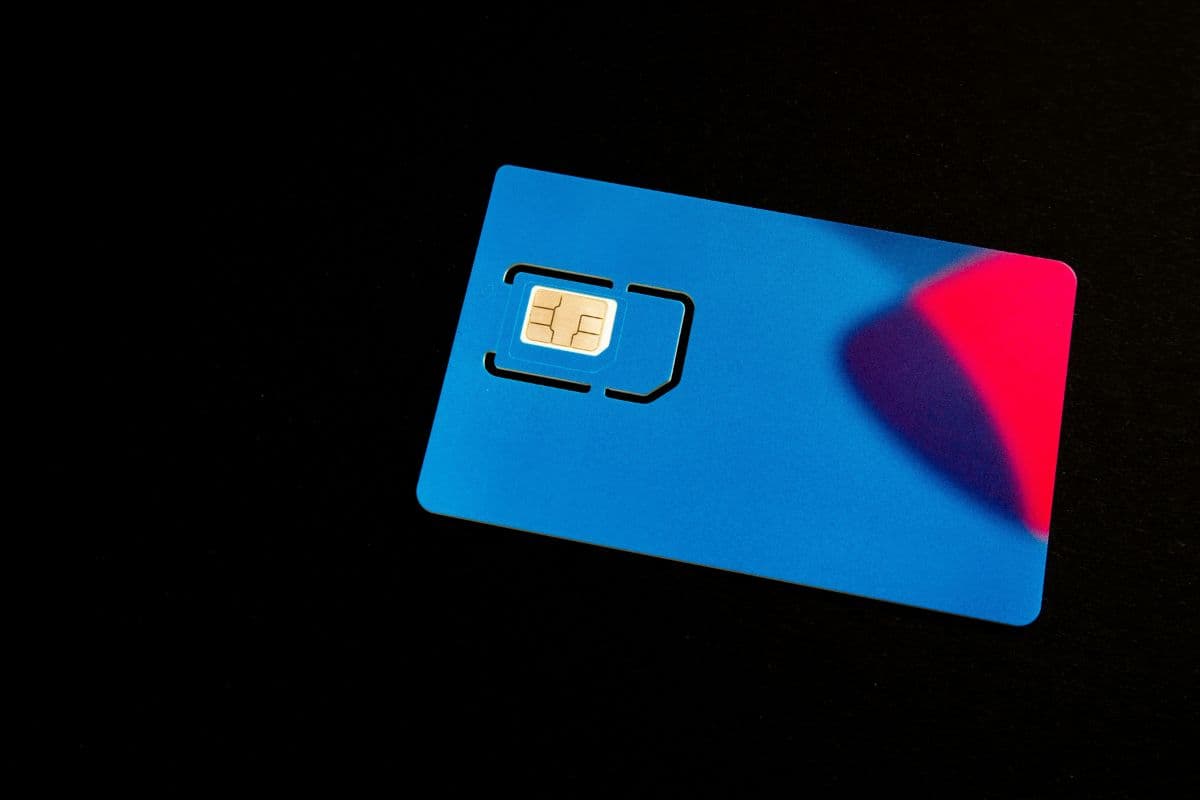
Image by Unsplash
Table of Contents
Understanding what is stored on a SIM card helps you manage your mobile data more effectively and avoid common misconceptions. Many users assume it holds everything on their phone, but its role is actually more specific.
In this guide, you’ll learn what is stored on a SIM card, what it does, and what it cannot store. For more detailed insights and practical tips, you can also explore the full guide from TAG Mobile.
Many users are curious about what information a SIM card actually holds and how it supports mobile connectivity. While it does not store everything on your phone, it contains essential data that allows your device to connect securely to a network.
Subscriber Identity (IMSI)
The International Mobile Subscriber Identity (IMSI) is a unique number stored on the SIM card that identifies you within your carrier’s network. This number links your mobile account to your device, allowing the network to recognize who you are when you make calls, send texts, or use data. Without the IMSI, your phone would not be able to connect properly to the carrier’s system. It plays a central role in ensuring that your usage is correctly assigned to your account.
Authentication Key (Ki)
The Authentication Key, commonly known as Ki, is a secure code used to verify your identity when connecting to the network. It works together with the IMSI to ensure that only authorized users can access the service.
This key is never shared publicly and is stored securely on the SIM card and within the carrier’s system. It helps prevent unauthorized access and protects your mobile connection from fraud or misuse.
Carrier Information
A SIM card also stores important details about your mobile carrier, such as network settings and service provider identification. This information allows your phone to automatically connect to the correct network without requiring manual configuration. It simplifies the setup process when you insert a SIM into a new device.
In many ways, this data helps explain what does a SIM card do by enabling seamless communication between your phone and the carrier.
Location Information (LAI)
The Location Area Identity (LAI) is stored on the SIM card to help the network track your general location within a specific coverage area. This does not mean precise GPS tracking, but rather identifying which network zone your device is currently connected to. By storing this information, the network can route calls and messages more efficiently. It also helps maintain a stable connection as you move between different areas.
Security Codes (PIN and PUK)
SIM cards include security features such as a Personal Identification Number (PIN) and a Personal Unblocking Key (PUK). The PIN helps protect your SIM from unauthorized use if your phone is lost or stolen.
If the PIN is entered incorrectly multiple times, the SIM becomes locked, and the PUK is required to unlock it. These codes add an extra layer of protection to your mobile account and personal data.
Limited User Data
In addition to network-related information, a SIM card can store a small amount of user data, such as contacts or SMS messages.
However, the storage capacity is very limited compared to modern smartphones. This means most of your photos, apps, and files are saved directly on your device or in cloud storage. The SIM’s role is mainly to support connectivity rather than act as a primary storage device.
2. What Is NOT Stored on a SIM Card
Many people assume a SIM card stores all the data on their phone, but that is not the case. Its storage is very limited and mainly focused on network-related information rather than personal content.
Photos and videos (so if you’re wondering, does a SIM card store photos, the answer is no)
Installed apps and app data
Music, documents, and downloaded files
Browsing history and saved website data
Extensive call logs and detailed usage history
Social media accounts and login information
System settings and device-specific configurations
What is stored on a SIM card? Photos and videos are key factors that are not contained in a SIM card. (Image by Unsplash)
3. How to View What Is Stored on Your SIM Card
If you want to better understand what is stored on a SIM card, checking it directly on your device is a simple and practical step. The process may vary slightly depending on your device type, but it usually takes only a few minutes.
On Android Devices
On Android phones, you can view SIM-stored data by accessing the Contacts app or system settings. Open your Contacts app and look for an option like “SIM contacts” to see any saved numbers.
You can also go to Settings → About Phone → SIM status to check basic SIM information such as network and connection details. Some Android devices allow you to manage or copy SIM contacts directly to your phone, making it easier to organize your data.
On iPhone
On an iPhone, SIM data access is more limited, but you can still import stored contacts. Go to Settings, Contacts, Import SIM Contacts to transfer any saved numbers from your SIM to your device.
Once imported, the contacts will appear in your phone’s contact list for easier access and management. Unlike some Android devices, iPhones do not display SIM contacts separately, so importing is the main way to view this information.
Using SIM Card Readers
Another option is to use a SIM card reader connected to a computer. This method allows you to access and manage SIM data through specialized software. By inserting your SIM card into the reader, you can view stored contacts and other limited information on a larger screen. This approach is useful if you want to back up or transfer data without using a smartphone.
4. Using a SIM Card Is Still Essential When Activating Mobile Service
When you apply for a Lifeline-supported plan, a SIM card plays a key role in connecting your device to the network and activating your service. Through the Lifeline Program, eligible users can receive free or discounted mobile service, making it easier to stay connected for daily needs like work, healthcare, and communication.
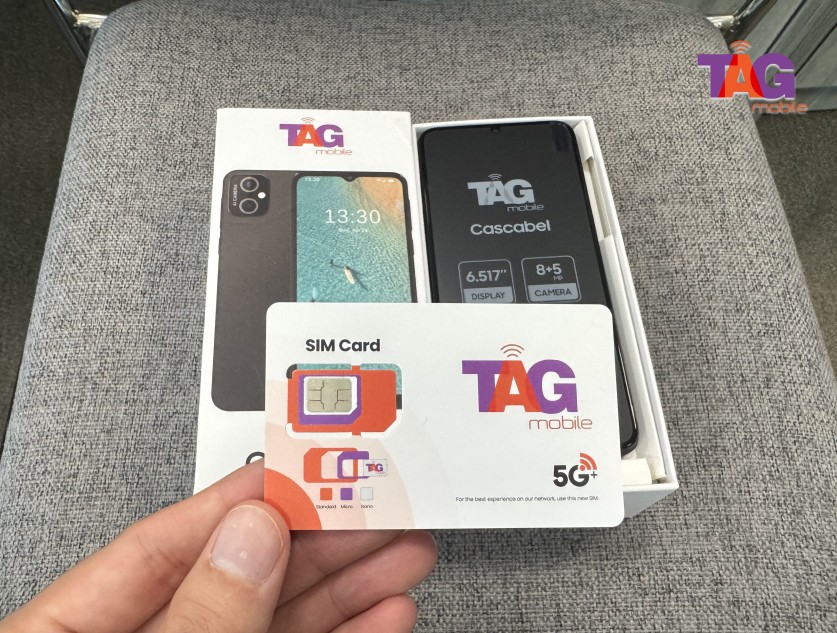
Lifeline providers such as TAG Mobile offer both physical SIM cards and eSIM options as part of their plans, along with free or discounted smartphones depending on eligibility. Once approved, you can receive a ready-to-use SIM card that supports 4G or 5G networks, allowing you to activate your device quickly and start
TAG Mobile is a well-known Lifeline provider in the United States
You can explore some benefits that TAG Mobile’s plans offer you:
Free SIM kit or eSIM activation for easy setup
A free/discounted device, like a phone or tablet (depending on availability)
Unlimited talk and text for everyday communication
Up to 16GB of data, depending on location and plan
Free international calling to 200+ countries
Nationwide coverage with reliable network access
No overage fees, with optional data top-ups available
Extra features like Wi-Fi calling, voicemail, caller ID, and 3-way calling
Apply for TAG Mobile free phone and SIM card/eSIM now!
Notice: The government does not cover device costs, only basic service through Lifeline. Any free or discounted devices, upgrades, or top-ups are limited-time TAG Mobile offers and may vary by state, eligibility, and availability. Terms and conditions apply.
Final Words
Understanding what is stored on a SIM card helps you use your device more effectively and avoid common misunderstandings about mobile data storage. While a SIM card mainly holds essential network and identity information, it plays a crucial role in keeping your phone connected. Knowing its limitations also helps you manage your personal data more securely.
With support from TAG Mobile, you can access reliable service and easy SIM activation. Get started today and stay connected with confidence using the right mobile solution.
Share
TAG Blog
Stories, guides, and helpful updates for staying connected.