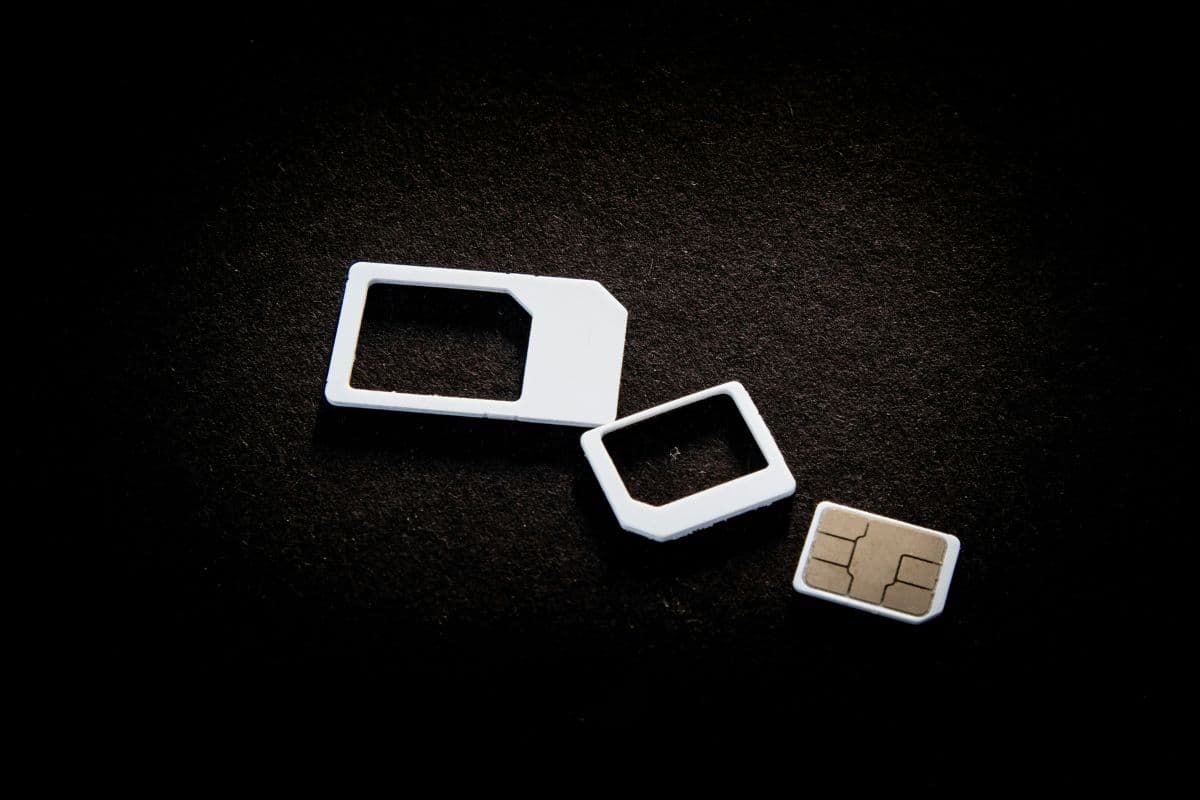
A SIM card number is a special identifier given to your SIM card, which helps your cellular service provider recognize your connection to their network. The SIM card number is also referred to as the ICCID, and it plays a crucial role when activating your account, porting your service, or troubleshooting your connection. The SIM card number works in the background, connecting your phone to your service provider’s account.
If you want to know the detailed explanation of the SIM card number, you may check the guide by TAG Mobile.
1. What Is a SIM Card Number and What Does It Contain?
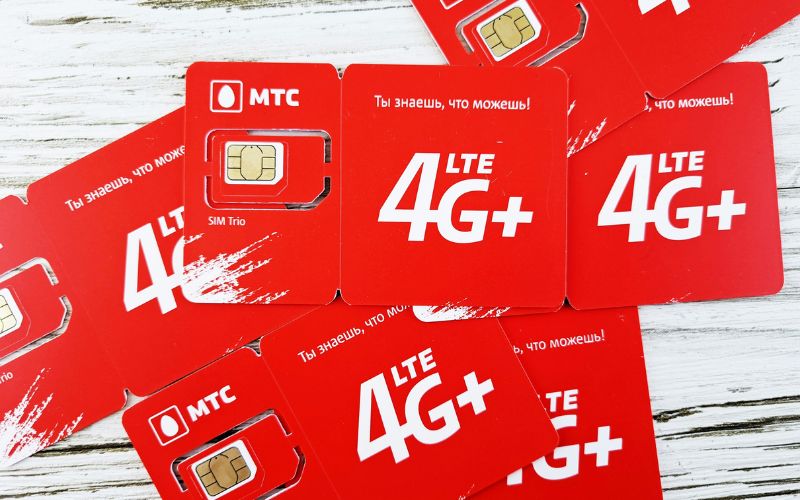
A SIM card number, also known as the ICCID (Integrated Circuit Card Identifier), is a unique serial number assigned to each SIM card by the manufacturer. This number helps mobile carriers identify the SIM card, link it to a specific user account, and manage network access. It is stored on the SIM card itself and can also be viewed in your phone’s settings.
The SIM card number contains several pieces of structured information that help carriers manage connectivity and user identification. Here’s what it typically includes:
- Issuer Identification Number (IIN): Identifies the country and issuing network provider associated with the SIM card.
- Individual Account Identifier: A unique sequence that links the SIM card to a specific subscriber account.
- Check Digit: A verification digit used to ensure the SIM number is valid and correctly formatted.
- Country Code: Indicates the country where the SIM card was issued.
- Network or Carrier Code: Specifies the mobile carrier or service provider that issued the SIM card.
2. How to Find the SIM Card Number on Different Devices
Locating your SIM card number (ICCID) is important when activating service, troubleshooting network issues, or replacing your SIM. The exact steps may vary slightly depending on your device, but most smartphones make it easy to find this information through settings or directly on the SIM card.
On Android Phones
Android devices provide a built-in way to view SIM details through the settings menu. This method is especially useful when verifying account information or understanding can you get a new SIM card with the same number before requesting a replacement.
- Open the Settings app from your home screen or app drawer
- Scroll down and tap About Phone (on some devices, this may appear as “About Device”)
- Select Status or Status Information
- Tap SIM Status (or “SIM Card Status”)
- Look for the ICCID, which is your SIM card number
Depending on the Android version or brand (Samsung, Xiaomi, etc.), the wording may vary slightly, but the ICCID is usually listed in the SIM section.
On iPhones
Apple devices also allow users to find the SIM card number quickly through system settings. This information is often needed when learning how to get a new SIM card with same number or when contacting a carrier for activation or support.
- Open the Settings app
- Tap General
- Select About
- Scroll down until you see ICCID
- The number displayed next to ICCID is your SIM card number
If your iPhone uses eSIM, the ICCID will still appear in this section as part of the digital SIM profile.
On the Physical SIM Card
In some cases, the SIM card number is printed directly on the physical card. By removing the SIM tray from your phone, you can check the small printed number on the SIM itself. This method can be helpful if the phone cannot access settings or if the SIM is not being detected properly.







