How to See How Much Hotspot I Have Left iPhone Quickly
Checking your remaining hotspot allowance can help you avoid unexpected slowdowns or running out of tethering data at the wrong time. Our guide shows how to see how much hotspot I...
Quincy D.-Sep 16, 2026
Image by Unsplash
Table of Contents
Checking your remaining hotspot allowance can help you avoid unexpected slowdowns or running out of tethering data at the wrong time. Our guide shows how to see how much hotspot I have left iPhone by reviewing cellular usage, checking carrier account details, and comparing current consumption with your plan limits.
These methods make it easier to track data before connecting laptops, tablets, or other devices.
1. How to See How Much Hotspot I Have Left iPhone: 4 Methods
About 150 million people use iPhones in the US, but not everyone knows how to check the hotspot data left in their phone.
Remaining hotspot data is easiest to track when you compare your carrier’s billing information with the usage recorded on your iPhone. Each method below shows a different view, so using more than one can help you understand both current consumption and what is still available.
Method 1: Check Your Carrier App
Carrier apps usually provide the clearest view of your current billing-cycle usage, including mobile data and any separate hotspot allowance. Open the app, sign in, and look for sections labeled Usage, Data, Hotspot, or Plan Details.
If you want to know how to see how much hotspot I have left on iPhone, subtract the amount already used from your plan’s total hotspot allowance if the app does not display the remaining balance directly. Carrier reporting may update with a short delay.
Method 2: Check Your Carrier Account Online
Your carrier’s website can show similar information without requiring a mobile app. Sign in through a browser, open your wireless line, and review the current plan, data usage, and tethering allowance for the active billing period.
This method is especially useful when you want to check from a laptop or compare several lines on the same account. Look for dedicated hotspot data rather than assuming all high-speed mobile data can be used for tethering.
Method 3: Use Your Carrier’s Usage Check Options
Some carriers provide additional ways to check data balances, such as account text commands, automated phone systems, or short service codes. These options can be convenient when the carrier app is unavailable, or you need a quick update without signing in online.
When tracking how to see how much hotspot I have left iPhone, follow your carrier’s official instructions because available commands and the level of hotspot detail vary. Confirm whether the reported balance refers to total mobile data or tethering specifically.
Method 4: Check Personal Hotspot Usage in iPhone Settings
Your iPhone can show how much cellular data Personal Hotspot has consumed during the current statistics period. Go to Settings > Cellular and review the usage section; on supported iOS versions, Personal Hotspot may appear with a breakdown of tethering activity.
Remember that iPhone statistics do not automatically match every carrier billing cycle unless you reset them manually at the start of that period. Use carrier records when you need the most accurate remaining plan balance.
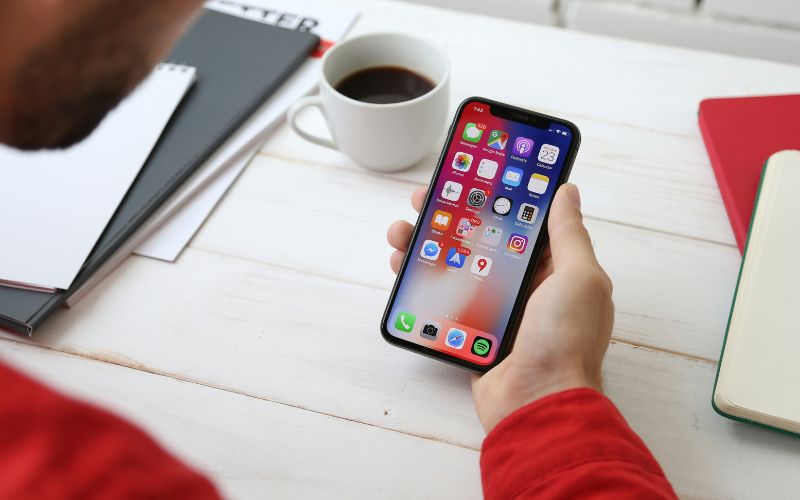
Use four methods to check your iPhone hotspot usage and estimate how much data remains. (Image by Unsplash)
2. Why Your iPhone and Carrier Show Different Hotspot Numbers
Hotspot totals do not always match because your iPhone and carrier may measure usage across different time periods or categorize tethering traffic differently.
Comparing both sources helps explain discrepancies before you assume data has been counted incorrectly.
Billing cycles may not match: iPhone cellular statistics can keep accumulating until you manually reset them, while carrier totals usually follow a monthly billing cycle.
Reporting delays can occur: Carrier dashboards may take time to update recent tethering activity, so newly used data may not appear immediately.
Hotspot and mobile data may be separated differently: Some carriers track dedicated tethering data independently from regular phone data, while iPhone settings may present usage in broader categories.
Device-level totals can vary: iPhone may show Personal Hotspot activity by connected device, but carrier records generally focus on total usage for the line or plan.
Rounding can create small differences: Data may be displayed in MB or GB and rounded differently by iOS and the carrier.
For how to see how much hotspot I have left iPhone, use your carrier account as the main source for the remaining allowance and iPhone statistics as a useful way to monitor usage patterns.
Hotspot allowances usually reset with your carrier’s billing cycle rather than on a schedule set by the iPhone.
For example, if your plan renews on the 15th of each month, the included tethering data typically refreshes around that date. Checking the carrier app or account page gives the clearest reset date.
4. If Your Data Keeps Running Out, Look at Other Plans
Running out of data repeatedly can be a sign that your current plan no longer matches how often you stream, tether, or use mobile internet. Before cutting back on essential activities, it may be worth comparing lower-cost service options with a larger monthly allowance.
For households looking for ways to reduce wireless costs, Lifeline is a government assistance program that helps eligible households save on qualifying phone or internet service through a monthly discount.
Applicants can generally qualify through household income at or below 135% of the Federal Poverty Guidelines or through programs such as SNAP, Medicaid, SSI, Federal Public Housing Assistance, Veterans Pension or Survivors Benefit, and certain Tribal programs.
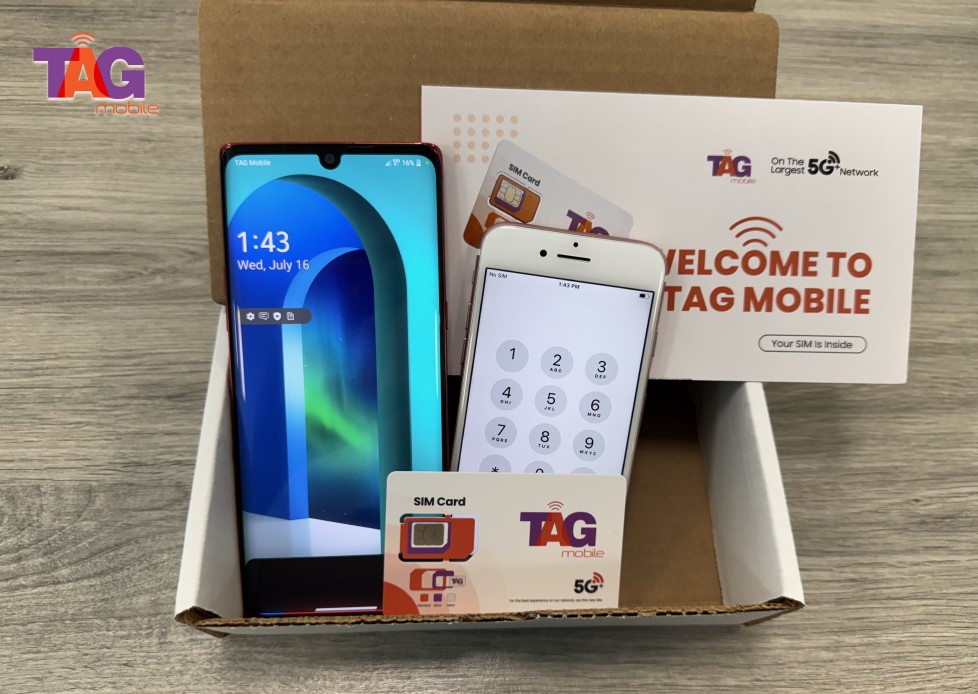
TAG Mobile is a U.S. wireless provider that participates in Lifeline and provides qualifying customers with no-monthly-cost service options.
Available benefits may include up to 16GB of free data (allowances may vary and subject to changes), unlimited talk and text, international calling to 200+ countries and territories, free delivery, and free or discounted devices.
Customers can review available options to find a service level that fits how they use mobile data throughout the month.
TAG Mobile is the one of the most trusted Lifeline provider choices for eligible US residents.
Note: Eligibility varies by state and program. Offers depend on availability and qualifications. TAG Mobile operates under the federal Lifeline Program as an Eligible Telecommunications Carrier (ETC). Service is non-transferable and limited to one service per household.
5. FAQs About Hotspot Data on iPhone
What happens after you start sharing your iPhone’s connection depends heavily on how your carrier structures the plan. These answers focus on the practical differences between regular cellular data, tethering allowances, and what to expect when that data starts running low.
Is hotspot data separate from regular cellular data?
Sometimes. Certain plans give tethering its own dedicated allowance, while others pull usage from the same high-speed data pool used directly on the iPhone. Review your carrier’s plan details to see which setup applies to your line.
How can I make my remaining hotspot data last longer?
Reduce video quality, pause app and system updates, stop cloud syncing, and disconnect devices you are not using. Avoiding large downloads and background activity can also help stretch the remaining allowance across more days.
What happens when I run out of hotspot data?
Your carrier may slow tethering speeds, suspend hotspot access until the next billing cycle, or offer extra data as a paid add-on. Regular cellular data on the iPhone may continue working if the plan treats phone data and tethering separately.
6. Final Thoughts
Keeping track of hotspot data can help you avoid running out when you need it most. For how to see how much hotspot I have left iPhone, check your carrier’s usage dashboard first, then use iPhone Cellular statistics for additional insight into tethering activity. Remember to compare your usage with your plan allowance and billing cycle. Qualifying customers can also explore TAG Mobile for Lifeline-supported service and available device offers.
Share
TAG Blog
Stories, guides, and helpful updates for staying connected.