Does Hotspot Use Data? How Much Data You Actually Need
Using your phone as a hotspot makes it easy to connect a laptop, tablet, or another device when Wi-Fi is unavailable. But does hotspot use data from your mobile plan? Yes, and acti...
Quincy D.-Sep 16, 2026
Image by Unsplash
Table of Contents
Using your phone as a hotspot makes it easy to connect a laptop, tablet, or another device when Wi-Fi is unavailable. But does hotspot use data from your mobile plan? Yes, and activities like streaming, video calls, gaming, and large downloads can use your allowance much faster than basic browsing. Knowing what consumes the most data can help you avoid unexpected limits or slower speeds.
1. Does Hotspot Use Data?
Yes. A mobile hotspot shares the cellular data from your phone plan with connected devices such as laptops, tablets, or other phones.
The feature itself does not create separate internet access, so browsing, streaming, downloads, and other activity all count against the data or hotspot allowance included in your plan.
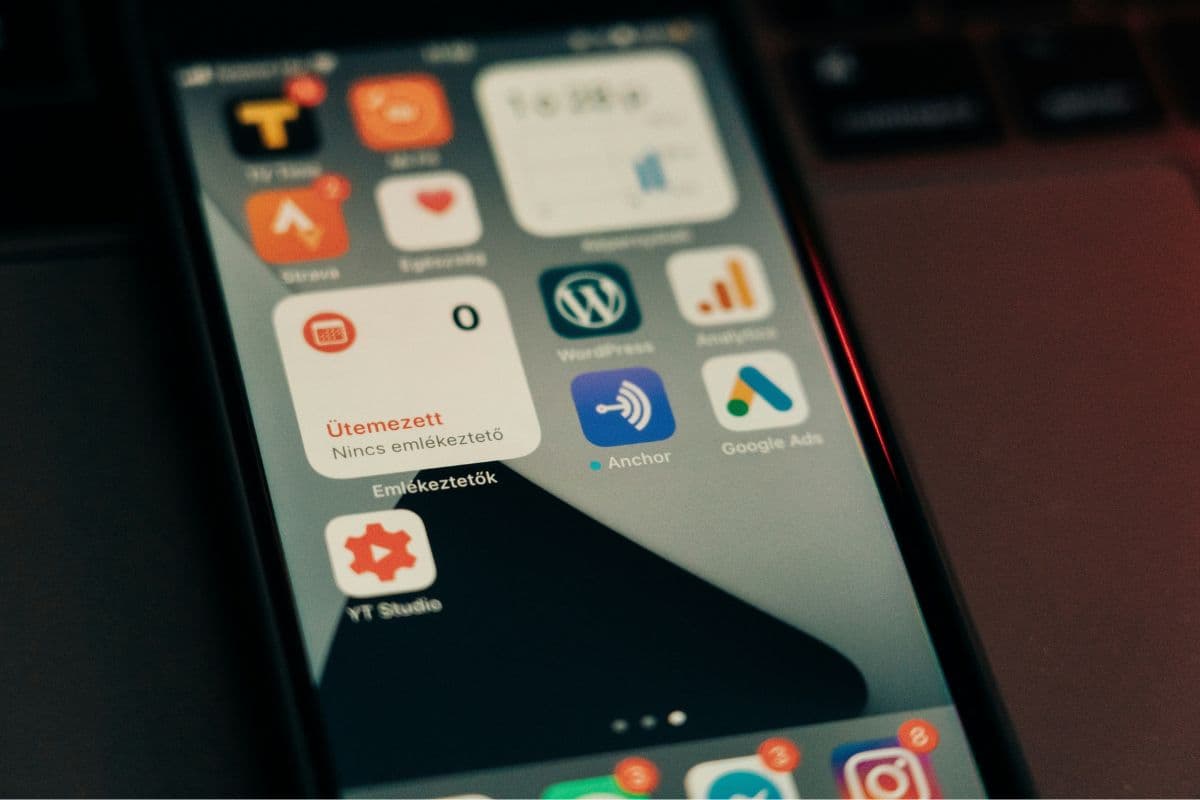
Mobile hotspot activity uses data from your phone plan or hotspot allowance. (Image by Unsplash)
2. How Much Data Does a Hotspot Use?
Usage depends almost entirely on what connected devices are doing.
When checking how much data does hotspot use, light browsing may consume around 60 MB per hour, while HD streaming, large downloads, cloud syncing, or video calls can push usage into several gigabytes per hour, sometimes exceeding 8 GB during especially data-heavy activity.
3. Where Does Your Hotspot Data Go? 6 Activities That Add Up Fast
Some activities barely touch your data allowance, while others can burn through several gigabytes in a single session. Understanding where that usage goes makes it easier to control tethering and avoid reaching your monthly limit unexpectedly.
Video Streaming
Streaming is one of the fastest ways to consume data. Netflix estimates roughly 0.3GB per hour on Low, 0.7GB on Medium, 1GB for SD, 3GB for HD, and up to 7GB for 4K.
This helps explain why does mobile hotspot use data usage matters so much for frequent viewers.
Video Calls
Video meetings consume data in both directions because your device uploads and receives video simultaneously.
Based on Zoom’s bandwidth requirements, a one-hour call can use roughly 0.5GB at basic quality, around 1GB at 720p, and approximately 3GB at 1080p, depending on the meeting setup.
Laptop and App Updates
Updates are difficult to measure hourly because usage depends on the download size.
Windows feature updates can approach 6.5GB in some upgrade scenarios, while individual app updates may range from a few megabytes to several gigabytes. Pausing automatic updates can prevent a laptop from unexpectedly draining your allowance.
Cloud Backup and Sync
Cloud services can quietly transfer large amounts of data when photos, videos, or documents sync in the background.
Uploading 10GB of new files can consume roughly 10GB of data, aside from minor transfer overhead. Check pending backups and pause large sync jobs before relying on a limited mobile connection.
Game Downloads and Updates
Game downloads are measured more usefully by file size than by hourly usage.
Downloading a 50GB game can consume about 50GB of data, while large patches may use several additional gigabytes. When asking does hotspot use data, game installation and updates are among the easiest activities to underestimate.
Social Media and Autoplay Video
Video-heavy feeds can add up surprisingly fast because clips often begin loading automatically.
Current estimates put mixed Instagram use around 300-600MB per hour, Reels-heavy sessions around 600MB-1.2GB, and standard TikTok scrolling around 700-900MB per hour. One hour daily could therefore consume many gigabytes each month.
Your hotspot data can last anywhere from a few hours to several weeks, depending on the size of your allowance and what connected devices are doing.
For example, 10GB might support around 10 hours of HD streaming at roughly 1GB per hour, while light browsing and email could stretch the same amount much further. Large updates, cloud backups, and video calls can use the allowance much faster.
5. Need Affordable Data Service? You May Also Gain a New Phone
Cutting wireless costs does not always mean giving up useful data or settling for an outdated device. Monthly data plans can become a challenge for households trying to manage their budgets.
For eligible households, Lifeline can help reduce the cost of phone or internet service, while participating providers may offer additional service benefits and device options.
TAG Mobile is an authorized Lifeline service provider offering qualifying customers no-monthly-cost service with up to 16GB of free monthly data (may vary by state and subject to updates), unlimited talk and text, free international calling to 200+ countries and territories, and more. Customers who need dedicated hotspot data can also review TAG Mobile’s plans with separate tethering allowances.
Device choice can matter just as much as the plan, especially when you want a larger screen, newer hardware, or an easier way to handle everyday calls, apps, and online tasks. Take a look at these options:
Clovertek G17: A 10.1-inch tablet with 4G LTE support, 32GB of storage, and a 5,000mAh battery, offering extra screen space for streaming, browsing, and video calls.
iPhone XR: An Apple smartphone with a 6.1-inch Liquid Retina display and Face ID, providing a spacious screen for everyday iOS use.
Samsung Galaxy Tab A7 Lite: A compact Samsung tablet with an 8.7-inch display, making it a portable larger-screen option for reading, streaming, schoolwork, and video calls.
iPad 7: A 10.2-inch Apple tablet with a Retina display and native FaceTime support, well suited to schoolwork, entertainment, browsing, and productivity apps.
iPhone SE 2: A compact Apple smartphone with a 4.7-inch Retina HD display, Touch ID, and the A13 Bionic chip, ideal for users who prefer familiar iPhone features in a smaller form factor.
Lifeline eligibility generally follows two paths. Households may qualify through income at or below 135% of the Federal Poverty Guidelines, or through participation in programs such as SNAP, Medicaid, SSI, Federal Public Housing Assistance, Veterans Pension or Survivors Benefit, and certain Tribal programs.
So you can check your qualifications and start applying soon!
Select your device at TAG Mobile.
Note: Eligibility varies by state and program. Offers depend on availability and qualifications. TAG Mobile operates under the federal Lifeline Program as an Eligible Telecommunications Carrier (ETC). Service is non-transferable and limited to one service per household.
6. FAQs about Hotspot Data Usage
Mobile tethering can be convenient, but the way data is counted depends on your carrier and plan. If you are asking does hotspot use data, these answers explain how USB connections, data limits, and everyday phone use can affect your allowance.
Does USB tethering use hotspot data?
Usually, yes. USB tethering still shares your phone’s cellular connection with another device, so carriers may count that usage toward the same hotspot or tethering allowance as Wi-Fi sharing.
What happens when I use all my hotspot data?
It depends on the plan. Some carriers reduce tethering speeds after the high-speed allowance is used, while others may pause hotspot access or require additional data until the next billing cycle.
Does hotspot use more data than normal phone use?
Not automatically, but connected laptops and tablets often consume more because they run desktop websites, updates, cloud syncing, and higher-quality video. The activity itself determines usage, not the hotspot feature alone.
7. Final Thoughts
Hotspot usage can add up quickly, especially with streaming, video calls, and large downloads. Knowing does hotspot use data helps you manage these activities more carefully and stay within your plan’s limits. Check your data allowance regularly to avoid unexpected slowdowns. Eligible users can also explore TAG Mobile for Lifeline-supported service and available phone or tablet options.
Share
TAG Blog
Stories, guides, and helpful updates for staying connected.