How to Reset SIM Card: Fix Network Signal Errors Instantly
SIM issues like “No Service” or connection errors can be frustrating, especially when they interrupt your daily usage. Understanding how to reset SIM card can help you quickly rest...
Quincy D.-Mar 27, 2026
Image by Unsplash
Table of Contents
SIM issues like “No Service” or connection errors can be frustrating, especially when they interrupt your daily usage. Understanding how to reset SIM card can help you quickly restore network access and avoid unnecessary replacements.
For more guidance, TAG Mobile provides clear instructions on troubleshooting SIM problems, resetting network settings, and checking device compatibility. With practical tips and easy-to-follow steps, we help you resolve SIM issues efficiently and keep your device running smoothly.
1. Can You Actually Reset a SIM Card?
Yes, you can reset certain aspects of a SIM card, but it’s important to understand what that really means.
If you’re asking is there a way to reset your SIM card, the answer is that while you can’t fully “factory reset” a SIM like a phone, you can refresh its connection by restarting your device, removing and reinserting the SIM, or resetting network settings.
These steps can help resolve many common SIM-related issues.
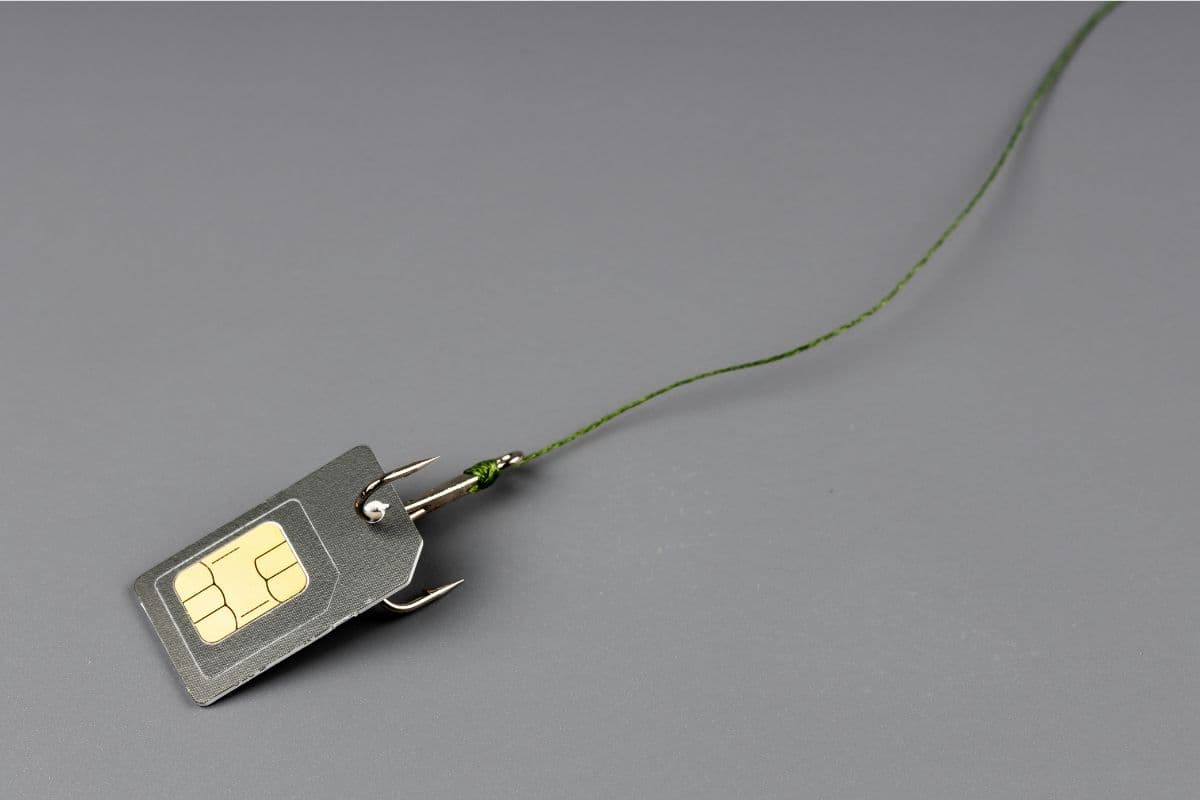
How to reset SIM card? Discover if you can reset a SIM card. (Image by Unsplash)
SIM cards usually work reliably, but certain issues can disrupt their connection or functionality. Understanding the common causes can help you determine when a reset might solve the problem.
Network Connection Errors
One of the most frequent reasons is network-related errors, such as messages like “SIM not provisioned” or “No network available.”
These issues can occur when your SIM is not properly registered on the carrier’s network or when there is a temporary service disruption. Resetting your device or network settings can often restore the connection.
SIM Card Not Detected by the Phone
If your phone cannot detect the SIM card, it may be due to improper insertion, dirt on the contacts, or a minor system glitch. Removing and reinserting the SIM can help resolve the issue. If the problem persists, it could indicate physical wear or damage to the SIM card.
Switching Phones or Carriers
When you switch to a new phone or change carriers, your SIM may need to reconnect to a different network or update its settings. This transition can sometimes cause temporary issues with connectivity or recognition.
If you’re wondering, Why can’t I save contacts on my SIM card?, it may also be related to compatibility differences or limitations between devices and SIM formats.
Software or Carrier Settings Issues
Outdated software or incorrect carrier settings can also interfere with SIM performance. Your phone may struggle to communicate properly with the network if updates are missing or settings are misconfigured. Resetting network settings or updating your device can help ensure everything works smoothly.
3. How to Reset SIM Card: A Simple 2026 Step-by-Step Guide
Resetting your SIM connection can help fix common issues like weak signal, no service, or SIM errors. By following a few simple steps, you can refresh your connection and restore normal performance without replacing the SIM.
Restart Your Phone
You should begin by restarting your phone, as this is the quickest way to refresh the device’s connection to the network. A reboot clears temporary glitches and forces the system to reconnect to the carrier. If you are learning how to reset SIM card, this is often the first and most effective step to try.
Remove and Reinsert the SIM Card
Next, you turn off your phone and carefully remove the SIM card from the tray. Inspect the card for dust or damage, then reinsert it properly. This step ensures the SIM makes correct contact with the device and can resolve detection issues.
Toggle Airplane Mode On and Off
You can also enable airplane mode for about 10-15 seconds, then turn it off again. This forces your phone to disconnect and reconnect to the network. It is a simple way to refresh your signal without restarting the device.
Reset Network Settings
If the issue continues, you should reset your phone’s network settings. This will clear saved Wi-Fi, cellular, and Bluetooth configurations and restore them to default. Although you may need to reconnect to networks afterward, this step can fix deeper connectivity problems.
Update Carrier or System Software
Finally, make sure your phone’s software and carrier settings are up to date. Updates often include fixes for network compatibility and SIM-related issues. Keeping your device updated helps ensure stable performance and reduces the likelihood of recurring problems.
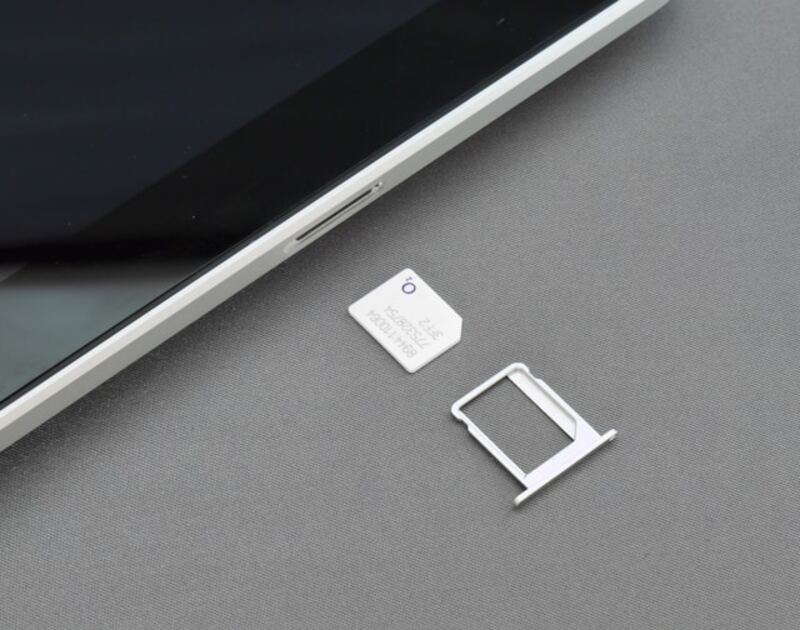
Some FAQs about resetting SIM cards. (Image by Unsplash)
SIM card issues can be confusing, especially when your phone suddenly loses connection or displays unexpected errors. Understanding these common questions can help you troubleshoot problems quickly and learn how to reset SIM card effectively when needed.
Why does my phone say no SIM card?
This message usually appears when your phone cannot detect the SIM card properly. It may be caused by improper insertion, dust on the contacts, or a temporary software glitch. Restarting your phone or reinserting the SIM often resolves the issue.
Is there a way to completely reset a SIM?
There is no true “factory reset” for a SIM card like there is for a phone. However, you can refresh its connection by restarting your device, removing and reinserting the SIM, or resetting network settings. These steps can fix the most common SIM-related issues.
How do I refresh my SIM card connection?
You can refresh your SIM connection by turning airplane mode on and off or restarting your phone. This forces your device to reconnect to the carrier’s network. In many cases, this simple action restores the signal and resolves temporary connectivity problems.
Does resetting network settings affect my SIM card?
Resetting network settings does not damage or erase your SIM card. Instead, it clears saved network configurations like Wi-Fi passwords and reconnects your device to the carrier. This can help fix connectivity issues without affecting your SIM data.
When should I replace my SIM card?
You should consider replacing your SIM card if it is damaged, outdated, or no longer works after troubleshooting. Persistent issues like no signal, frequent errors, or incompatibility with newer devices may indicate it’s time for a new SIM. Getting a replacement ensures better performance and reliable connectivity.
Understanding how to reset SIM card can help you quickly fix common connectivity issues and keep your device running smoothly. Whether you’re dealing with signal problems or SIM errors, a simple reset can often restore your connection without hassle. It’s a useful step to know before considering a replacement.
Choosing a reliable provider also makes a big difference in your overall experience. With TAG Mobile, you can enjoy dependable service, flexible plans, and helpful support to stay connected with confidence.
Notice: The government does not cover device costs, only basic service through Lifeline. Any free or discounted devices, upgrades, or top-ups are limited-time TAG Mobile offers and may vary by state, eligibility, and availability. Terms and conditions apply.
Share
TAG Blog
Stories, guides, and helpful updates for staying connected.