A clean SIM card plays an important role in keeping your phone connected without signal issues or errors. Learning how to clean SIM card the right way can help improve performance and prevent common connectivity problems.
To learn more, TAG Mobile shares useful tips on proper SIM care, safe cleaning techniques, and maintaining device compatibility. With reliable service and helpful guidance, TAG Mobile makes it easier to keep your mobile connection running smoothly.
1. Signs Your SIM Card Might Need Cleaning
Your SIM card plays a key role in connecting your phone to the network, so even small issues can affect performance. Recognizing early signs of problems can help you fix them quickly and avoid bigger connectivity issues.
SIM Card Not Detected
If your phone displays messages like “No SIM” or “Insert SIM card,” it may indicate that the device cannot properly read the SIM. This can happen when dust or dirt interferes with the contact points.
If you’ve ever wondered, Does a SIM card need to be cleaned, this is one of the clearest signs that cleaning may be necessary. Removing the SIM and checking for debris can often resolve the issue.
Weak or Intermittent Network Signal
Another common sign is a weak or unstable signal, even in areas where coverage is usually strong. A dirty SIM card can disrupt the connection between your device and the carrier’s network. This may result in dropped calls, slow data speeds, or difficulty sending messages. In such cases, cleaning the SIM card and reinserting it properly can help restore a more stable connection.
Frequent SIM Errors
Repeated error messages such as “SIM not provisioned” or “SIM card error” can also point to a problem with the SIM itself.
Can a dirty SIM card cause problems? The answer is yes, dirt or oxidation on the SIM can prevent proper communication with the device. Cleaning the card and ensuring it is correctly positioned can help eliminate these recurring errors.
>>> Read More: Free SIM Unlock Guide 2026: Best Ways to Unlock Your Phone
2. What You Need Before Cleaning a SIM Card
Before cleaning your SIM card, it’s important to gather the right tools to avoid damaging the card or your device. Knowing how to clean SIM card properly starts with using safe materials and handling each step with care.
SIM Eject Tool or Paperclip
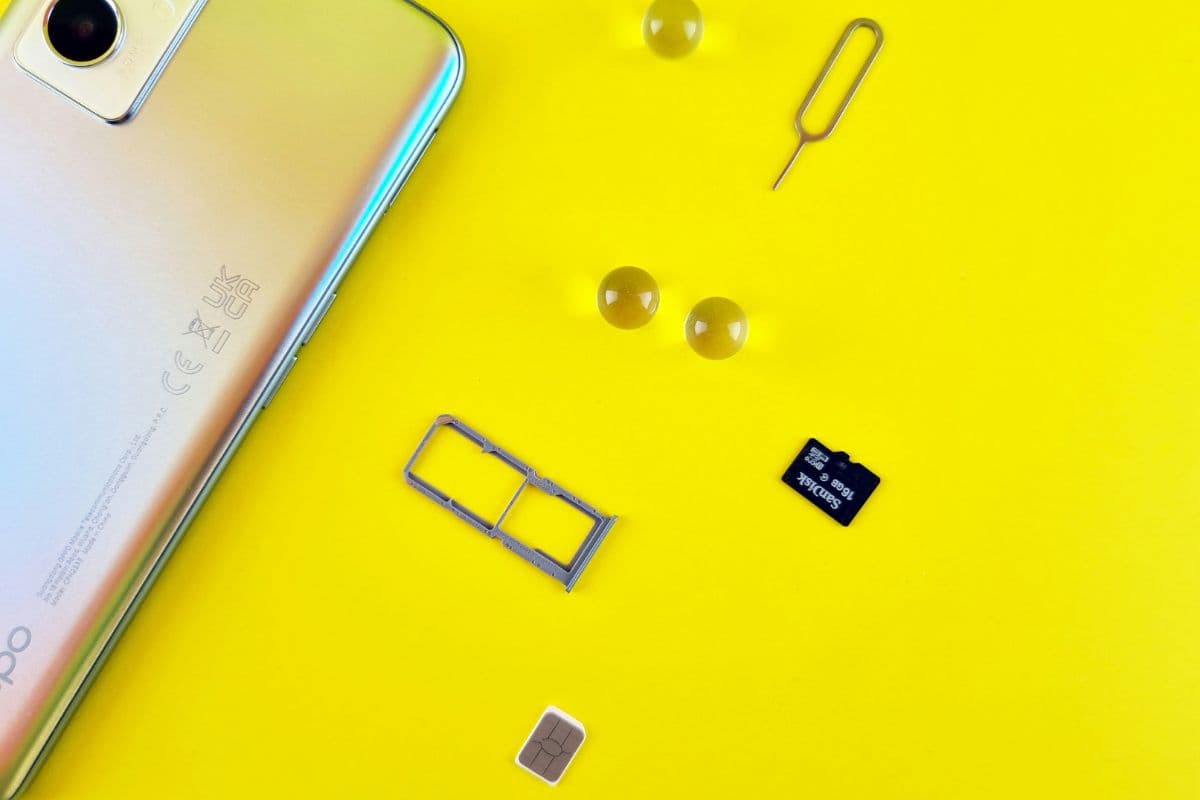
You will need a SIM eject tool or a small paperclip to remove the SIM tray from your device. By inserting the tool into the pinhole on the tray, you can gently pop it out without applying too much force. Using the correct tool helps prevent damage to the tray or internal components, making the removal process safe and straightforward.
Soft Microfiber Cloth
A soft microfiber cloth is ideal for cleaning the SIM card because it won’t scratch the delicate metal contacts. You should gently wipe the surface of the SIM to remove dust, fingerprints, or light residue. Avoid using rough materials like paper towels or tissues, as they can cause micro-scratches that may affect performance.
Isopropyl Alcohol (Optional)
Isopropyl alcohol can be used for deeper cleaning if there is stubborn dirt or buildup on the SIM card. You should apply a small amount to the microfiber cloth, never directly onto the SIM, and wipe the contacts gently.
Make sure the SIM card is completely dry before reinserting it into your device to avoid any potential damage.
3. How to Clean SIM Card Without Damage
Cleaning your SIM card the right way helps maintain a stable connection and prevents potential damage to your device. By following a careful step-by-step process, you can remove dirt or residue without affecting the SIM’s performance.
Step 1: Turn Off Your Phone
You should begin by turning off your phone completely before handling the SIM card. This step protects both the device and the SIM from electrical issues during removal. Powering off the phone also ensures the system resets properly once the SIM is reinserted.
Step 2: Remove the SIM Card Tray
Next, you need to locate the SIM tray and use a SIM eject tool or paperclip to open it. By applying gentle pressure to the pinhole, the tray will pop out safely. It is important to handle this step carefully to avoid damaging the tray or internal components.
Step 3: Take Out the SIM Card Carefully
Once the tray is removed, you should carefully take out the SIM card using your fingers. Avoid touching the metal contacts too much, as oils or dirt from your hands can affect performance.