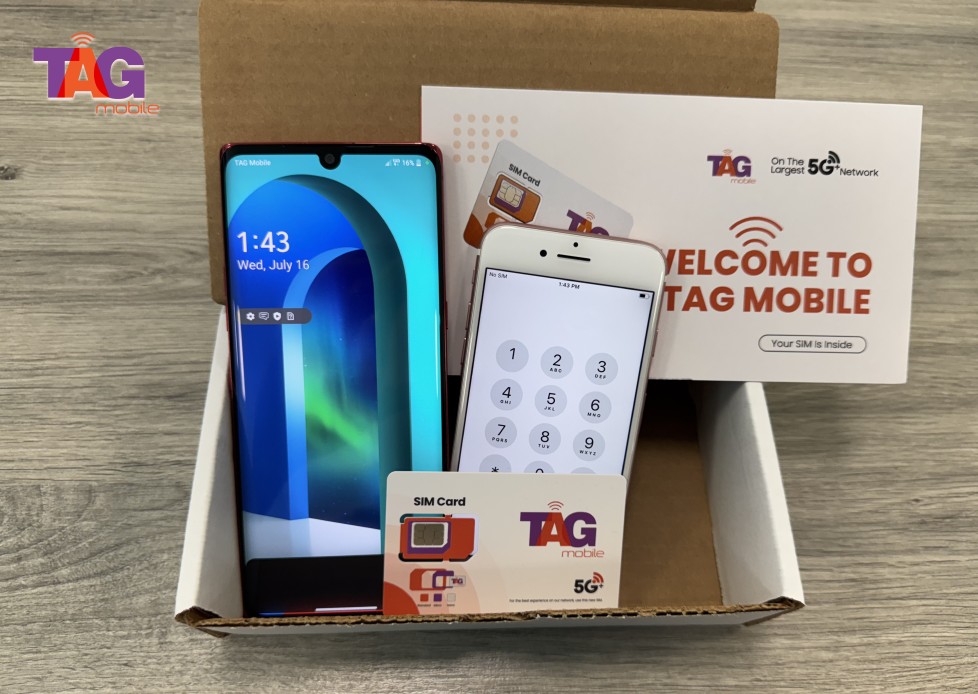
Smartphones today can still perform many useful functions even without cellular service. This is why many people ask can a phone work without a SIM card when setting up a new device, using an old phone, or waiting to activate a mobile plan.
Without a SIM card, the phone simply cannot connect to a carrier network, but it can still operate through Wi-Fi for many everyday tasks. To understand what features remain available and how to use the device this way, you can refer to the guide from TAG Mobile for more detailed information.
1. Can a Phone Work Without a SIM Card?
Yes, a phone can work without a SIM card, but it will not connect to a cellular network for traditional calls, text messages, or mobile data. Without a SIM, the device cannot communicate with a mobile carrier, which means cellular services are unavailable.
However, many smartphone features can still function through Wi-Fi, allowing the phone to access apps, browse the internet, and use online communication services.
2. What You Can Do With a Phone Without a SIM Card
Even without a SIM card, a smartphone can still perform many useful functions. As long as the device has access to Wi-Fi, several apps and built-in features remain available for everyday use.
Connect to Wi-Fi
A phone without a SIM card can still connect to Wi-Fi networks just like a tablet or laptop. Once connected, the device can browse the internet, download apps from app stores, and access online services.
This is one of the main reasons people ask can a phone work without a SIM card, because Wi-Fi allows the phone to stay functional even without cellular service.
Use Messaging and Video Calling Apps
Many communication apps work entirely over an internet connection. Applications such as WhatsApp, Telegram, Zoom, and other messaging platforms allow users to send messages, make voice calls, and start video chats through Wi-Fi. This makes it possible to stay connected with friends, family, or coworkers even without a mobile carrier.
Use Built-In Phone Features
Smartphones also offer many built-in features that do not depend on a SIM card. The camera, photo gallery, alarm clock, calendar, notes, and music player can all be used normally. These functions allow the phone to remain useful for productivity and daily tasks.
Use the Phone as a Mini Tablet
Without a SIM card, a smartphone can still function much like a small tablet. Users can watch videos, play games, read eBooks, and browse social media using a Wi-Fi connection. This makes older or secondary phones useful as entertainment or productivity devices even without cellular service.
>>> Read More: Free Government Phone SIM Card: How It Works And How To Get One
3. What You Cannot Do Without a SIM Card
While many smartphone features still work through Wi-Fi, some core mobile services depend on a SIM card and a carrier network. Without an active SIM or eSIM, the phone cannot access certain functions that require a direct connection to a cellular provider.
Make Traditional Cellular Calls
A phone without a SIM card cannot make traditional voice calls through a mobile carrier. Cellular calls rely on the SIM card to identify the subscriber and connect the device to the carrier’s network towers. This limitation often explains why people ask can a phone work without a SIM card, since calling is one of the main functions affected.
Send Standard SMS Messages
Standard SMS text messages also require a SIM card and an active mobile plan. The SIM links the phone number to the carrier’s messaging system, allowing texts to be sent and received. Without it, regular SMS messaging will not work, although internet-based messaging apps can still function over Wi-Fi.
Use Cellular Data
Another feature that will not work without a SIM card is mobile data. Cellular data allows a phone to connect to the internet through the carrier’s network when Wi-Fi is unavailable. Without a SIM or eSIM, the phone must rely entirely on Wi-Fi for internet access.
4. Can You Use eSIM Instead of a Physical SIM?
Many modern smartphones now support eSIM, which provides an alternative to the traditional removable SIM card. This technology allows users to activate a mobile plan digitally, making it easier to connect to a carrier without inserting a physical card.