Why Does My SIM Card Keep Failing? Common Causes and Easy Fixes
If you have ever been in the middle of an important call only to see a “No SIM” error, you know how disruptive it is. Many users find themselves asking, why does my SIM card keep f...
Quincy D.-Feb 28, 2026
Image by Unsplash
Table of Contents
If you have ever been in the middle of an important call only to see a “No SIM” error, you know how disruptive it is. Many users find themselves asking, why does my SIM card keep failing at the most inconvenient times?
This issue often stems from physical wear, software glitches, or placement errors. Understanding these causes is essential for maintaining the reliable connectivity that low-income US residents need to access jobs, healthcare, and emergency services.
When your device cannot communicate with the Subscriber Identity Module, you experience a SIM failure. This tiny chip is the key to your cellular identity, storing the data that connects your phone to a specific network. According to recent digital equity studies, nearly 15% of low-income households rely solely on mobile devices for internet access, making a functional SIM card a vital lifeline rather than just a convenience.
Signs Your SIM Card Is Not Working
The most obvious sign is the No SIM card detected message appearing in your status bar. You might also notice that your phone frequently toggles between having “Bars” and saying “SOS Only” or “Emergency Calls Only.”
In some cases, you may see a SIM card registration error, which prevents you from making calls or sending texts even if the card seems to be physically present. These intermittent drops are common indicators that the connection between the metal contacts on the card and the phone’s internal reader is unstable.
Is a SIM card Failure Permanent?
Not all failures mean the card is broken forever. Sometimes, a simple restart or a TAG Mobile SIM replacement can fix the issue. However, if the gold-plated contact surface is deeply scratched or if the internal chip has been exposed to extreme heat or water, the damage may be permanent.
If your SIM card fails, contact your provider promptly to avoid service interruption.
There are several physical and technical reasons why your mobile service might be cutting out. Understanding the root cause helps you determine if you need a quick cleaning or a completely new device.
SIM card Not Properly Inserted
One of the most frequent reasons for a SIM card registration error is a loose fit. Over time, dropping your phone or even heavy vibrations can cause the SIM tray to shift slightly. If the card isn’t sitting perfectly flush in its holder, the pins inside the phone won’t make a solid connection. This results in the phone intermittently “losing” the card.
SIM card Is Damaged or Worn Out
Although they are built to stay inside a phone, SIM cards are fragile. Dust, oils from your skin, and moisture can corrode the metal surface. If you frequently move your SIM between different devices, the friction can wear down the protective layer. If the card looks dull or has visible scratches, it is likely the reason why does my SIM card keep failing.
Network or Coverage Issues
Sometimes the problem isn’t the card at all, but the network environment. If you are in a “dead zone” or an area with heavy interference, your phone might display a SIM error because it cannot find a signal to authenticate the card. For those using Lifeline program support, it is important to ensure you are using a provider with a robust network footprint to avoid these “false” SIM failures.
Phone Compatibility Problems
If you have recently upgraded your device, you might face compatibility issues. Not all SIM cards are designed to work with every network band (like 5G vs. 4G LTE). If the card is too old for a new smartphone, or if the phone is locked to a different carrier, the system will reject the SIM, leading you to wonder why does my SIM card keep failing despite the card being brand new.
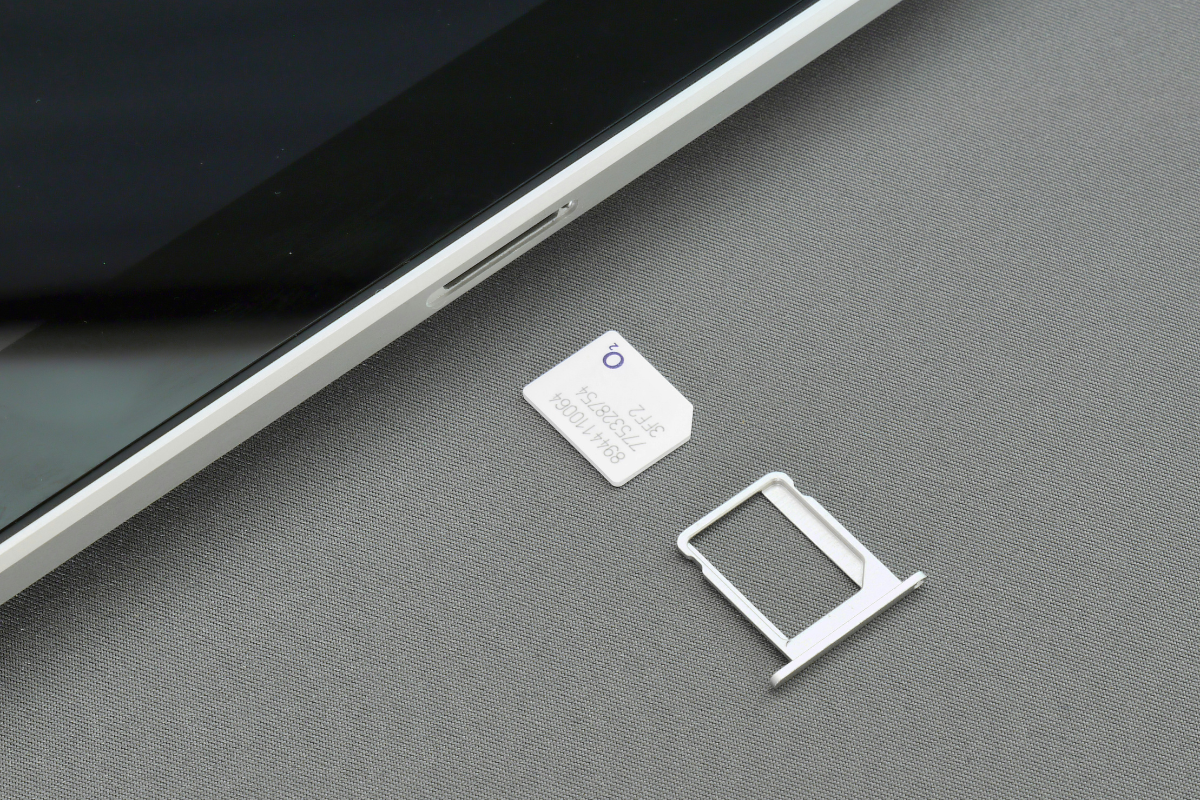
Why does my SIM card keep failing? (Image by Unsplash)
3. How to Fix a SIM Card That Keeps Failing
Before spending money on a new phone, there are several professional troubleshooting steps you can take to restore your connection and ensure your digital access remains uninterrupted.
Quick Troubleshooting Steps
Start by turning your phone off and carefully removing the SIM tray with a proper tool. Inspect the card for any debris. A common expert tip is to gently wipe the gold contacts with a dry, lint-free cloth or a small amount of rubbing alcohol. Reinsert the card firmly and restart the device. This often clears the No SIM card detected error by removing microscopic dust that blocks the electrical signal.
Check Your Phone and Network Settings
If the physical card is clean, the issue might be in your software. Go to your phone settings and check for “System Updates.” Sometimes, a carrier settings update is required to help the phone recognize the SIM correctly.
You can also try “Reset Network Settings” in your general menu. This will clear out saved Wi-Fi passwords and Bluetooth connections, but it also refreshes the link between your phone and the cellular towers, which can resolve persistent SIM card registration error messages.
4. Getting a Reliable SIM and Active Service That Works
When troubleshooting fails, the best solution is to switch to a provider that prioritizes reliability and user support. For low-income individuals, staying connected is not optional; it is a necessity for navigating modern life. If your current provider leaves you asking why does my SIM card keep failing, it may be time to look into the specialized services offered by TAG Mobile.
TAG Mobile understands the importance of digital equity. We provide high-quality SIM cards designed to work seamlessly with the latest network standards. When you enroll in our government-supported programs, you don’t just get a chip. You get a committed support team ready to assist with a TAG Mobile SIM replacement if technical issues ever arise.
Our goal is to ensure that every participant in the Lifeline program support network has a stable, high-speed connection that never lets them down. By choosing a trusted partner, you eliminate the stress of technical failures and focus on what matters most.
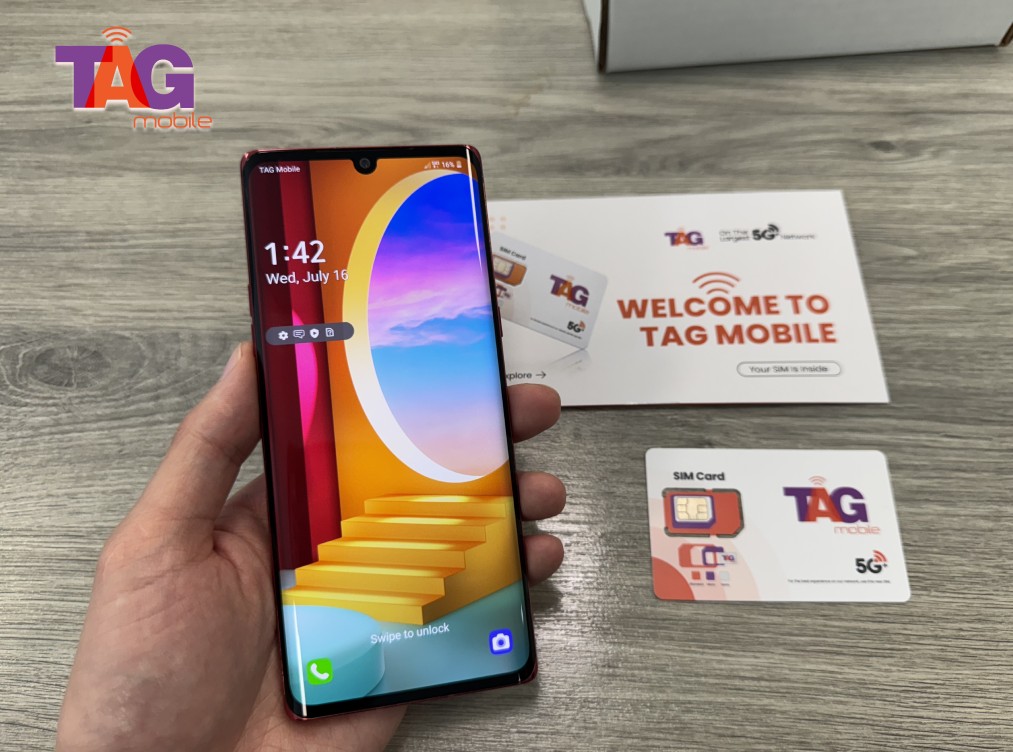
TAG Mobile provides high-quality SIM cards designed to work seamlessly with the latest network standards
Final Words
Dealing with a phone that won’t stay connected is a major hurdle, but identifying why does my SIM card keep failing is the first step toward a solution. Whether it is a simple cleaning or a full TAG Mobile SIM replacement, you deserve a device that works when you need it.
Don’t let a faulty SIM card stand in the way of your opportunities and connections. Join TAG Mobile today to experience the peace of mind that comes with reliable, government-supported wireless service.
Notice: The government does not cover device costs, only basic service through Lifeline. Any free or discounted devices, upgrades, or top-ups are limited-time TAG Mobile offers and may vary by state, eligibility, and availability. Terms and conditions apply.
Share
TAG Blog
Stories, guides, and helpful updates for staying connected.