No SIM No Service Android: Causes, Fixes, and Free Lifeline Solutions
If you are seeing no SIM no service Android on your Android device, it means your device cannot communicate with a mobile network. This error prevents you from making essential cal...
Quincy D.-Feb 28, 2026
Image by Unsplash
Table of Contents
If you are seeing no SIM no service Android on your Android device, it means your device cannot communicate with a mobile network. This error prevents you from making essential calls, sending texts, or using cellular data, which is a major barrier to digital equity. This guide explains why this happens and how TAG Mobile helps low-income Americans stay connected through the Lifeline program.
The no SIM no service Android error is a specific notification indicating that the operating system cannot detect a valid Subscriber Identity Module (SIM). In the United States, where digital access is a necessity for employment and healthcare, facing a no SIM no service status can be a significant setback for households relying on government-supported telecommunications.
How Android Phones Detect SIM Cards
Android devices use a specialized slot or an internal chip (eSIM) to read the unique identification keys stored on a SIM card. When you insert a card, the phone authenticates your identity with a carrier. If the hardware fails to read these keys, you will see a “No SIM, No Service” alert, and your signal bars will be replaced by an “X” or a “No SIM” icon.
Why Service Stops Without a SIM
Without a functioning SIM, your phone lacks the “handshake” required to join a secure network. This results in a complete lack of cellular bars. For those using older devices, you might even see a sim failure iPhone 13 message if you are testing cards across different platforms.
Without this connection, your Android device essentially becomes a Wi-Fi-only tablet, cutting you off from emergency services and mobile updates.
The no SIM no service Android error is a specific notification indicating that the operating system cannot detect a valid Subscriber Identity Module (SIM)(Image by Unsplash)
2. Common Reasons for no SIM No Service on Android
SIM Card Not Inserted or Damaged
The most frequent cause of no SIM no service is a SIM card that has shifted out of place. Over time, dropping a phone or even simple vibrations can loosen the tray. Additionally, if the gold contacts on the card are scratched or dirty, the Android system will fail to initialize the connection.
In some cases, a sim failure iPhone 13, or Android error occurs because the card itself has “fried” due to static electricity or moisture, requiring a total replacement.
Phone Not Activated With a Carrier
Sometimes the hardware is fine, but the service is the problem. If you have recently received a device through a government program but haven’t completed the activation, you will encounter no SIM no service Android.
Carriers like TAG Mobile require an activation step to link your SIM’s ICCID number to your Lifeline account. Without this link, the network will reject the device, leaving you with no SIM no service.
Incompatible or Locked Android Device
Many low-income users rely on used or “hand-me-down” phones. If an Android phone is “locked” to a specific carrier (like TAG Mobile), it will show no SIM no service Android if you try to use it with a different provider’s SIM card.
Furthermore, older 3G-only Android phones may no longer show service because modern networks have transitioned to 4G LTE and 5G, rendering older SIM technology obsolete.
3. How to Fix No SIM No Service on Android
Fixing a no SIM no service Android error usually doesn’t require a professional technician. Most users can resolve the no SIM no service issue by following a few simple troubleshooting steps at home.
Reinsert or Replace the SIM Card
The first step for any no SIM no service Android error is to power off your device and remove the SIM tray using a paperclip or SIM tool. Gently wipe the gold chip with a soft, dry cloth and reinsert it firmly.
If you suspect the card is broken, perhaps it shows the same sim failure iPhone 13 error when tested in another phone, you will need to contact TAG Mobile for a replacement SIM card to restore your Lifeline benefits.
Restart and Reset Network Settings
Software glitches are a common culprit for no SIM no service Android. A simple “Restart” can often force the phone to re-scan for the SIM. If that fails, go to Settings > System > Reset options > Reset Wi-Fi, mobile & Bluetooth.
This clears out the old network cache that might be causing the no SIM no service bug. Note that this will also delete saved Wi-Fi passwords, so have those ready to re-enter.
Check Carrier Compatibility
Ensure your phone is compatible with the network. If you are seeing no service device you brought from another carrier, check if it is “Unlocked.” TAG Mobile provides clear instructions on how to bring your own device (BYOD).
If the device is incompatible with modern frequencies, it will consistently show no SIM no service, regardless of how many times you reset it.
4. When You May Need a New SIM Card or Service Plan
If you have tried all the technical fixes and still see no SIM no service Android, it is likely that your SIM card has reached the end of its lifespan or your service plan has lapsed. The Lifeline program requires users to use their service at least once every 30 days to remain active. If you fail to do this, your account may be deactivated, resulting in a no SIM no service status.
For many low-income households, a broken SIM card can mean a total loss of contact with the world. Digital equity is about ensuring that financial barriers don’t prevent you from having a working phone.
If your current card is damaged, or if you are looking to switch to a provider that offers more reliable support for the no SIM no service Android issue, TAG Mobile offers free SIM cards and monthly plans to those who qualify via programs like SNAP, Medicaid, or SSI.
Getting a new SIM is a simple process that ensures your Android device remains a tool for success rather than a source of frustration. By choosing a dedicated Lifeline provider, you get the peace of mind that comes with professional customer support tailored to your specific needs.
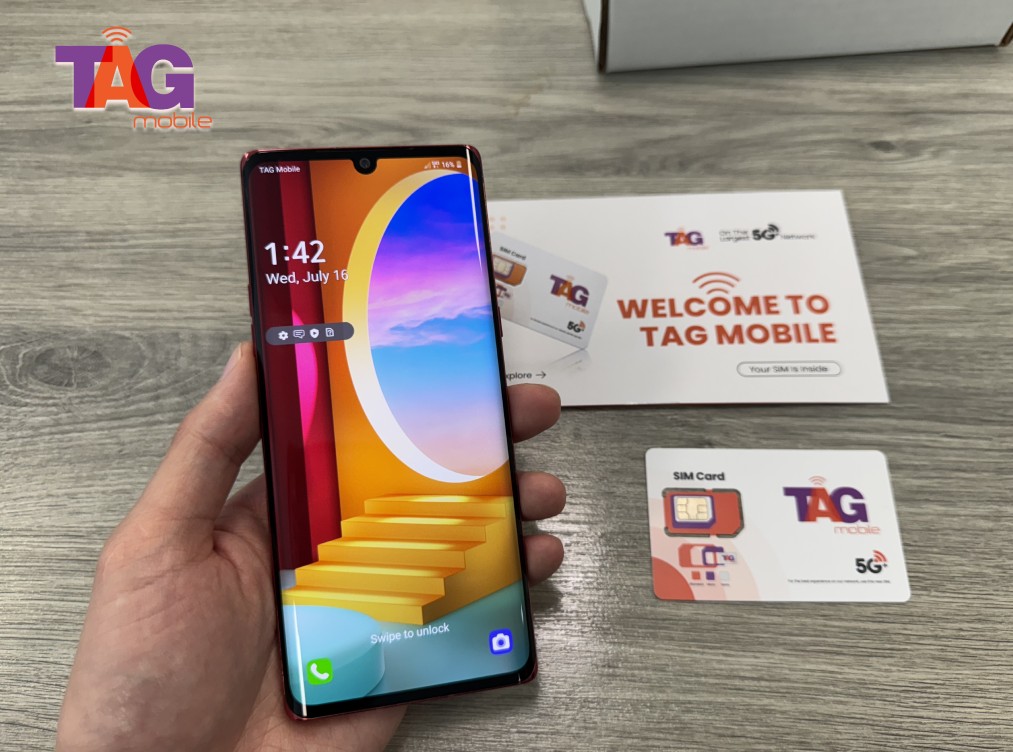
TAG Mobile offers free SIM cards and monthly plans to those who qualify
Notice: The government does not cover device costs, only basic service through Lifeline. Any free or discounted devices, upgrades, or top-ups are limited-time TAG Mobile offers and may vary by state, eligibility, and availability. Terms and conditions apply.
Final Words
Resolving a no SIM no service Android error is essential for staying connected to vital resources. Whether the issue is a physical card failure or a service lapse, you deserve reliable communication. At TAG Mobile, we bridge the digital divide by providing dependable service to those who need it most. Visit TAG Mobile today to check your eligibility and secure your free government-supported phone service!
Share
TAG Blog
Stories, guides, and helpful updates for staying connected.