How to Turn Off Vanish Mode on Instagram: Quick Steps for Android and iPhone
Disappearing messages can be convenient for some conversations, but there are times when you would rather keep a chat visible and easy to revisit. If you are wondering how to turn...
Quincy D.-Sep 30, 2026
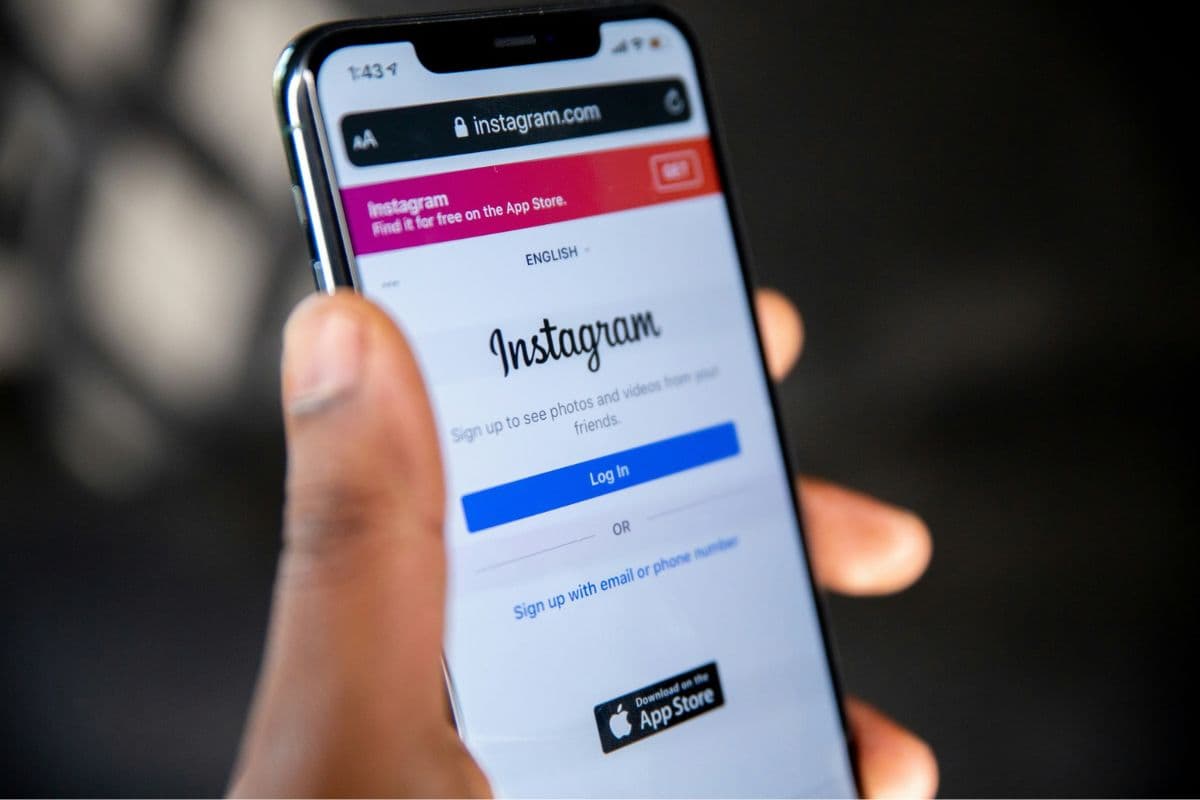
Image by Unsplash
Table of Contents
Disappearing messages can be convenient for some conversations, but there are times when you would rather keep a chat visible and easy to revisit.
If you are wondering how to turn off Vanish Mode on Instagram, the process is quick, although the exact controls may look slightly different across devices and app versions. This guide walks you through the available methods on both iPhone and Android.
1. What is Vanish Mode on Instagram?
Vanish Mode is an Instagram messaging feature for one-on-one chats that makes messages, photos, videos, and reactions disappear after they are viewed and the conversation is closed. While active, the chat switches to a darker interface, and Instagram may notify participants if someone takes a screenshot.
2. How to Turn Vanish Mode Off on Instagram Android?
Instagram gives Android users more than one way to leave Vanish Mode, depending on the app version and chat layout. Both options are quick, but the exact buttons may look slightly different after Instagram updates.
Method 1: Turn It Off From the Chat
Open Instagram and go to the conversation where Vanish Mode is active. Swipe up from the bottom of the chat and release when the prompt appears, or use the on-screen option to turn Vanish Mode off if your version shows one. The conversation should return to the normal interface immediately.
For anyone checking how to turn off Vanish Mode on Instagram messages, this is usually the fastest method because it works directly inside the affected chat without opening additional menus.
Method 2: Turn It Off From Chat Settings
Open the conversation, tap the person’s name at the top, then look for Privacy and Safety, Chat settings, or a similar menu depending on your Instagram version. Find the Vanish Mode option and switch it off.
This route is useful if the swipe gesture does not respond or if Instagram has changed the chat interface. Once disabled, new messages should remain visible instead of disappearing after they are viewed and the conversation is closed.
3. How to Turn Off Vanish Mode on Instagram iPhone?
iPhone users can return to regular messaging through the conversation where Vanish Mode is active. Follow these steps in order to make sure disappearing messages are turned off correctly.
Step 1: Open Instagram
Launch the Instagram app on your iPhone and confirm you are signed in to the correct account. Updating Instagram first can also help ensure the latest messaging controls and Vanish Mode options appear correctly today.
Step 2: Go to Messages
Tap the Messages icon in the upper-right corner of the Instagram home screen. Your inbox will open, letting you find the conversation where Vanish Mode is currently enabled and ready to be changed easily today.
Step 3: Open the Vanish Mode Conversation
Open the conversation using Vanish Mode and look for the darker chat appearance or other temporary-message indicators. Identifying the correct thread first prevents you from changing settings in the wrong Instagram conversation by mistake later.
Step 4: Disable Vanish Mode
Swipe up from the bottom of the chat and release when Instagram shows the option to disable Vanish Mode. For how to turn off Vanish Mode on Instagram permanently, repeat this process in affected conversations.
Step 5: Confirm Normal Chat Is Restored
Check that the chat returns to its normal appearance and new messages remain visible after viewing. If disappearing messages continue, reopen the conversation, repeat the swipe action, or check the available chat settings once more.
Use Instagram privacy settings and careful sharing habits to keep your messages more secure. (Image by Unsplash)
Instagram messaging offers useful privacy controls, but temporary chats should not replace careful sharing habits. Reviewing who can contact you, what you send, and how each conversation is configured can reduce unwanted exposure.
Review message requests carefully: Avoid accepting conversations from unfamiliar accounts without checking the profile first.
Limit sensitive information: Do not send passwords, financial details, identification numbers, or other highly private information through DMs.
Check disappearing-message settings: For example, if you need to keep an important conversation for later, how to turn off Vanish Mode on Instagram Android can help you return the chat to regular messaging instead of letting messages disappear.
Use blocking and restricting tools: Block suspicious accounts or use Restrict when you want to limit interactions without immediately notifying the other person.
Watch for screenshot risks: Temporary messages can still be captured, copied, or photographed, so treat them as potentially saveable.
Review account privacy settings: Private accounts provide more control over followers and who can interact with your profile.
Keep Instagram updated: New versions may include security improvements, privacy controls, and changes to messaging features.
5. How Can Subsidized Smartphones Improve Access to Daily Apps?
Smartphones have become an everyday gateway to essential services. A single device can help users check school announcements, navigate with maps, access healthcare portals, manage finances, communicate with employers, and stay connected with family. For households watching their expenses, however, maintaining both a smartphone and monthly wireless service can add another recurring cost.
This is where TAG Mobile can help. As a U.S. wireless provider participating in the Lifeline program, TAG Mobile provides qualifying customers with more affordable wireless connectivity while adding provider-specific offers that can make mobile access even more practical.
Eligibility is the starting point. Under Lifeline requirements, consumers may qualify based on household income or participation in an eligible assistance program, including SNAP, Medicaid, SSI, Federal Public Housing Assistance, Veterans Pension or Survivors Benefit, and certain Tribal programs.
Depending on the plan available for your location, TAG Mobile benefits can include:
Up to 16GB of monthly data to support browsing, navigation, messaging apps, social platforms, school resources, and other everyday online activities.
Unlimited talk and text for staying connected with family, employers, schools, healthcare providers, and other important contacts.
International calling to 200+ countries and territories at no additional cost, helping customers maintain connections beyond the U.S.
Free or discounted smartphones for qualifying customers, with available models depending on eligibility, location, inventory, and current offers.
Free device delivery, removing an additional upfront expense when receiving an eligible phone.
Everyday calling tools such as voicemail, Caller ID, Call Waiting, and 3-Way Calling.
Plan benefits and available devices can differ by state and ZIP code. Enter your ZIP code to see the TAG Mobile service and device options available in your area before applying.
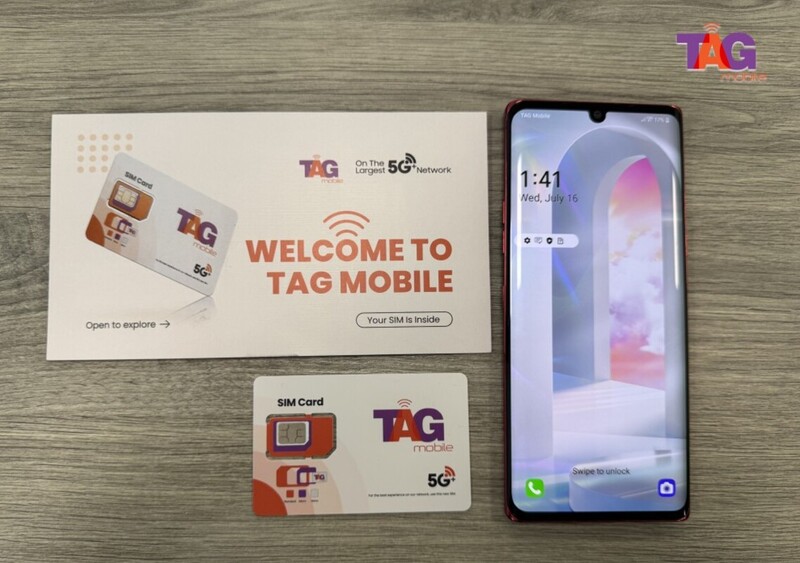
TAG Mobile helps low-income users get higher smartphone models and telecommunication services
Note: Eligibility varies by state and program. Offers depend on availability and qualifications. TAG Mobile operates under the federal Lifeline Program as an Eligible Telecommunications Carrier (ETC). Service is non-transferable and limited to one service per household.
Final Thoughts
Not every conversation needs to disappear after it is viewed. Once you know how to turn off Vanish Mode on Instagram, you can keep messages visible and manage chats in a way that better suits your needs on iPhone or Android. It is also worth reviewing Instagram’s chat and privacy settings from time to time. Eligible users may also consider TAG Mobile’s Lifeline-supported service for more affordable connectivity.
Share
TAG Blog
Stories, guides, and helpful updates for staying connected.