How to See Deleted Messages on iPhone: Texts, WhatsApp, and Messenger
An important conversation can disappear with a single tap, but what happens next depends on the messaging app and how your data is stored. The options for how to see deleted messag...
Quincy D.-Sep 30, 2026
Image by Unsplash
Table of Contents
An important conversation can disappear with a single tap, but what happens next depends on the messaging app and how your data is stored. The options for how to see deleted messages on iPhone can range from checking recently deleted content to reviewing available backups and app-specific recovery features.
This guide explains the main methods for Apple Messages, WhatsApp, and Messenger, along with the limitations you should know before trying to recover a conversation.
1. How to See Deleted Messages on iPhone?
Apple places eligible deleted texts and conversations in a temporary recovery folder before removing them permanently. Complete the following steps promptly, since messages normally remain recoverable for only 30 days after deletion.
Step 1: Open the Messages App
Launch Messages and return to the main conversation list rather than staying inside an individual chat. Make sure the iPhone uses a compatible iOS version because the Recently Deleted recovery feature is available on iOS 16 and later.
Step 2: Access Recently Deleted
Tap Filters in the upper-left corner, then select Recently Deleted. On some iOS layouts, tap Edit and choose Show Recently Deleted instead; this is the essential location when checking how to see recently deleted messages on iPhone.
Step 3: Select the Deleted Conversations
Review the available conversations and select each one you want to restore. The screen may show how many days remain before permanent deletion, helping you prioritize messages approaching the end of Apple’s recovery period.
Step 4: Recover the Selected Messages
Tap Recover, then confirm by selecting Recover Messages. Restored conversations return to the regular Messages list, and if Messages in iCloud is enabled, recovery may synchronize across Apple devices signed in with the same account.
Deleted text messages typically remain in the iPhone’s Recently Deleted folder for up to 30 days before they are permanently removed. During this period, you can review and recover eligible conversations directly through the Messages app without restoring an older backup.
After the recovery window expires, the messages may no longer be available through this folder. Keep in mind that this feature applies specifically to Apple Messages, and how to see deleted messages on Messenger iPhone depends on Messenger’s own deletion, archiving, and recovery options.
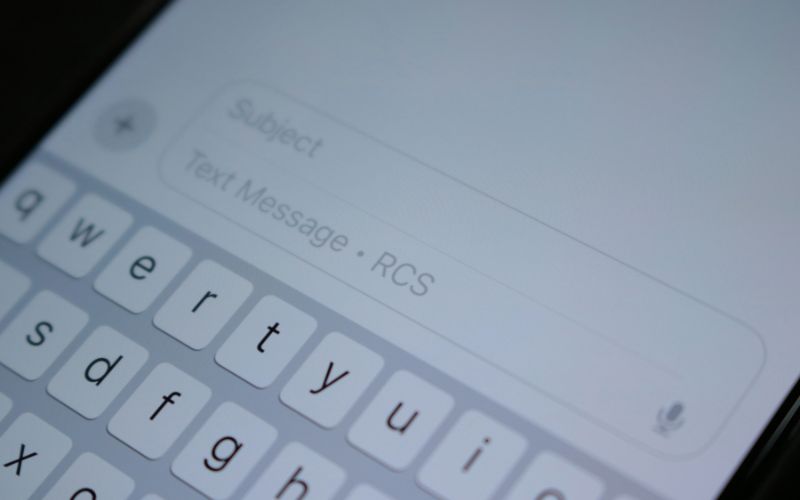
iPhone keeps eligible deleted messages for up to 30 days, giving you time to recover them. (Image by Unsplash)
3. How to See Deleted WhatsApp Messages on iPhone?
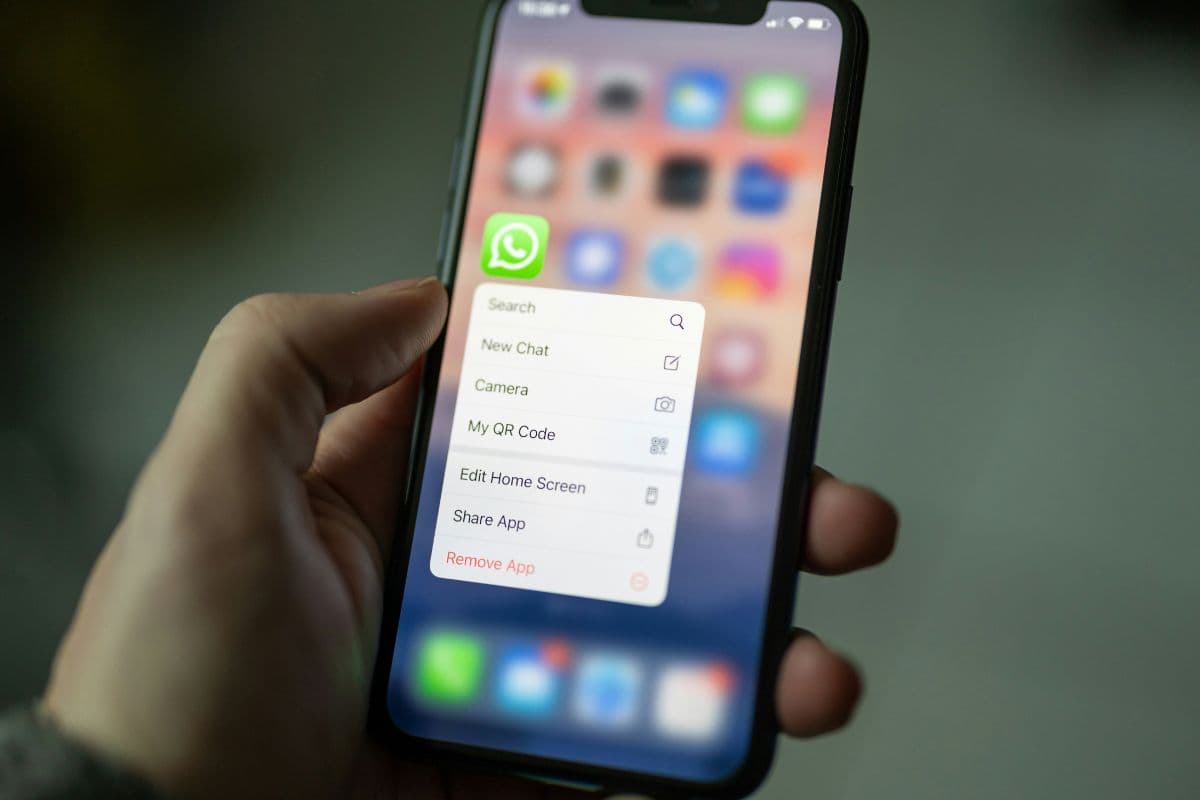
WhatsApp does not provide a Recently Deleted folder comparable to Apple Messages. Recovery is possible only when an existing iCloud chat backup predates the deletion, and restoring it may remove newer conversations created after that backup.
Step 1: Check the Latest WhatsApp Backup
Open WhatsApp and go to Settings > Chats > Chat Backup. Confirm that the displayed backup date falls before the messages were deleted; a newer backup may already reflect the deletion and therefore cannot restore them.
Step 2: Protect Any Newer Information
Save important recent photos, files, or conversation details before proceeding because restoration returns WhatsApp to the backup’s earlier state. Avoid creating another manual backup, since doing so could overwrite the older copy containing the deleted messages.
Step 3: Confirm Your iCloud Requirements
Verify that iCloud Drive is enabled and WhatsApp has permission to use it. You must also use the same Apple Account and phone number associated with the original backup, with sufficient free storage available.
Step 4: Delete and Reinstall WhatsApp
Remove WhatsApp from the iPhone only after confirming that a suitable backup exists. Download the app again from the App Store, open it, accept the required permissions, and verify the same phone number previously used.
Step 5: Restore the Chat History
When WhatsApp detects the iCloud backup, tap Restore Chat History and follow the on-screen instructions. Enter the backup password or encryption key if end-to-end encrypted backups were enabled, since WhatsApp cannot bypass that protection.
Step 6: Wait for Restoration to Finish
Keep the iPhone connected to stable Wi-Fi and power while messages are restored. Review the relevant conversation after completion; photos and videos may continue downloading afterward, depending on backup size and connection speed.
4. Why Can’t I Find Recently Deleted Messages on My iPhone?
Several conditions can prevent the Recently Deleted folder from appearing or displaying the conversation you need. When checking how to see deleted text messages on iPhone, consider the deletion date, iOS version, and method used to remove the message.
Your iPhone uses an older iOS version: Recently Deleted is available on iOS 16 and later. Update the device through Settings > General > Software Update if the recovery option does not appear.
You are viewing an open conversation: Recently Deleted appears from the main Messages list, not inside an individual chat. Return to the conversation screen, then tap Filters or Edit to locate it.
No recoverable messages are available: iOS may hide the folder when it contains no eligible deleted conversations. Messages removed more than 30 days ago are normally deleted permanently and will no longer appear.
You used Undo Send: Messages removed through Undo Send are permanently deleted rather than transferred to Recently Deleted. Expired audio messages that were not saved are also unavailable for recovery.
Messages in iCloud synchronized the deletion: When Messages in iCloud is enabled, deleting a conversation can remove it across devices using the same Apple Account. Another synced device may therefore contain the same deletion rather than a recoverable copy.
5. What Mobile Assistance Programs Offer Free or Low-Cost iPhone Upgrades?
Lifeline is a federal assistance program that provides eligible households with a monthly discount on phone or internet service. Depending on the provider and location, supported service may include data, talk, text, and other communication features.
Eligible Telecommunications Carriers such as TAG Mobile can complement the Lifeline discount with provider-specific offers, including free service plans and free or discounted devices. TAG Mobile plans may feature unlimited talk and text, up to 16GB of data, international calling, and free delivery, although availability varies by state.
Device needs differ depending on whether customers prefer iOS, Android, a compact phone, or a larger tablet. TAG Mobile currently lists the following models for customers comparing available upgrade options:
iPhone 8: Compact Apple smartphone featuring a 4.7-inch Retina HD display, Touch ID, an A11 Bionic chip, and a 12MP rear camera.
iPhone 13 Pro Max: Premium 5G iPhone with a 6.7-inch Super Retina XDR display, ProMotion technology, an A15 Bionic chip, and a versatile triple-camera system.
Samsung Galaxy A42 5G: 5G Android phone offering a 6.6-inch Super AMOLED display, a 5,000 mAh battery, expandable storage, and multiple rear cameras.
Samsung Galaxy Tab A 2018: Android tablet with a larger viewing area for video calls, streaming, reading, browsing, and routine online activities.
iPad mini 4: Portable Apple tablet featuring a 7.9-inch Retina display, Touch ID, and convenient access to iPad apps, video calls, and online content.
iPad 7: Full-size tablet with a 10.2-inch Retina display, Touch ID, Apple Pencil support, and enough screen space for learning, entertainment, and daily tasks.
Samsung Galaxy A20: Android smartphone equipped with a 6.4-inch Super AMOLED display, a 4,000 mAh battery, expandable storage, and dual rear cameras.
Households can qualify for Lifeline through participation in programs such as SNAP, Medicaid, SSI, Federal Public Housing Assistance, or Veterans Pension and Survivors Benefit. Income at or below 135% of the Federal Poverty Guidelines may also establish eligibility.
Only one Lifeline benefit is permitted per household, and documentation may be required. Check your eligibility first to view the service features, device offers, and upgrade prices available in your area.
Note: Eligibility varies by state and program. Offers depend on availability and qualifications. TAG Mobile operates under the federal Lifeline Program as an Eligible Telecommunications Carrier (ETC). Service is non-transferable and limited to one service per household.
6. FAQs about Deleted Messages on iPhone
Recovery possibilities depend on where the conversation was stored, how it was removed, and whether synchronization or backups were enabled. These answers clarify common concerns about how to see deleted messages on iPhone across Messages, iCloud, Messenger, and recovery software.
Does Deleting a Text on iPhone Delete It From iCloud?
Deleting a text usually removes it from iCloud and other synced Apple devices when Messages in iCloud is enabled. Eligible conversations remain in Recently Deleted for up to 30 days and can be restored across devices using the same Apple Account.
Are Archived Messenger Chats the Same as Deleted Chats?
No, archived Messenger chats are merely hidden from the main inbox and remain accessible through the Archived Chats section or search. Deleted chats are removed from your account and generally cannot be restored through Messenger once deletion is confirmed.
Can Third-Party Apps Really Recover Permanently Deleted iPhone Messages?
Third-party tools cannot guarantee recovery of messages that iOS has permanently erased or overwritten. Some programs may extract conversations still present in an existing computer or iCloud backup, but users should review privacy policies, permissions, costs, and security risks before providing account or device access.
Final Thoughts
Success with how to see deleted messages on iPhone depends on acting before recovery windows expire and checking the correct app. Apple Messages may remain available for 30 days, while WhatsApp requires an earlier backup and Messenger follows separate rules.
Stay connected through affordable plans and device options from TAG Mobile. Verify backup dates carefully before restoring anything that could overwrite newer conversations.
Share
TAG Blog
Stories, guides, and helpful updates for staying connected.