How to Lock SIM Card on Android: Simple Steps for Lifeline Phone Users
In today’s digital age, security is a top priority for everyone, especially for those utilizing essential services. If you are a participant in the government-supported telecommuni...
Quincy D.-Feb 26, 2026
Image by Unsplash
Table of Contents
In today’s digital age, security is a top priority for everyone, especially for those utilizing essential services. If you are a participant in the government-supported telecommunications program, knowing how to lock SIM card on Android is a vital skill.
This simple security measure ensures that your private information remains safe, even if your device is lost or stolen. By setting up a SIM PIN lock, you add an extra layer of protection to your TAG Mobile wireless service, keeping your connection secure and ready for use whenever you need it most.
Securing your mobile device goes beyond just setting a screen pattern or a fingerprint scan. When you learn how to lock SIM card on Android, you are protecting the physical chip that connects you to the network.
For low-income US residents, maintaining digital equity means ensuring that the resources provided by the government are used exclusively by the intended recipient. Unauthorized access can lead to service interruptions that are difficult to resolve.
Preventing Unauthorized Calls and Data Use
Without a SIM PIN lock, an unauthorized user could potentially rack up charges or exhaust your data limit quickly. For many, every megabyte of data is precious for job hunting or staying in touch with emergency services.
Knowing how to lock SIM card on Android prevents anyone from using your SIM for calls or internet browsing without entering a secret four-digit code. This simple habit is one of the most effective Android security settings available to keep your account in good standing.
Protecting Your Lifeline Benefits
The Lifeline program benefits are designed to help you stay connected to healthcare, employers, and family. If someone steals your phone and your SIM is not locked, they can move your SIM card to another device and use your monthly minutes and data.
By utilizing Android security settings to lock the SIM, you ensure that your specific government-supported benefits remain under your control. This is a critical step to protect your mobile data and ensure your communication lifeline is never compromised.
2. How to Lock SIM Card on Android Quickly
How to Lock SIM Card on Android Quickly (Image by Unsplash)
Setting up protection is a fast process that only takes a few minutes. Most users find that once they understand how to lock SIM card on Android, they feel much more confident carrying their device in public.
Because TAG Mobile upgrade phone provides reliable connectivity, keeping that connection locked behind a PIN is the best way to protect your mobile data from opportunistic theft.
Lock SIM Card Using Android Settings
To begin, open your device’s “Settings” app.
Navigate to “Security” or “Biometrics and Security“
Look for “Other Security Settings“
From there, you will find an option labeled “Set up SIM card lock“
When you toggle this on, the phone will ask you to enter the current PIN to enable the lock.
Learning how to lock SIM card on Android through these menus ensures that every time your phone restarts, your SIM PIN lock will be required before the device connects to the network.
Default SIM PIN and How It Works
When you first try to enable the lock, you might wonder what the code is.
In the field of Lifeline, most providers use a default PIN like “1234” or “0000.” It is important to check your documentation from TAG Mobile wireless service to confirm this. Using the correct default is part of knowing how to lock SIM card on Android correctly.
Entering the wrong code too many times can disable the SIM. Once the default is accepted, you can proceed to create a unique code that only you know.
Once you have mastered the basics of how to lock SIM card on Android, the next step is customization. A default PIN is easy for hackers to guess, so changing it to a personal number is a key part of your Android security settings. This ensures that your TAG Mobile wireless service remains exclusive to you, supporting the goal of digital equity by keeping low-income users safe from identity theft or service fraud.
Changing SIM PIN from Settings
In the same “SIM card lock” menu where you enabled the feature, you will see an option to “Change SIM PIN.” You will be asked to enter the old PIN once and then enter your new four-to-eight-digit PIN twice. This is a primary way to protect your mobile data.
Knowing how to lock SIM card on Android with a custom code is a standard recommendation for all mobile users.
If you forget your code while practicing how to lock SIM card on Android, do not panic. After three failed attempts, the SIM will be “PUK locked.” You will need a Personal Unlocking Key (PUK) to regain access. You can find this by contacting TAG Mobile wireless service customer support.
They can provide the PUK code so you can reset your SIM PIN lock and continue enjoying your Lifeline program benefits. Never try to guess the PUK, as ten wrong attempts will permanently break the SIM card.
4. Keeping Your SIM Active and Service Ready
Security is just one part of the puzzle. Keeping your service active is the other. While learning how to lock SIM card on Android keeps you safe, you must also use your service at least once every 30 days to remain compliant with federal rules.
The TAG Mobile wireless service is a powerful tool for those who qualify, providing a bridge over the digital divide. By mastering your Android security settings, you demonstrate a commitment to maintaining your access to these vital Lifeline program benefits.
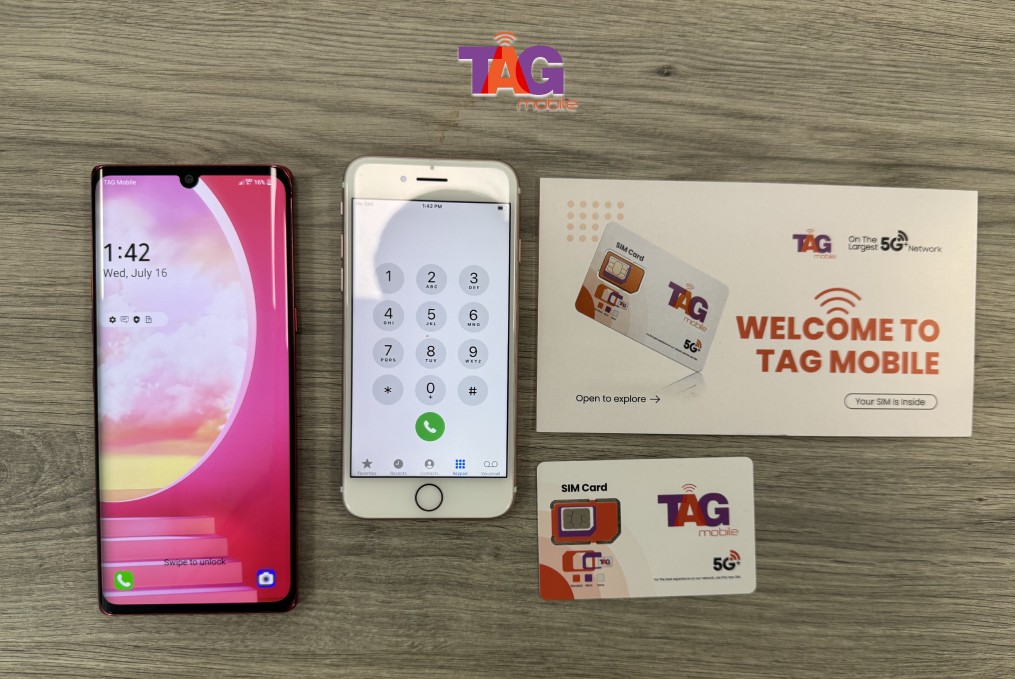
If you ever need a replacement or want to ensure you are using the most secure technology, you can always visit the official site to manage your TAG Mobile SIM card.
Even though this link mentions the technical hardware, your focus as a Lifeline user remains on keeping your government-supported account active and protected. Using a SIM PIN lock is the best way to protect your mobile data and ensure that your phone is always ready for work, school, or health-related calls.
Claim your free phone with SIM card, or only the SIM card with data if you prefer to use your current device.
Notice: The government does not cover device costs, only basic service through Lifeline. Any free or discounted devices, upgrades, or top-ups are limited-time TAG Mobile offers and may vary by state, eligibility, and availability. Terms and conditions apply.
5. Final Words
Understanding how to lock SIM card on Android is a simple yet powerful way to secure your digital life. For those relying on Lifeline program benefits, protecting your device with a SIM PIN lock and proper Android security settings is essential for maintaining your connection. By taking these steps, you protect your mobile data and ensure your TAG Mobile wireless service remains a reliable tool for your future.
Share
TAG Blog
Stories, guides, and helpful updates for staying connected.