How to Know If Someone Screenshots Your Instagram Story: What You Can and Can’t See
Story viewer lists reveal who watched your content, but they do not always show what happened after an image appeared on someone else’s screen. Asking how to know if someone screen...
Quincy D.-Sep 28, 2026
Image by Unsplash
Table of Contents
Story viewer lists reveal who watched your content, but they do not always show what happened after an image appeared on someone else’s screen. Asking how to know if someone screenshots your Instagram story raises important questions about alerts, screen recordings, regular posts, and disappearing messages.
This guide separates what Instagram currently reveals from what remains private, helping you manage shared content with clearer expectations and stronger privacy awareness.
1. Does Instagram Notify When Someone Screenshots a Regular Story?
No. Instagram does not currently notify you when someone screenshots or screen-records a regular Story.
Your viewer list shows who watched the content, but it does not display a screenshot symbol, warning, label, or notification beside their account. This means you generally cannot tell whether someone saved a copy of your Story using a screenshot or screen recording.
The same applies whether the Story contains a photo, video, text, or other standard Story content. However, Instagram has used screenshot notifications for certain disappearing messages and media in direct messages, so those features should not be confused with regular Stories.
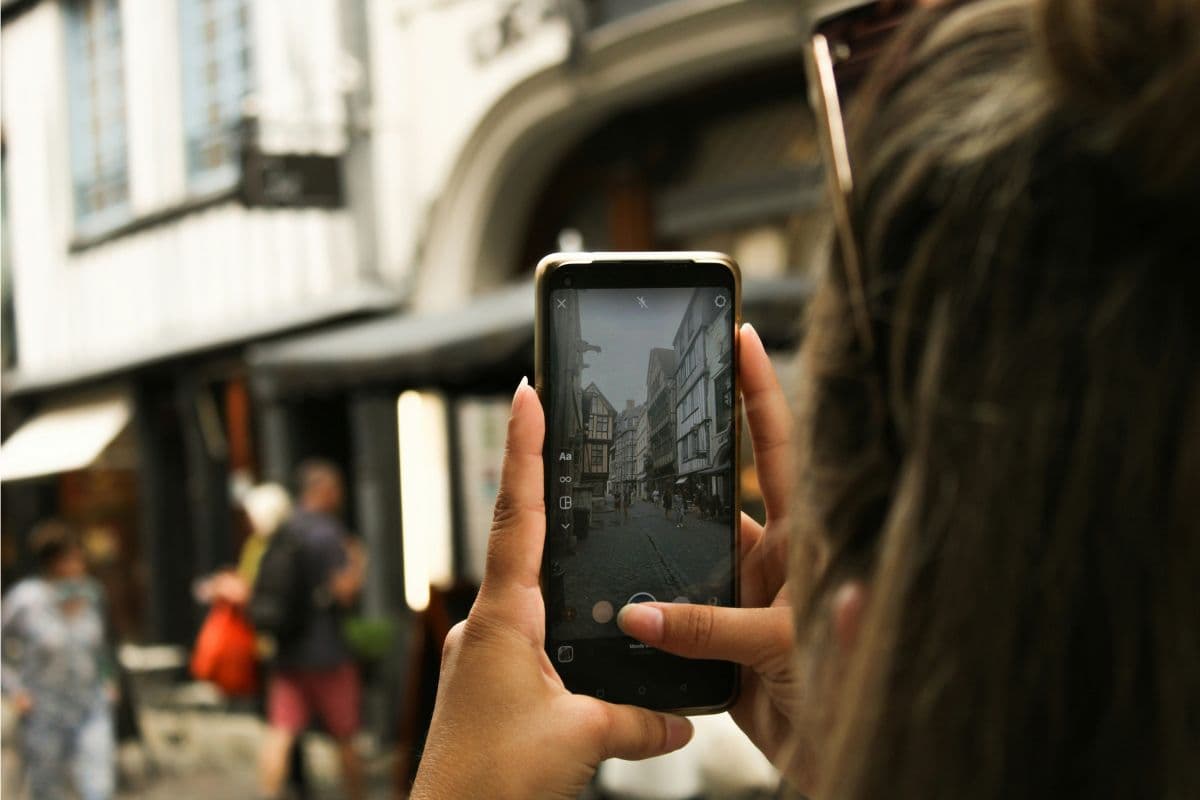
Instagram does not currently notify you when someone screenshots or screen-records a regular Story. (Image by Unsplash)
2. How to Know If Someone Screenshots Your Instagram Story?
Instagram treats screenshots differently depending on where the content appears and whether it is designed to disappear. Checking how to know if someone screenshots your Instagram story therefore requires separating regular Stories and public content from temporary media shared privately in Direct Messages.
Instagram Stories
Regular Stories do not generate an alert when someone takes a screenshot or creates a screen recording. Your viewer list only identifies accounts that opened the Story; it does not show who saved it, captured it, or recorded it before the content expired.
Posts, Reels, and Highlights
Instagram does not notify creators when users screenshot standard feed posts, Reels, profile pages, or saved Highlights. No warning appears in notifications or account insights. Likes, comments, shares, and certain views may remain visible, but private screenshots and screen recordings cannot be identified.
Disappearing Media in Direct Messages
Temporary photos or videos sent privately receive stronger protection than regular content. Instagram may show a screenshot indicator for disappearing media or Vanish Mode conversations, while certain ViewOnce formats may block screen capture entirely. Ordinary text messages, shared posts, and permanent DM photos do not normally trigger screenshot alerts.
3. Tips to Protect Your Instagram Stories From Unwanted Sharing
Instagram cannot fully prevent someone from capturing regular Stories, so protection begins with controlling the audience and limiting sensitive content. Since how to know if someone screenshots your Instagram story has no dependable answer for standard posts, use these precautions before sharing.
Switch to a private account so only approved followers can view your Stories, reducing exposure to unknown users.
Use Close Friends when sharing personal updates, private locations, family moments, or content intended for a smaller audience.
Hide stories from specific accounts through your privacy settings without removing or blocking those users entirely.
Avoid posting financial details, identification documents, travel plans, private conversations, or anything that could cause harm if copied.
Add a subtle username watermark to original images or videos so reposted content remains connected to its creator.
Review your followers regularly and remove unfamiliar, inactive, suspicious, or unwanted accounts from your approved audience.
Report unauthorized reposts, impersonation, harassment, or privacy violations directly through Instagram when misuse occurs.
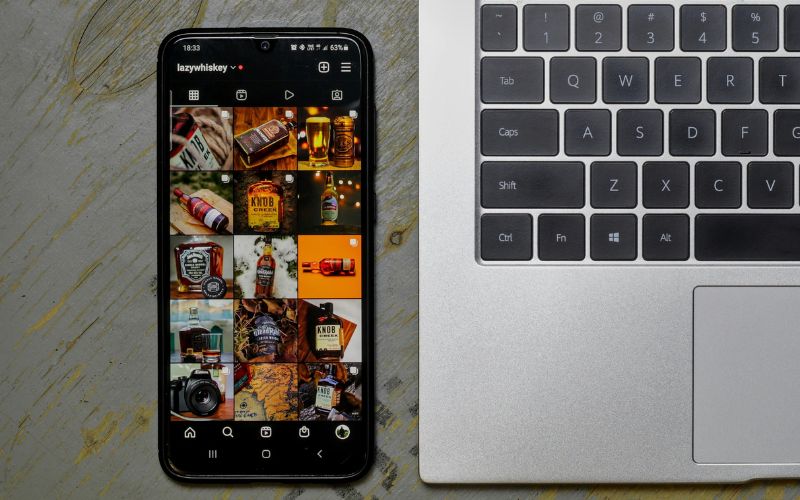
Control your audience and limit sensitive content to protect Instagram Stories from unwanted sharing. (Image by Unsplash)
4. How Can Mobile Connectivity and Free Phone Programs Support Social Media Use?
Mobile service helps users access social platforms, manage privacy settings, communicate with family, and receive account security alerts from almost anywhere. Smartphones also support content creation, messaging, job searches, online learning, and essential digital services.
Lifeline is a federal benefit that lowers the monthly cost of qualifying phone or internet service for eligible low-income households. Applicants may qualify through income or participation in assistance programs, and SNAP recipients may already meet the program-based eligibility requirements.
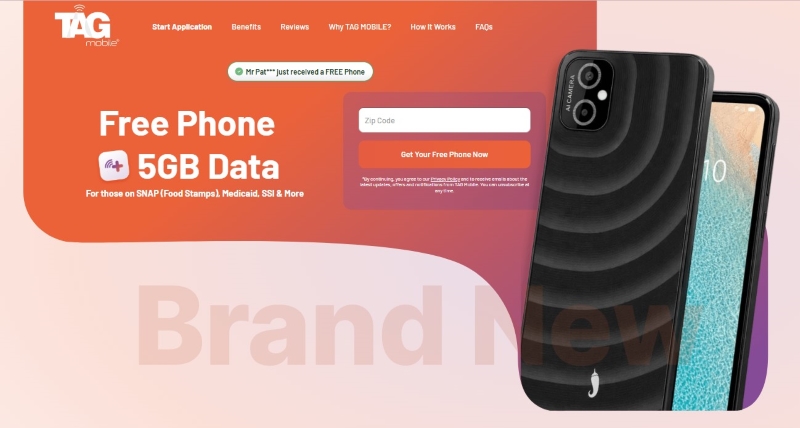
Headquartered in Houston, Texas, TAG Mobile has expanded its wireless services to support customers across multiple states. As an Eligible Telecommunications Carrier, TAG Mobile combines the Lifeline discount with qualifying offers that may include monthly talk, text, data, and a free or discounted smartphone, subject to state availability.
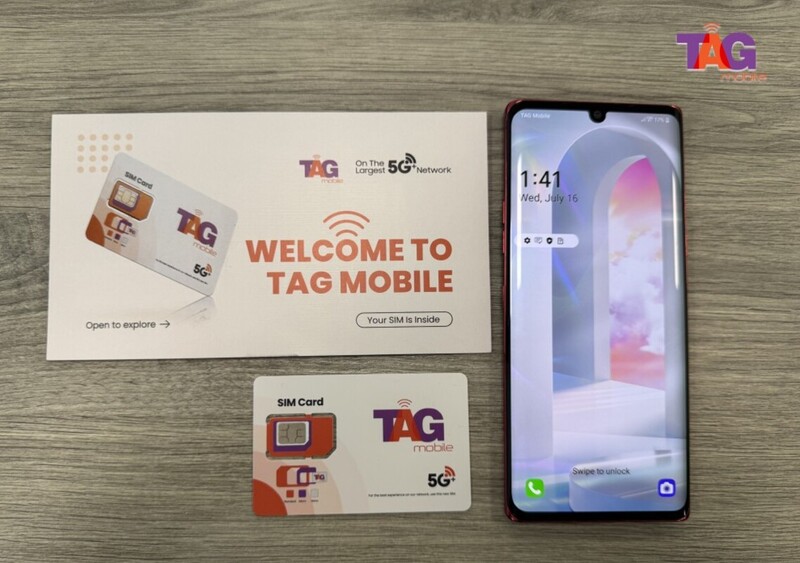
TAG Mobile helps low-income users get higher smartphone models and telecommunication services
Applying online requires basic personal details and documents that confirm identity, address, and eligibility. Preparing these items before starting can reduce delays and make the enrollment process easier to complete.
Check eligibility: Determine whether your household income meets Lifeline limits or whether you participate in SNAP, Medicaid, SSI, Federal Public Housing Assistance, or another qualifying program.
Enter your service location: Provide your ZIP code to confirm that TAG Mobile offers Lifeline service and eligible device options in your area.
Review available offers: Choose from the plan and device options displayed for your state. Free smartphone availability, device models, data allowances, and other benefits can vary by location.
Complete the application: Submit your full legal name, date of birth, address, Social Security information, and other requested details exactly as they appear on official records.
Upload supporting documents: Provide acceptable proof of identity, current address, and qualifying program participation or household income when automatic verification is unavailable.
Submit and track the application: Review every detail before submitting, then monitor your email or TAG Mobile account for approval updates or document requests. Approved device orders generally ship within 7-10 business days.
Note: Eligibility varies by state and program. Offers depend on availability and qualifications. TAG Mobile operates under the federal Lifeline Program as an Eligible Telecommunications Carrier (ETC). Service is non-transferable and limited to one service per household.
5. FAQs about Instagram Story Screenshots
Instagram provides several Story metrics and audience controls, but screenshot activity remains largely private. These answers explain what Insights can reveal, how to limit Story visibility, and why some users remember receiving screenshot notifications in the past.
Can Instagram Insights Show Story Screenshots?
No, Instagram Insights does not report how many people screenshot or screen-record a regular Story. Professional accounts may see views, reach, replies, link activity, and other engagement data, but screenshots are not included as a separate metric.
How Can I Make My Instagram Stories More Private?
Switch your account to private, use Close Friends, or hide Stories from selected users through Instagram’s privacy settings. Review your follower list regularly and avoid posting sensitive information that could cause problems if someone copied or redistributed it.
Did Instagram Use to Notify Story Screenshots?
Yes, Instagram briefly tested screenshot notifications for Stories with a limited group of users in 2018. That experiment ended, and regular Story screenshots no longer produce an alert, label, or identifying symbol in the viewer list.
Final Thoughts
Regular Instagram Stories do not reveal who takes screenshots or screen recordings, so audience control remains your strongest protection. Questions about how to know if someone screenshots your Instagram story should lead to tighter privacy settings, selective sharing, and careful content choices. Stay connected and manage social media settings with TAG Mobile. Thoughtful posting reduces the risk of unwanted copying or redistribution.
Share
TAG Blog
Stories, guides, and helpful updates for staying connected.