How to Cancel ChatGPT Subscription on Web, iPhone, or Android
Subscription cancellation depends on where the plan was originally purchased, so the correct steps differ between chatgpt.com, Apple, and Google Play. Moreover, paid features gener...
Quincy D.-Sep 09, 2026
Image by Unsplash
Table of Contents
Subscription cancellation depends on where the plan was originally purchased, so the correct steps differ between chatgpt.com, Apple, and Google Play. Moreover, paid features generally remain available until the current billing period ends, and OpenAI recommends canceling at least 24 hours before the next billing date.
Here’s how to cancel ChatGPT subscription through the right billing platform to help you stop future renewals without deleting your account.
1. How to Cancel ChatGPT Subscription?
While there are 900 million weekly active ChatGPT users, not all knows how to cancel their subscriptions when they want to.
In fact, ChatGPT subscriptions must be canceled through the same platform used to purchase them, so the steps differ between the web, Apple App Store, and Google Play.
Checking where the charge originated first prevents you from looking for a cancellation option in the wrong place.
On the Web
If you subscribed directly through chatgpt.com, cancellation is handled inside your ChatGPT account rather than through Apple or Google.
To cancel ChatGPT subscription how to, this is the shortest route when your billing receipt came directly from ChatGPT.
Sign in to the ChatGPT account that currently has the paid subscription.
Open your account menu and choose Settings.
Select Billing to view the plan connected to that account.
Find the Cancel plan section and select Cancel.
Check the subscription status afterward to make sure automatic renewal is no longer active.
Complete the cancellation at least 24 hours before your next billing date if you want to avoid being charged for another period.
Canceling on the web stops future renewals but does not immediately remove paid features. You can generally keep using the subscription until the end of the billing period you already paid for.
On iPhone or iPad
Subscriptions purchased through Apple are controlled by Apple, so you will not cancel them from ChatGPT’s web billing page.
This distinction matters because even deleting your ChatGPT account does not cancel an Apple App Store subscription.
How to cancel ChatGPT subscription on iPhone and iPad? Follow these steps to complete the process:
Open Settings on your iPhone or iPad.
Tap your name at the top of the screen.
Choose Subscriptions to see plans billed through your Apple account.
Select ChatGPT from the list.
Tap Cancel Subscription and confirm the cancellation.
If the Cancel button is missing but an expiration date appears, the subscription may already be set to end.
Keep the Apple subscription active only if you still want it to renew. If you plan to delete your ChatGPT account as well, cancel through Apple first so billing does not continue separately.
On Android
Google Play manages subscriptions originally purchased through the Android app, so make sure you are signed in to the same Google account used when you paid.
For how to cancel ChatGPT subscription, checking the correct Google account is especially important if several accounts are connected to the device.
Open the Google Play Store app.
Go to Subscriptions.
Select ChatGPT from your active subscriptions.
Tap Cancel subscription.
Follow the prompts to confirm your choice.
You can also cancel through the Google Play subscriptions website by selecting Manage next to ChatGPT and then choosing Cancel subscription.
Uninstalling the Android app does not cancel billing. The subscription must be canceled through Google Play when Google is the platform processing the charge.
Cancellation changes the renewal status rather than switching off the paid plan instantly. Your existing billing period, refund eligibility, and purchase platform all affect what happens next.
Paid features remain temporarily: ChatGPT Plus benefits generally stay available until the current paid billing period ends.
Future renewal stops: Once cancellation is confirmed, the plan should no longer automatically renew for another billing cycle.
Previous charges are not automatically refunded: Canceling stops future billing, but it does not by itself return money already paid. Refund eligibility depends on the purchase method and location.
Your ChatGPT account remains available: You do not need to delete your account simply because you are ending a paid subscription. After the paid period finishes, you can continue using the account under the available free-plan experience.
Cancellation should be done early: OpenAI recommends canceling at least 24 hours before the next billing date to avoid another subscription charge.
Purchase platform still matters afterward: For example, someone researching how to cancel ChatGPT Plus subscription OpenAI should first check whether the subscription was actually purchased on chatgpt.com, the Apple App Store, or Google Play, because each platform controls its own cancellation process.
3. When Should You Cancel to Avoid the Next Charge?
Cancel your ChatGPT subscription at least 24 hours before the next billing date if you want to avoid another charge. Canceling earlier gives the billing system enough time to process the change while still letting you keep paid features until the current subscription period ends.
4. Can You Get a Refund After Canceling ChatGPT?
Refund options vary depending on where the subscription was purchased and the user’s location.
If you are checking how to cancel a ChatGPT Plus subscription how to, purchases made through ChatGPT.com or Google Play can generally be reviewed through OpenAI Support, while subscriptions billed through Apple require refund requests to be submitted directly to Apple.
Refund approval is not automatic and depends on the applicable policy.
ChatGPT refund requests depend on where the subscription was purchased and the user’s location. (Image by Unsplash)
5. Looking to Reduce Phone Costs? Check If You Qualify for Free Service Benefits
Reducing recurring expenses can make a noticeable difference when several monthly services compete for the same budget. For eligible households, federal assistance programs can also lower the cost of staying connected by phone.
The Lifeline Program is a federal benefit that helps qualifying low-income consumers reduce the cost of monthly phone or broadband service. Eligibility is generally based on household income or participation in an approved assistance program, and only eligible customers may enroll.
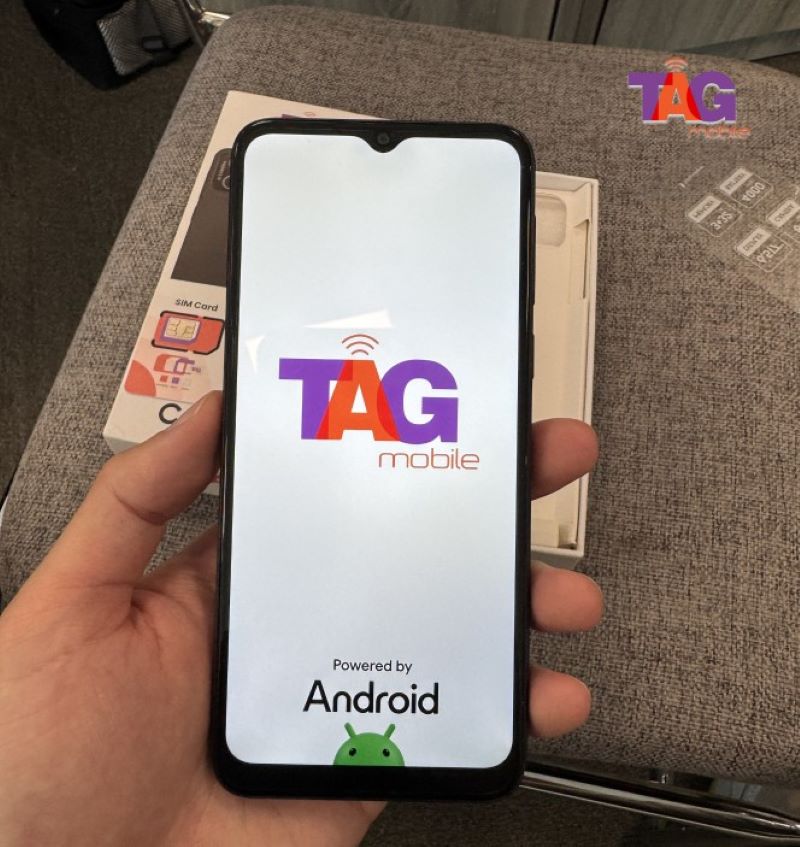
TAG Mobile is a US service provider that provides Lifeline-supported wireless plans. Many applicants consider TAG Mobile because it combines online Lifeline enrollment, nationwide coverage, multilingual customer support, no contracts or credit checks for eligible service, affordable device choices, and the ability to select from available devices.
The carrier’s current Lifeline plan combines essential calling features with mobile data and additional connectivity benefits. Exact availability can vary by state and location, but qualifying customers may receive the following features:
Up to 16GB of mobile data each month (allowances vary by state and may subject to future changes)
Unlimited talk and text
Free international calling to 200+ countries and territories
Nationwide 5G+/4G LTE coverage
Free delivery and discounted phone options
Caller ID, call waiting, three-way calling, and voicemail
Unlimited text and picture messaging
Bring Your Own Phone and Bring Your Own Number Options
Access to 911 emergency services
Checking Lifeline eligibility through TAG Mobile can show which free monthly service benefits and device offers are currently available in your area.
Apply on TAG Mobile to claim a free SIM card and a free device!
Note: TAG Mobile operates under the federal Lifeline Program as an Eligible Telecommunications Carrier (ETC). The government does not subsidize devices. Lifeline programs cover basic service costs only. Free or discounted devices, upgrade plans, or top-ups are exclusive benefits provided by TAG Mobile as part of our promotional offers. Service is non-transferable and limited to one service per household. Eligibility varies by state and program. Offers depend on availability and qualifications.
6. Final Thoughts
Ending a paid plan is straightforward once you know which platform manages the billing. For how to cancel ChatGPT subscription, the key is to cancel through chatgpt.com, Apple, or Google Play before the next renewal date. Paid access usually continues until the current billing period ends, while refunds follow separate rules. For more practical tech and cost-saving guidance, explore TAG Mobile.
Share
TAG Blog
Stories, guides, and helpful updates for staying connected.