How to Call Private on iPhone (Hide Your Number in Seconds)
If you’re wondering how to call private on iPhone, there are several simple and effective ways to keep your number hidden and protect your personal information during calls. Apple...
Quincy D.-Jan 31, 2026
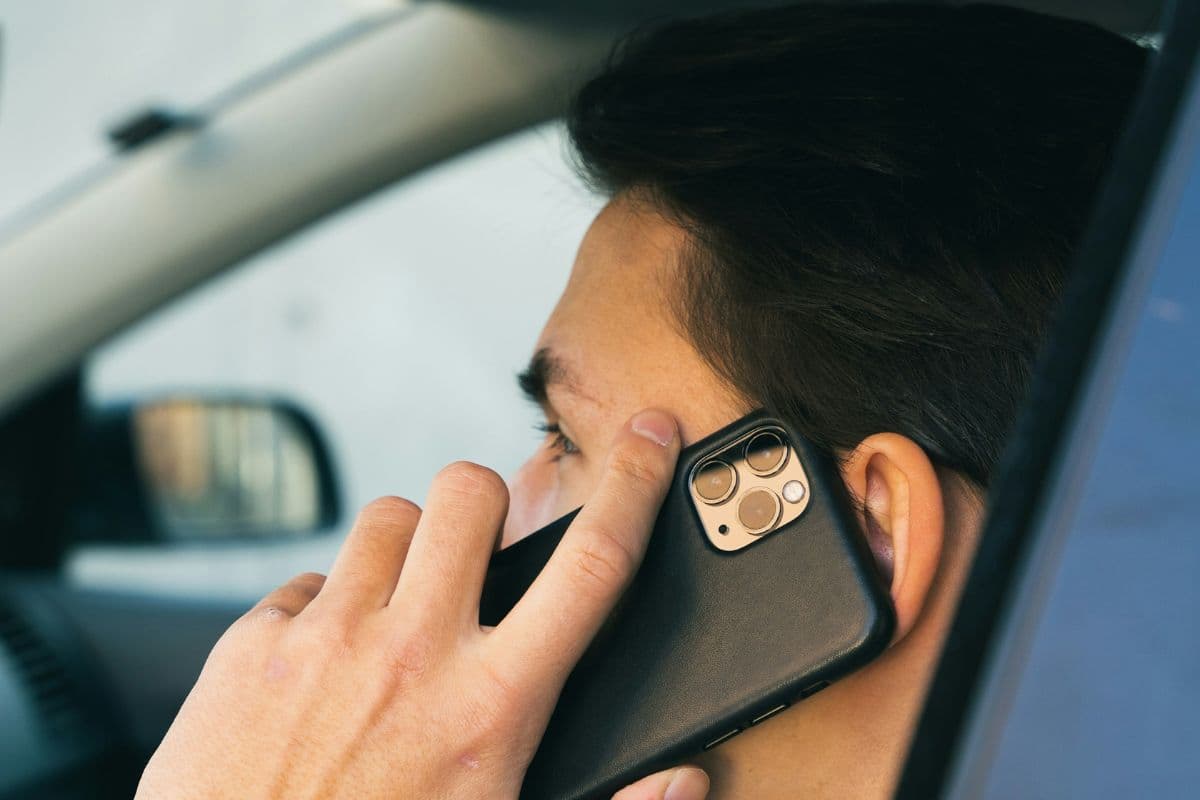
Image by Unsplash
Table of Contents
If you’re wondering how to call private on iPhone, there are several simple and effective ways to keep your number hidden and protect your personal information during calls. Apple includes built-in settings and quick dial codes that let you block your caller ID in just a few taps, so you don’t need any extra apps or complicated steps. These features make it easy to stay in control of who sees your number.
These tools are especially helpful when you want to avoid spam, maintain privacy, or handle sensitive conversations with businesses, clients, or unfamiliar contacts. With the right setup, you can decide exactly when your number appears or stays anonymous, giving you more flexibility and peace of mind. For step-by-step guidance, practical tips, and extra support, follow the detailed guide below from TAG Mobile to learn more.
On an iPhone, “Calling Private” or “No Caller ID” means your phone hides your number so the person you’re calling cannot see your identity. Instead of your contact details, their screen will display labels like Private, No Caller ID, or Unknown, which helps protect your personal information and avoid unwanted callbacks.
You can enable this by turning off Show My Caller ID in your settings, dialing *67 before a number for one-time privacy, or asking your carrier to block outgoing caller information.
2. How to Call Private on iPhone Using Built-In Settings
If you prefer a permanent way to hide your number, your iPhone already includes a simple built-in setting to block caller ID. This is one of the easiest methods for “how to call private on iPhone” without dialing extra codes each time.
Follow these steps carefully on your Apple iPhone:
Open the Settings app on your iPhone. You should start by launching Settings from your home screen.
Scroll down and tap Apps, then tap Phone. This section contains all calling-related options.
Tap “Show My Caller ID.” Your device will display the caller ID controls for outgoing calls.
Turn off the toggle next to “Show My Caller ID.” Your iPhone will now hide your number automatically for all future calls.
After you disable this option, recipients will see Private or No Caller ID instead of your number. If you don’t see the “Show My Caller ID” setting, your carrier may not support caller ID blocking, so you may need to contact them directly for assistance.
3. Tips to Protect Your Privacy Beyond Private Calls
Learning how to call private on iPhone is a good first step, but true privacy goes beyond simply hiding your caller ID. A few smart habits and settings can better protect your personal information and keep your communications safer overall.
Use a secondary or virtual number for public use. You can set up a backup number through apps or an eSIM line and share that instead of your main number. This simple step keeps your personal line more private and reduces unwanted calls.
Silence unknown callers in your settings. This feature automatically sends calls from numbers not in your contacts to voicemail. It helps cut down spam and scam calls, so you only answer people you recognize.
Avoid sharing your number on public websites or forms. Posting your phone number online can attract robocalls and marketing messages. Keeping it private lowers the risk of constant interruptions.
Turn on two-factor authentication for important apps. This extra layer of security protects your accounts even if someone gains access to your phone number. It adds stronger protection for email, banking, and social media.
Review app permissions regularly. Check which apps can access your contacts, microphone, or call logs and remove anything unnecessary. Limiting permissions helps prevent apps from collecting too much personal data.
Block suspicious or repeat callers immediately. Adding unwanted numbers to your block list stops future calls and messages. This keeps your phone quieter and your time less disrupted.
Keep your iPhone updated to the latest iOS version. Updates fix security issues and improve privacy features. Staying current helps your device remain safe and reliable every day.
Learning how to call private on iPhone is a good first step, but true privacy goes beyond simply hiding your caller ID. (Image by Unsplash)
4. Affordable Phone Access and Privacy Control
Your phone is part of everyday life, from staying in touch with family to handling important calls, so access to reliable service shouldn’t come with a heavy price tag. When your wireless plan is affordable, it’s easier to manage basic privacy settings like caller ID and keep yourself available for work, emergencies, or daily communication.
For eligible households, the Lifeline program helps reduce costs by offering a monthly subsidy on phone or internet service. Keep in mind that Lifeline focuses on the service itself. Devices such as free or low-cost phones may be available through participating providers like TAG Mobile, depending on your location and current inventory.
TAG Mobile supports different usage needs with flexible plans for calling, texting, data, and a wide variety of free/discounted devices. Combined with affordable device options, this makes it easier to stay connected, manage your privacy, and use features like private calling – all without adding unnecessary financial pressure.
Notice: The government does not cover device costs, only basic service through Lifeline. Any free or discounted devices, upgrades, or top-ups are limited-time TAG Mobile offers and may vary by state, eligibility, and availability. Terms and conditions apply.
Final Words
Understanding how to call private on iPhone gives you better control over who can see your number and helps protect your personal information during everyday calls. Simple tools like caller ID settings and dial codes make privacy easy to manage whenever you need extra discretion. At the same time, clear and stable service is just as important to ensure your calls connect smoothly without interruptions.
With affordable wireless plans from TAG Mobile, eligible users can access reliable coverage along with a variety of phone and tablet options that fit everyday needs. While privacy features come from your device settings, dependable service helps everything work seamlessly. Apply today to stay connected, stay protected, and enjoy smarter, more flexible communication every day.
Share
TAG Blog
Stories, guides, and helpful updates for staying connected.