Is your current phone setup holding you back? As we bridge the digital divide, the choice between eSIM vs nano SIM becomes a central question for anyone seeking reliable mobile access. For eligible US residents, maintaining a stable connection is a necessity, not a luxury. Did you know that Lifeline participants can get a new SIM card when they apply through a provider?
Understanding these technical differences ensures you get the most out of your government-supported telecommunications benefits.
1. What Is a SIM Card and Why It Matters for Lifeline Users
A Subscriber Identity Module, or SIM card, is a small chip that identifies your device on a cellular network. For those utilizing government assistance, this tiny piece of technology is the key to unlocking free talk, text, and data. Without a functioning SIM, a smartphone cannot connect to the towers that provide essential communication services.
What a SIM Card Does in Your Phone
The primary role of a SIM card is to store your phone number and security keys that allow you to access the network. It tells the carrier who you are and what plan you have. For users comparing eSIM vs nano SIM, both technologies perform the same basic function but in different physical formats.
Why SIM Type Is Important for Free Phones Backed By Government Program
Digital equity depends on reliable hardware. In the Lifeline program, the SIM type determines which devices you can use. As the US moves toward closing the digital divide, many newer smartphones are transitioning away from physical slots. Knowing if your device requires an eSIM vs nano SIM ensures that your free government-supported service remains active and compatible with your hardware.
>>> Read more: Free SIM Cards with Free Data: Get One With Free Phone Plan
2. What Is a Nano SIM and How It Works
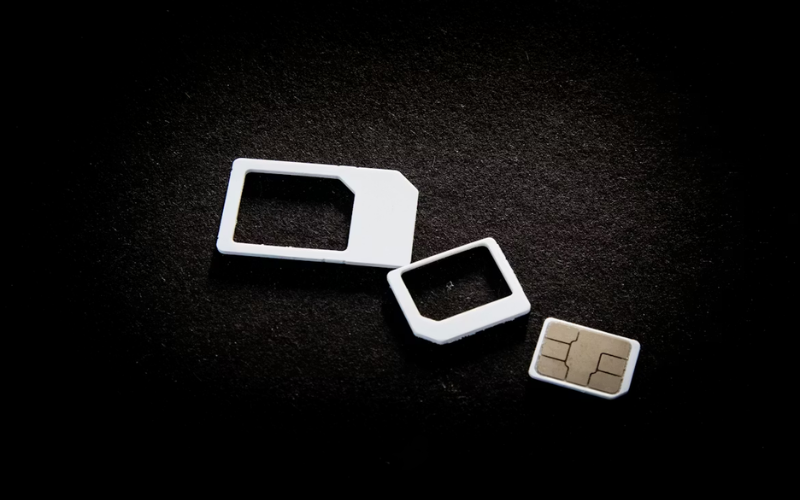
The nano SIM is the fourth generation of the physical SIM card. It is the smallest physical card available, consisting almost entirely of the gold contact chip with very little plastic surrounding it. This has been the industry standard for over a decade.
How a Nano SIM Card Works
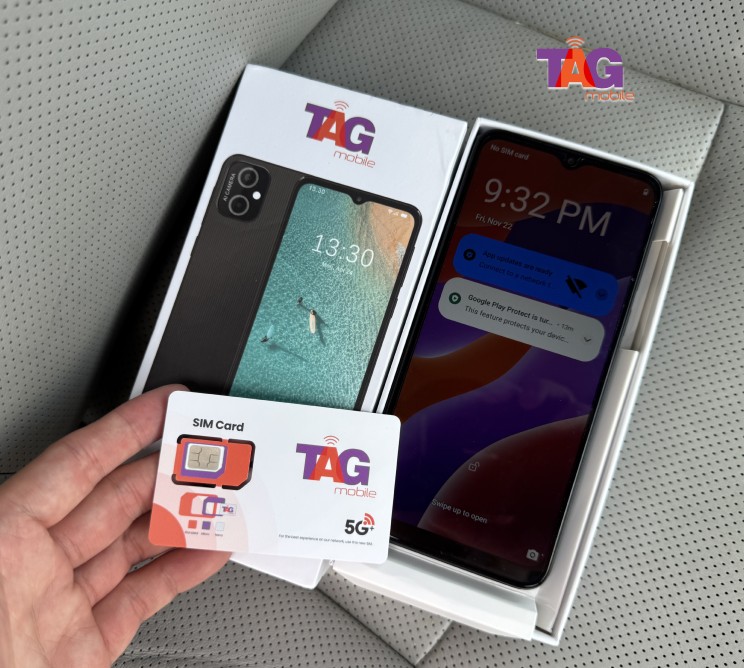
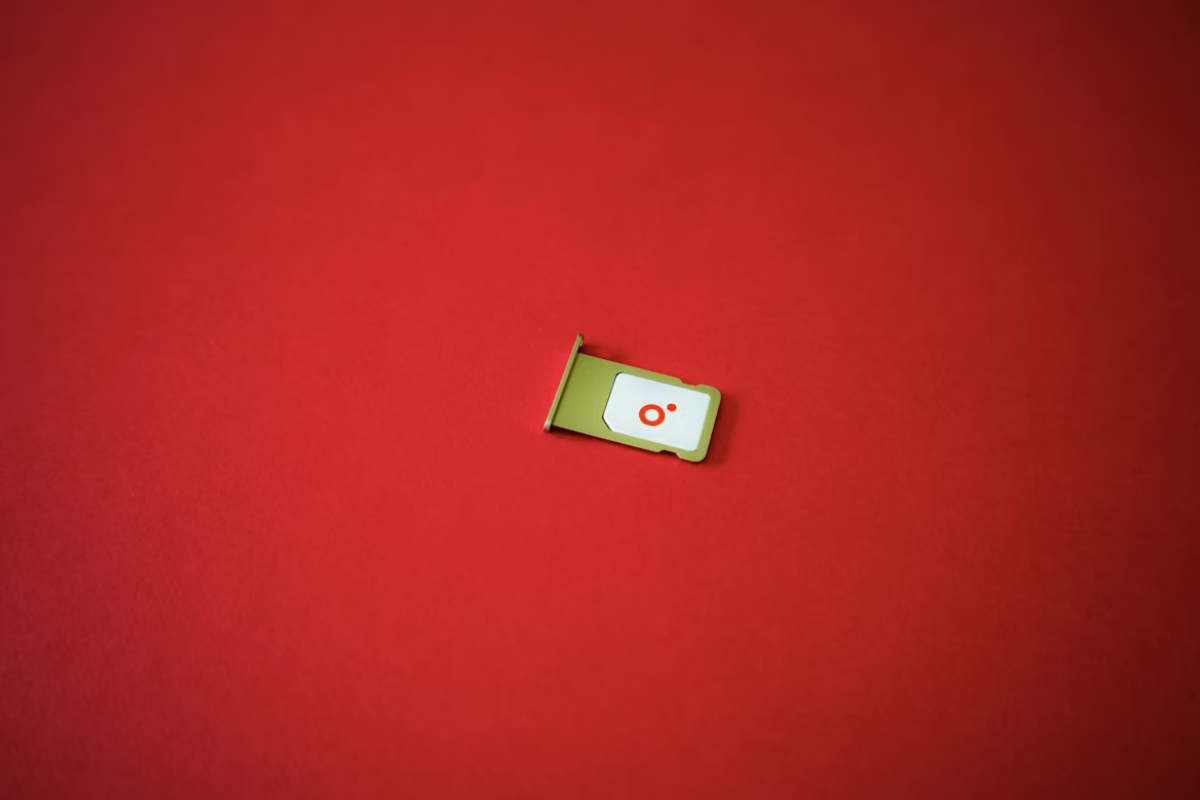
To use a nano SIM, you must physically insert it into a tray in your phone. Once locked in place, the phone reads the data on the chip to connect to TAG Mobile’s network. If you switch phones, you simply pop the tray and move the card to the new device.
Pros and Cons of Using a Nano SIM for Lifeline Service
The biggest advantage of a nano SIM is its SIMplicity and compatibility with older devices, often provided in assistance programs. However, the physical nature means it can be lost or damaged during a transfer. For the low-income demographic, having a physical card is often more familiar and easier to troubleshoot without advanced technical knowledge.
3. What Is an eSIM and How It Works
An eSIM, or embedded SIM, is a digital version of the traditional chip. Instead of a removable card, the hardware is built directly into the phone’s motherboard.
How eSIM Technology Works
With eSIM technology, you don’t need to wait for a physical card in the mail. Instead, you download your profile over Wi-Fi, often by scanning a QR code provided by your carrier. This allows for instant activation, which is a major benefit for those needing immediate access to healthcare or job opportunities.
Pros and Cons of eSIM for Lifeline Users
The primary “pro” of an eSIM is the ability to have multiple lines on one device. The “con” is that it requires a relatively modern smartphone, which may not always be the standard model provided for free. For users evaluating eSIM vs nano SIM, the eSIM offers more security since it cannot be physically stolen.