Pixel 6 eSIM Guide: How to Connect Anywhere Instantly
If you’re exploring digital SIM options, you may be curious how Pixel 6 eSIM works and whether your device supports it. The Google Pixel 6 offers eSIM capability alongside a physic...
Quincy D.-Mar 02, 2026
Image by Unsplash
Table of Contents
If you’re exploring digital SIM options, you may be curious how Pixel 6 eSIM works and whether your device supports it. The Google Pixel 6 offers eSIM capability alongside a physical SIM slot, giving users flexible Dual SIM functionality. This allows you to activate a plan digitally, switch carriers more easily, or manage two numbers on one device. For step-by-step activation guidance, compatibility details, and affordable wireless plan options, explore helpful resources from TAG Mobile to learn more.
1. Does Google Pixel 6 Support eSIM? (Quick Answer)
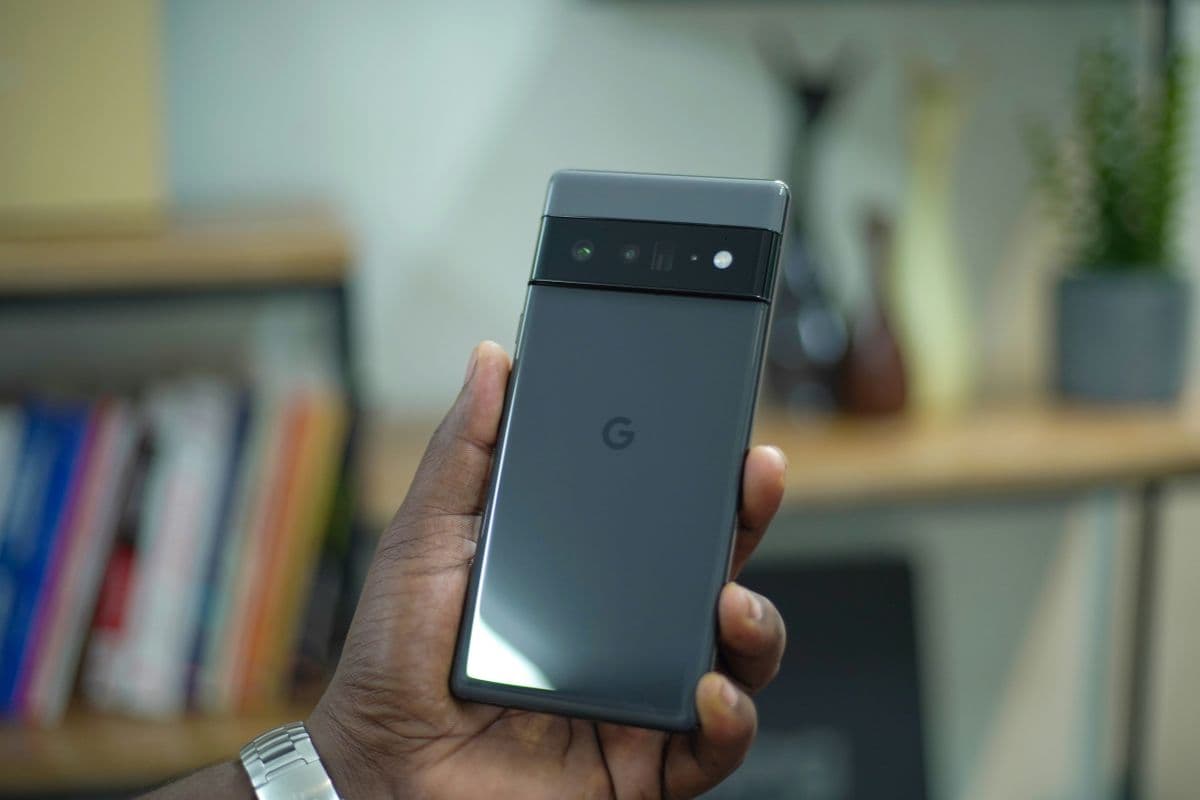
Yes, the Google Pixel 6, Pixel 6 Pro, and Pixel 6a fully support eSIM technology. This allows users to activate a mobile plan digitally without inserting a physical SIM card. eSIM makes switching carriers or setting up a second line more convenient.
In addition to eSIM support, these devices offer Dual SIM functionality. You can use one physical Nano SIM and one eSIM at the same time, which is helpful for managing personal and work numbers or combining a domestic plan with a travel data plan.
2. What is eSIM and Why It Matters on Google Pixel 6
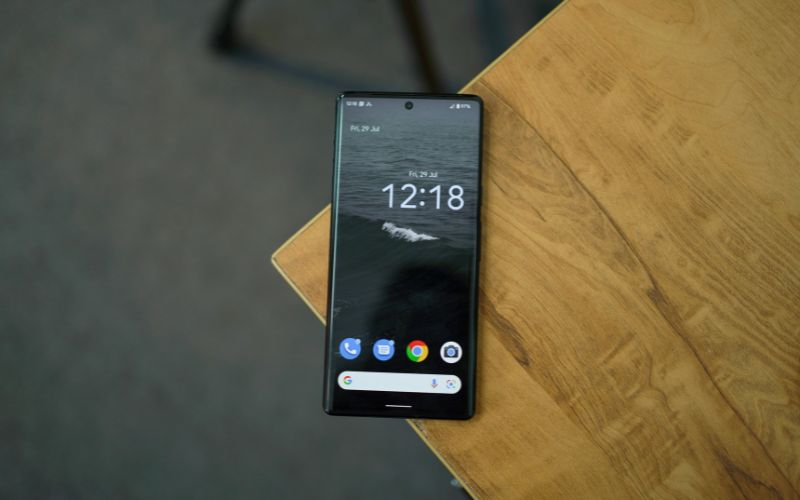
The importance of eSIM on the Google Pixel 6. (Image by Unsplash)
An eSIM, or embedded SIM, is a digital SIM technology built directly into your smartphone’s hardware. Instead of inserting a removable plastic card, you download your carrier’s profile electronically through your device settings. This allows you to activate service without opening the SIM tray or handling a physical Nano SIM.
On the Google Pixel 6, the Pixel 6 eSIM works alongside the physical SIM slot to support Dual SIM functionality. This means you can use one physical Nano SIM and one eSIM at the same time. The Pixel 6 allows you to activate a plan by scanning a QR code, using a carrier app, or entering activation details manually. Once installed, the eSIM profile is stored securely in the device, and you can switch between lines directly in the Network settings menu.
For everyday users, eSIM matters because it simplifies activation, makes switching carriers easier, and helps you manage multiple numbers on one phone. Whether you want a work and personal line or a local data plan while traveling, Pixel 6 eSIM gives you flexibility without the need to swap physical cards.
While activating an eSIM on the Pixel 6 is generally quick and convenient, some users may experience temporary issues during setup or after installation. The good news is that most Pixel 6 eSIM problems are minor and can be resolved with a few simple troubleshooting steps.
eSIM Won’t Download
If your Pixel 6 fails to download the eSIM profile, first confirm that you are connected to a strong and stable Wi-Fi network. eSIM installation requires internet access to retrieve the carrier’s digital configuration.
You should go to Settings → Network & Internet → SIMs → Add eSIM, then scan the QR code again. If the issue persists, restart your device and check for any pending Android system updates. Outdated software can sometimes prevent proper activation.
“No Service” After Activation
If the eSIM installs successfully but shows “No service,” open Settings → Network & Internet → SIMs and make sure the eSIM line is toggled on. You should also confirm that the eSIM is selected as the preferred line for calls and mobile data. Turning Airplane Mode on and off can refresh the network connection. If the signal does not return, contact your carrier to ensure the eSIM profile has been fully provisioned on their system.
eSIM Option Not Showing in Settings
If you do not see the “Add eSIM” option in the SIM settings, verify that your Pixel 6 is unlocked and not restricted to a specific carrier. Carrier-locked devices may limit eSIM functionality. Updating to the latest Android version can also restore missing features if they were hidden due to outdated software.
Mobile Data Not Working on eSIM
If you can make calls but cannot access mobile data, check that the correct eSIM is selected as your active data SIM. Go to Settings → Network & Internet → SIMs → Mobile Data and confirm the correct line is chosen. If the problem continues, reset your network settings to clear any configuration conflicts. Keep in mind that this will remove saved Wi-Fi networks.
QR Code Not Scanning
If your Pixel 6 camera cannot scan the QR code provided by your carrier, ensure the lighting is adequate and the code is clearly visible on your screen or printout. You can also choose the manual setup option and enter the activation details provided by your carrier. If the QR code has expired, request a new one to complete activation successfully.
4. Prefer a Phone That’s Already Set Up and Connected?
If setting up an eSIM, scanning QR codes, or adjusting network settings feels confusing, you are not alone. Many people simply want a phone that works the moment they turn it on, without needing to troubleshoot activation steps or contact technical support.
That is where the Lifeline Program can make a meaningful difference. Lifeline is a federal assistance program designed to help eligible low-income households access affordable phone and internet service. Instead of paying high monthly costs, qualified applicants can receive discounted or free wireless service through approved providers.
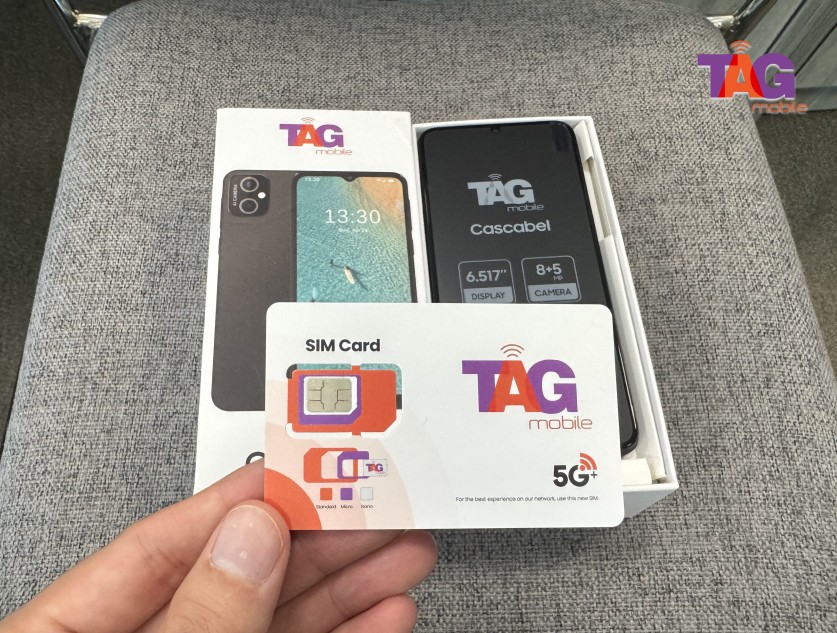
Lifeline providers like TAG Mobile offer smartphones or tablets that include monthly talk, text, and data as part of the plan. Depending on the device and compatibility, some phones may arrive with a pre-activated eSIM, meaning the cellular service is already installed before the device reaches you.
In many cases, you can simply power on the phone, complete basic setup steps, and begin making calls or using mobile data almost immediately.
This approach reduces technical barriers and eliminates the need to handle physical SIM cards or manually download carrier profiles. For users who want reliable service without navigating complex settings, receiving a ready-to-use device can make staying connected faster, easier, and far less stressful.
Apply for TAG Mobile free phone and SIM card/eSIM now!
5. Final Words
The flexibility of the Pixel 6 eSIM makes it easier for you to control how you stay connected. Whether you want to separate work and personal lines, activate a plan instantly, or simply want to avoid dealing with physical SIM cards, eSIM technology makes this possible for you.
The Pixel 6 is designed for digital activation, but getting the right carrier for you can make a big difference. From compatibility to affordable monthly plans, getting the right carrier for you can make a big difference. If you’re ready for a hassle-free and affordable option, consider reliable eSIM carriers with TAG Mobile.
Notice: The government does not cover device costs, only basic service through Lifeline. Any free or discounted devices, upgrades, or top-ups are limited-time TAG Mobile offers and may vary by state, eligibility, and availability. Terms and conditions apply.
Share
TAG Blog
Stories, guides, and helpful updates for staying connected.