How to Transfer Apple Cash to Bank: Step-by-Step Guide
Money received through Apple Cash can be useful for everyday purchases, but sometimes you need that balance in your bank account instead. Before moving it, you will want to check t...
Quincy D.-Oct 09, 2026
Image by Unsplash
Table of Contents
Money received through Apple Cash can be useful for everyday purchases, but sometimes you need that balance in your bank account instead. Before moving it, you will want to check the destination, timing, and any fees involved.
This guide explains how to transfer Apple Cash to bank, helping you choose a transfer method, enter your banking details correctly, and confirm the request without overlooking important steps along the way.
1. Can You Transfer Apple Cash to a Bank Account?
Yes, you can transfer your Apple Cash balance to an eligible US bank account or use Instant Transfer to send funds to an eligible US-issued debit card. Standard bank transfers have no fee and usually arrive within 1 to 3 business days.
Instant Transfer typically delivers funds immediately, although it can take up to 30 minutes, with security checks potentially causing further delays. Its fee is 1.7% of the transfer amount, with a $0.25 minimum and $25 maximum.
You should make sure to review the displayed fee before confirming, and choose the standard option when avoiding charges matters more than receiving your money right away.
2. How to Transfer Apple Cash to Bank Account
You can start a standard bank transfer from your Apple Cash card without adding a debit card. If you are asking “how do I transfer Apple Cash to my bank account,” follow these steps and have your routing and account numbers ready.
Step 1: Open Your Apple Cash Card
On your iPhone, open Wallet and tap the Apple Cash card. On an iPad, open Settings, select Wallet & Apple Pay, then choose Apple Cash to access the balance you want to move into your bank account.
Step 2: Select Transfer to Bank
On an iPhone, tap the More button, then choose Transfer to Bank. On iPad, tap Transfer to Bank from the Apple Cash settings screen. Both routes let you begin moving money from your available Apple Cash balance.
Step 3: Enter the Transfer Amount
Enter the amount you want to transfer, tap the Close button, then tap Continue. Review the figure carefully before proceeding, making sure it matches your intended withdrawal rather than automatically transferring your entire available Apple Cash balance.
Step 4: Choose 1-3 Business Days
Select the 1-3 Business Days option, then tap Done. This is the standard bank transfer method without a fee; choose it when you want funds deposited directly into your bank account rather than sent to a debit card.
Step 5: Add or Check Your Bank Account
If your bank account is not listed, tap Add A Bank Account. Enter its routing and account numbers, and tap Next, then enter both again to confirm; check every digit carefully before continuing with the transfer request.
Step 6: Confirm and Authenticate the Transfer
Follow the confirmation prompt, double-clicking the side button where requested, then authenticate with Face ID, Touch ID, or your passcode.
Allow 1 to 3 business days for the funds to arrive in your selected bank account, and the process of transferring your Apple Cash to bank will be done.
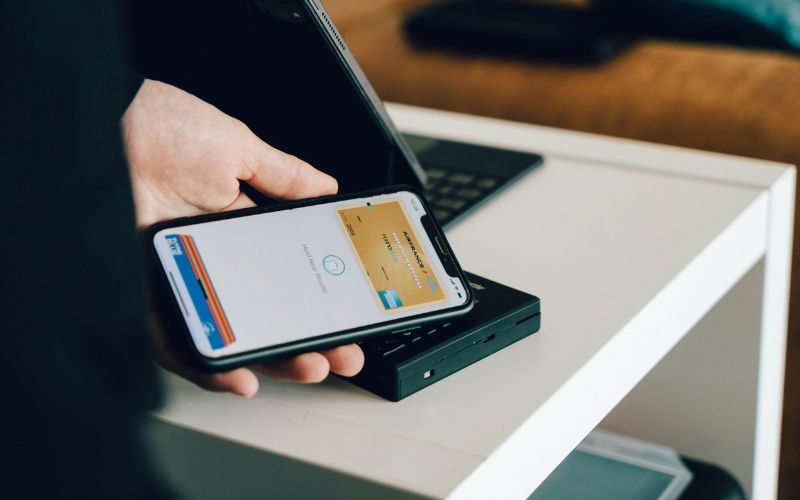
How to transfer Apple Cash to bank? Do note that Apple Cash transfer costs vary depending on whether you choose a bank transfer or a faster debit card option. (Image by Unsplash)
3. How Much Does It Cost to Transfer Apple Cash to a Bank?
Your transfer fee depends on whether you send money directly to a bank account or use an eligible debit card. When comparing how to transfer Apple Cash to bank, consider whether faster access is worth paying a fee.
Standard Bank Transfer
Standard transfers send Apple Cash directly to an eligible US bank account without a fee.
Funds usually arrive within 1 to 3 business days, making this option practical when you can wait. Select 1-3 business days during setup, then check the destination account before confirming where your money will go.
Instant Transfer
Instant Transfer sends money to an eligible US-issued debit card and charges 1.7% of the amount transferred, with a $0.25 minimum and $25 maximum.
Apple displays the exact fee before confirmation. For example, a $100 transfer costs $1.70, so review the charge before deciding whether faster delivery suits your needs.
4. How Long Does Apple Cash Take to Transfer to a Bank?
Standard Apple Cash transfers usually reach your bank account within 1 to 3 business days, excluding weekends and bank holidays. When considering how do you transfer Apple Cash to your bank account, allow for this processing window before planning to spend the funds.
Instant Transfer sends money to an eligible debit card, typically immediately or within 30 minutes, though security checks may delay delivery. Contact an Apple Cash Specialist if funds remain missing after three business days or two hours, respectively.
5. Tips for Transferring Apple Cash to Your Bank Safely
Incorrect account details can send money to the wrong destination and make recovery difficult.
When learning how to transfer Apple Cash to bank, carefully checking your information before confirming the transaction can help prevent avoidable mistakes. These checks cover the process from entering your bank details to reviewing the completed transfer request.
Check banking details against an official source: Find your routing and account numbers in your bank’s app, statement, or website rather than relying on memory.
Review the destination each time: Confirm that the selected account is still the one you want to use, especially after changing banks or updating saved details.
Check the amount before confirming: Make sure the transfer matches what you intended, including any decimal places, and review the displayed fee if choosing Instant Transfer.
Keep authentication details Private: Never share your device passcode or verification codes with someone offering to help move your money.
Update your device software: Install supported iOS or iPadOS updates to keep Wallet features and device security current.
Allow for processing time: Check your bank activity and the transfer status before submitting another request simply because the first deposit has not appeared.
Use official support for problems: If funds are overdue or you entered incorrect banking details, contact an Apple Cash specialist through Apple’s support options promptly.
6. Final Thoughts
Moving money from Apple Cash is straightforward once you choose where you want the funds to go and how quickly you need them. With how to transfer Apple Cash to bank, double-check the transfer amount and account details before confirming, then allow the stated processing time for the funds to arrive.
If speed matters, an eligible debit card may provide another transfer option. TAG Mobile also shares practical mobile tips for handling common digital tasks with greater confidence.
Share
TAG Blog
Stories, guides, and helpful updates for staying connected.