EBT Portal: Updated Login, Balance & Account Tools in 2026
Online account tools can make benefit tracking clearer for households that need quick access to card details, balances, and recent activity. The EBT portal helps users review avail...
Quincy D.-Jun 16, 2026
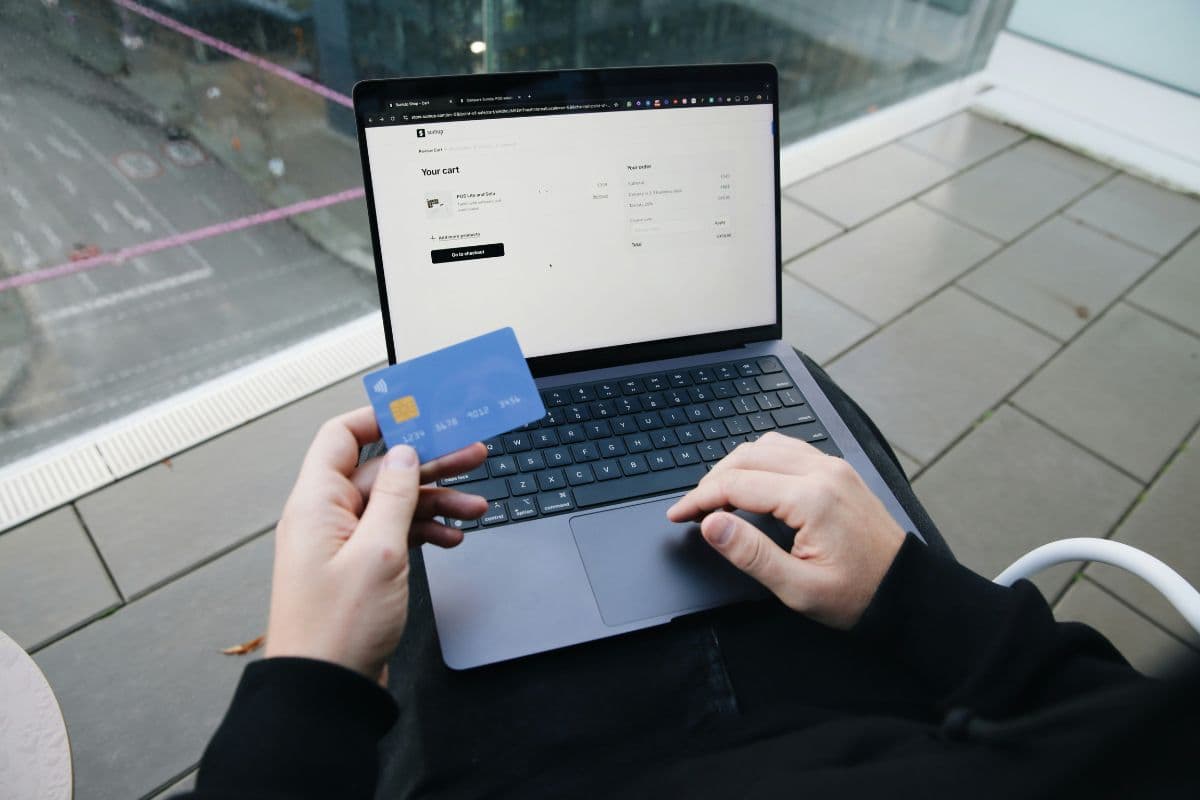
Image by Unsplash
Table of Contents
Online account tools can make benefit tracking clearer for households that need quick access to card details, balances, and recent activity. The EBT portal helps users review available funds, view transaction history, update account information, and follow important notices in 2026. This guide walks through key login and account features, then directs readers to TAG Mobile’s article below for more practical resources tied to everyday savings.
1. What Is an EBT Portal?
An EBT portal is a secure website or mobile app that lets recipients manage their Electronic Benefit Transfer account online. Through this platform, users can check SNAP food benefits, TANF cash assistance, card balances, recent transactions, and important account updates.
Instead of calling customer service for every question, cardholders can use the portal to review benefit activity more conveniently. It also helps users track spending, notice unusual transactions, and stay informed about their account details.
2. What Can You Do Through an EBT Portal?
Digital benefit tools can make account management easier, especially when users need quick access to balances, card activity, or personal details.
With the right login information, an EBT Portal can help cardholders stay updated without waiting for mailed notices or long customer service calls.
Check your available balance: Users can review their current SNAP or cash benefit balance before shopping. This helps prevent declined transactions and makes it easier to plan grocery trips, ATM withdrawals, or monthly spending.
View transaction history: The portal may show recent purchases, deposits, withdrawals, and balance changes. Reviewing this history helps cardholders track where benefits were used and notice any unfamiliar activity sooner.
Manage your EBT card: Many portals allow users to report a lost or stolen card, request a replacement, change a PIN, or lock certain card functions when available. These tools can help protect benefits from misuse.
Update account information: Depending on the state system, users may be able to update contact details, mailing addresses, phone numbers, or notification preferences. Keeping information current helps ensure important benefit notices are not missed.
Accessing your cardholder account usually starts with the official website or app used by your state’s EBT system. Since portal names and login steps may vary by location, cardholders should use only trusted state-approved links to protect their benefits.
Creating an Account
To create an account, users typically need their EBT card number, date of birth, and basic personal details connected to their benefits case.
Some systems may also ask for an email address, phone number, username, and password. After registration, the account can be used to review balances, transactions, card settings, and benefit updates more conveniently.
Logging In Securely
Cardholders should log in through the official state site, mobile app, or approved EBT provider portal.
Avoid links from unknown emails, text messages, or social media posts, as fake pages may try to steal card details. Using a strong password and signing out after each session can help keep account information safer.
Verifying Your Identity
Identity verification helps confirm that the person accessing the account is the correct cardholder.
Depending on the portal, users may need to answer security questions, enter a one-time code, confirm personal information, or verify card details. This step may feel extra, but it helps reduce unauthorized access and protects benefit balances.
Recovering Login Credentials
If a user forgets a username or password, most portals provide a recovery option on the login page.
Cardholders may need to enter their email, phone number, card details, or security answers to reset access. When recovery does not work, contacting the official EBT customer service number is usually the safest next step.
4. Common EBT Portal Login Problems and Fixes
Login issues can happen when account details, passwords, or verification information do not match the state system. Knowing the common causes can help cardholders regain access faster and keep track of benefits without unnecessary stress.
Forgotten Passwords
Forgotten passwords are one of the most common portal issues.
Users should choose the “Forgot Password” option on the official login page and follow the reset steps through email, phone, or security questions. After creating a new password, it is best to choose something strong but memorable, then store it safely to avoid repeated lockouts.
Locked Accounts
An account may become locked after too many failed login attempts.
This security step helps protect benefits from unauthorized access, but it can be frustrating for cardholders who need account information quickly. Waiting for the lockout period to end or contacting official EBT customer service can usually restore access safely.
Verification Errors
Verification errors may happen when the card number, date of birth, ZIP code, or personal details do not match the information on file.
This can block access to balance tools, transaction history, or answers to questions like can I get cash off my EBT card at an ATM. Cardholders should review their details carefully and contact support if the system still rejects the information.
Website Access Issues
Sometimes the problem comes from the website or device, not the account.
A slow connection, an outdated browser, saved cookies, or temporary system maintenance can prevent the page from loading correctly. Users can try refreshing the page, switching browsers, clearing cache, using the official app, or returning later if the portal is temporarily unavailable.
5. EBT Portal Security Tips Every Cardholder Should Know
Keeping your portal account secure helps protect your benefits, personal details, and card activity from unauthorized access. A few careful habits can reduce the risk of scams, stolen login information, or unexpected account problems.
Use official platforms: Access your account only through your state’s approved EBT website or app.
Create a strong password: Use a unique password and avoid easy-to-guess personal information.
Protect your PIN: Never share your PIN and shield the keypad when entering it.
Watch for scams: Avoid messages requesting your card number, PIN, password, or other sensitive details.
Check account activity regularly: Review transactions often and report suspicious activity promptly.
Log out when finished: Sign out after each session, especially on shared or public devices.
Keep contact details updated: Maintain current phone, email, and mailing information to receive important account notices.
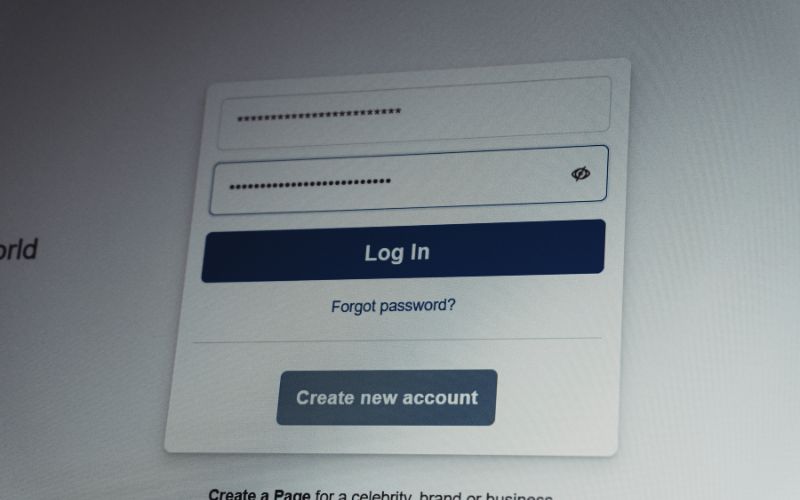
Simple EBT portal security tips every cardholder should follow. (Image by Unsplash)
6. Accessing EBT Portal With Free Data & Free Phone? Check How It’s Possible
Support programs can sometimes connect households to more than one form of savings, especially when eligibility is based on income or participation in public assistance programs. For people who already manage benefits through an EBT account, phone service support may be another helpful resource to explore.
The Lifeline Program is a federal assistance program that helps eligible low-income consumers receive discounted phone service. Households may qualify through one of the following pathways:
Participation in a qualifying assistance program, such as SNAP, Medicaid, SSI, Federal Public Housing Assistance (FPHA), Veterans Pension and Survivors Benefit, or certain Tribal assistance programs.
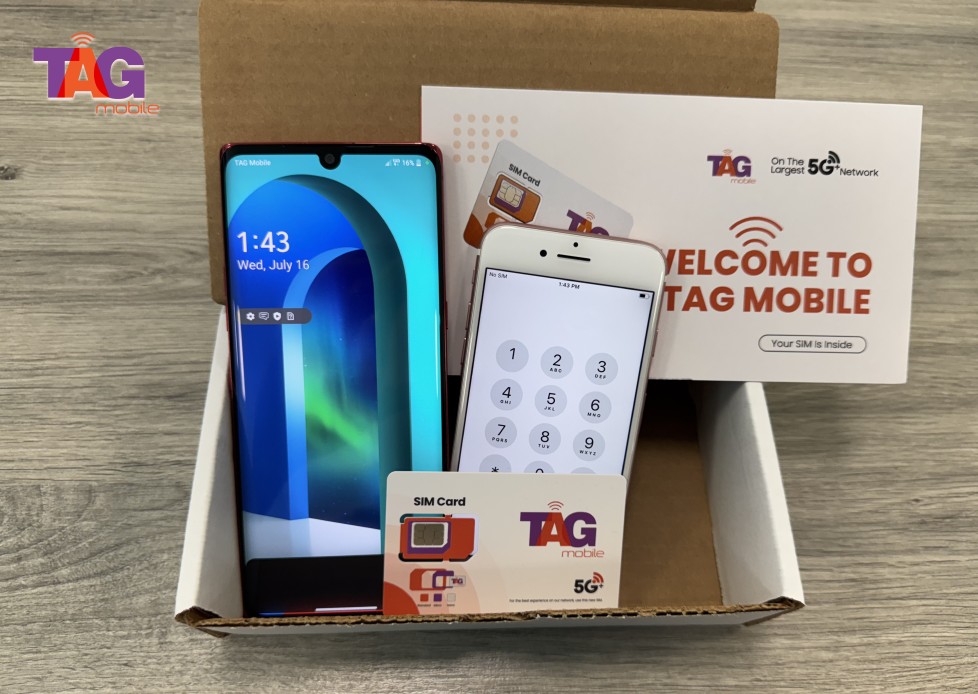
TAG Mobile is an Eligible Telecommunications Carrier, or ETC, that participates in the Lifeline Program. Do note that Lifeline provides the service benefit, while TAG Mobile delivers qualifying phone plans and may offer eligible customers devices at zero cost or with heavy discounts.
Apply now and get the free device and data that you need!
Through TAG Mobile, eligible users may find plan features that support daily needs while helping reduce monthly costs.
Unlimited talk and text: Users can stay in touch with family, employers, schools, doctors, and benefit offices without worrying about basic call or message limits.
Monthly high-speed data: Data availability may vary by state and eligibility, but it can help users access emails, maps, job applications, online forms, and important account updates.
Nationwide 5G+ coverage: Broad network access helps customers stay connected at home, during errands, at work, or while traveling within covered areas.
Free SIM kit or eSIM: Eligible customers may receive a SIM kit or eSIM option, making it easier to start service with a compatible device.
Wi-Fi calling: This feature can support calls over Wi-Fi when the mobile signal is limited indoors or in certain coverage areas.
Voicemail, caller ID, and call waiting: These tools help users manage missed calls, recognize important contacts, and respond to urgent messages more easily.
International calling support: TAG Mobile may include free international calling to 200+ countries, helping households stay connected with family or support networks abroad.
Keeping track of benefits becomes easier when cardholders know how to use the ebt portal for balances, transaction history, card tools, and account updates. A secure login can help users manage their information faster and avoid unnecessary delays when checking important details.
Strong passwords, private PINs, and official state-approved websites also help protect benefit access. When households stay organized online, they can plan grocery spending and benefit use with more confidently. For extra everyday support, eligible users can also explore TAG Mobile for Lifeline phone service and available device options that help make communication more affordable.
Note: Eligibility varies by state and program. Offers depend on availability and qualifications. TAG Mobile operates under the federal Lifeline Program as an Eligible Telecommunications Carrier (ETC). Service is non-transferable and limited to one service per household.
Share
TAG Blog
Stories, guides, and helpful updates for staying connected.