How EBT Apps Help Users Manage SNAP Benefits in 2026
Digital tools are making SNAP benefit management more convenient for households in 2026. Using an EBT app may help users check balances, review transactions, monitor benefit deposi...
Quincy D.-May 28, 2026
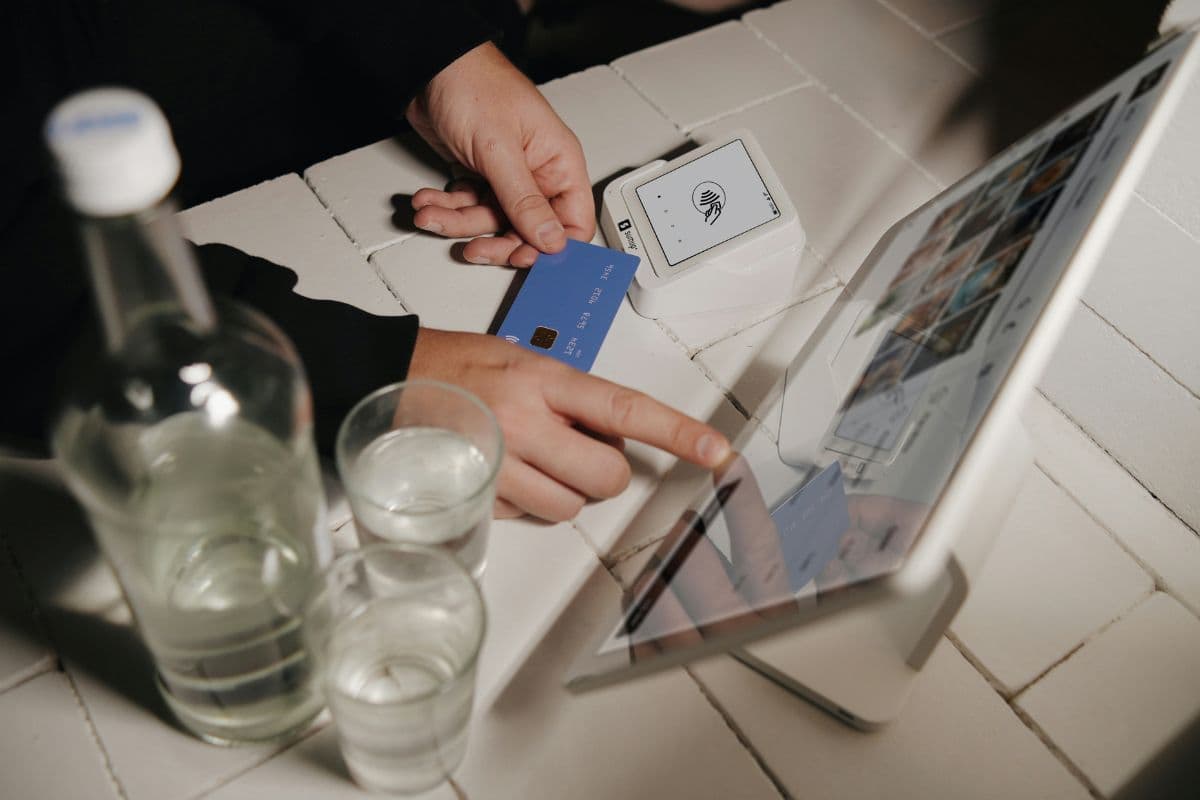
Image by Unsplash
Table of Contents
Digital tools are making SNAP benefit management more convenient for households in 2026. Using an EBT app may help users check balances, review transactions, monitor benefit deposits, and manage account activity directly from a mobile device.
This guide explains how EBT apps work, which features users commonly access, and how eligible households may also explore affordable mobile connectivity options and wireless support available through TAG Mobile.
1. What Is the EBT App?
An EBT app is a mobile application that helps Electronic Benefits Transfer cardholders manage SNAP or cash assistance benefits more conveniently through digital devices.
Many households use an EBT app to access important account information without needing to visit local offices or contact customer service by phone.
These applications commonly provide features such as balance tracking, transaction history, benefit deposit updates, and account notifications.
Some apps may also help users locate approved grocery stores, monitor spending activity, and manage account security settings, making benefit management more organized and accessible for everyday use.
2. Why More SNAP Households Use EBT Apps?
Digital benefit management tools have become increasingly useful for SNAP households looking for faster and more convenient ways to manage everyday grocery budgets.
Many users prefer mobile apps because they provide quick access to important account information without needing to call customer service or visit local assistance offices.
EBT apps can also help households stay more organized throughout the month by making it easier to monitor deposits, review spending activity, and track remaining benefits before shopping trips. Common reasons many SNAP recipients use EBT apps include:
Checking account balances before grocery shopping
Monitoring monthly SNAP deposit schedules
Tracking grocery spending and transaction activity
Receiving important account alerts and security notifications
Reviewing recent purchases and payment history
Managing household food budgets more efficiently
Accessing account information conveniently from mobile devices
Modern EBT apps provide several digital tools that help households manage SNAP benefits more conveniently from mobile devices. These features are designed to improve account access, spending visibility, and overall benefit management throughout the month.
Balance checks
Balance check tools allow cardholders to view remaining SNAP funds before visiting grocery stores or making purchases. Quick access to updated account totals may help households organize food budgets more carefully and avoid unexpected payment issues during checkout.
Many users prefer mobile balance tracking because it saves time and provides instant access to benefit information without calling customer service. This feature may also help families plan grocery trips more efficiently throughout the month.
Transaction history
Transaction history features allow users to review previous purchases, payment amounts, and store activity connected to their EBT accounts. Access to detailed records may help households better understand spending patterns and manage monthly food budgets more carefully.
Reviewing account activity regularly may also help users identify unfamiliar purchases or possible account issues earlier. This added visibility can support better account monitoring and improve financial organization for SNAP recipients.
Deposit notifications
Deposit notification features help users know when monthly SNAP benefits become available on their accounts. Receiving alerts directly through a mobile device may reduce the need to repeatedly check balances or wait for mailed notices.
Many households use these notifications to better organize shopping schedules and household meal planning. Timely updates may also help users prepare grocery purchases more confidently after benefit deposits arrive.
PIN management tools
PIN management tools allow users to update, reset, or manage account security settings directly through supported mobile applications.
Easy PIN access may help cardholders maintain better control over account protection while reducing security concerns linked to unauthorized access or forgotten login details.
This feature may also save time by reducing the need for customer service calls or office visits.
Faster PIN management can be especially useful when users need to secure accounts quickly, change passwords regularly, or restore account access after login problems occur.
Security alerts
Security alert features are designed to notify users about unusual account activity, suspicious purchases, failed login attempts, or important account changes connected to SNAP benefits.
Receiving alerts quickly may help households respond faster to unauthorized transactions and reduce the risk of account misuse or benefit theft.
Many EBT apps also provide account monitoring updates, login notifications, and additional protection settings that improve overall security awareness.
Staying informed about account activity on a regular basis may help users manage benefits more safely while protecting personal information and SNAP funds over time.
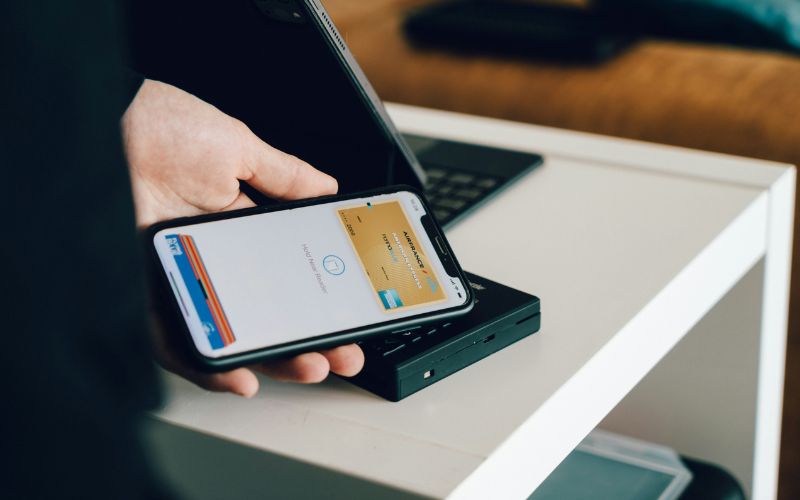
The quick guide to locking the EBT card on the EBT app. (Image by Unsplash)
4. How to Lock EBT Card on App? Real Process
Most EBT apps now include security tools that help users protect SNAP benefits more quickly and conveniently. Learning how to lock an EBT card through a mobile app may help reduce unauthorized purchases and improve overall account protection.
Open the App
Cardholders should begin by downloading or opening an official EBT mobile application supported by their state benefit system. Popular options such as ConnectEBT or ebtEDGE are commonly available through the Apple App Store and Google Play Store for both Android and iPhone users.
Using an authorized application may help improve account protection and provide safer access to SNAP management tools. Official apps also typically include features connected to balance monitoring, transaction reviews, and card security controls.
Log In to the Account
After opening the mobile application, users are generally required to enter account credentials such as a User ID and a password. Accurate login information is important because security tools and benefit settings are connected directly to individual EBT accounts.
Secure account access may also help protect sensitive financial and personal information from unauthorized activity. Some applications may additionally require verification codes or identity confirmation before allowing access to account management features.
Select the Lock Feature
Once account access is completed, users can usually locate the Lock/Unlock Card option from the main dashboard or account settings section. This feature allows cardholders to control card activity directly through the mobile application without needing to contact customer support.
Digital card controls may help households respond more quickly when suspicious activity or unexpected transactions appear. Easy access to security settings can also improve overall benefit protection and account management convenience.
Lock the Card
To activate the protection feature, users may select “Lock My Card Everywhere” and confirm the request within the application. Locking the card may temporarily block new purchases and help reduce the risk of unauthorized transactions connected to SNAP benefits.
This security option can be especially helpful if a card is lost, misplaced, or exposed to possible fraud concerns. Users may later unlock the card again when normal account activity needs to resume.
5. Why Reliable Phone Service Matters for EBT App Access
Today, households rely on smartphones to access EBT apps. That makes reliable phone service an important part of the application process.
For applicants already participating in SNAP, the same participation may also help qualify them for Lifeline, a federal assistance program that helps eligible low-income households reduce the cost of phone service or wireless service.
SNAP is not the only qualifying pathway. Some households may also qualify through Medicaid, SSI, Federal Public Housing Assistance, Veterans Pension or Survivors Benefit programs, certain Tribal assistance programs, or by meeting income-based eligibility requirements.
Lifeline benefits are provided through approved Eligible Telecommunications Carriers (ETCs).
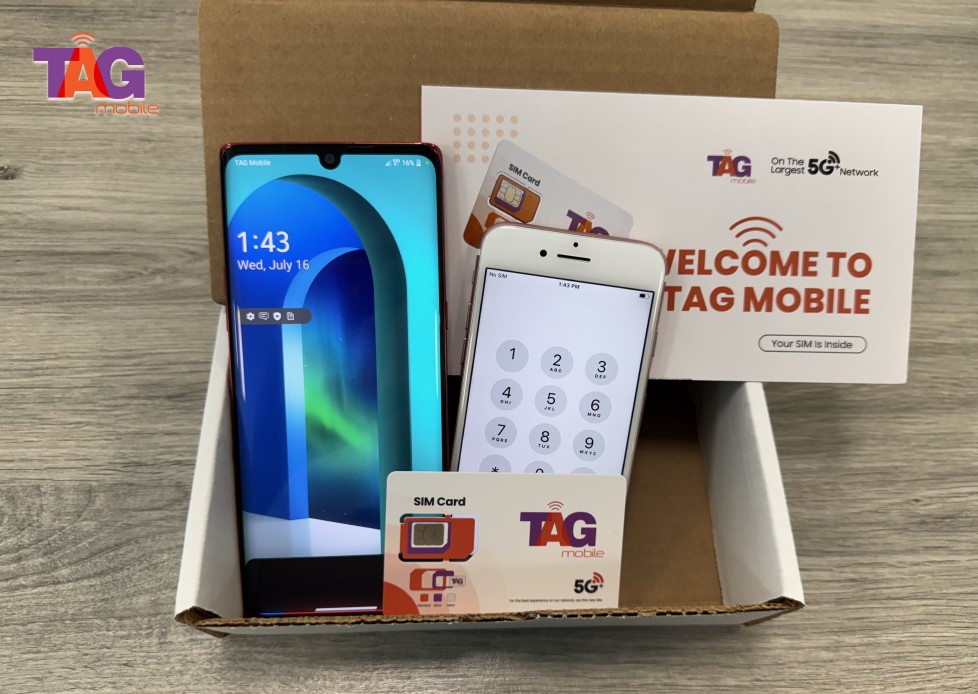
Providers like TAG Mobile help eligible customers access Lifeline-supported wireless service and, depending on availability and qualification, may also offer device options that can help households stay connected while managing SNAP and EBT-related services online.
TAG Mobile is the top Lifeline provider choice for eligible US residents.
Note: Eligibility varies by state and program. Offers depend on availability and qualifications. TAG Mobile operates under the federal Lifeline Program as an Eligible Telecommunications Carrier (ETC). Service is non-transferable and limited to one service per household.
5. Final Words
Digital tools continue to make SNAP benefit management more convenient for households in 2026. Using an EBT app may help users monitor balances, review account activity, protect benefits, and organize grocery spending more efficiently from mobile devices.
Features such as security alerts, deposit notifications, and card lock controls can also improve overall account safety and accessibility. For households looking to stay connected while managing everyday needs online, Lifeline carriers like TAG Mobile may also offer affordable wireless services, mobile devices, and helpful communication support for eligible users.
Share
TAG Blog
Stories, guides, and helpful updates for staying connected.