Is iPhone 12 Pro Max eSIM Compatible? The Pro Connectivity
If you’re planning to upgrade your device or change carriers, you might be asking is iPhone 12 Pro Max eSIM compatible and whether it supports digital SIM activation. The iPhone 12...
Quincy D.-Feb 27, 2026
Image by Unsplash
Table of Contents
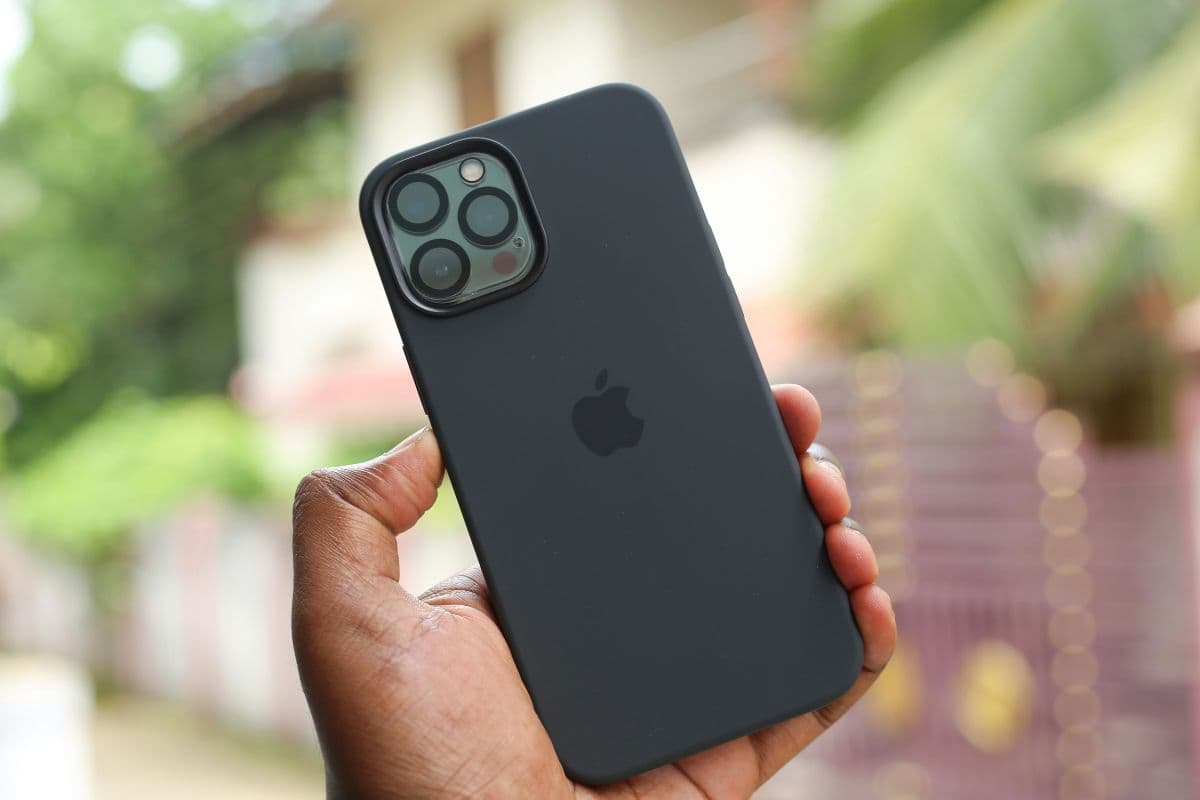
If you’re planning to upgrade your device or change carriers, you might be asking is iPhone 12 Pro Max eSIM compatible and whether it supports digital SIM activation. The iPhone 12 Pro Max fully supports eSIM technology alongside its physical nano-SIM slot, giving users flexible dual-SIM functionality. This means you can manage two numbers on one phone, activate a line digitally without inserting a card, or switch carriers more conveniently.
Understanding how eSIM works can help you avoid activation issues and choose the right plan for your needs. For detailed setup instructions, compatibility tips, and affordable wireless plan options, explore helpful resources from TAG Mobile to learn more.
1. Is iPhone 12 Pro Max eSIM Compatible?
Yes, the iPhone 12 Pro Max is fully eSIM compatible in the United States. The device supports Dual SIM technology, allowing one active physical nano-SIM and one active eSIM to run at the same time. This setup makes it convenient to manage two separate numbers on a single phone.
In addition to using one physical SIM and one eSIM simultaneously, the iPhone 12 Pro Max can store multiple eSIM profiles, although only one eSIM can be active alongside the physical SIM at a time. It works with major U.S. carriers that support eSIM technology, provided the device is unlocked and updated to the latest iOS version.
2. What eSIM Compatibility Means for Everyday Users
Knowing eSIM compatibility helps you see how this feature improves convenience, flexibility, and day-to-day connectivity. If you’re wondering is iPhone 12 Pro Max eSIM compatible, knowing what that actually means can help you decide whether digital activation fits your lifestyle.
Built-in Digital SIM
An eSIM is a built-in digital SIM embedded directly into your device’s internal hardware. Unlike a traditional removable nano-SIM, this chip is permanently installed and can be programmed with different carrier profiles. Because it is integrated into the phone, it supports modern activation methods without relying solely on physical components.
No Need to Insert a Card
With eSIM technology, you no longer need to handle a tiny SIM card or open the SIM tray to activate service. This eliminates the risk of losing or damaging a physical SIM. It also makes the setup process cleaner and more convenient, especially for users who frequently change plans or devices.
Download the Carrier Plan Instantly
eSIM allows you to download your carrier plan digitally in just a few minutes. By scanning a QR code, using a carrier app, or entering activation details manually, you can install a mobile plan directly through your settings. As long as you have a stable Wi-Fi connection, the activation process can often be completed without visiting a store.
Easier Switching Between Networks
Digital SIM profiles make switching between supported networks much simpler. You can store multiple eSIM plans on your device and choose which line to use for calls, texts, and data. This flexibility is especially useful for comparing coverage areas or managing separate personal and business numbers.
Helpful for Travel or a Second Line
For travelers, eSIM makes it easier to download a local data plan without removing your primary SIM. You can keep your main number active for calls while using a second line for affordable international data.
This feature is also practical for maintaining a dedicated work number on the same device, reducing the need to carry two phones.
3. The Ultimate Beginner’s Guide to iPhone 12 eSIM Activation
Full guide to set up eSIM on the iPhone 12 Pro Max. (Image by Unsplash)
Activating an eSIM on your iPhone 12 is straightforward when you follow the correct steps in order. If you’ve ever asked is iPhone 12 Pro Max eSIM compatible, the same digital activation process also applies to other supported iPhone 12 models.
Step 1: Connect to Wi-Fi
Before starting the activation process, connect your iPhone 12 to a stable Wi-Fi network. eSIM installation requires internet access to download your carrier’s digital profile securely. Without Wi-Fi or an active data connection, the eSIM setup cannot complete successfully.
Step 2: Open Settings → Cellular
Next, open the Settings app and tap Cellular (or Mobile Data, depending on your region). This section allows you to manage your current lines and add a new digital plan. Make sure your device is updated to the latest iOS version for the smoothest activation experience.
Step 3: Tap “Add eSIM”
Inside the Cellular menu, select Add eSIM to begin the setup. Your iPhone will display available activation options supported by your carrier. At this stage, your phone is ready to receive and install the new digital SIM profile.
Step 4: Scan the QR Code or Download the Plan
Choose your preferred activation method. You can scan the QR code provided by your carrier, download the plan through a carrier app, or manually enter activation details. Once scanned or confirmed, the device will begin downloading the eSIM configuration automatically.
Step 5: Confirm Activation
After installation, review the carrier information shown on your screen and confirm activation. Once completed, check your signal bars and test a call or mobile data connection to ensure your line is fully active and functioning properly.
4. Want Reliable Phone Service Without Figuring Out eSIM Settings?
If navigating eSIM menus, scanning QR codes, or troubleshooting activation errors sounds complicated, you’re not alone. Many users simply want a phone that works the moment they turn it on. without worrying about technical setup steps or compatibility issues.
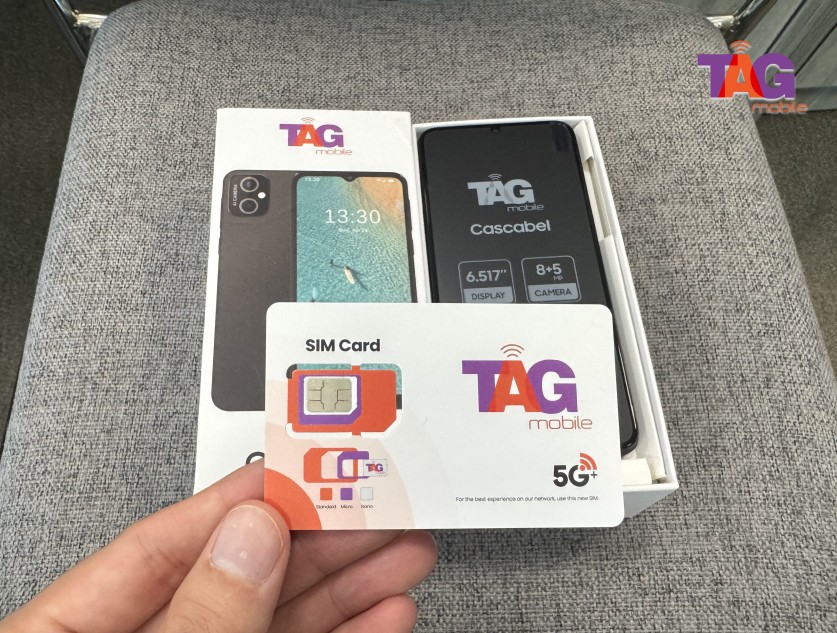
Through the Lifeline Program, eligible low-income households can receive discounted or free monthly wireless service from approved providers. Participating carriers like TAG Mobile help simplify the process by offering smartphones that may arrive pre-activated. This means you can power on the device and immediately begin using talk, text, and data without handling SIM trays or manual configuration.
Additionally, TAG Mobile offers eSIM activation services for devices that support this feature. This means that your mobile service plan can be downloaded directly to your phone, making it easier to get started with your service.
Regardless of whether you like a physical SIM card or a more digital approach, this makes it easier to avoid confusion while staying connected to work, healthcare services, schools, and your family with maximum reliability.
Apply for TAG Mobile free phone and SIM card/eSIM now!
5. Final Words
If you’ve been wondering is iphone 12 Pro Max eSIM compatible, the answer is yes, and that flexibility makes it a powerful option for modern users. With support for both a physical nano-SIM and eSIM, the device allows you to manage multiple lines or switch carriers with ease.
Digital activation can simplify setup and reduce the need for physical SIM swaps. The key is choosing a provider that fully supports eSIM and offers plans that fit your budget. For compatible service options and straightforward activation support, explore plans from TAG Mobile and stay connected with confidence.
Notice: The government does not cover device costs, only basic service through Lifeline. Any free or discounted devices, upgrades, or top-ups are limited-time TAG Mobile offers and may vary by state, eligibility, and availability. Terms and conditions apply.
Share
TAG Blog
Stories, guides, and helpful updates for staying connected.