Free Laptop Baltimore City: Programs, Eligibility, And How To Apply In 2026
If you are searching for a free laptop Baltimore City in 2026, you are not alone. With work, school, job searches, and essential online communication becoming more important than e...
Quincy D.-Feb 28, 2026
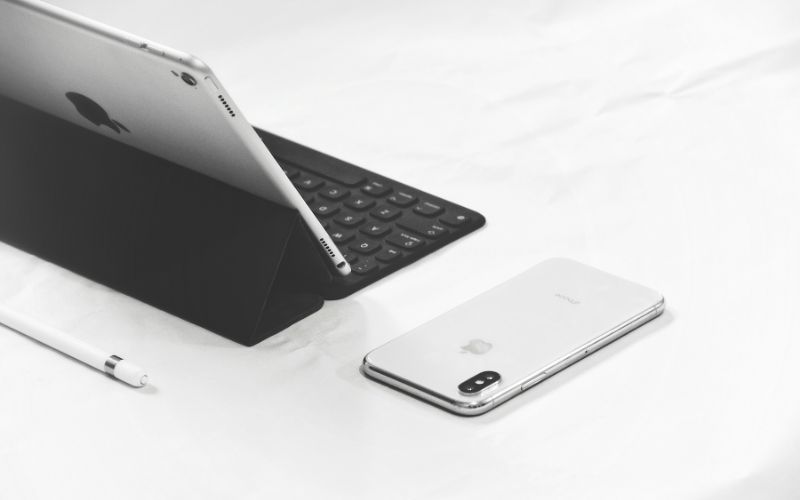
Image by Unsplash
Table of Contents
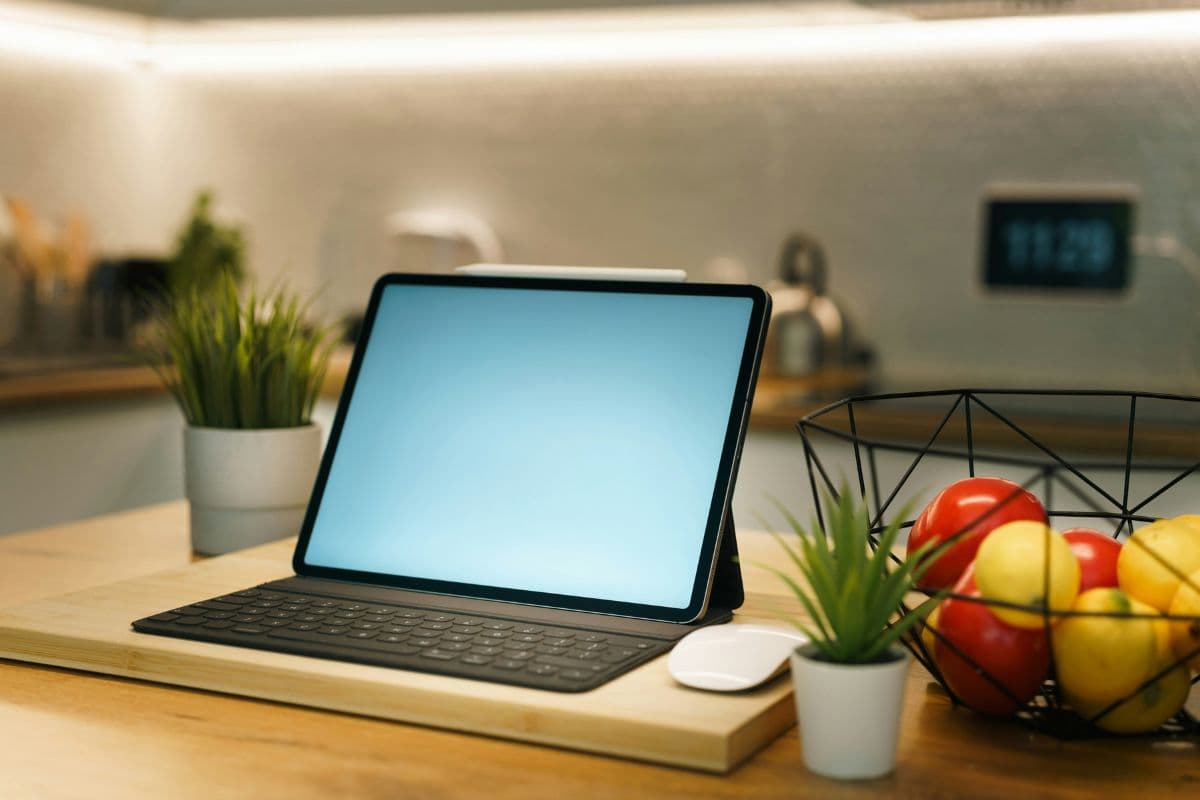
If you are searching for a free laptop Baltimore City in 2026, you are not alone. With work, school, job searches, and essential online communication becoming more important than ever, having a laptop is crucial. Fortunately, some programs help bridge the digital divide by offering devices like laptops and Chromebooks to eligible households in Baltimore, Maryland.
In this guide, we’ll explore what programs exist now, who qualifies, alternative devices available, and how to apply, including options from providers like TAG Mobile.
If you are looking for a free laptop in Baltimore City, it is important to understand the difference between device lending programs and programs that may provide free or discounted devices. While some local initiatives help residents access technology temporarily, federally supported programs through service providers can be an alternative for those who need long-term device ownership.
1.1 Is There A Free Laptop Program?
Baltimore City has several digital inclusion initiatives aimed at improving access to technology for residents. One of the most visible efforts comes from the Enoch Pratt Free Library, which offers Chromebooks and internet devices through its “Library of Things” program.
However, these devices are loaned, not given away permanently. Eligible residents can borrow devices for a limited period to support schoolwork, job searches, or online services, but the devices must be returned at the end of the loan term.
Programs like this help reduce short-term technology barriers, but they may not meet the needs of households looking for a permanent free laptop in Baltimore City.
Because of this, many residents also explore federally supported options that may provide long-term device solutions through participating service providers to have a free laptop Baltimore City 2026.
1.2 Who Is Eligible For A Free Laptop In Baltimore City?
When searching for a permanently free or low-cost laptop, eligibility is typically tied to federal assistance programs rather than local device-lending initiatives.
One of the most widely available options is the Lifeline Program, a federal benefit that helps low-income households access affordable communication services. Through approved providers such as TAG Mobile, eligible residents in Baltimore may qualify for free or discounted devices, which can include smartphones, tablets, or occasionally laptop offers, depending on availability.
Eligibility for Lifeline generally applies to households that:
Have income at or below 135% of the Federal Poverty Guidelines, or
Participate in qualifying assistance programs such as SNAP, Medicaid, SSI, or Federal Public Housing Assistance.
Unlike local borrowing programs, Lifeline-supported offers are designed to help residents stay connected long-term through subsidized service plans and device options.
2. What Programs Offer Free Or Low-Cost Laptops In Baltimore City?
Several resources may help Baltimore City residents access free or affordable laptops:
Lifeline Program: In most cases, free laptop Baltimore City are distributed through Lifeline service providers, including companies like TAG Mobile, when stock is available. However, it is important to understand that free laptops are offered in very limited quantities and are not always in stock. When they do become available, supplies are typically small, and they are claimed quickly. At TAG Mobile, if laptops are not currently offered, eligible users can usually choose alternative devices.
Baltimore City Chromebook Distribution: Through grants and digital equity partnerships, Baltimore has distributed tens of thousands of free Chromebooks to qualifying households. These devices offer a simple way to browse the web, attend virtual classes, or apply for jobs online.
Affordable Connectivity Support: While a federal program called the Affordable Connectivity Program (ACP) previously provided discounts toward laptops and other devices, that initiative officially ended. However, connectivity support still exists via Lifeline, and some Lifeline providers extend device offers that may include laptops, tablets, or Chromebooks when you enroll in qualifying plans.
Library Loan Programs: Local libraries occasionally loan out Chromebooks or laptops, though these are usually temporary and must be returned. It’s a helpful short-term access solution but not a permanent device ownership program.
3. Devices You Can Get In Baltimore City Besides A Laptop?
If you are not able to secure a laptop right away, other technology resources are available in Baltimore City through TAG Mobile. These devices are ready to support: online learning, working in the office, video calls and telehealth, email, and important apps.
TAG Mobile updates its device inventory regularly, so availability may change. Applying early increases your opportunity of receiving a free phone or free tablet when stock is available.
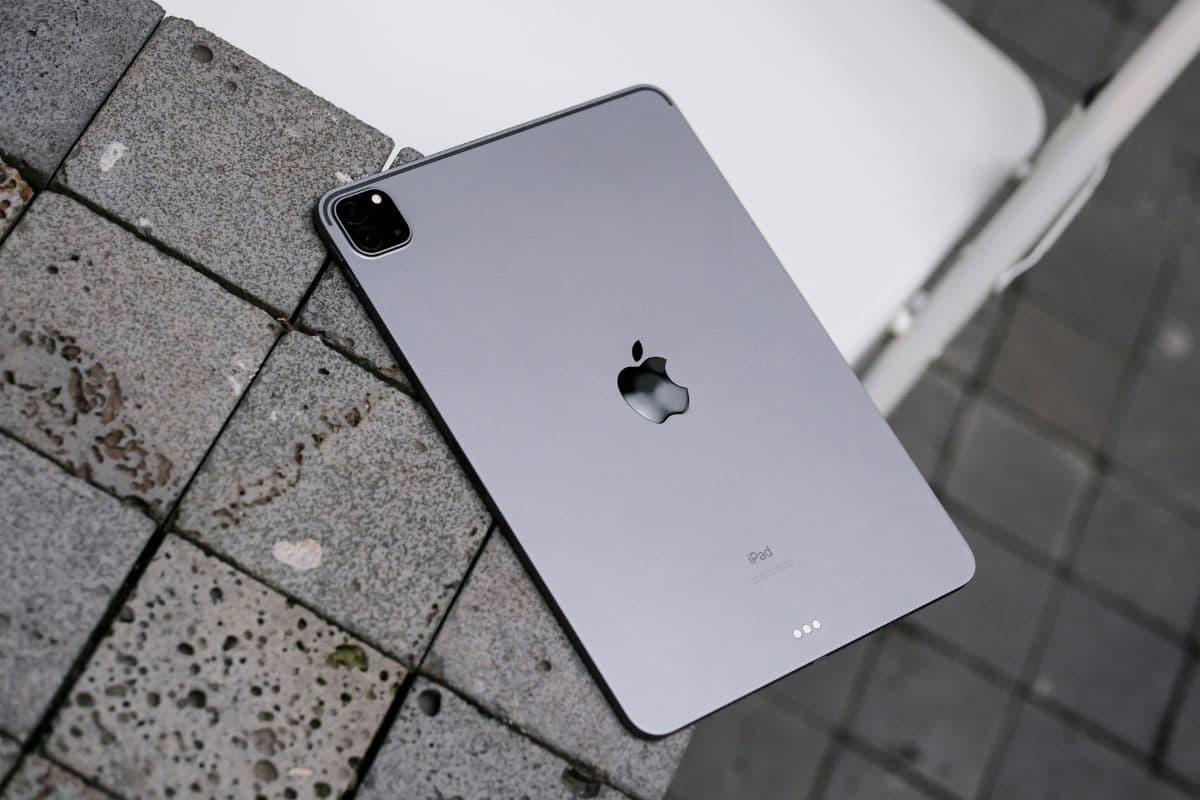
What devices can you apply beyond laptops? (Image by Unsplash)
4. How To Apply For A Free Device: Mobile, Tablet & More
Step 1: Verify Eligibility
First, confirm that you qualify for device assistance programs. Most programs base eligibility on either your household income (e.g., at or below specific federal poverty levels) or your participation in government aid programs such as SNAP, Medicaid, SSI, or other verified assistance services. Having proof of income and official benefit documentation ready before starting your application makes the process smoother.
Step 2: Apply Online With TAG Mobile
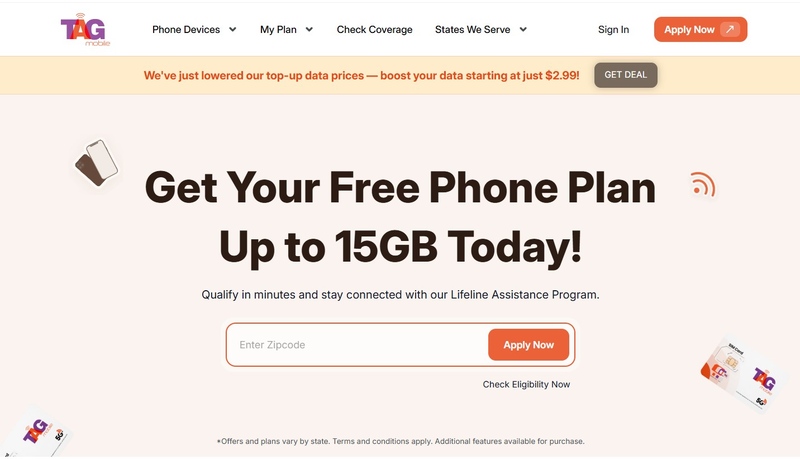
Once you know you qualify, visit the TAG Mobile website to begin your application. TAG Mobile is an authorized Lifeline service provider that supports Maryland residents, including those in Baltimore City.
Enter your ZIP code and email: Start by typing in your ZIP code and selecting “Apply Now.” The platform will automatically show the plans and device options available in your area based on your qualification status.
Pick a service plan: Compare the Lifeline plans offered locally and select the one that matches your talk, text, and data requirements.
Select a device or use your existing phone: You may choose from available free or discounted smartphones, tablets, or even laptops if available, or keep your current compatible device by submitting its IMEI number through the Bring Your Own Device (BYOD) feature.
Step 3: Enter Personal Information And Upload Documents
In this step, provide your legal name, contact details, and proof of eligibility documents. If the system cannot automatically verify your eligibility, you will be prompted to manually upload supporting documents.
Step 4: Submit Form And Receive Approval
Review your information carefully and submit your application for final approval. Most applicants hear back within 7-10 business days. Once approved, your free device, whether it is a smartphone or tablet, will be shipped directly to your home at no cost. If a particular model is unavailable, you may be offered a similar quality device as an alternative.
Final Words
Getting a free laptop Baltimore City household in 2026 may require navigating multiple programs, but options do exist, especially for eligible low-income residents. From city-led Chromebook distributions to federal programs like Lifeline and partnerships with approved providers like TAG Mobile, there are pathways to receive devices that help you stay connected, learn online, work, and communicate with the world.
Start by checking your eligibility, gathering your documents, and exploring all available options to get access to technology that can change your life and help you succeed in school, work, and everyday communication.
Notice: The government does not cover device costs, only basic service through Lifeline. Any free or discounted devices, upgrades, or top-ups are limited-time TAG Mobile offers and may vary by state, eligibility, and availability. Terms and conditions apply.
Share
TAG Blog
Stories, guides, and helpful updates for staying connected.