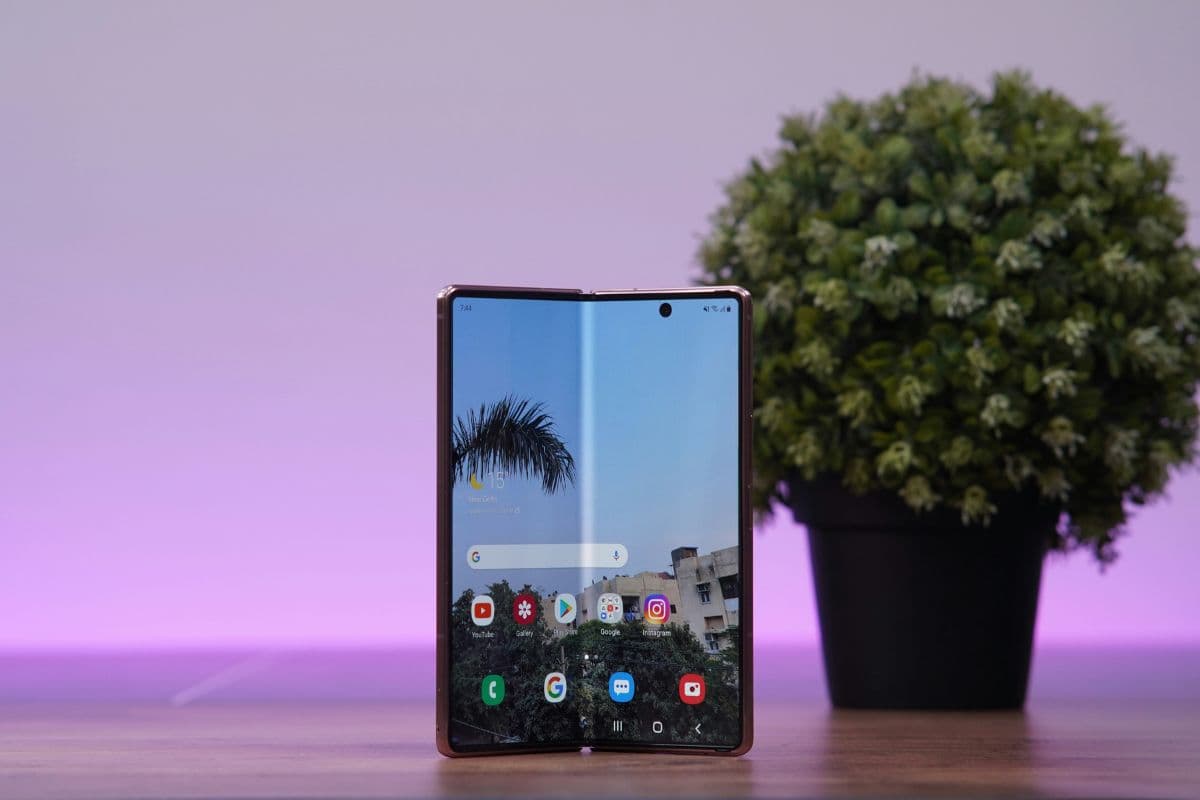
If you’re looking for a free esim service for Android, eligibility is typically based on federal income guidelines or participation in approved assistance programs. Qualified individuals may receive monthly talk, text, and data benefits at no cost. Activation depends on device compatibility and carrier support. For detailed qualification steps and setup instructions, refer to the full guide from TAG Mobile below to learn more.
1. Is There Free eSIM Service for Android?
Yes, free eSIM service for Android may be available through federally supported assistance programs for eligible individuals. Qualification is usually based on household income guidelines or participation in approved government benefit programs.
When approved, users can receive monthly talk, text, and data benefits at no cost, provided their Android device supports eSIM technology. If you’re researching the best free esim service for Android, it’s important to confirm both eligibility requirements and device compatibility before applying.
2. Benefits of eSIM for Android Users
eSIM technology brings a more modern and flexible approach to mobile connectivity. By embedding a digital SIM directly into the device, Android users can manage their mobile service without relying on a physical card.
- Instant Digital Activation: Users can activate a mobile plan through a QR code or carrier app without visiting a store or waiting for a physical SIM to arrive. This makes switching providers faster and more convenient.
- Easier International Travel: Travelers can download local or data-only plans when arriving in a new country, avoiding expensive roaming charges. There is no need to swap tiny SIM cards at airports or carry extras.
- Multiple Profiles & Dual SIM Support: Many Android devices allow users to store multiple eSIM profiles and switch between them when needed. In supported models, users can run one eSIM alongside a physical SIM or even manage two active numbers for work and personal use.
- Enhanced Security: Because the eSIM chip is built into the device, it cannot be physically removed if the phone is lost or stolen. This adds an extra layer of protection compared to traditional SIM cards.
- Space-Saving & Eco-Friendly Design: Removing the physical SIM tray frees up internal space for larger batteries or additional hardware features. It also reduces plastic waste from traditional SIM cards and packaging.
>>> Read more: Best Free eSIM Service for iPhone: Where to Find Them?
3. Does Your Android Phone Support eSIM?
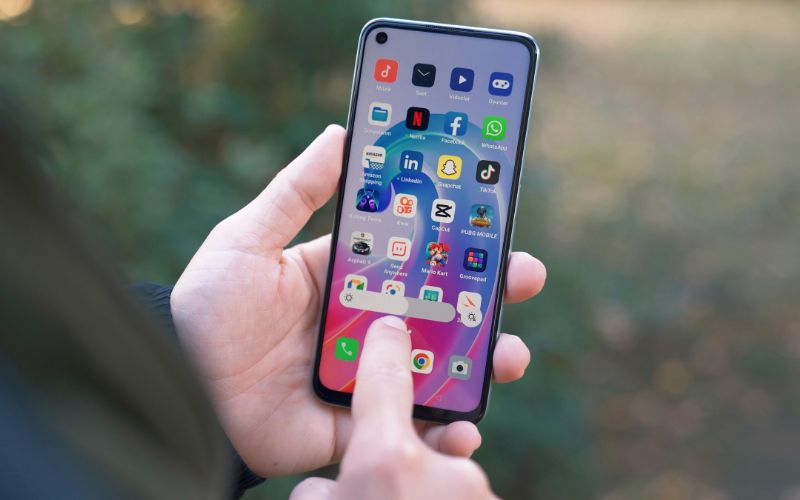
Before applying for a free esim service for Android, you should first confirm that your device supports eSIM functionality. Instead of following a strict step-by-step process, there are several reliable ways to check compatibility.
Check in Settings
One of the quickest ways to verify support is by opening Settings → Network & Internet → SIMs (or SIM Manager, depending on your device brand). If you see an option such as “Add eSIM,” “Download a SIM,” or “Add Mobile Plan,” your phone likely includes built-in eSIM hardware. If that option does not appear, your model may only support a physical SIM.
Look for the “Add eSIM” Option
Even without navigating deeply into menus, simply searching for “eSIM” in the Settings search bar can help. If your device displays eSIM-related settings, it confirms that the feature is available. This method is fast and does not require technical knowledge.
Confirm the Device Is Unlocked
Hardware support alone is not enough. Your Android phone should also be carrier-unlocked to activate service with a new provider. A locked device may block installation of an eSIM from another network, even if the phone technically supports eSIM.