Does iPhone 13 Mini Have eSIM? Connect Anywhere, Anytime
If you’re considering a compact iPhone model, you may be wondering does iPhone 13 mini have eSIM and how its Dual SIM features work. The iPhone 13 mini supports both a physical nan...
Quincy D.-Feb 25, 2026
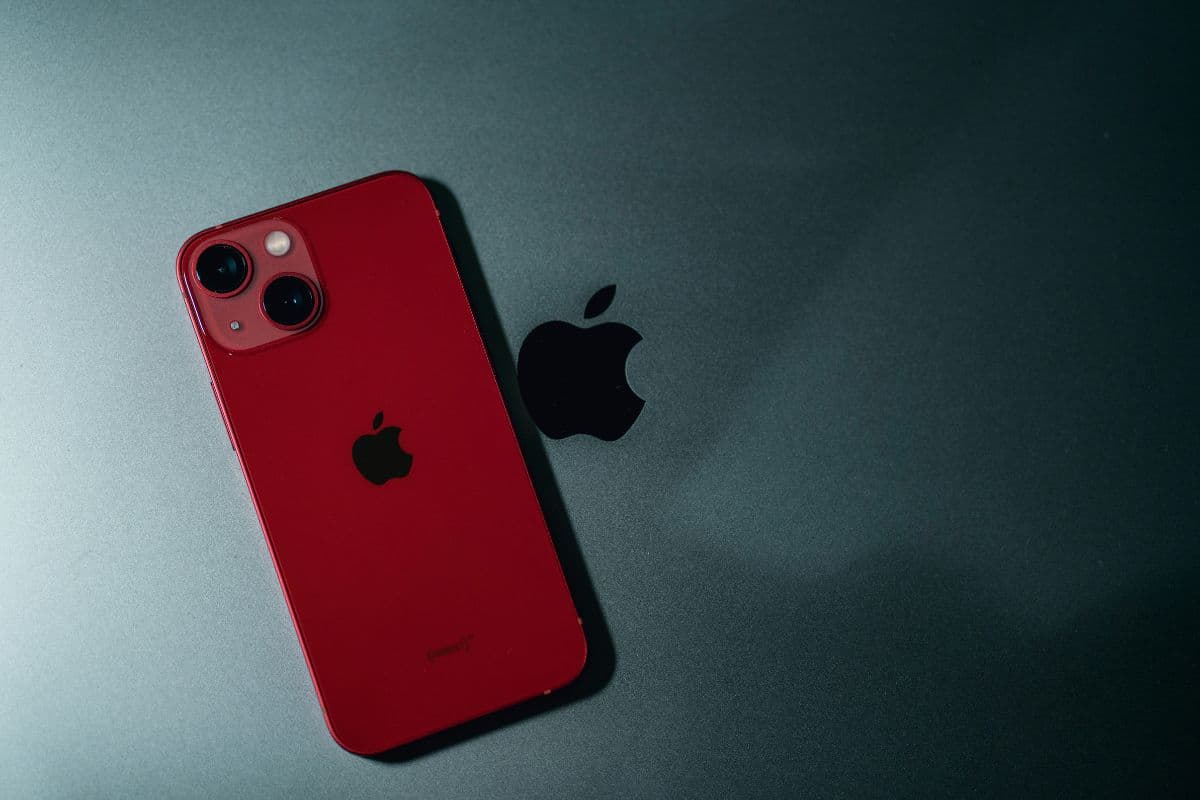
Image by Unsplash
Table of Contents
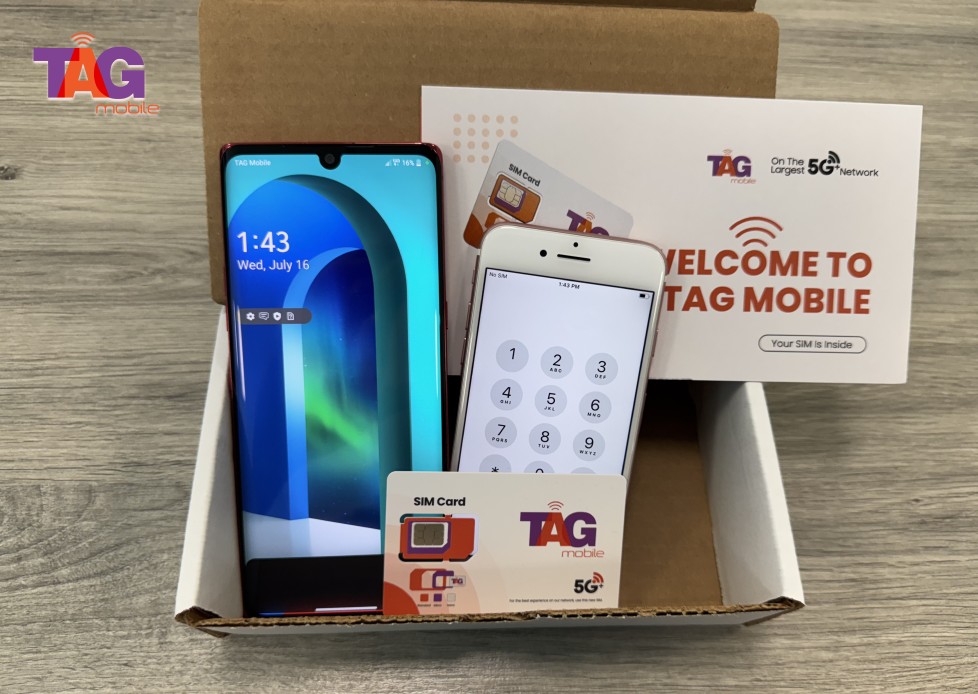
If you’re considering a compact iPhone model, you may be wondering does iPhone 13 mini have eSIM and how its Dual SIM features work. The iPhone 13 mini supports both a physical nano-SIM and eSIM, giving users flexible activation options. This allows you to manage two lines on one device without sacrificing performance. For detailed setup guidance and compatible wireless plans, explore helpful resources from TAG Mobile to learn more.
Yes, the iPhone 13 mini sold in the United States supports eSIM technology and also includes a physical nano-SIM slot. This Dual SIM capability allows you to use one physical SIM and one eSIM at the same time, or in some cases activate two eSIM profiles simultaneously, depending on carrier support.
This flexibility makes the iPhone 13 mini a practical choice for users who want both traditional and digital activation options. If you’re considering setting up a compatible plan, you can explore device and eSIM options through TAG Mobile, where eligible users may apply for supported iPhone models and activate service digitally.
2. Real-Life Situations Where eSIM Helps
eSIM technology is not just a technical upgrade. It solves real everyday problems. If you’ve been asking Does iPhone 13 mini have eSIM, understanding practical use cases will show why this feature can be so useful.
Apply now and get the free device and data that you need!
Work and personal numbers
There are various reasons why people prefer to keep their personal and professional calls separate. Using eSIM technology with your iPhone 13 mini allows you to have different phone numbers for your personal and professional calls on the same device.
This helps you keep your calls, texts, and voicemail separate without the need to carry two different devices. You can also choose which line to use for outgoing calls right from the dial screen.
Travel without buying a new SIM
Travelers often need affordable local data plans when visiting another country. Instead of purchasing and physically swapping a SIM card, you can download a local carrier’s eSIM profile before or after arrival. This makes staying connected more convenient and reduces the risk of losing your primary SIM.
At the same time, you can keep your main number active for calls and verification codes.
Backup carrier for better coverage
Some users activate a second eSIM from a different carrier to improve coverage in rural or low-signal areas. If one network becomes weak or unavailable, you can switch to the other line in your settings. This flexibility provides added reliability without requiring any physical SIM changes.
It is especially helpful for people who travel frequently or live in areas with inconsistent service.
Setting up your cellular line on the iPhone 13 mini is quick and straightforward, especially if you’re activating an eSIM. As long as you have a stable internet connection and activation details from your carrier, the process can be completed in just a few minutes.
Step 1: Open Settings → Cellular
First, unlock your iPhone 13 mini and open the Settings app. Scroll down and tap Cellular (or Mobile Data, depending on your region). This section allows you to manage your current line and add a new plan.
Step 2: Tap “Add eSIM”
Inside the Cellular menu, you select Add eSIM to begin the activation process. Your device will display the available setup methods supported by your carrier. Make sure your phone is connected to Wi-Fi to ensure a smooth installation.
Step 3: Scan the QR Code
Choose the option to scan a QR code provided by your carrier. Position your camera over the QR code, so your iPhone can recognize and download the eSIM profile automatically. Once the profile is installed, confirm activation and check your signal bars to ensure your line is active and working properly.
4. FAQs About iPhone 13 mini eSIM
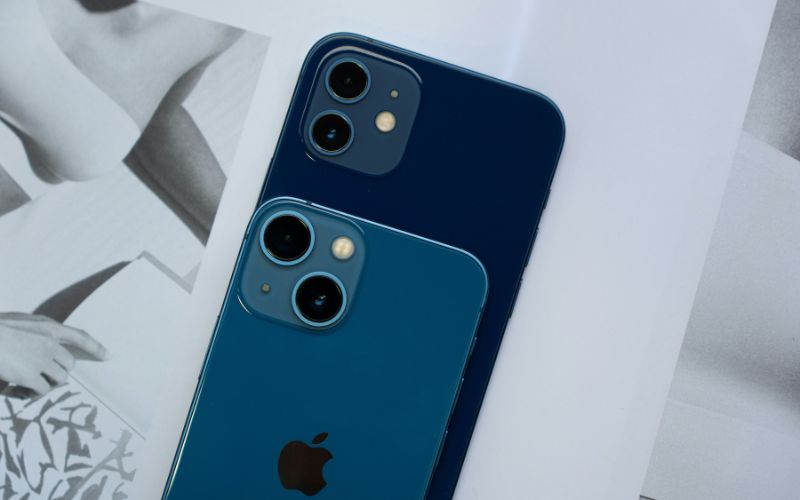
Does iPhone 13 Mini have eSIM? FAQs about iPhone 13 Mini and eSIM. (Image by Unsplash)
Many users still have practical questions about how eSIM works, specifically on the iPhone 13 mini. Below are clear and accurate answers to common concerns about storage capacity and SIM compatibility.
How many eSIM profiles can the iPhone 13 mini store?
The iPhone 13 mini can store multiple eSIM profiles, depending on carrier and iOS support. However, the device can only use two lines at the same time, typically one physical nano-SIM and one eSIM, or in some cases two eSIMs. You can switch between stored eSIM profiles in the Cellular settings without needing to remove any physical SIM card.
What size SIM does the iPhone 13 mini use?
The iPhone 13 mini uses a nano-SIM card for its physical SIM slot. This is the smallest physical SIM size currently used in modern smartphones. In addition to the nano-SIM, the device also supports eSIM, giving users flexible options for activating and managing their cellular plans.
5. Final Words
Still wondering does iPhone 13 mini have eSIM? Yes, it does, and with both eSIM and a physical SIM slot, it offers flexibility that many users appreciate. This makes it easy to switch carriers, manage two numbers, or activate service digitally without giving up traditional SIM support.
The iPhone 13 mini combines a compact design with modern connectivity features. For smooth activation and affordable wireless plans that support eSIM, explore reliable options from TAG Mobile and get connected today.
Notice: The government does not cover device costs, only basic service through Lifeline. Any free or discounted devices, upgrades, or top-ups are limited-time TAG Mobile offers and may vary by state, eligibility, and availability. Terms and conditions apply.
Share
TAG Blog
Stories, guides, and helpful updates for staying connected.