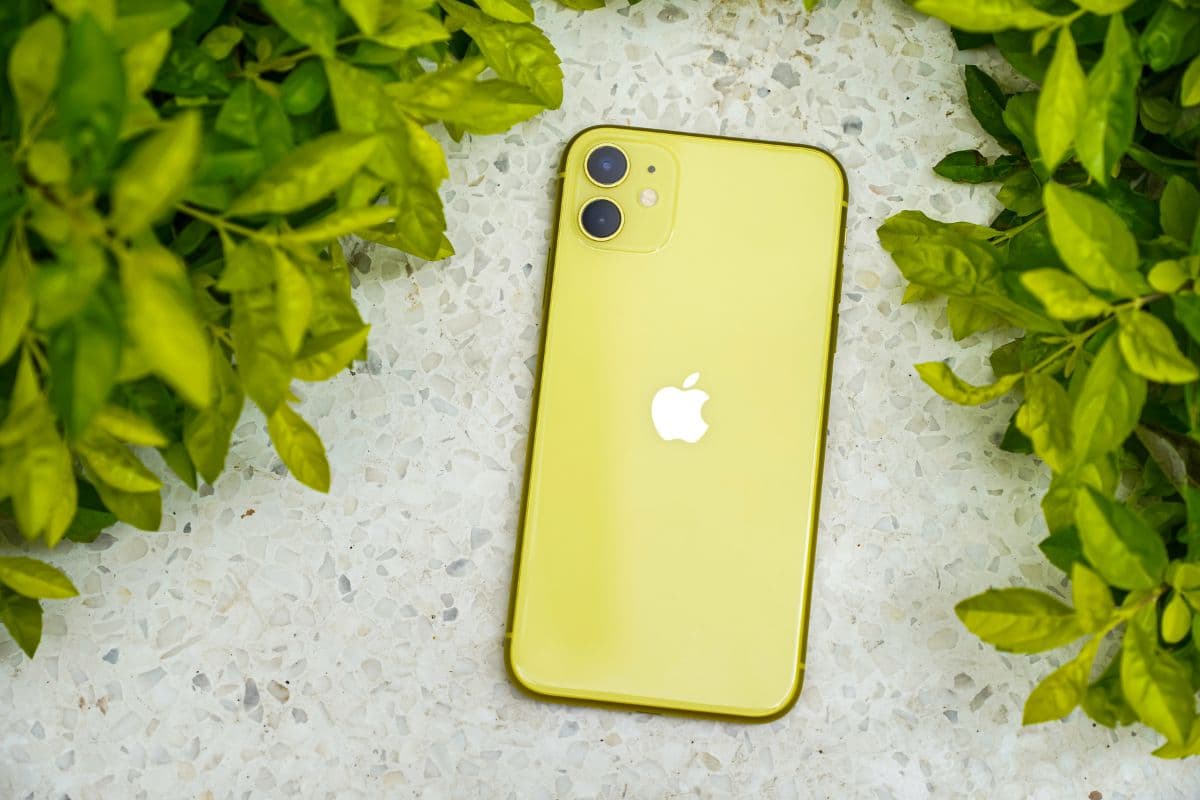
If you are still asking, does iPhone 11 have SIM card compatibility, you will be glad to know that it does support both a physical nano-SIM and digital eSIM technology. This combination provides greater flexibility for managing calls, data, and even secondary lines on one device. The iPhone 11 continues to be a solid option for users who want dependable performance with modern SIM features. To better understand how it works and what setup steps are involved, you can review the detailed guide from TAG Mobile below for more helpful insights.
1. Does iPhone 11 Have SIM Card?
Yes, the U.S. model of the iPhone 11 (model A2111) includes a physical SIM card slot. Unlike the iPhone 14 and later U.S. models, it is not eSIM-only. The device features a nano-SIM tray located on the right side of the phone.
In addition to the physical nano-SIM slot, the iPhone 11 also supports eSIM technology. This means it offers Dual SIM capability, allowing you to use one physical SIM and one eSIM simultaneously. This setup makes it possible to manage two phone numbers or carriers on
2. How to Insert or Activate a SIM on an iPhone 11
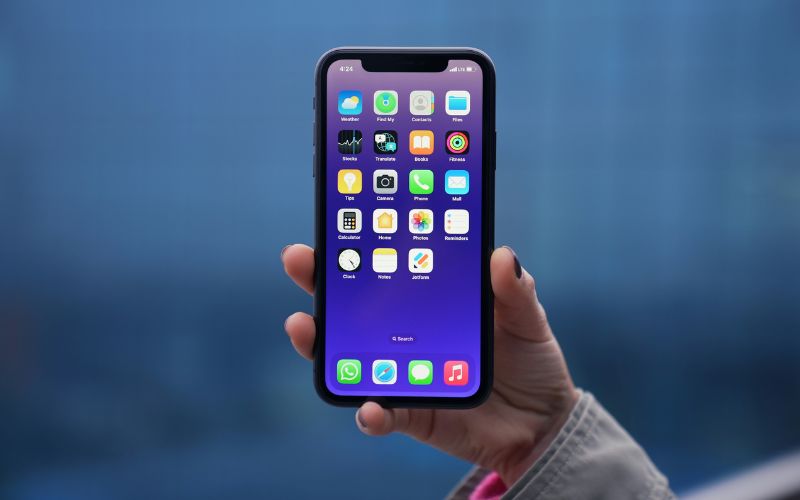
If you are asking, does iPhone 11 have SIM card support, the answer includes both a physical SIM option and digital eSIM capability. Below are the two main ways you can set up mobile service on your iPhone 11, depending on your carrier and preference.
Option 1 – Insert Physical SIM
The iPhone 11 includes a nano-SIM tray for traditional SIM card use. Follow these steps carefully to insert and activate your physical SIM card correctly.
- Locate the Tray: The SIM tray is on the right-hand side of the iPhone 11.
- Eject the Tray: Insert a SIM ejector tool (or a small paperclip) into the small hole and press gently until the tray pops out.
- Position the SIM: Place your nano-SIM card into the tray. It fits only one way because of the notched corner.
- Ensure Proper Orientation: Make sure the gold contacts are facing down.
- Reinsert the Tray: Push the tray back into the device fully, keeping it in the same orientation as when removed.
- Activate: Once inserted, the phone should automatically recognize the SIM card and connect to your carrier’s network.
Option 2 – Activate eSIM
The iPhone 11 also supports eSIM, allowing you to activate a mobile plan digitally without inserting a physical card. Follow these steps to complete the setup.
- Open Settings: Go to the Settings app on your iPhone.
- Access Cellular Settings: Tap Cellular (or Mobile Data, depending on your region).
- Select Add eSIM: Choose Add eSIM or Add Cellular Plan to begin the activation process.
- Scan or Enter Details: Scan the QR code provided by your carrier or manually enter the activation information if required.
- Download the Plan: Allow your iPhone to download and install the carrier profile securely.
- Confirm Activation: Once signal bars appear, assign your preferred default line for calls, messages, and data to complete the setup.
3. Want an Affordable Phone Plan Without Complicated Setup?
If you qualify for the Lifeline Program, you may be eligible for discounted or free monthly wireless service based on federal income guidelines or participation in approved assistance programs.
This federal benefit helps ensure that individuals and families stay connected to essential services, employment opportunities, healthcare providers, and schools.
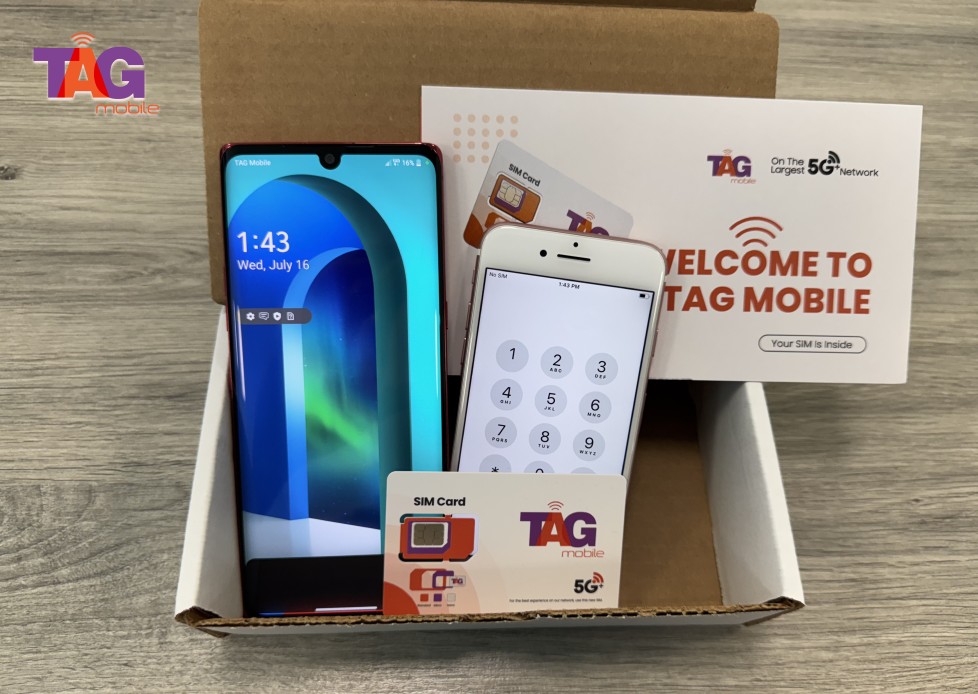
TAG Mobile participates in the Lifeline Program and offers affordable plans designed to keep things simple and accessible. Depending on your state, plan benefits may include: