How to Get a Free Phone for Seniors in 5 Simple Steps [Latest Guide]
Many seniors want a safe and low-cost way to stay connected, especially when they rely on doctors, family, and daily support. If you want to know how to get a free phone for senior...
Hugh Taylor-Feb 28, 2026
Table of Contents
Many seniors want a safe and low-cost way to stay connected, especially when they rely on doctors, family, and daily support. If you want to know how to get a free phone for seniors, the answer comes from federal programs like Lifeline. Seniors who receive SSI, Medicaid, SNAP, or other benefits may qualify for a free phone and free monthly service through trusted providers such as TAG Mobile.
Keep reading to see who qualifies, how the program works, and the steps to apply today.
Free phone programs for seniors come from Lifeline, a federal support program that helps older adults lower their monthly phone costs. The program gives eligible seniors access to free senior phone service, discounted plans, and in many cases, a free smartphone from approved providers.
1.1. How Lifeline Works
The Lifeline program is managed by the Federal Communications Commission (FCC). The goal is to help low-income Americans stay connected to healthcare providers, family, and emergency services.
Here is what Lifeline offers:
A monthly discount of up to 9.25 USD for standard users
A monthly discount of up to 34.25 USD for seniors living on Tribal lands
Free talk, text, and mobile data depending on the provider
Free or discounted smartphones
Lifeline provider gives seniors a simple way to access phone service with no contracts and no credit checks. Providers apply the discount directly to your account after approval.
1.2. Who Qualifies for a Free Phone for Seniors?
Eligibility comes from income or participation in government support programs.
Tribal Assistance Programs such as TANF, FDPIR, or BIA Assistance
If you already receive one of these benefits, you likely qualify for a free senior phone service today.
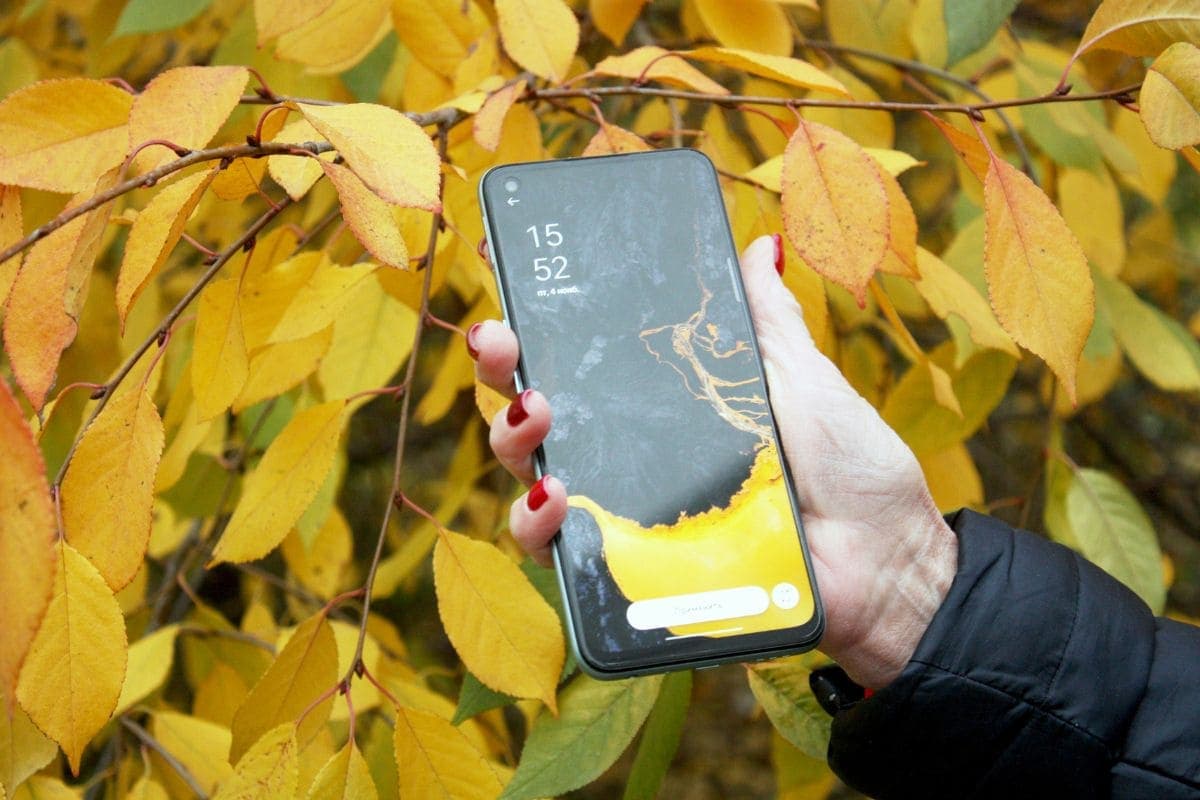
Senior citizens can lower their monthly phone costs when they qualify Lifeline program (Image by Freepik)
2. Best Providers Offering Free Senior Phone Service
Several Lifeline providers support older adults, butTAG Mobile stands out as one of the most trusted choices for a free phone for senior citizens. TAG Mobile is fully certified to offer Lifeline benefits across the United States. Its plans are designed to match the needs of seniors who want simple, reliable, and affordable phone service.
2.1. TAG Mobile Senior Benefits
TAG Mobile offers a wide range of benefits that help seniors stay connected without extra costs:
Discounted newer devices up to 50-70% off retail price, such as iPhones 11-15, Samsung phones, tablets, and Chromebooks
Free international calling to more than 200 countries
A free SIM or eSIM is included with your plan, and you can also bring your own device if that’s easier for you.
These features make TAG Mobile a strong option for seniors who want a dependable phone plan without contracts or hidden fees.
2.2. Why Seniors Choose TAG Mobile
Many seniors choose TAG Mobile because the service is easy to use and simple to apply for. Key advantages include:
A fast online application that takes only a few minutes
Approval usually within 30 minutes
Free shipping within seven to ten business days
Reliable coverage across the country
Supportive customer service is available to guide seniors through setup, activation, or getting a replacement device if needed.
3. Step-by-Step: How to Get a Free Phone for Seniors
Here is a simple guide that helps seniors apply for a free senior phone service through trusted Lifeline providers like TAG Mobile. Each step is easy to follow and works for both online and mobile applications.
Step 1: Check Eligibility
Start by confirming that you meet the requirements for the Lifeline Program. You qualify if:
Your household income is at or below federal limits, or
You receive benefits from programs such as Medicaid, SSI, SNAP, Section 8, Veterans Pension, or Tribal assistance.
Checking your eligibility first helps you complete the application faster.
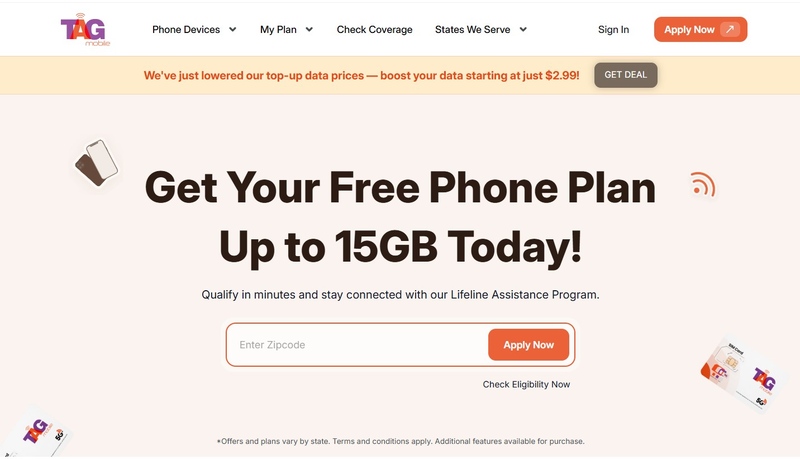
Step 2: Visit TAG Mobile’s Website
Go to tagmobile.com and enter your ZIP code. You will see all available Lifeline plans and device options for your state. The page shows what phones are free, discounted, or available for upgrades based on your eligibility.
After that, you can bring your own device or pick from:
Free smartphones
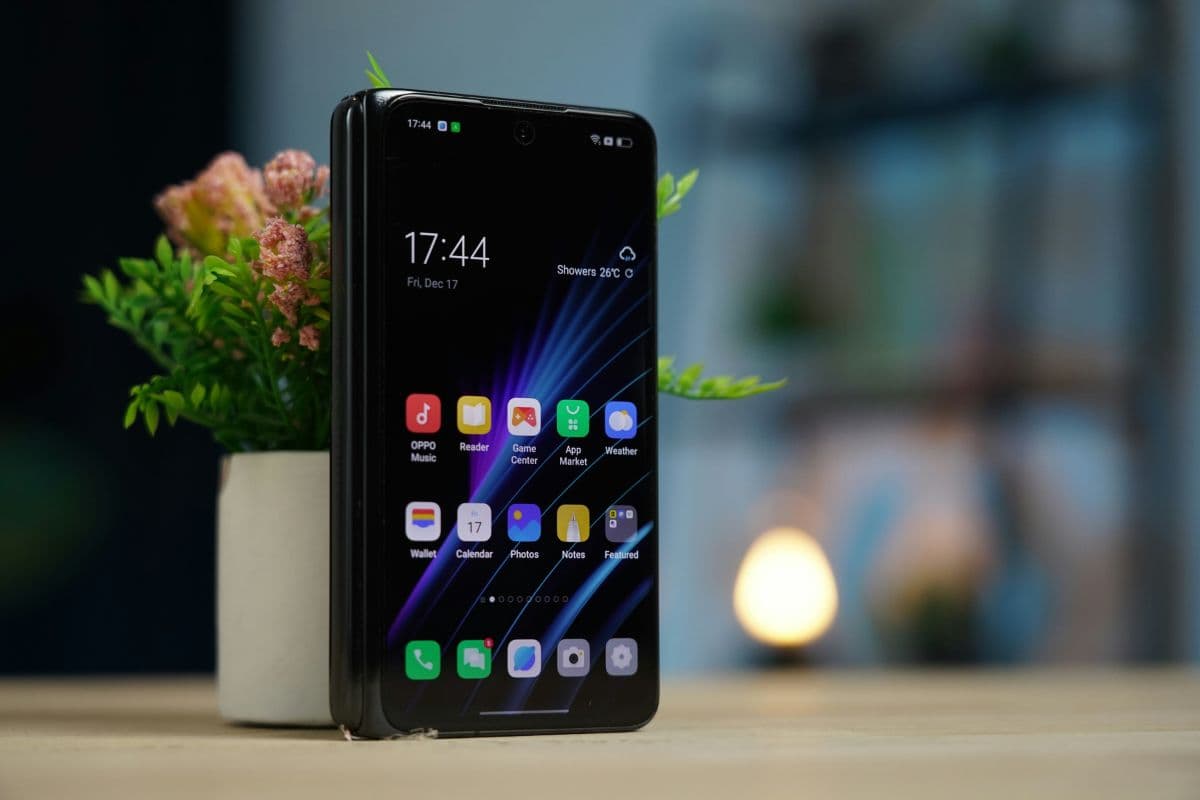
Discounted iPhones, Samsung, or Android models
Basic flip phones that are easy for seniors to use
Your choices depend on your ZIP code and current inventory.
Step 4: Upload Documents (If Required)
Upload your verification documents through TAG Mobile’s secure portal. You may need:
A government-issued photo ID (driver’s license, passport, or state ID)
Proof of benefits, such as a Medicaid or SNAP card
Proof of address, like a recent utility bill or lease
Step 5: Submit and Wait for Approval
After submitting your application, TAG Mobile verifies your information through the National Verifier (USAC).
Most applications are approved within 30 minutes, and you will receive a confirmation email once approved.
Step 6: Receive and Activate Your Phone
Your phone ships free within seven to ten business days. When it arrives, follow the setup instructions or call TAG Mobile’s customer support for help. Once your service is activated, you can start using your free senior phone plan immediately.
Choosing the right free phone for senior citizens can make daily communication easier and safer. Here are simple tips that help seniors pick a phone that matches their needs and comfort level.
Choose phones with large buttons and clear displays: Look for devices with bigger buttons, bright screens, and easy-to-read text. These features help seniors dial numbers, read messages, and use apps without eye strain.
Look for hearing aid compatibility: If you use hearing aids, select a phone that is labeled HAC compatible. These models reduce background noise and improve call clarity, making conversations smoother.
Ask about emergency SOS features: Some phones include built-in SOS buttons or medical alert shortcuts. These can connect you to emergency contacts or 911 with one press, which is helpful during urgent situations.
Request setup help when needed: If you are not familiar with smartphones, ask the provider for setup assistance. Many Lifeline carriers help seniors activate phones, adjust settings, and learn basic functions.
Apply only through official Lifeline providers’ websites: Always sign up through verified provider websites such as TAG Mobile. Avoid third-party websites that charge fees or ask for unnecessary information. Lifeline applications should always be free.
Q1. How do I get a free phone if I’m on Social Security?
If you receive SSI, you automatically qualify for a free phone through the Lifeline program. If you receive Social Security Retirement, you may still qualify based on your income. Lifeline providers like TAG Mobile let you apply online, choose a free or discounted device, and activate service with no fees.
Yes. Some Lifeline providers offer free or discounted iPhones such as the iPhone SE, iPhone 6, or iPhone 7. Device options vary based on your ZIP code and what’s currently in stock. Seniors who qualify through SSI, Medicaid, or SNAP can usually access these models at no cost or with a small co-pay.
Q3. Do I have to sign a contract?
No. Lifeline plans do not require contracts or credit checks. You can cancel anytime, and your free phone service continues as long as you remain eligible.
Final Words
Now you know how to get a free phone for seniors through Lifeline and how simple the process can be. You only need to confirm eligibility, upload clear documents, and choose a plan from a certified provider. A free phone helps seniors stay connected to family and health services without extra cost.
If you want to see the phones and plans available in your area, check your ZIP code on TAG Mobile and start your application today.
Share
TAG Blog
Stories, guides, and helpful updates for staying connected.
![How to Get a Free Phone for Seniors in 5 Simple Steps [Latest Guide]](/_next/image?url=https%3A%2F%2Ftagmobile.com%2Fblog%2Fwp-content%2Fuploads%2F2025%2F11%2Fhow-to-get-a-free-phone-for-seniors.jpg&w=3840&q=75)