Free Tablet SIM Card: How to Get Free Mobile Data for Your Tablet in 2026
In an era when remote work, digital education, and telehealth are the norm, a tablet is often the most versatile tool in a household’s arsenal. While many users rely on home Wi-Fi...
Quincy D.-Jan 30, 2026
Image by Unsplash
Table of Contents
In an era when remote work, digital education, and telehealth are the norm, a tablet is often the most versatile tool in a household’s arsenal. While many users rely on home Wi-Fi, the true power of a tablet is realized when it has its own dedicated cellular connection. This leads many to ask: Can you get a SIM card for a tablet? The answer is yes, and through federal assistance programs, you can often secure this connectivity at no cost.
A free tablet SIM card allows you to stay productive whether you are at a park, on a bus, or in a location without reliable Wi-Fi. This guide explores how the Lifeline program supports mobile data for tablets and the specific steps you need to take to get connected through authorized providers like TAG Mobile.
1. Can You Get a Free SIM Card for a Tablet Today?
The transition to a mobile-first society has changed how we view data. It is no longer a luxury reserved for smartphones.
Addressing the Question: Can You Get a SIM Card for a Tablet?
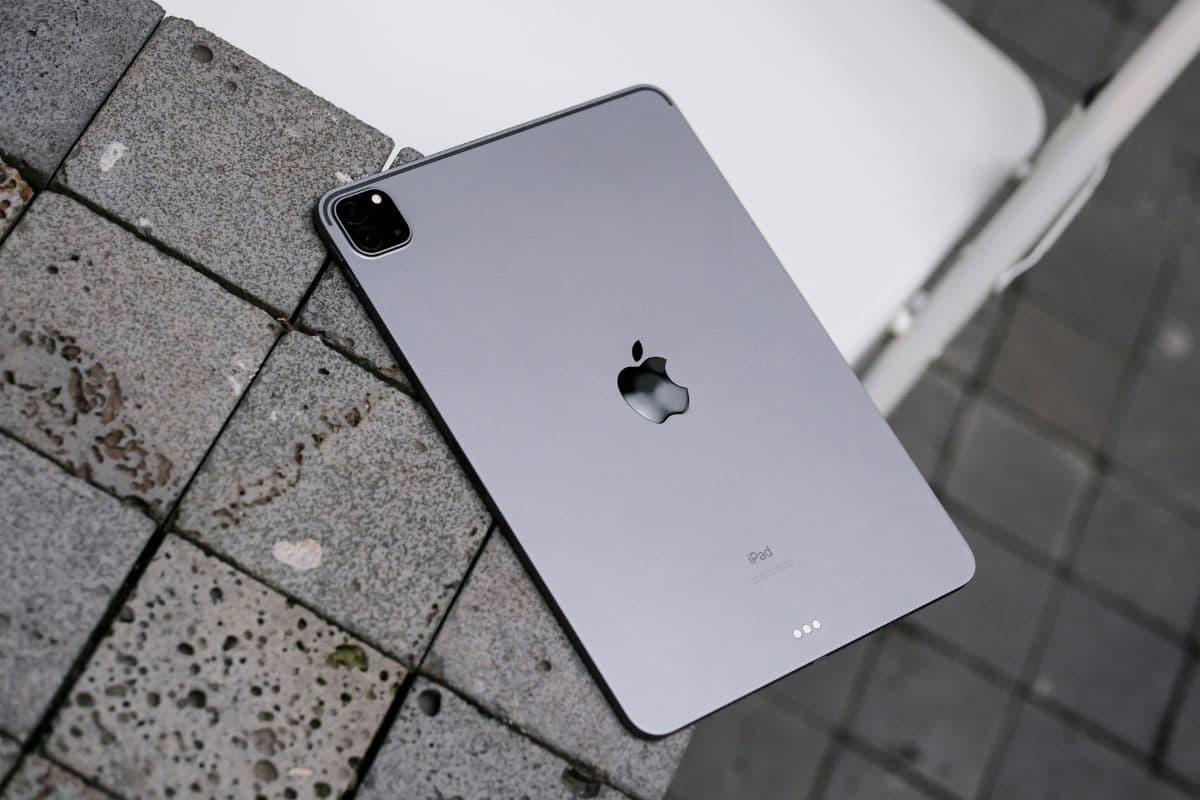
Many people are unaware that tablets with “cellular” capabilities have a SIM slot just like a smartphone. If you have a compatible device, you can absolutely install a SIM card to access the internet. The federal government recognizes that tablet data is essential to bridging the digital divide, enabling authorized carriers to offer SIM-only plans to eligible participants.
Direct Answer: Can I Get a SIM Card for Free?
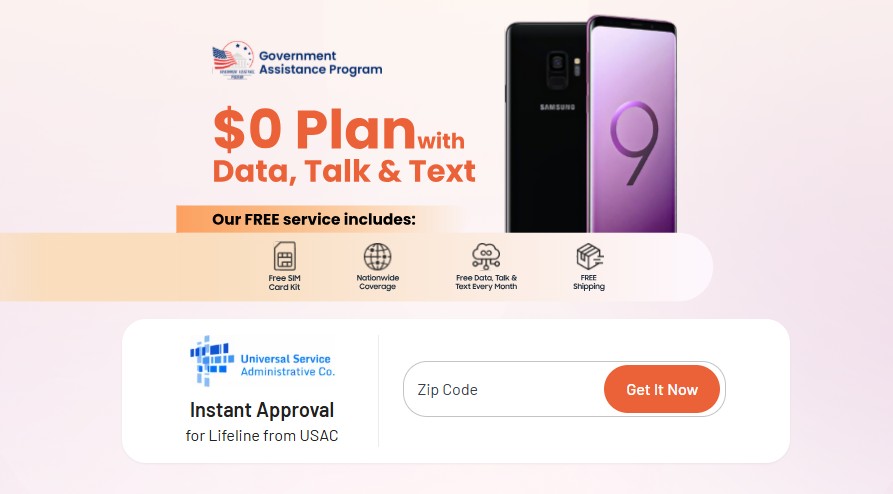
For those asking, “Can I get a SIM card for free?”, the Lifeline program is the primary solution. This federal benefit provides a monthly subsidy to carriers, who then offer a $0 monthly service plan and a free SIM card to consumers.
There are no activation fees or shipping costs when you apply through the right channels. This is a genuinely free service designed to ensure every American has a baseline of digital access.
The Importance of 5G Connectivity for Tablets
Modern tablets are designed for high-speed interactions. A free tablet SIM card in 2026 typically provides access to nationwide 5G and 4G LTE networks.
This ensures that you can stream high-definition educational videos or participate in video conferences without the lag or buffering often associated with public Wi-Fi.
Access to a free data line is strictly regulated to ensure the Lifeline’s benefit helps those who need it most for their daily productivity and communication.
What You Get With a Free Tablet SIM Card (Image by Unsplash)
Federal Assistance Programs
The fastest way to qualify is through enrollment in existing aid programs. If you or a member of your household is currently enrolled in any of the following, you are eligible:
If you do not participate in a federal program, you can qualify based on your income. If your total annual household income is at or below 135% of the Federal Poverty Guidelines, you are eligible.
Understanding the “One Benefit Per Household” Policy
Federal law limits the Lifeline benefit to one per household. This means you can choose to apply your benefit to either a mobile phone service or a dedicated tablet data line, but not both at the same time.
If your household already receives a Lifeline discount for a home phone or another cell phone, you would need to transfer that benefit to TAG Mobile to receive your free tablet SIM card.
The ability to keep your current phone number: If you are moving from another carrier to TAG Mobile, you have the option to “port in” your existing number. This ensures that you don’t have to update your contact information with your employers, doctors, or family members.
4. How to Apply Online for a Free Tablet SIM Card
The application process is designed to be completed in one sitting, allowing you to secure your connectivity without leaving your home.
Step 1: Verify Eligibility and Enter ZIP Code
First, you need to determine whether you qualify for Lifeline benefits on the basis of your income or whether you participate in government assistance plans.
Benefits of Lifeline services can be accessed by those earning at or below 135% of the Federal Poverty Guidelines or those who participate in certain government assistance plans such as Medicaid, SNAP, SSI, or Federal Public Housing Assistance.
At the same time, you need to verify whether TAG Mobile services are available in your location. You must enter your ZIP code via the TAG Mobile website to confirm that service is available in your area.
Enter ZIP Code to start applying for Lifeline on TAG Mobile
Step 2: Select Your Service Plan and “Bring Your Own Device” (BYOP)
Once eligibility is confirmed, you will choose the “Bring Your Own Phone/Device” (BYOP) option. This is the correct path if you already own a tablet and only need the SIM card.
In case specific bundles or models are unavailable at the time of application, you can always consider other high-quality options from TAG Mobile’s vast collection.
During this step, you must ensure your tablet is “unlocked” and compatible with the network. You can find more details on device compatibility here: https://tagmobile.com/shop/byop
Step 3: Complete Personal Details for Federal Identity Checks
You will fill in the enrollment form with your legal name, date of birth, and contact information. This step ensures that the person receiving the benefit is the person who is actually eligible under federal law.
If required, you may be asked to upload clear, non-blurry photos of your government-issued ID and your proof of eligibility (such as a SNAP award letter).
Step 4: Submit for Approval and Activate Your SIM
Once the your status is approved, TAG Mobile will ship your free tablet SIM card directly to your door.
Upon arrival, you simply insert the SIM into your tablet and follow the activation instructions to start your free service.
Securing a free tablet sim card is a powerful way to enhance your mobile productivity in 2026. By utilizing the federal Lifeline program, you can transform your tablet into a fully connected workstation with no monthly costs. For those asking, “What company gives free tablets?“, TAG Mobile remains a leader in this space, often offering high-quality tablet and phone bundles.
Notice: The government does not cover device costs, only basic service through Lifeline. Any free or discounted devices, upgrades, or top-ups are limited-time TAG Mobile offers and may vary by state, eligibility, and availability. Terms and conditions apply.
Share
TAG Blog
Stories, guides, and helpful updates for staying connected.