Free Tablet No Cost: Legit Programs, Eligibility, and How To Get One Today
With tablets becoming essential tools for education, work, telehealth, and everyday communication, more people are searching for a free tablet no cost option. Phrases like “free go...
Quincy D.-Jan 30, 2026
Image by Unsplash
Table of Contents
With tablets becoming essential tools for education, work, telehealth, and everyday communication, more people are searching for a free tablet no cost option. Phrases like “free government tablet no money down”, “free tablet no credit check”, and “free government tablet no fee” are increasingly common, especially among low-income households looking for affordable technology.
In this guide, we’ll explain what “no cost” really means, which programs offer legitimate free tablets, what devices you can expect, and how to apply safely through trusted providers.
1. What Does “Free Tablet No Cost” Really Mean?
Before learning more about legit programs, eligibility, or how to apply to get a free table no cost, let’s find out the meaning of this.
1.1 Why Do People Search For “No Cost” Tablets
Many people cannot afford upfront device costs, credit checks, or hidden fees. Searching for a free tablet no cost means they want a device that does not require a down payment, credit approval, or monthly financing. For students, job seekers, seniors, and families on tight budgets, even small fees can be a barrier to access.
1.2 Are Free Tablets With No Cost Legit?
Yes, free tablets with no cost are legitimate, but only under specific conditions. These tablets are typically offered through government-supported assistance programs, like Lifeline program, and their authorized providers.
While the device itself may be free, availability depends on eligibility, location, and current inventory. Legitimate offers never require a credit check or a large upfront payment.
Do you know which programs offer free tablets at no cost? Learn more about them in the next section of this article.
2.1 Lifeline-Based Tablet Programs
Most free government tablet no money down offers are usually connected to federal assistance programs such as Lifeline.
The Lifeline Program was created to ensure that low-income households can access essential communication services. While the program primarily focuses on phone and internet service, some authorized providers also offer tablets as part of special enrollment or promotional offers.
Providers like TAG Mobile work within Lifeline guidelines to distribute devices to eligible applicants. These tablets are paired with affordable or free service plans designed to support basic digital needs.
2.2 How Do Free Tablet No Cost Programs Work?
Instead of the government directly giving out tablets, approved providers manage the application and distribution process.
Once an applicant qualifies, the provider may offer a tablet at no cost or with a minimal one-time contribution. There are no contracts, no credit checks, and no hidden device fees involved.
2.3 Who Qualifies For A Free Tablet At No Cost?
Eligibility is usually based on income or participation in qualifying government assistance programs. You may qualify if you receive benefits such as:
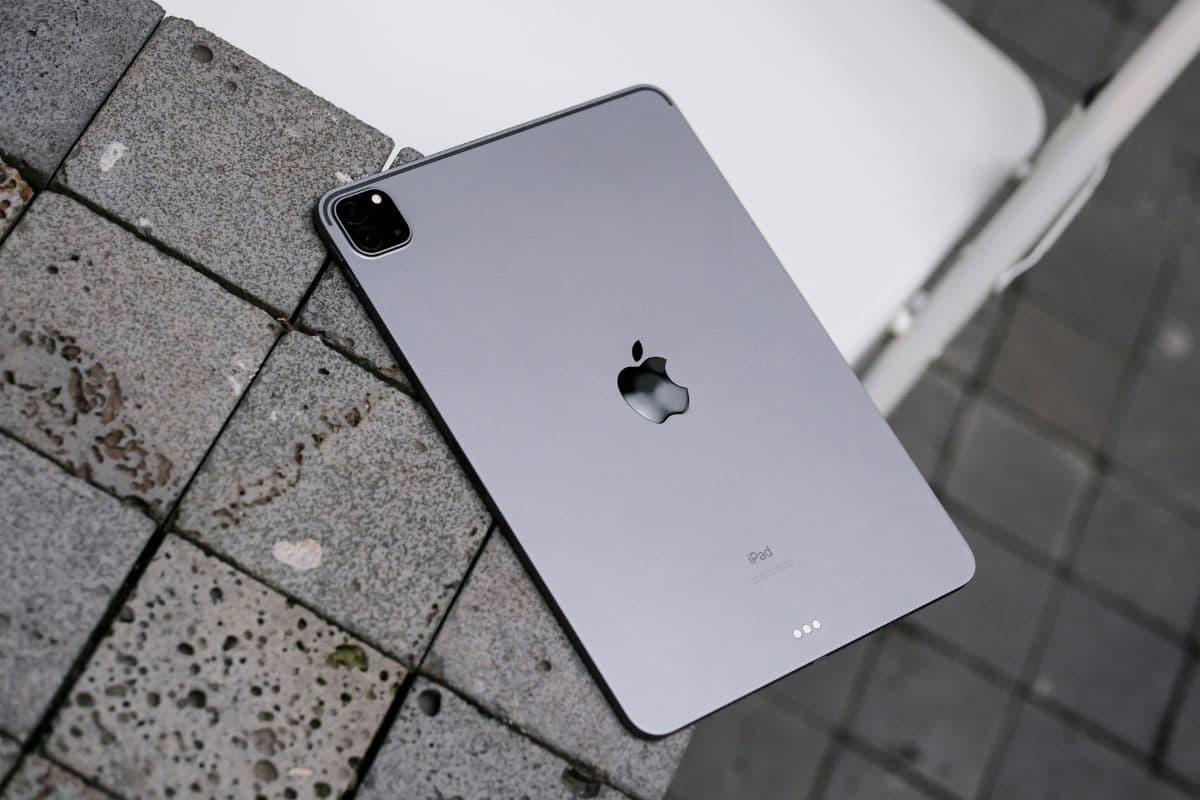
Some recommend tablet options for you! (Image by Unsplash)
Many applicants wonder what type of device they will receive for a free tablet no cost. While premium brands are not guaranteed, legitimate programs focus on providing functional tablets that meet everyday needs.
TAG Mobile offers tablets designed for practical use, depending on availability and location. These tablets typically include:
Durable operating systems
Large screens suitable for online learning and video calls
Wi-Fi and data compatibility
Simple, user-friendly interfaces
These devices are well-suited for students attending virtual classes, job seekers completing online applications, web browsing, email management, seniors accessing telehealth services, and families staying connected.
When you apply through authorized providers like TAG Mobile, you may receive a free Lifeline tablet, depending on availability, such as:
Considered among the top Lifeline free tablet options, these devices are ideal for job seekers, students, and anyone who needs a dependable tablet, offering solid performance, large screens, and extended battery life for daily use.
4. How To Apply For A Free Tablet No Credit Check, No Hidden Cost
One of the biggest advantages of these programs is that they offer a free tablet no credit check and no surprise charges. Here’s how to apply safely.
4.1 Step 1: Verify Eligibility
Before applying for a free tablet no cost, you should first make sure you meet the Lifeline Program’s eligibility requirements. Most applicants qualify in one of two ways:
by having a household income at or below 135% of the federal poverty guidelines,
or by participating in an approved government assistance program such as SNAP (Food Stamps), Medicaid, Supplemental Security Income (SSI), or Federal Public Housing Assistance.
Confirming your eligibility ahead of time helps prevent delays or denials caused by missing or insufficient verification later in the process.
After confirming eligibility, gather the documents needed to support your application. These usually include a valid government-issued photo ID, proof of participation in a qualifying assistance program, or recent income records such as pay stubs or tax returns, and proof of your current address if requested.
Ensure all documents are current, clearly readable, and match the personal details you provide during the application. Preparing everything in advance can speed up approval and reduce the chance of follow-up requests, increasing the probability of getting your free tablet no cost
4.3 Step 3: Apply Online With TAG Mobile
Next, you visit the official TAG Mobile website to begin your application for a free tablet at no cost. TAG Mobile’s online system is secure and user-friendly, allowing you to apply directly with an authorized Lifeline provider.
Once your ZIP code is confirmed, you can browse Lifeline plans and available devices. Let’s choose a free device based on your recent demand. Here, you can also upgrade to a discounted iPhone, Samsung, or tablet.
Be sure to review the plan details carefully, then click the “SELECT NOW” button to continue with your application. You’ll then fill out the basic information.
In some cases, you will be requested to upload required documents, such as a government-issued ID and proof of eligibility.
Get your free tablet no cost at TAG Mobile.
4.4 Step 4: Submit Documents And Receive Approval
After completing your application and uploading the required documents, TAG Mobile will review your information to confirm eligibility and accuracy. If approved, your free tablet no cost will be shipped based on current availability, and you may receive tracking details or activation instructions.
Once your tablet arrives and is activated, you can begin using it right away for essential online activities. This final step completes the process of receiving a free government tablet through the Lifeline Program.
A free tablet no cost offer can be a real opportunity for those who qualify, especially when there is no credit check, no money down, and no hidden fees. Programs supported by Lifeline and trusted providers like TAG Mobile help bridge the digital gap by making essential technology accessible.
While availability depends on eligibility and location, applying through official channels ensures you avoid scams and misleading offers. If you qualify, a free government tablet can support education, employment, healthcare, and everyday communication, without adding financial stress.
Notice: The government does not cover device costs, only basic service through Lifeline. Any free or discounted devices, upgrades, or top-ups are limited-time TAG Mobile offers and may vary by state, eligibility, and availability. Terms and conditions apply.
Share
TAG Blog
Stories, guides, and helpful updates for staying connected.