Free Phone and Tablet with Medicaid: How to Qualify in 3 Simple Steps
For individuals and families enrolled in Medicaid, these phones and tablets are especially critical for managing health appointments, staying in touch with caseworkers, and pursuin...
Quincy D.-Dec 31, 2025
Image by Pexels
Table of Contents
For individuals and families enrolled in Medicaid, these phones and tablets are especially critical for managing health appointments, staying in touch with caseworkers, and pursuing employment opportunities. The federal government recognizes this need, which is why programs exist to provide a free phone and tablet with Medicaid enrollment.
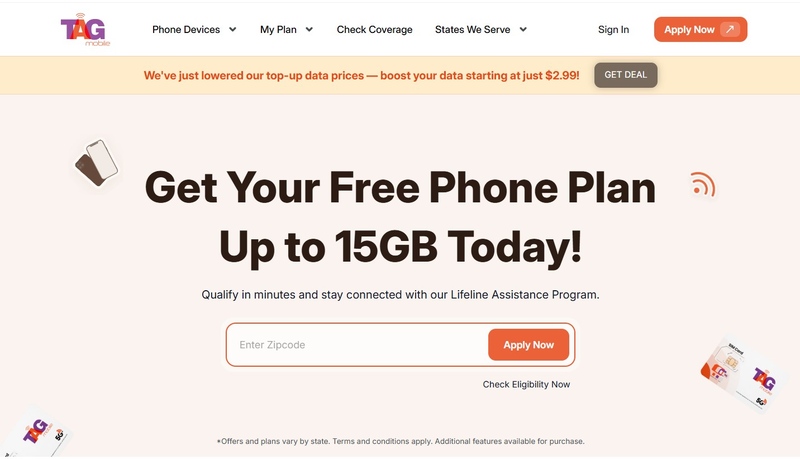
This guide explains how your Medicaid status serves as a “golden ticket” to the Lifeline program. We will walk you through the logic behind these device combos, the simplified eligibility requirements, and the three easy steps you can take to secure your hardware through a trusted provider like TAG Mobile.
While your enrollment in Medicaid primarily covers your healthcare, it also acts as a pre-verified credential that allows you to access other essential federal benefits.
1.1. The Source: Lifeline Program and Medicaid Eligibility.
The primary engine behind these offers is the federal Lifeline program. Managed by the FCC, Lifeline provides a monthly subsidy to telecommunications companies to reduce the cost of service for low-income Americans.
Because Medicaid is a need-based program with strict income requirements, the government views your participation as automatic proof that you qualify for Lifeline. This direct link is what makes a Medicaid free phone and tablet possible, as the subsidy covers the service, allowing the carrier to provide the hardware as a promotional gift.
Lifeline is a federally financed program that started in 1985
1.2. The Dual Benefit: Why Carriers Offer Both Devices.
You may wonder why a carrier would provide both a phone and a tablet. In the modern world, a smartphone is necessary for portability and voice calls, but a tablet is far superior for tasks like filling out digital forms, attending telehealth sessions, or schoolwork.
Carriers offer this “dual benefit” to ensure that Lifeline participants are not just “connected,” but “empowered.” By providing both, they help close the digital divide more effectively, ensuring your household has the right tool for every task.
1.3. Why This Is the Easiest Path to Qualification.
Compared to qualifying based on income alone, which requires providing tax returns or multiple pay stubs, qualifying through Medicaid is significantly faster. Because your status is already in the government’s database, the verification process is often instantaneous. This makes it the absolute easiest path to securing a free phone and tablet with Medicaid without the headache of extensive paperwork.
2. Eligibility: Getting Started with Medicaid Proof
While Medicaid is your primary key, understanding how the verification system works will help you navigate the application without any delays.
2.1. Direct Qualification Through Medicaid and Other Programs
If you are on Medicaid, you are eligible. It is that simple. However, it is worth noting that you can also qualify if you participate in other programs like SNAP (Food Stamps), SSI, or Federal Public Housing Assistance. If you have multiple benefits, using your Medicaid status is often the most reliable method for a Medicaid free phone and tablet application because the health database is frequently updated and easily accessible by the National Verifier.
2.2. Qualifying Based on Income Level (Alternative Path)
If, for some reason, your Medicaid status isn’t current, you can still qualify if your household income is at or below 135% of the Federal Poverty Guidelines. This path is available to anyone, but it requires more documentation. We always recommend checking your Medicaid eligibility first, as it streamlines the process significantly.
2.3. Required Proof: What Documentation You May Need
When you apply, the system will first attempt to verify your status automatically through the federal National Verifier. In many cases, no further action is required. However, you may be asked to upload proof of your benefits if the electronic verification system cannot confirm your status in real-time.
If this happens, you should have digital copies or clear photos of:
Your current Medicaid Card (showing an active date).
An Official Enrollment Letter from your state’s health department.
A recent Statement of Benefits.
Having these ready ensures that your application for a free phone and tablet with Medicaid isn’t delayed by manual review.
Your free phone and SIM card will be shipped directly to your address.
Follow the included instructions to activate your service.
4. Device Details: Best Value Phones and Tablets
When you receive your Medicaid free phone and tablet, it is important to know what kind of performance you can expect from these tools.
4.1. Phone vs. Tablet: Comparing Primary Use and Specifications.
Smartphones: These are usually 4G LTE or 5G-capable devices. They are designed for voice calls, SMS, GPS navigation, and to act as a mobile hotspot.
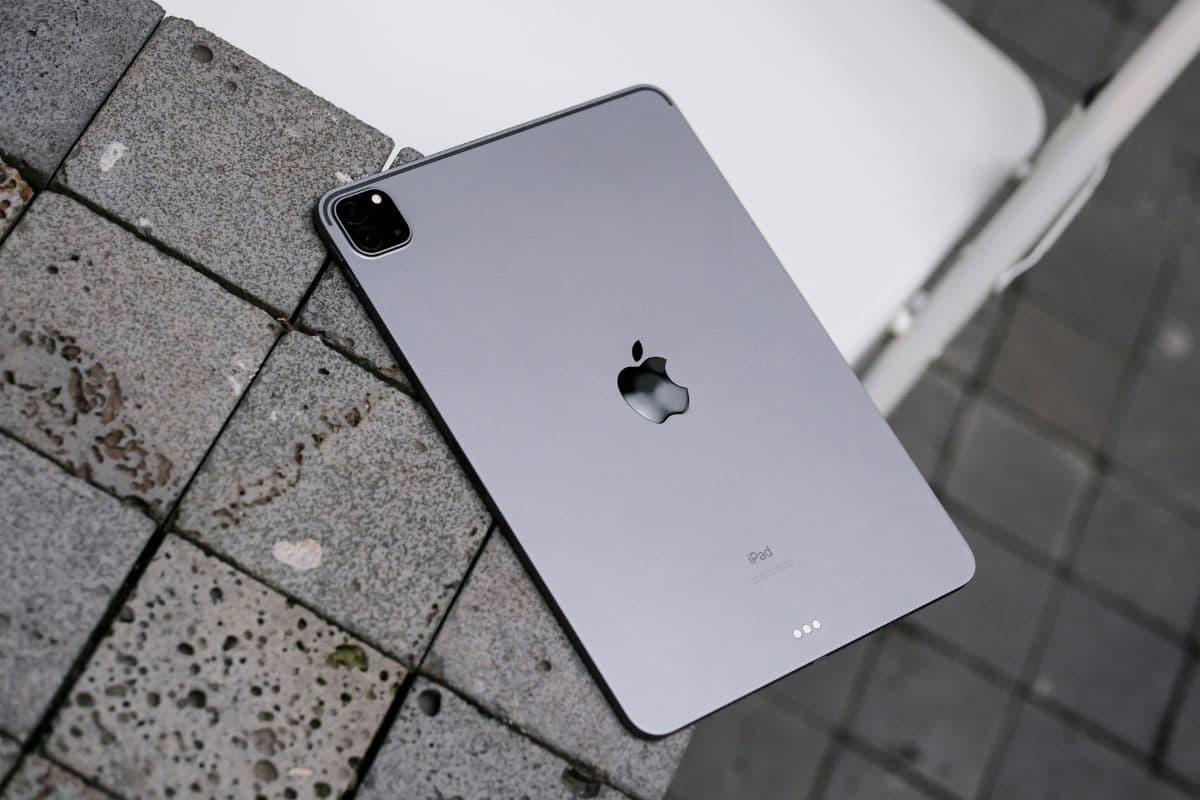
Tablets: These are Android-based devices with larger 7″ to 10″ screens. They are optimized for video calls, reading medical documents, and browsing the web for health resources.
4.2 Free Monthly Service Benefits
Your bundle is supported by a free monthly plan that includes:
Unlimited Talk and Text: Stay connected with family and friends, and access essential services.
High-Speed Data: Access the web, email, and apps with a generous monthly data allowance.
International Calling: Many plans include free international calling to over 200 countries and territories.
$0 Monthly Bill: No hidden fees and no recurring costs.
Notice: The government does not cover device costs, only basic service through Lifeline. Any free or discounted devices, upgrades, or top-ups are limited-time TAG Mobile offers and may vary by state, eligibility, and availability. Terms and conditions apply.
Final Words
Securing a free phone and tablet with Medicaid is a practical and necessary step for anyone looking to manage their health and daily life in the digital age. By using your Medicaid status to qualify for the Lifeline program and applying through a trusted partner like TAG Mobile, you can eliminate your monthly phone bills while gaining two powerful tools for communication and productivity. Don’t let this benefit go unused. Gather your Medicaid info and apply today!
Share
TAG Blog
Stories, guides, and helpful updates for staying connected.