Securing a free laptop from government resources has become a critical objective for many Americans who want to stay competitive in a digital society. Because the modern economy relies on internet access for everything from healthcare to remote employment, the federal government has established several programs to bridge the digital divide.
This guide explores legitimate paths to government technology assistance and provides clear instructions for beginning your enrollment.
1. Can You Get a Free Laptop from the Government in 2026?
It is important to understand how these benefits are delivered in 2026. The most reliable path to securing a device is through the federal Lifeline program, which has served as a cornerstone of communication assistance for decades.
Unlike temporary initiatives, Lifeline is a permanent safety net that provides a monthly subsidy to licensed telecommunications providers.
To receive “a free laptop from government” equivalent, you must apply through one of these licensed service providers rather than a government agency directly. It is important to clarify that while traditional clamshell laptops are occasionally available through niche non-profits like Computers with Causes or The On It Foundation, they are often in extremely limited supply with long waiting lists.
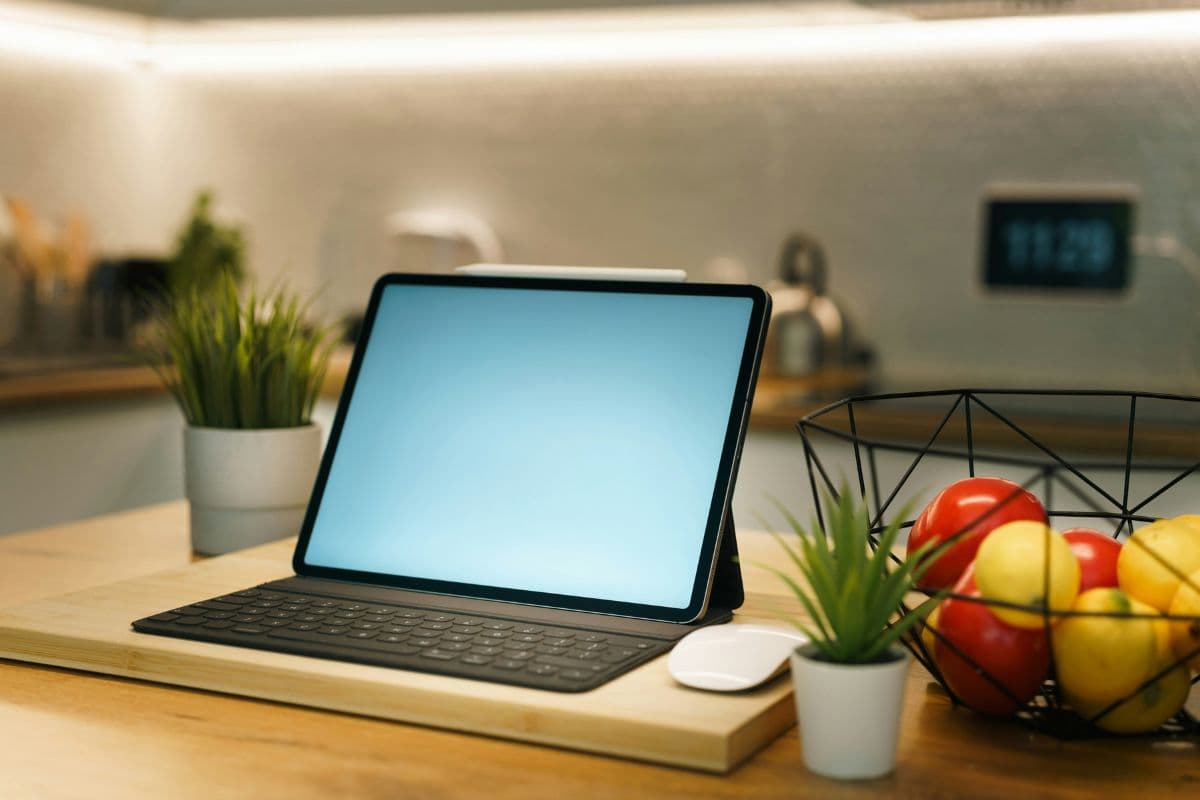
In contrast, the 2026 Lifeline benefit provides high-performance tablets via licensed providers as a more accessible and reliable alternative. These modern tablets are designed to serve as portable workstations.
They feature high-speed 5G integration, powerful processors, and the ability to run professional productivity suites. By utilizing a tablet-based workstation, you gain the same functionality as a legacy computer with the added benefit of constant mobile connectivity.
2. Who Qualifies for Government Technology Assistance?
Because hardware and service subsidies are funded by taxpayer dollars, they are subject to strict eligibility standards set by federal regulators.
These ensure that the free laptop from government benefit reaches households with a genuine financial need.
2.1. Qualifying through Federal Assistance Programs
The most common way to qualify is through participation in existing aid programs. If you or a member of your household is already enrolled in a needs-based program, you are generally considered eligible for hardware assistance. These programs include:
- Supplemental Nutrition Assistance Program (SNAP/EBT)
- Medicaid
- Supplemental Security Income (SSI)
- Federal Public Housing Assistance (FPHA)
- Veterans Pension and Survivors Benefit
2.2. Eligibility Based on Household Income Standards
If you do not participate in the programs listed above, you can still qualify based on your total annual household income. To be eligible for a free laptop from government workstation, your income must be at or below 135% of the Federal Poverty Guidelines.
This path is essential for hard-working individuals and families who may not receive other forms of aid but still find the cost of modern technology out of reach.
2.3. Necessary Documents for a Successful Enrollment
To ensure your application is processed without delay, you must be prepared to provide proof of your status. This typically involves:
- Proof of Eligibility: An official award letter from a qualifying program or recent tax returns/pay stubs if qualifying by income.
- Proof of Address: A utility bill or lease agreement that matches your application info.
3. Modern Alternatives: The Tablet and Phone as a Portable Workstation
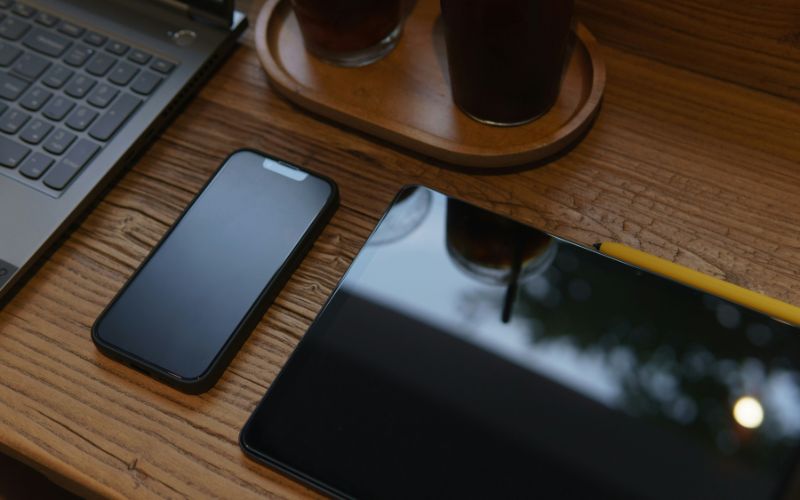
In 2026, the definition of a “computer” has evolved. For many users, a high-performance tablet or a premium smartphone is a far more effective tool for daily productivity than a bulky, tethered laptop.