Free Laptop For 10th Students – Step-By-Step Guide For Beginners
Free laptop for 10th students is a popular topic among students and parents looking for affordable ways to support online learning and academic success. While not every program off...
Quincy D.-Jan 30, 2026
Image by Unsplash
Table of Contents
Free laptop for 10th students is a popular topic among students and parents looking for affordable ways to support online learning and academic success. While not every program offers free laptops directly, there are several government-supported alternatives that can still help students stay connected and productive. Keep reading to explore the best available options at TAG Mobile and see how you can apply today.
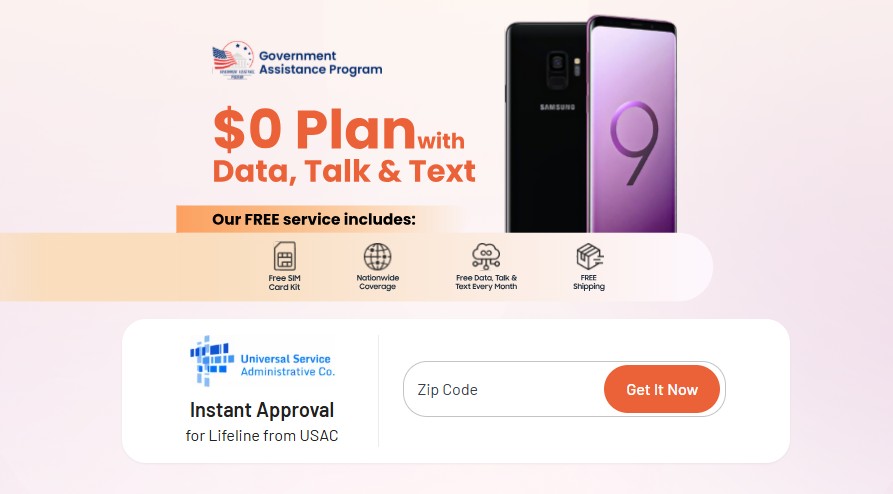
Yes, it is possible to get a free laptop for 10th students in certain situations, but it usually depends on the program you qualify for. While the Lifeline program itself does not directly offer free laptops, it provides free or discounted phone service and internet services through approved providers.
In some cases, these benefits make it easier for eligible individuals or students to access affordable devices or special offers. Availability can vary by provider, location, and current program support.
If laptops are currently out of stock, you can give smartphones and tablet options at TAG Mobile, which is a leading provider in the US.
Notice: The government does not cover device costs, only basic service through Lifeline. Any free or discounted devices, upgrades, or top-ups are limited-time TAG Mobile offers and may vary by state, eligibility, and availability. Terms and conditions apply.
2. Which 10th Students Can Receive Free Laptop
10th-grade students may qualify for a free laptop based on household income or participation in assistance programs. This section explains who meets the requirements and what factors determine eligibility.
So if you are wondering, “Can I really get a free laptop?” then continue reading to dig into more details.
Program-based Eligibility
You may also qualify for Lifeline through program-based eligibility, which applies to individuals already receiving assistance from approved government programs.
Participation in these programs shows financial need and may make you eligible for discounted or free communication services, including laptop or phone support through Lifeline providers.
If you are currently enrolled in any of the programs below, you may meet the requirements:
Tribal Temporary Assistance for Needy Families (TANF)
Enrollment in any of these programs can help streamline your Lifeline application and improve your chances of approval.
Income-based Eligibility
Eligibility for the Lifeline program is primarily based on your household’s total income, which must be equal to or below 135 percent of the Federal Poverty Guidelines. This means your combined earnings must stay within the limits set by federal standards.
The allowed income amount changes depending on the number of people living in your home, as larger households are given higher income thresholds.
This approach ensures that Lifeline benefits, including access to low-cost or free laptops and connectivity services, are directed to individuals and families who truly need financial support.
3. Simplified Guide To Apply For Free Laptop
Simplified Guide To Apply For Free Laptop For 10th Students (Image by Unsplash)
How to get a laptop without money? This section walks you through the application process at TAG Mobile clearly and easily, so you know exactly what to do at each step. From checking eligibility to submitting your request, everything is explained simply and efficiently.
Step 1: Verify Eligibility
The initial and most critical step in obtaining a free laptop for 10th students is verifying that you meet the eligibility standards set by the Lifeline program.
Approval is based on specific qualification criteria, which fall into two primary categories. One option is meeting the required household income level, while the other involves participation in approved government assistance programs.
Step 2: Prepare Required Documents
This step requires submitting a valid form of government identification, such as a driver’s license, state-issued ID, or passport, with details that match the information entered on the application.
In addition, you must provide proof of eligibility based on either income or program participation.
For those qualifying through assistance programs like SNAP or Medicaid, a current benefits notice showing your name and active status is usually enough. Income-based applicants may submit recent pay stubs, a tax return, or an official Social Security benefits statement.
Applying through TAG Mobile is quick and fully online. Once you’re ready, visit tagmobile.com, enter your ZIP code, and click “Apply Now” to begin. The system will guide you through each step based on your location and eligibility.
Choose a plan: After entering your ZIP code, you’ll see the Lifeline plans available in your area. Review the options and select the one that best fits your needs.
Select a device or use your own: You can choose a free or discounted phone or tablet. If you already have a compatible device, simply enter your IMEI to use the Bring Your Own Device option.
Upload required documents: Provide basic information such as your name, address, and government-issued ID. Depending on eligibility, you may also need to submit proof of program participation or income.
Step 4: Submit for Approval and Get Your Device
Before finalizing your submission, take a moment to carefully review all details to make sure everything is accurate and complete.
If approved, TAG Mobile will process your order and deliver the tablet straight to your home at no charge, typically within 7 to 10 business days. You will also receive tracking information so you can monitor the shipment every step of the way.
Start entering your ZIP Code at TAG Mobile to find out if you can get a free laptop for 10th students
4. Alternatives to Lifeline Laptop Without Money
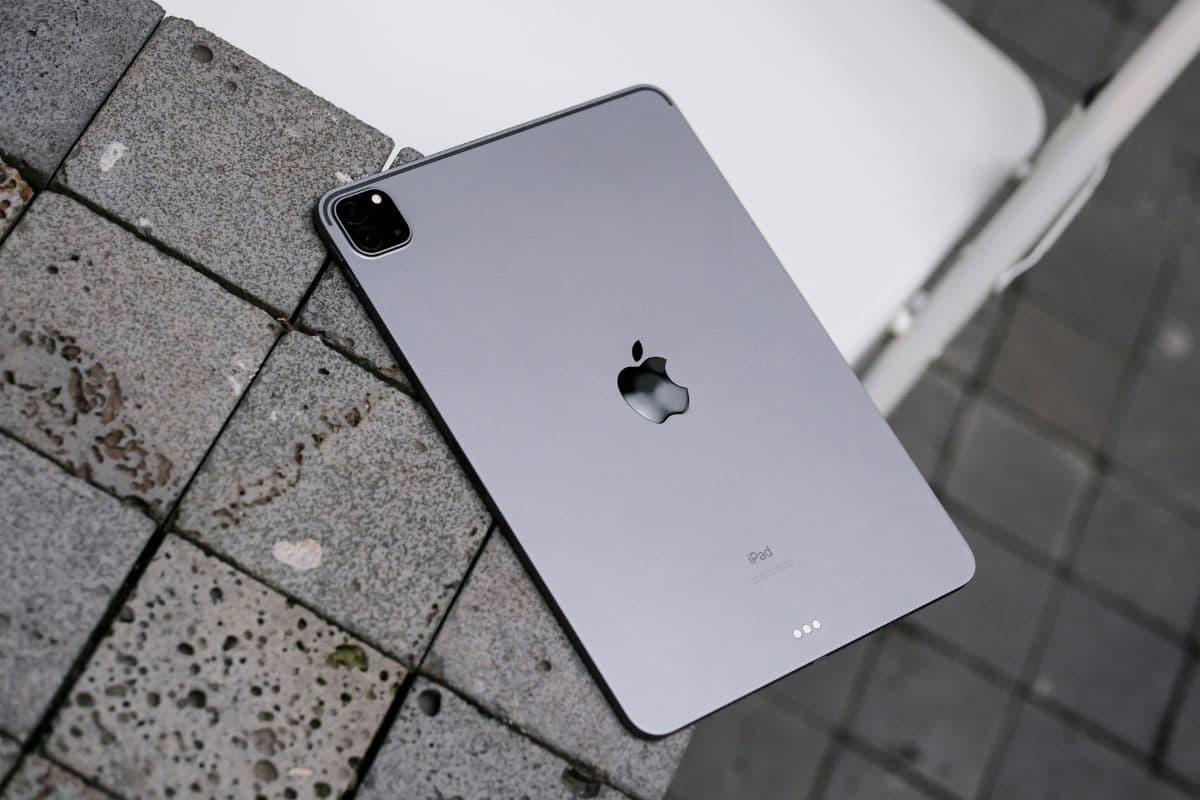
How can a student get a laptop for free? While free laptops are not currently available through TAG Mobile, the program does offer a wide selection of affordable smartphones and tablets. These devices still provide reliable internet access and essential features, making them a practical alternative for staying connected, working, or studying online.
Free laptop for 10th students may not always be available through every assistance program, but there are still reliable alternatives that help students stay connected and succeed in their studies. With options like free or discounted smartphones and tablets from government-supported providers, learning and online access remain within reach for many families. Check your eligibility today and explore the best device options available through TAG Mobile.
Share
TAG Blog
Stories, guides, and helpful updates for staying connected.