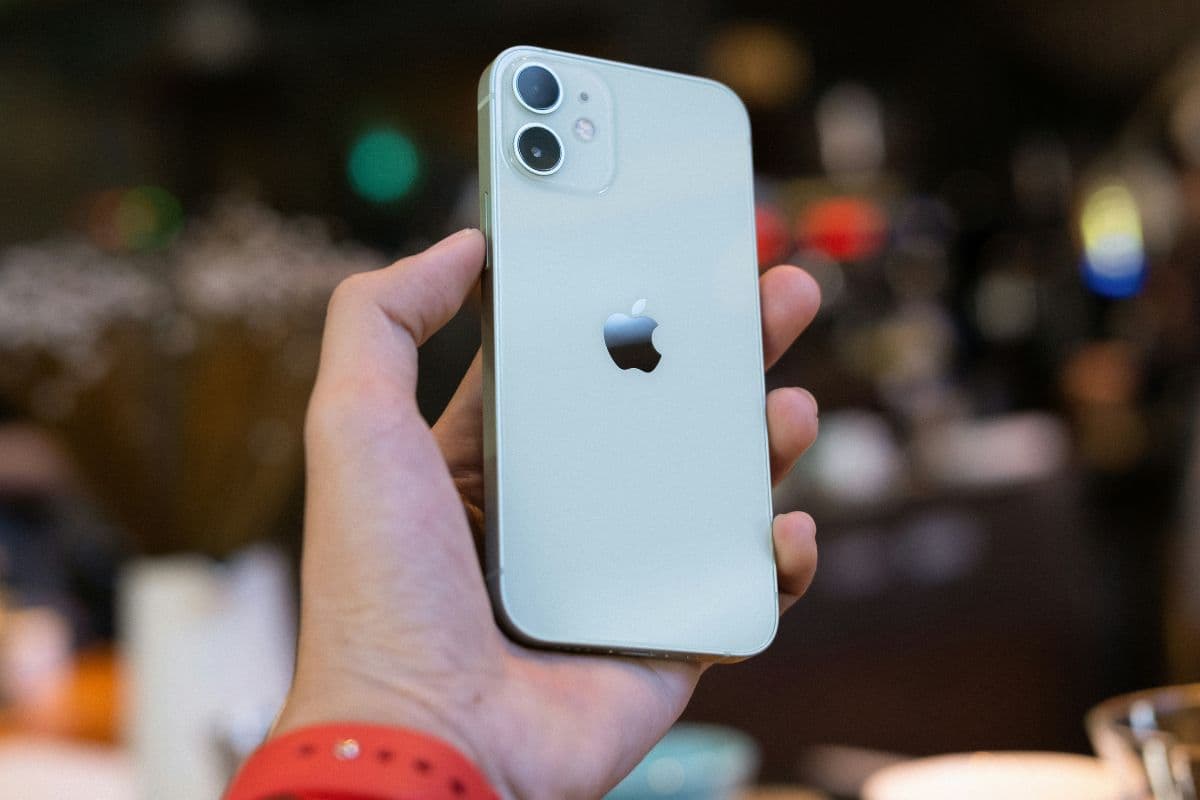
If you’re considering this compact model, you may be asking, does iPhone 12 mini have eSIM and how its SIM setup works in everyday use. The iPhone 12 mini supports both a physical nano-SIM and eSIM, giving you flexible dual-SIM functionality.
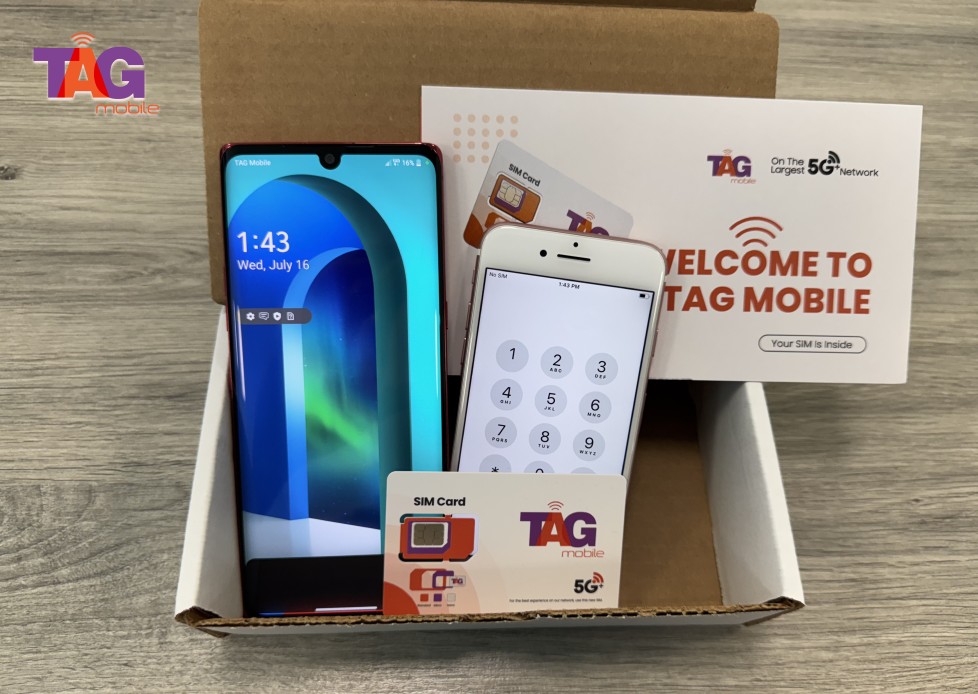
This means you can manage two numbers on one device, such as separating work and personal calls, or activate a mobile plan digitally without inserting a physical card. The ability to switch carriers more easily also makes it convenient for travel or budget-friendly plans. For step-by-step activation guidance, compatibility tips, and affordable wireless plan options, explore detailed resources from TAG Mobile to learn more.
1. Common Question: Does iPhone 12 mini Have eSIM?
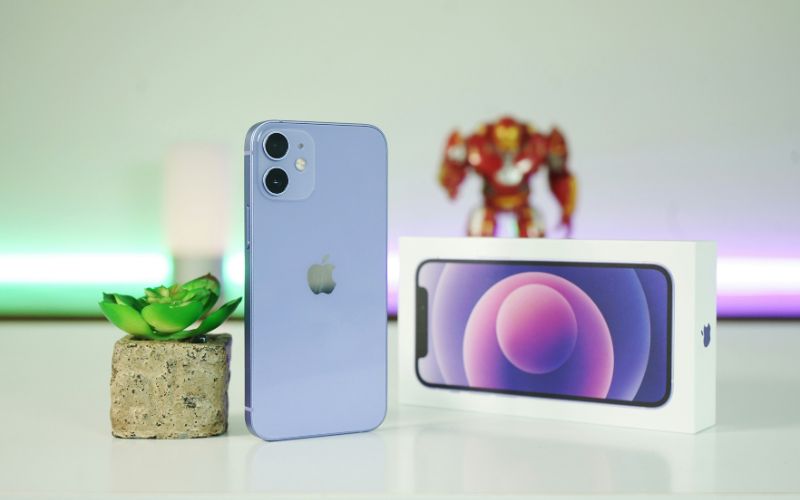
Yes, the U.S. model of the iPhone 12 mini fully supports eSIM technology. In addition to its physical nano-SIM slot, the device offers Dual SIM capability, which allows one physical nano-SIM and one eSIM to be active at the same time. This setup is ideal for users who want to separate work and personal numbers or use a local data plan while traveling.
The iPhone 12 mini is compatible with most major U.S. carriers that support eSIM activation. As long as your device is unlocked and running the latest iOS version, you can activate a digital plan through your carrier’s QR code, app, or direct download method.
>>> Read More: Best Tips to Get a Free iPhone 12 Government Phone For Low-income Users
2. Can You Use Two Phone Numbers on an iPhone 12 mini?
Yes, you can use two phone numbers on a U.S. model iPhone 12 mini thanks to its Dual SIM technology. The device supports one physical nano-SIM card and one eSIM, allowing two separate lines to remain active at the same time.
This means you can use two different carriers or maintain separate numbers for business and personal use on a single phone. You can choose which line to use for calls, messages, and mobile data directly in your settings. This flexibility makes the iPhone 12 mini a convenient option for users who want to manage multiple numbers without carrying two devices.
3. Common eSIM Issues and Easy Fixes
Although eSIM setup on the iPhone 12 mini is usually quick, users may sometimes encounter activation or connectivity problems. If you’re wondering does iPhone 12 mini have eSIM, it does, but proper setup and carrier support are essential for smooth performance.
eSIM Not Downloading
If your eSIM profile fails to download, first confirm that your iPhone 12 mini is connected to a stable Wi-Fi network. eSIM installation requires internet access to retrieve the carrier profile. You should also verify that the QR code or activation details provided by your carrier are still valid. Restarting the device and retrying the download often resolves temporary software glitches.
No Service After Activation
If your eSIM appears installed but shows “No Service,” check that the correct line is turned on under Settings → Cellular. Make sure your carrier has fully activated the line on their end. Turning Airplane Mode on and off can refresh the connection and help your phone re-register with the network.