Does iPhone 12 Have eSIM? The Truth About Dual SIM Power
If you’re considering upgrading or switching carriers, you may be wondering does iPhone 12 have eSIM and how its SIM options actually work in real-world use. The iPhone 12 supports...
Quincy D.-Feb 27, 2026
Image by Unsplash
Table of Contents
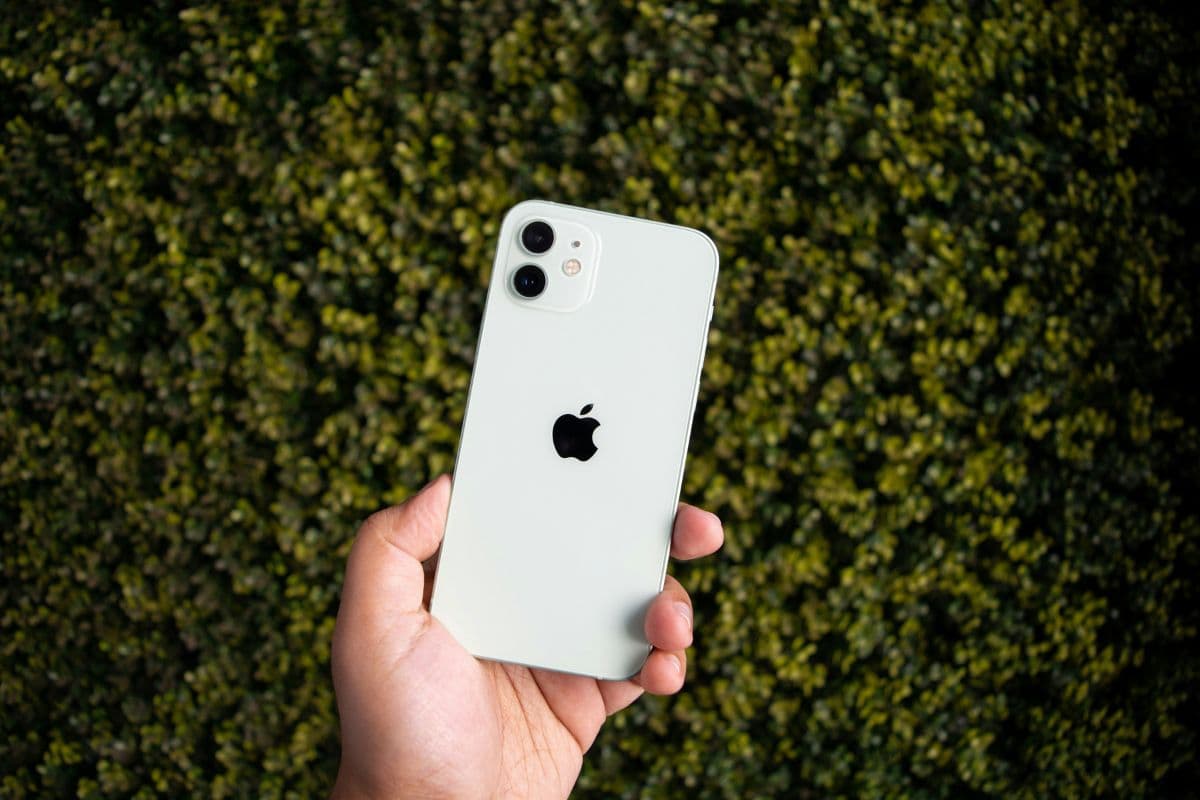
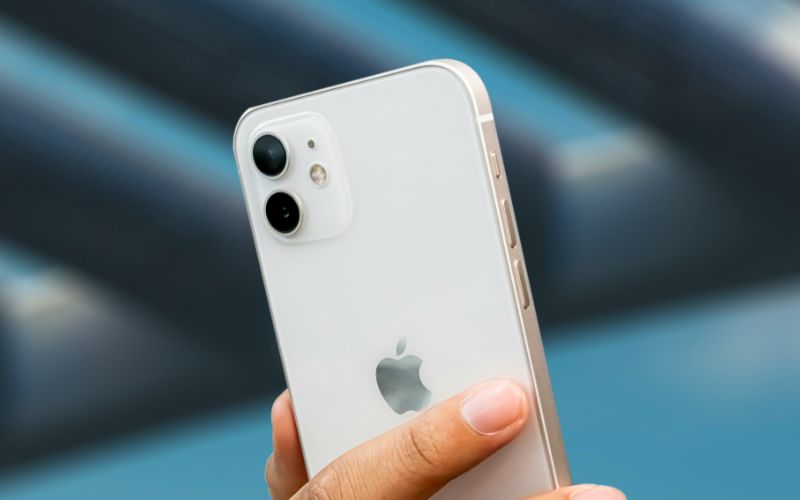
If you’re considering upgrading or switching carriers, you may be wondering does iPhone 12 have eSIM and how its SIM options actually work in real-world use. The iPhone 12 supports both a physical nano-SIM and eSIM, giving users flexible Dual SIM functionality.
This means you can activate service digitally without inserting a card, or continue using a traditional SIM if you prefer. You can also manage two numbers on one device, such as a personal and work line, or combine a domestic plan with a travel data plan.
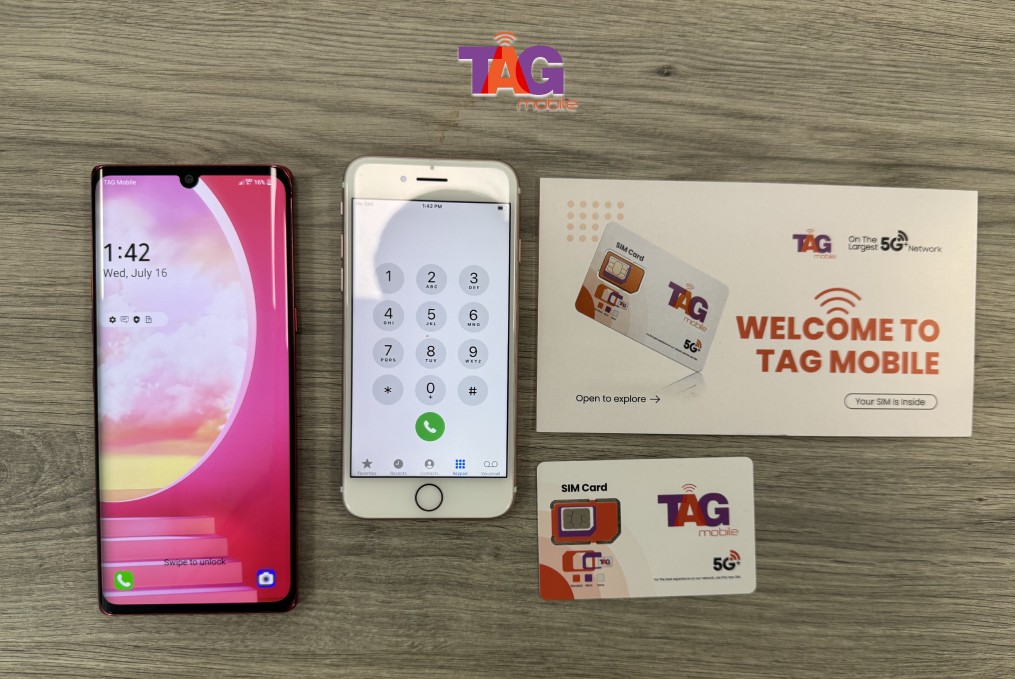
For step-by-step activation guidance, compatibility tips, and affordable wireless plan options, explore detailed resources from TAG Mobile to learn more.
Each model includes Dual SIM functionality, which allows you to use one physical nano-SIM and one active eSIM at the same time. This gives users the flexibility to manage two separate phone numbers on a single device.
With this setup, you can keep a personal line and a work line on the same phone, or combine a domestic plan with an international data plan while traveling. In addition to eSIM, all iPhone 12 models still include a physical nano-SIM tray, providing both traditional and digital activation options depending on your carrier.
2. What Is eSIM and How Is It Different From a SIM Card?
Now that you know does iPhone 12 have eSIM, you might want to know more about its differences from the traditional one.
An eSIM, or embedded SIM, is a digital version of a traditional SIM card that is built directly into your device’s hardware. Instead of inserting a physical card, users can activate a cellular plan by downloading it through their phone’s settings. This makes setup faster and often more convenient, especially when switching carriers or traveling internationally.
Below is a clear comparison between eSIM and a physical SIM card:
Feature
eSIM
Physical SIM Card
Form
Built into the phone’s hardware
Removable plastic card inserted into a tray
Installation
Activated digitally (QR code, carrier app, or manual entry)
Manually inserted into the SIM tray
Carrier Switching
Can switch plans without removing anything
Must physically replace the SIM card
Security
Cannot be removed, harder to steal or tamper with
Can be removed or swapped easily
Storage of Multiple Plans
Can store multiple eSIM profiles (device-dependent)
3. Activating Your iPhone 12 eSIM: A Step-by-Step Tutorial
Five detailed steps for you to activate eSIM after knowing does iPhone 12 have eSIM. (Image by Unsplash)
Setting up an eSIM on your iPhone 12 is simple and only takes a few minutes if you follow the correct steps. If you’ve been wondering does iPhone 12 have eSIM, the answer is yes, and here’s exactly how to activate it.
Step 1: Connect to Wi-Fi
Before starting the activation process, make sure your iPhone 12 is connected to a stable Wi-Fi network. eSIM installation requires internet access to download your carrier’s digital profile. Without Wi-Fi or mobile data, the setup process cannot be completed successfully. This sets the whole foundation for the answer to your question of does iPhone 12 have eSIM.
Step 2: Go to Settings → Cellular
Open the Settings app on your iPhone 12 and tap Cellular (or Mobile Data, depending on your region). This section allows you to manage existing lines and add new ones. Make sure your device is unlocked and updated to the latest iOS version for smooth activation.
Step 3: Tap “Add eSIM”
Inside the Cellular menu, select Add eSIM to begin the setup. Your phone will present available activation options supported by your carrier. At this stage, your iPhone is ready to receive a digital SIM profile.
Step 4: Scan QR Code or Download the Plan
Choose your activation method. You can scan the QR code provided by your carrier, use a carrier app, or manually enter the activation details. Once scanned, your iPhone 12 will automatically begin downloading the eSIM profile.
Step 5: Confirm Activation
After the eSIM profile installs, review the carrier information displayed on your screen and confirm activation. Once completed, check your signal bars and test a call or mobile data connection to ensure your new line is fully active and working properly.
4. Want Reliable Service Without Figuring Out SIM Settings?
If afterknowing that does iPhone 12 have eSIM, setting it up with adjusting SIM trays, scanning QR codes, or troubleshooting activation steps feels confusing, there is a simpler option available. Some providers make it easy by preparing your device before it even reaches your door.
Through the Lifeline Program, eligible users can receive discounted or free wireless service from participating carriers. Lifeline carriers like TAG Mobile offer smartphones or tablets that may arrive pre-activated, allowing you to power on your device and start using talk, text, and data right away.
TAG Mobile also supports eSIM activation on compatible devices, giving you the flexibility to download your plan digitally without inserting a physical SIM card. This streamlined setup helps you stay connected quickly and without unnecessary technical hassle.
Claim your free phone with SIM card, or only the SIM card with data if you prefer to use your current device.
5. Final Words
So, does iPhone 12 have eSIM? Absolutely, and that added feature gives you more freedom when choosing how to activate your service. With support for both a physical nano-SIM and eSIM, the iPhone 12 offers flexible Dual SIM functionality for work, travel, or budget-friendly plans.
Understanding your activation options helps you avoid setup issues and switch carriers more smoothly. Pairing your device with the right provider makes all the difference. For compatible plans and easy eSIM activation, consider exploring options from TAG Mobile and stay connected without the hassle today.
Notice: The government does not cover device costs, only basic service through Lifeline. Any free or discounted devices, upgrades, or top-ups are limited-time TAG Mobile offers and may vary by state, eligibility, and availability. Terms and conditions apply.
Share
TAG Blog
Stories, guides, and helpful updates for staying connected.