Connectivity is essential for daily life in 2026. Many people need a device for work or school, but find the costs high. You can submit an application for free tablet if you meet specific criteria. This guide explains how to get started easily.
1. Can I Really Get A Tablet For Free?
Yes, qualified individuals can receive a tablet at no cost. Government programs, like the Lifeline program, and specific providers work together to help low-income households stay connected.
Lifeline is a federal assistance program that helps eligible households lower the cost of essential phone and internet service. The benefit is administered through participating providers, which handle enrollment, eligibility verification, and service delivery under federal program rules. Depending on the provider and availability, some eligible applicants may also receive a complimentary device, such as a smartphone or tablet.
So, who is eligible for a government tablet? Two main groups usually qualify for these benefits.
- The first group includes people who participate in federal assistance programs. You are likely eligible if you receive SNAP, Medicaid, or SSI benefits.
- The second group qualifies based on annual household income. Your income must be at or below 135% of the Federal Poverty Guidelines.
These programs aim to close the digital gap. Recent data shows that billions of people remain offline or lack proper devices. Access to a tablet helps you find jobs and access healthcare. It ensures you do not fall behind in a digital world.
2. Best Providers To Submit Your Application for Free Tablet
Choosing the right provider is important for a smooth application for free tablet. You want a company with good customer service and real inventory.
TAG Mobile is a top choice for applicants in 2026. They have years of experience in the Lifeline industry. Their system processes the application for free tablet quickly and efficiently. A major issue with other providers is stock shortages. TAG Mobile maintains a consistent inventory of tablets and smartphones. They offer devices from trusted brands. You might receive a durable Android tablet capable of running essential apps.
Reliability extends to their network coverage. TAG Mobile utilizes a robust nationwide 5G/4G LTE network. You get a device, and you also get a strong signal. Customer support is another strength. Their team helps users resolve application errors or activation issues.
You can learn more about their specific offers on the TAG Mobile blog. A good provider ensures you stay connected without stress. Trust is vital when you share personal information for an application. TAG Mobile protects your data and delivers on its promises.
3. How to Apply for a Free Tablet 2026 For Low-Income Residents
The free government tablet application process is simple if you follow the correct steps. You must be accurate with your information to avoid delays.
Step 1: Verify Eligibility
First, find out if you can get Lifeline benefits based on your family income or whether you participate in government assistance programs, which is the foundation for the “How can I get a tablet for free?” journey.
You can get Lifeline benefits if you have a family income at or below 135% of the Federal Poverty Guidelines or if you participate in certain government programs such as Medicaid, SNAP, SSI, or Federal Public Housing Assistance. It is also important to verify TAG Mobile coverage in your area before you can use the phone.
Step 2: Prepare Required Documents
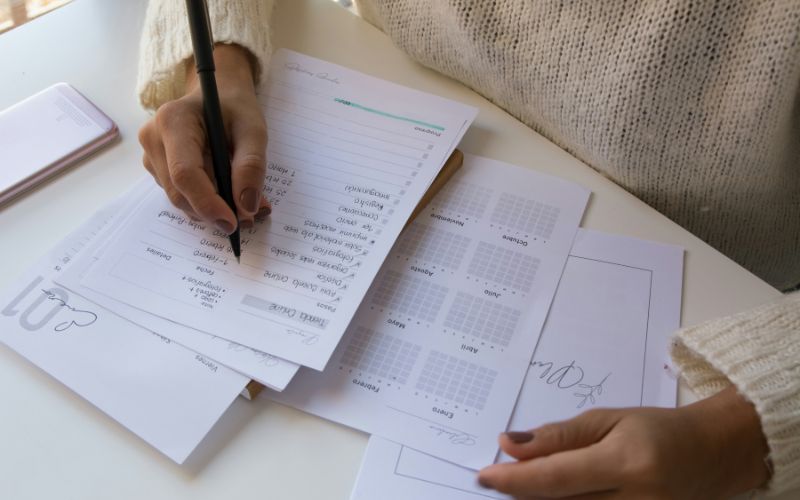
In this step, applicants must gather all required paperwork promptly to ensure a smooth application process, including a valid government-issued ID such as a driver’s license or state ID card, along with proof of program eligibility like a current-year award letter or benefit statement.
For those applying based on income, three consecutive months of pay stubs or a W-2 form are also required, and because the application is submitted online, applicants should prepare clear digital copies by taking well-lit, readable photos, as blurry or unclear images may cause processing delays.