iPhone SIM Card Guide: Choosing Between Physical & eSIM
An iPhone SIM card is a small but significant part of your device that enables your iPhone to connect with a mobile operator’s network. A SIM card contains significant information...
Quincy D.-Mar 17, 2026
Image by Unsplash
Table of Contents
An iPhone SIM card is a small but significant part of your device that enables your iPhone to connect with a mobile operator’s network. A SIM card contains significant information that your device requires, such as your phone number and information related to your mobile operator.
Although many of the latest iPhone models are enabled with a technology called eSIM, many of them still make use of a physical SIM card. Knowing how an iPhone SIM card works, how it is inserted, and how it works with the new technology of eSIM will make it easier for users of iPhones to manage their mobile services.
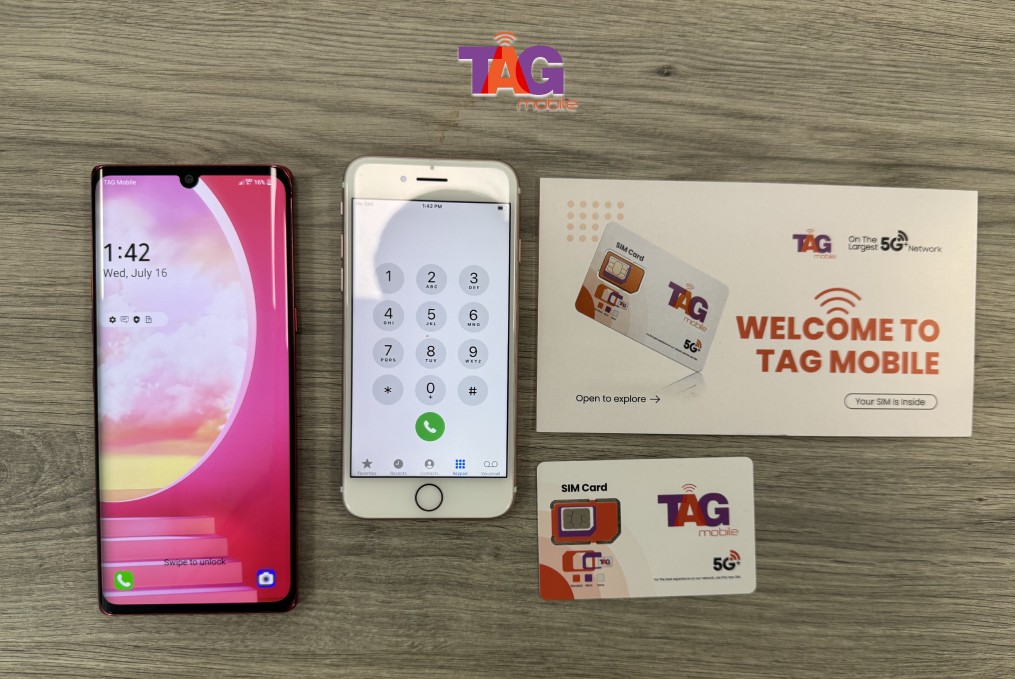
For a detailed explanation and guidelines, you can refer to the guide from TAG Mobile.
Apple has utilized different SIM card types over time due to advancements in smartphone technology. These newer SIM card types have become increasingly miniaturized and efficient, enabling devices to save space while delivering connectivity.
Standard SIM (Older Phones)
The Standard SIM was the first and biggest SIM card used in early mobile phones. Due to its larger size, it needed more space inside the device. It was not commonly used in new iPhone devices because new designs need smaller components.
Micro-SIM
The Micro SIM card was created to reduce the size of the standard SIM card. It retains the same functionality as the standard SIM card. Some older smartphone designs were available in this size as the technology moved toward a slimmer profile.
Nano-SIM (Used by Most iPhones Today)
The most popular form of a physical SIM card currently is the Nano-SIM, and it is used in most of the latest iPhones. This card is much smaller than the previous ones, and it makes it easier for phone manufacturers to make thinner and smaller devices.
For many devices, the iPhone SIM card refers to a physical card that is nano-sized and is used for connecting the phone to a mobile carrier.
eSIM (Digital SIM Technology)
The eSIM is a digital SIM card that is integrated into the phone and does not require a physical SIM card. Instead of inserting a physical SIM card, users can activate a phone plan by downloading a profile from a carrier onto their phone. Many newer iPhone devices allow users to switch carriers or add phone plans using an eSIM.
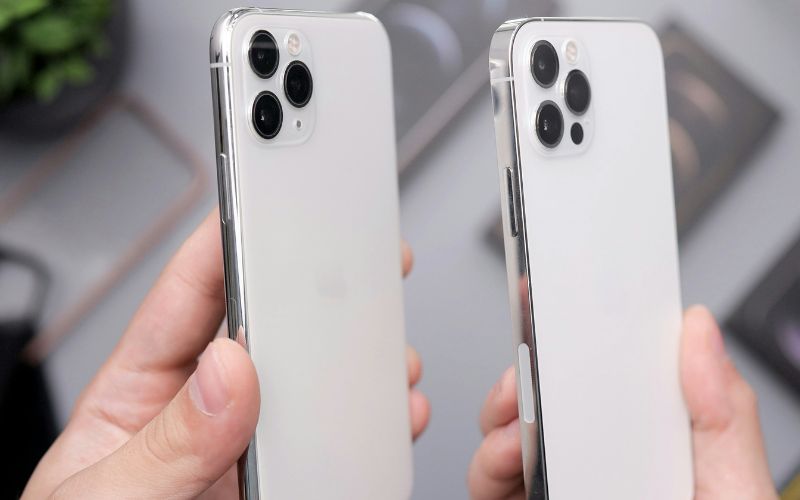
How to find the SIM card slot on an iPhone. (Image by Unsplash)
In most iPhone models, the SIM card iPhone tray is found on the right side of the iPhone device. It is represented by a small slot with a pinhole located beside it.
The pinhole is intended for opening the iPhone SIM card tray. To access your iPhone SIM card tray, you only need to put a SIM eject tool or a paper clip into the pinhole and press it gently to eject your SIM card tray.
3. How to Insert or Remove a SIM Card From an iPhone
Inserting or removing a SIM card from an iPhone is a simple task. However, it is necessary to carry out the task carefully to avoid damaging the SIM card. It is possible to handle the SIM card by following the right steps. This way, the iPhone will be able to connect to the mobile network.
Turn Off the iPhone
The first thing you need to do is turn off the iPhone before handling the SIM card. Turning off the iPhone helps avoid any possible network error or hardware problem when the SIM card is being removed or inserted. It also helps the iPhone read the SIM card when it is turned on.
Insert the SIM Eject Tool Into the Tray Hole
The next step is to locate a small pinhole that is usually situated beside the SIM tray on the side of the phone. A SIM eject tool, or a paperclip, is inserted into the pinhole and pressed gently so that the tray pops out slightly. This is a safety mechanism that ensures the tray is ejected from the phone.
Remove the SIM Tray
After that, carefully pull out the tray from the phone using your fingers. This tray is specifically made to hold your SIM card in place. So, you have to be careful while handling it, so that you do not bend it.
Place the Nano-SIM correctly
After removing the tray, you place the nano-SIM card into the slot with the correct orientation. The cut corner of the SIM card helps guide the correct position. When the SIM is inserted properly, the iPhone will be able to detect the network and display details such as the SIM number on iPhone in the device settings.
Insert the Tray Back Into the Phone
Lastly, let’s carefully put the SIM tray back into the iPhone until it is flush with the phone’s side. Once we have turned the phone back on, it should now recognize the SIM card and allow us to use a cellular network.
4. When You Might Need to Replace Your iPhone SIM Card
In some cases, changing your SIM card may be necessary for your iPhone, especially if you need to restore your mobile connectivity. A new SIM card will ensure that your device continues to function properly with your carrier’s network.
Some of the common circumstances that may require you to replace your SIM card include:
Your SIM card is damaged or no longer recognized by the phone: Physical SIM cards can wear out over time or become damaged, which may cause network connection issues.
Switching to a new carrier: Changing mobile providers often requires installing a new SIM card or activating a new eSIM profile.
Upgrading to a newer iPhone model: Some newer iPhones support eSIM or dual SIM functionality, which may require activating a different SIM setup.
Better network compatibility or faster activation: A new SIM card or eSIM can help ensure your device works with the latest carrier technologies and coverage.
If you are planning to replace your SIM or use a digital SIM, there are options available with Lifeline carriers, such as TAG Mobile.
TAG Mobile provides free SIM options and eSIM services at no additional cost to qualified Lifeline subscribers. It also provides various beneficial services:
Free SIM card with free data, unlimited talk, and text through qualifying programs
Quick and simple eSIM activation without needing a physical SIM
Reliable nationwide coverage for calls, messages, and internet access
No long-term contracts, allowing users to stay connected with flexibility
Claim your free phone with SIM card, or only the SIM card with data if you prefer to use your current device.
5. Final Words
Learning about how an iPhone SIM card works is a way to make it easier for you to manage your mobile services, especially if you are new to SIM cards and are inserting a new SIM, switching from a carrier, and experiencing some network problems. Both SIM cards and eSIM make it possible for iPhones to have a reliable cellular network.
Knowing how to use these options will make it possible for you to stay connected at times when you need it the most. If you are looking for a way to get connected with a reliable SIM card for your iPhone at a low cost, consider checking out TAG Mobile.
Notice: The government does not cover device costs, only basic service through Lifeline. Any free or discounted devices, upgrades, or top-ups are limited-time TAG Mobile offers and may vary by state, eligibility, and availability. Terms and conditions apply.
Share
TAG Blog
Stories, guides, and helpful updates for staying connected.