Can You Use Food Stamps at Sam’s Club? Online, In-Store & More
Buying groceries in bulk can be a smart way to manage food expenses, especially when every dollar counts. But before heading to Sam’s Club, you may wonder can you use food stamps a...
Quincy D.-Nov 24, 2026
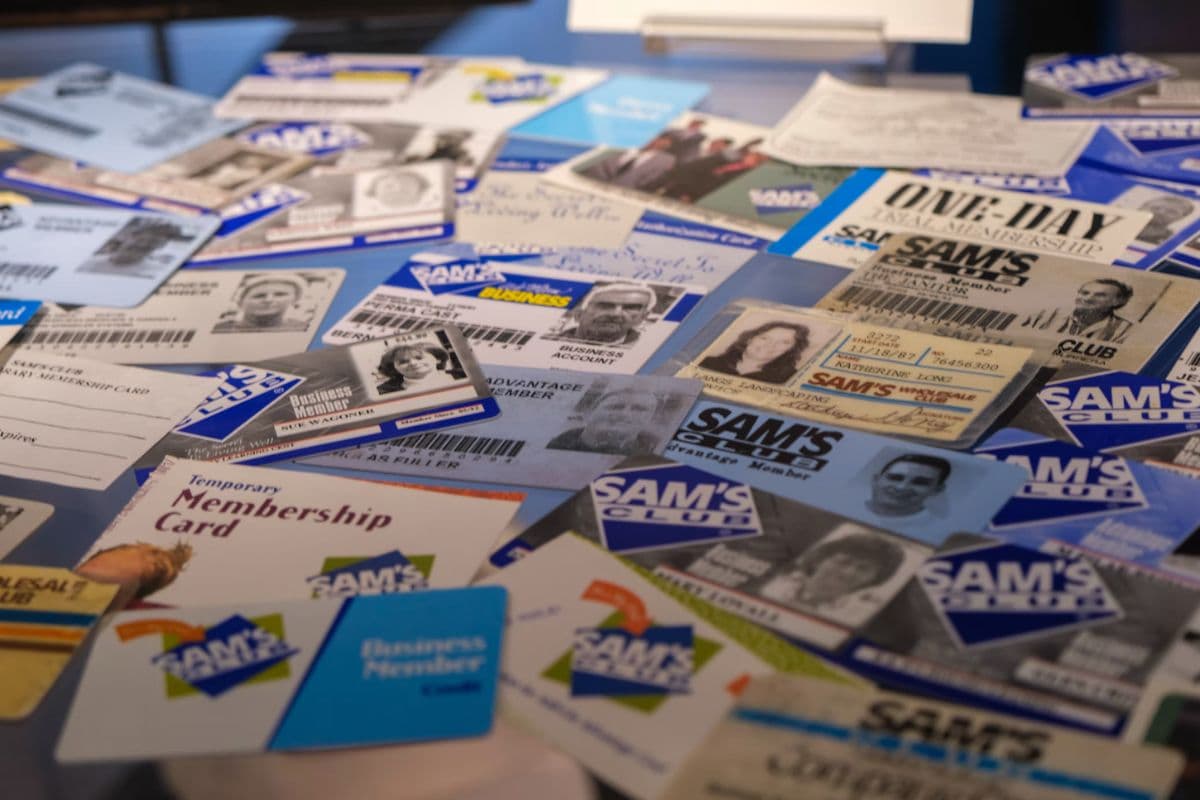
Image by Unsplash
Table of Contents
Buying groceries in bulk can be a smart way to manage food expenses, especially when every dollar counts. But before heading to Sam’s Club, you may wonder can you use food stamps at Sam’s Club and whether the same rules apply to in-store and online purchases.
Understanding accepted payment methods, SNAP-eligible products, and checkout requirements can help you shop with confidence and avoid surprises at the register.
1. Can You Use Food Stamps at Sam’s Club?
Yes. Sam’s Club accepts SNAP EBT for eligible groceries at club registers and through Scan & Go in the Sam’s Club app.
You can also use SNAP EBT at online checkout for eligible Curbside Pickup and Delivery from Club orders where those services are available. Standard ship-to-home orders aren’t covered, and you’ll need another payment method for noneligible items and applicable fees.
2. How to Use SNAP EBT at Sam’s Club?
If you’re wondering, “Can you use food stamps at Sam’s Club?”, the payment steps depend on how you shop.
Whether you order ahead or shop in person, keep a second payment method handy for items and fees SNAP doesn’t cover.
Online, Curbside Pickup, and Delivery
Start by adding your EBT card to your account so it’s ready when you check out. Before filling your cart, set your preferred club or delivery address to see which order options are available.
Add your card. Sign in on the Sam’s Club website or app and save your EBT card in your wallet. The app also supports cards with more than 16 digits.
Filter eligible items. Look for the “SNAP eligible” badge or use the Benefit Programs filter.
Check out. Select Curbside Pickup or Delivery from Club, choose EBT for eligible groceries, and enter your PIN. Pay uncovered items and fees separately.
In-Club & Scan & Go
You can pay with SNAP EBT at a club register or through Scan & Go in the Sam’s Club app. At the register, use your physical card; with Scan & Go, you scan items and pay on your phone.
Standard checkout. Select EBT on the payment terminal, follow the prompts to use your card, and enter your PIN. Use another payment method for items SNAP doesn’t cover.
Scan & Go. Scan each item’s barcode as you shop. At checkout, select EBT, add your card details if prompted, and enter your PIN to authorize the payment.
3. What Can You Buy With Food Stamps at Sam’s Club?
If you’re asking, “can you use food stamps at Sam’s Club” the answer depends on what’s in your cart. SNAP generally covers groceries you can prepare or eat at home, so check the “SNAP eligible” label online before adding a bulk pack to your order.
Fresh fruits and vegetables. Look for apples, bananas, salad greens, potatoes, and other produce.
Meat, poultry, and seafood. Eligible choices include raw chicken, ground beef, and frozen fish.
Dairy products and eggs. Milk, cheese, yogurt, and cartons of eggs are generally covered.
Bread, cereal, and grains. Stock up on sandwich bread, tortillas, oatmeal, pasta, or rice.
Canned and frozen foods. Canned beans, canned tuna, frozen vegetables, and eligible frozen meals can help fill out your grocery list.
Snacks and nonalcoholic drinks. Crackers, nuts, juice, and bottled water are generally eligible.
Keep household supplies and membership fees on a separate payment method. SNAP doesn’t cover those purchases.
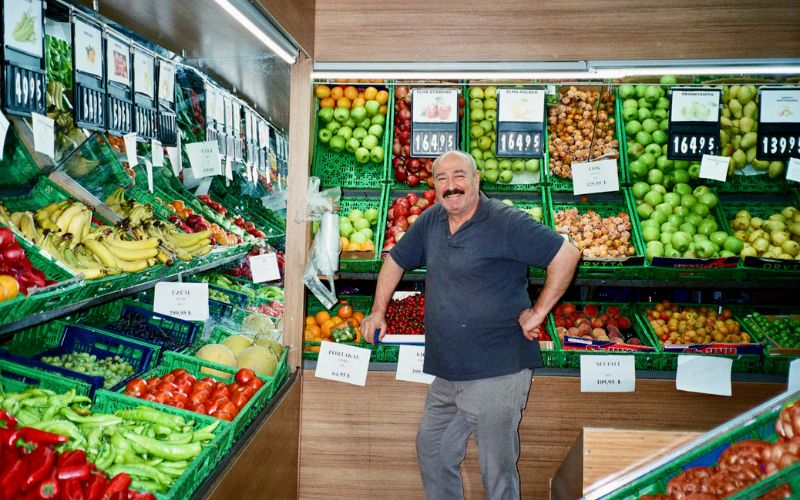
Can you use food stamps at Sam’s Club? Discover which bulk groceries and everyday food items qualify for SNAP EBT at Sam’s Club. (Image by Unsplash)
4. Which Extra Savings Programs Unlock With SNAP Benefits?
SNAP participation can also help you qualify for Lifeline, a federal program that lowers the monthly cost of phone or internet service. Some participating providers offer separate device promotions, including free or discounted phones for eligible customers.
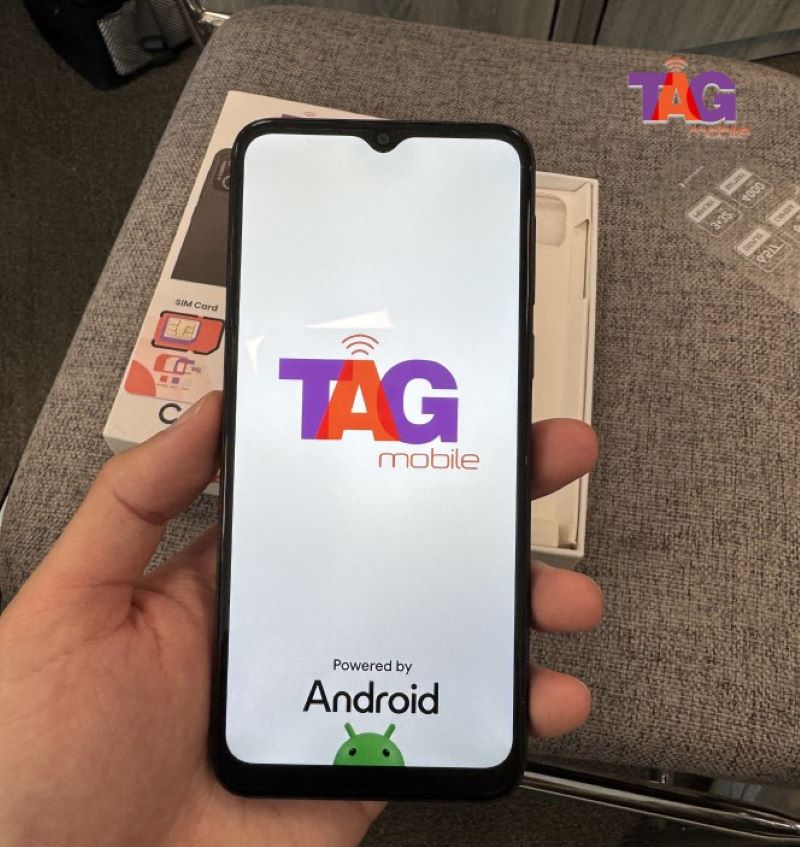
For example, TAG Mobile is a wireless provider who has been providing users with reliable Lifeline-supported service for years. Its simple online application and multilingual customer support give applicants practical reasons to consider enrolling through the carrier.
You can qualify for Lifeline through SNAP participation, another qualifying assistance program, or household income at or below 135% of the federal poverty guidelines. SNAP participation can establish eligibility, but you still need to apply and have your eligibility verified.
If you receive SNAP benefits, keep your latest approval letter or benefits statement nearby in case additional proof is needed. Follow these steps to check available TAG Mobile offers and complete your application:
Check Availability in Your ZIP Code: Visit the TAG Mobile website and enter your ZIP code to see which Lifeline plans and device offers are available in your area.
Start Your Application: Select an available offer and provide the requested personal details, including your name, date of birth, and residential address.
Choose SNAP as Your Qualifying Program: Indicate that you participate in SNAP when completing the Lifeline eligibility section.
Submit Supporting Documents if Needed: If your participation cannot be verified automatically, upload a current SNAP approval letter or benefits statement showing your name and active participation.
Review Your Device Options: Once your eligibility is approved, check the available phones and any promotional offers. Select a device if you qualify, review its final price and applicable terms, and submit your order.
Wait for Approval and Order Confirmation: Follow TAG Mobile’s instructions to complete the process. Device availability and promotional pricing depend on eligibility, location, and current offer terms.
Apply on TAG Mobile to claim a free SIM card and a free device!
Note: Eligibility varies by state and program. Offers depend on availability and qualifications. TAG Mobile operates under the federal Lifeline Program as an Eligible Telecommunications Carrier (ETC). Service is non-transferable and limited to one service per household.
5. FAQs about Food Stamps at Sam’s Club
Before you stock up at Sam’s Club, check which payment options work for the way you shop. That’s especially helpful if you’re ordering groceries for pickup or paying for food and household supplies in the same transaction.
Can you use SNAP EBT at Sam’s Club without a membership?
No, you need an active Sam’s Club membership to pay with SNAP EBT. SNAP benefits cannot cover the membership fee.
Does Sam’s Club accept WIC benefits?
No, Sam’s Club is not an authorized WIC retailer. To use WIC benefits, shop at a retailer approved by your state’s WIC program.
Can you use EBT for Sam’s Club curbside pickup?
Yes, members can use SNAP EBT for eligible groceries ordered through Curbside Pickup. Select SNAP EBT when you pay online or in the app before heading to the club.
Can you split payment between EBT and a debit card?
Yes, you can use SNAP EBT and a debit card in the same order. Use EBT for eligible groceries and your debit card for household supplies or any remaining balance.
Can you use food stamps at Sam’s Club online?
For shoppers asking “can you use food stamps online at Sam’s Club”, the answer depends on how you receive your order. Members can use SNAP EBT for eligible groceries ordered through Curbside Pickup or Delivery from Club. SNAP EBT isn’t accepted for standard ship-to-home orders.
A bulk shopping trip can help you save on everyday essentials, but knowing your payment options before checkout makes the experience easier. Can you use food stamps at Sam’s Club? Yes, SNAP EBT is accepted for eligible groceries through in-club checkout and qualifying pickup or delivery orders.
Keep another payment method available for noneligible items and additional fees. For more ways to manage everyday expenses, explore TAG Mobile’s affordable Lifeline service and available phone offers for eligible customers.
Share
TAG Blog
Stories, guides, and helpful updates for staying connected.