Does iPhone 13 Pro Max Have a SIM Card? Full Setup Guide
If you’re researching this model, you might be wondering does iPhone 13 Pro Max have a SIM card and what kind of SIM options it supports. The iPhone 13 Pro Max includes a physical...
Quincy D.-Feb 25, 2026
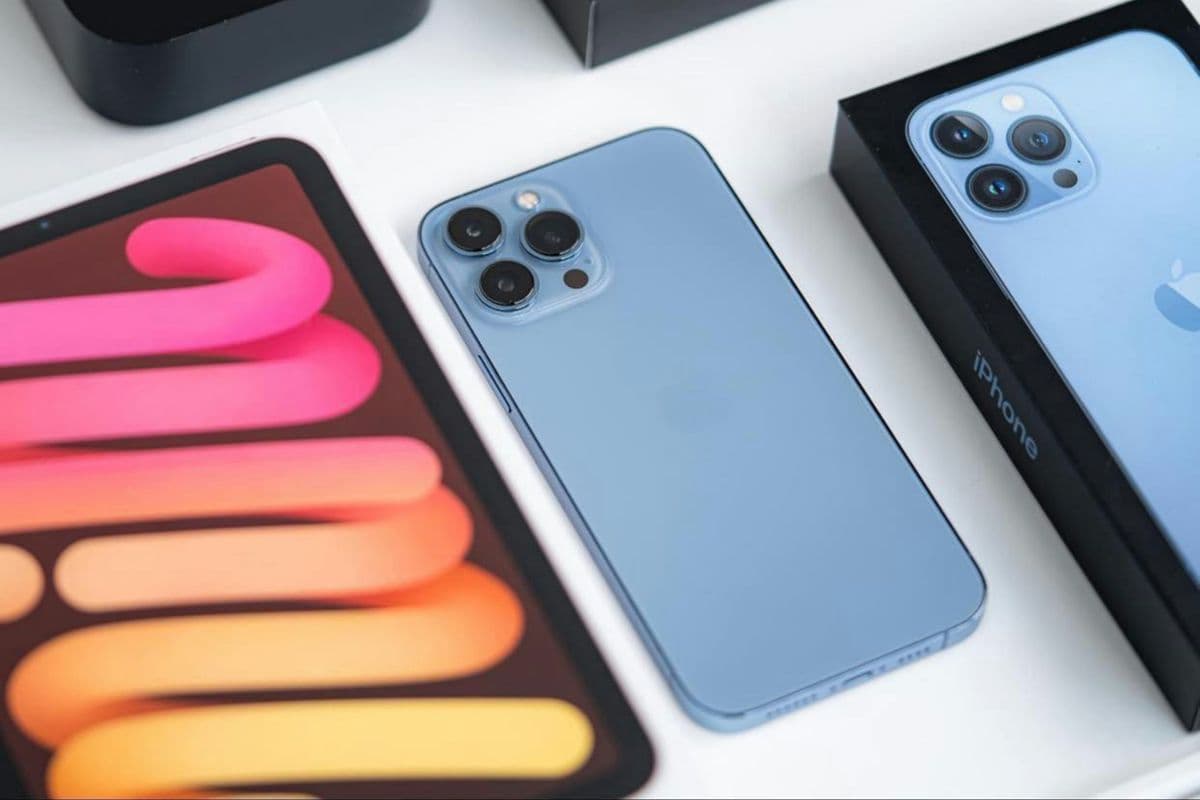
Image by Unsplash
Table of Contents
If you’re researching this model, you might be wondering does iPhone 13 Pro Max have a SIM card and what kind of SIM options it supports. The iPhone 13 Pro Max includes a physical nano-SIM tray and also offers full eSIM capability, giving users flexible dual-SIM functionality.
This allows you to use one physical SIM and one eSIM, or manage multiple lines depending on carrier support. Understanding these options helps you choose the right activation method and avoid setup confusion. For detailed compatibility guidance and affordable wireless plans, explore helpful resources from TAG Mobile to learn more.
Yes, the iPhone 13 Pro Max includes a physical nano-SIM card slot located on the left side of the device. This allows users to insert a traditional nano-SIM card from their carrier for standard activation. In addition to the physical SIM tray, the device also supports eSIM technology, giving it full Dual SIM capability.
With Dual SIM support, you can use one physical nano-SIM and one digital eSIM simultaneously, or in some cases activate two eSIM profiles depending on your carrier’s configuration. This setup is useful for separating work and personal numbers, switching carriers more easily, or managing travel plans without swapping physical cards.
It is also important to note that the iPhone 13 Pro Max does not support older micro-SIM cards, so users upgrading from older devices may need to obtain a nano-SIM or choose eSIM activation instead.
2. Where is the SIM Card Slot on iPhone 13 Pro Max?
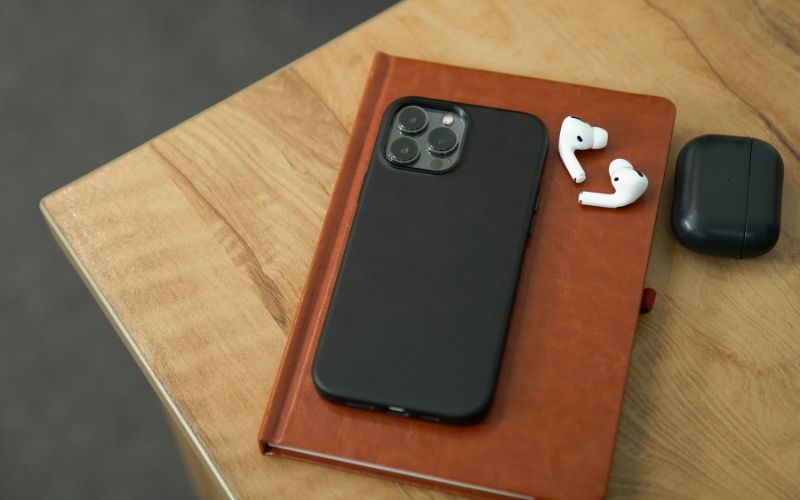
Does iPhone 13 Pro Max have a SIM card? The location of the SIM card slot in the iPhone 13 Pro Max. (Image by Unsplash)
The SIM card slot on the iPhone 13 Pro Max is located on the left side of the device, just below the volume buttons. It appears as a small, rectangular tray with a tiny circular pinhole next to it, which is used to eject the tray.
To remove the SIM tray, insert a SIM eject tool or a small paperclip into the pinhole and gently press inward until the tray pops out. The slot is designed specifically for a nano-SIM card, so make sure the SIM is properly aligned before sliding the tray back into the phone. Once inserted correctly, the device should automatically detect the SIM and connect to your carrier’s network.
Even though the iPhone 13 Pro Max supports both nano-SIM and eSIM, users may occasionally run into activation or signal issues. Below are the most common problems and practical solutions to help restore service quickly.
No Service After Inserting the SIM
If your phone shows “No Service” after inserting a SIM card, first check whether the SIM is properly seated in the tray. Power off the device, remove the SIM tray, and reinsert the nano-SIM carefully before turning the phone back on. If the issue continues, confirm with your carrier that the SIM is activated and compatible with your plan.
SIM Not Detected
When the device displays “No SIM” or fails to detect the card, the SIM may be damaged or improperly inserted. Remove the tray and inspect the SIM for scratches or dirt, then clean it gently if necessary. If you’re still wondering does iPhone 13 Pro Max have a SIM card, remember that it includes a physical nano-SIM slot in addition to eSIM support, so that either option can be used depending on your carrier.
eSIM Won’t Download
If your eSIM fails to download, ensure that your iPhone is connected to a stable Wi-Fi network. You should also verify that the QR code or activation details from your carrier are correct and not expired. Restarting the device and trying the installation again often resolves temporary glitches.
Reset Network Settings
If none of the above steps work, resetting network settings can help fix configuration errors. Go to Settings → General → Transfer or Reset iPhone → Reset → Reset Network Settings.
Keep in mind that this will erase saved Wi-Fi passwords and network preferences, but it often resolves persistent SIM or eSIM connectivity issues.
4. Need an iPhone Plan With SIM That Fits Your Budget?
If you’re searching for an iPhone plan that includes SIM support without stretching your budget, federal assistance programs may provide a practical solution. The Lifeline Program helps eligible low-income households access essential wireless service so they can stay connected to work, school, healthcare, and family.
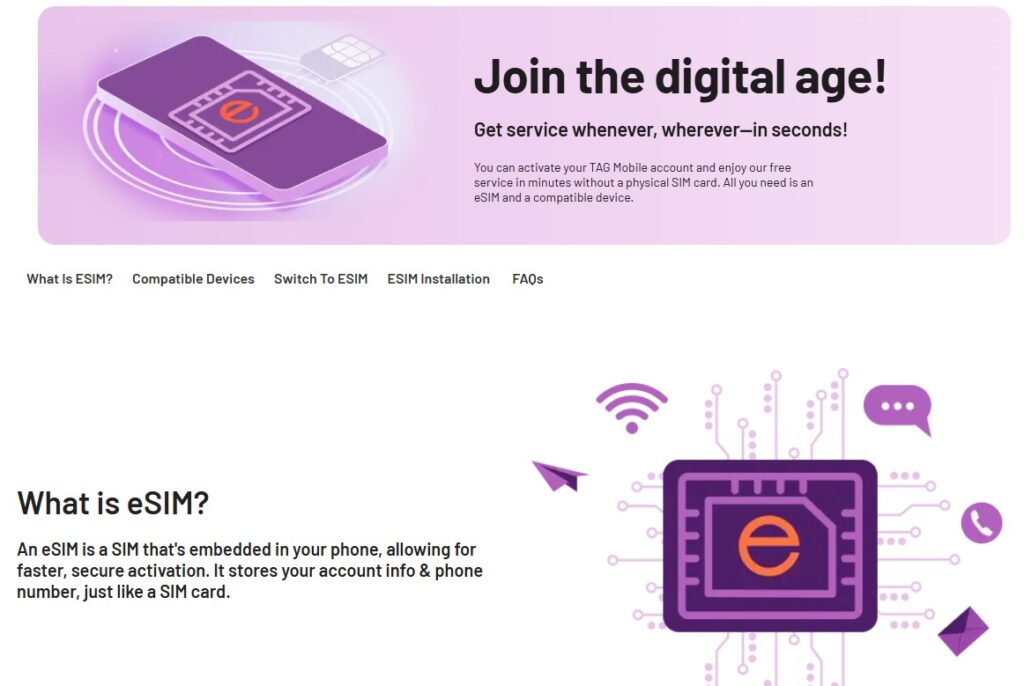
Participating Lifeline providers like TAG Mobile offer free or low-cost smartphones along with monthly service plans that include talk, text, and data for qualified applicants. Depending on availability and compatibility, users may activate service through a physical SIM card or choose eSIM for digital setup. TAG Mobile also supports eSIM activation on compatible devices, allowing you to download your plan directly without inserting a physical card.
By qualifying through income-based or program-based criteria, you can receive a device and affordable monthly service designed to meet everyday communication needs. With simple online application steps and included activation instructions, staying connected becomes more accessible and manageable.
Discover eSIM services through TAG Mobile now!
5. Final Words
If you’ve been wondering does iPhone 13 Pro Max have a SIM card, the answer is yes, and it also supports eSIM for added flexibility. This combination gives you the freedom to choose between a physical nano-SIM and digital activation based on your needs. Whether you prefer traditional SIM setup or modern eSIM convenience, the iPhone 13 Pro Max supports both options smoothly.
Pairing your device with the right carrier is just as important as choosing the phone itself. Explore affordable, compatible plans with TAG Mobile and stay connected without overpaying.
IMPORTANT NOTE: The government does not cover device costs, only basic service through Lifeline. Any free or discounted devices, upgrades, or top-ups are limited-time TAGMobile offers and may vary by state, eligibility, and availability. Terms and conditions apply.
Share
TAG Blog
Stories, guides, and helpful updates for staying connected.