

Does FoodMaxx Take EBT? SNAP Rules for Discount Grocery Shopping
Discount grocery shopping can help SNAP households stretch monthly benefits, but it still matters to understand which foods qualify before checkout. This guide explains does FoodMaxx take EBT, how SNAP can apply to everyday grocery staples, and why non-food items, hot prepared foods, or extra charges may need another payment method.
1. Does FoodMaxx Take EBT?
Yes, FoodMaxx accepts SNAP EBT for eligible grocery purchases in stores. Shoppers can use an EBT card at checkout to buy approved foods such as fruits, vegetables, meat, dairy, bread, cereal, snacks, pantry staples, and nonalcoholic drinks.
FoodMaxx may also support EBT for online pickup or delivery through services such as Instacart or Uber Eats, where available. However, SNAP benefits only cover eligible food items, while fees, tips, and non-eligible products require another payment method.
2. What Can You Buy With EBT at FoodMaxx?
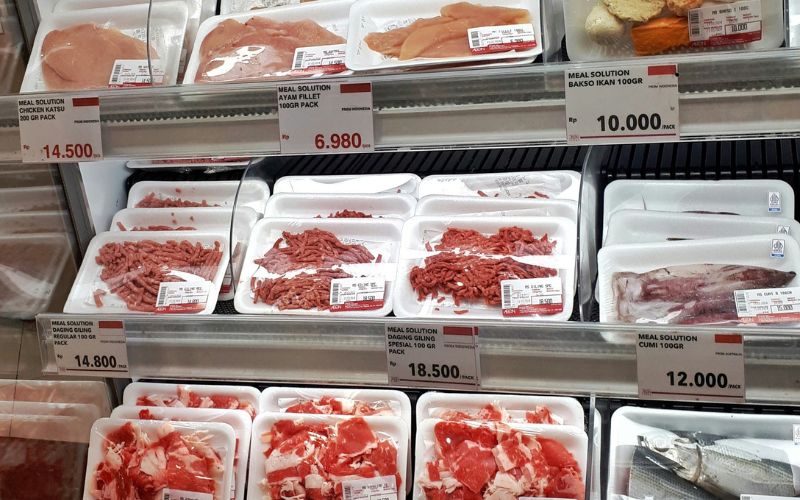
Stretching a grocery budget feels easier when your cart is built around foods that qualify under SNAP rules. At FoodMaxx, EBT shoppers can choose from many everyday ingredients for family meals, quick snacks, and pantry restocks.
- Produce: Fresh, frozen, or canned fruits and vegetables, including apples, bananas, lettuce, potatoes, berries, frozen vegetables, canned corn, and canned fruit.
- Meat and Seafood: Beef, pork, poultry, fish, shrimp, and deli meats may qualify when sold cold and intended for home meals.
- Dairy and Bakery: Milk, cheese, yogurt, butter, bread, bagels, tortillas, cereals, and other basic bakery or breakfast items are commonly SNAP-eligible.
- Pantry Staples: Rice, pasta, beans, canned goods, flour, sugar, cooking oil, baking mixes, sauces, and other shelf-stable foods can usually be purchased with EBT.
- Snacks and Drinks: Chips, cookies, candy, ice cream, crackers, soda, juice, bottled water, and other nonalcoholic beverages may qualify under SNAP rules.
- Essentials: Infant formula, baby food, and seeds or plants that grow food for the household can also be eligible for SNAP EBT.
3. Can You Use EBT for FoodMaxx Pickup or Delivery?
FoodMaxx can be flexible for SNAP shoppers, but payment options may depend on the store location and the online platform used. Before placing an order, it is helpful to check whether your selected service supports EBT for eligible groceries.
In-Store Shopping
In-store checkout is the most direct way to use SNAP benefits at FoodMaxx. Shoppers can bring their EBT card, choose eligible food items, and enter their PIN at the register. For anyone checking does FoodMaxx accept EBT, this option is usually simple because approved groceries can be separated from non-eligible products during checkout.
Online Ordering Availability
FoodMaxx may support online grocery orders through select delivery platforms, depending on your address and local store participation. SNAP EBT can usually apply only to eligible food items, not delivery fees, tips, service charges, or non-food products. Always review the payment screen before submitting the order.
Grocery Pickup Options
Pickup availability can vary by location and platform. Some FoodMaxx orders may allow EBT payment for qualifying groceries, while the remaining balance must be paid with another card. Checking your ZIP code, store selection, and cart details helps you confirm whether SNAP can be used before scheduling pickup.
>>> Read More: How to Use EBT Card? Beginner-Friendly SNAP Guide 2026
4. Shopping Smarter at a Discount Grocery Store
Saving more at FoodMaxx starts with knowing what your EBT card can cover and how to plan around weekly prices. A little preparation can help SNAP shoppers build fuller carts without wasting benefits on items they do not need.
Build a Budget-Friendly Grocery List
Start with basic ingredients that can work across several meals, such as rice, pasta, beans, eggs, vegetables, bread, and protein. A clear list helps you avoid impulse buys and focus on foods your household will actually use. When checking does FoodMaxx take EBT, planning ahead makes each SNAP dollar go further.
Prioritize SNAP-Eligible Foods
Focus your cart on approved food items like produce, meat, seafood, dairy, grains, pantry staples, snacks, and nonalcoholic drinks.
Household supplies, hot prepared foods, alcohol, vitamins, and pet food usually require another payment method. Separating these items before checkout can help prevent payment confusion.
Reduce Food Waste
Buy fresh foods in amounts your household can finish before they spoil. Frozen vegetables, canned goods, and shelf-stable staples can be helpful backup options because they last longer. Planning meals around what you already have at home also keeps groceries from going unused.
Plan Meals Around Weekly Specials
Check FoodMaxx deals before shopping and build meals around discounted proteins, produce, and pantry items.
Weekly specials can help you stretch SNAP benefits without cutting out variety. Pair sale items with affordable staples to create simple meals for breakfast, lunch, dinner, and snacks.
5. SNAP Benefits Also Help You Qualify for the Lifeline Program
Food savings can make a household budget easier to manage, but phone costs can also affect daily stability. For SNAP recipients, staying connected may become more affordable through a separate federal benefit designed for eligible low-income consumers.
The Lifeline Program is a federal assistance program that helps qualified consumers reduce the cost of phone or internet service. Since SNAP is one of the approved qualifying programs, participating households may be able to use SNAP enrollment to help qualify for Lifeline.
TAG Mobile is an eligible telecommunications carrier that participate in the Lifeline program. Qualifying customers that enroll through TAG can get a free phone and unlimited talk, text, and data at no monthly cost.
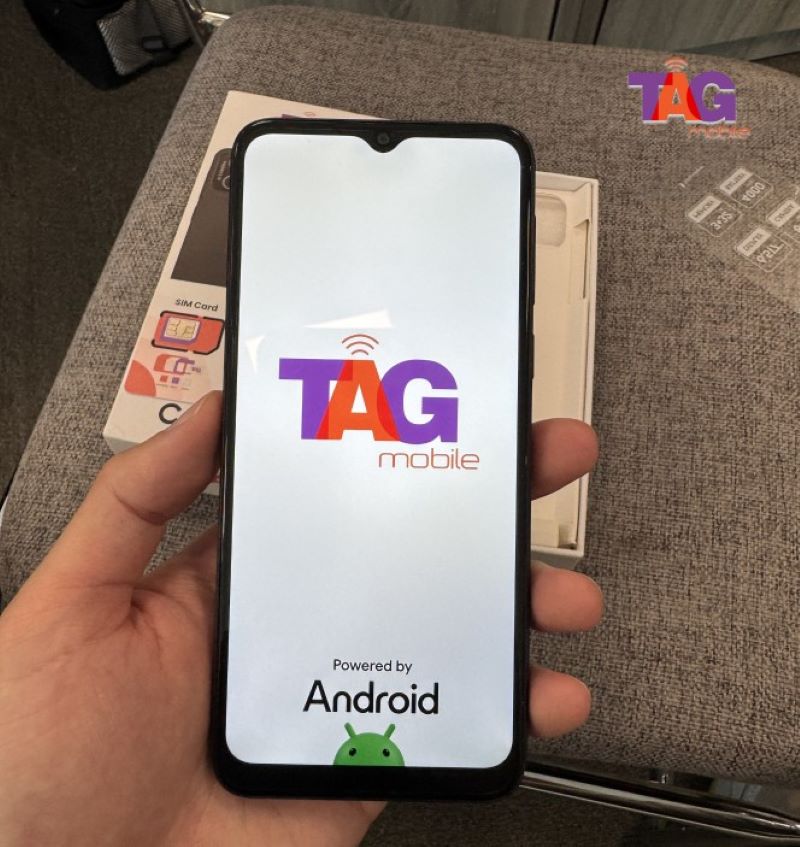
Applying for Lifeline via TAG Mobile can be simple when you already receive benefits from federal programs like SNAP, or meet Lifeline income rules.
Device options and service availability may vary by ZIP code, eligibility, and current stock, so applicants should review the choices shown during enrollment.
- Confirm your eligibility: Make sure you qualify through SNAP, another approved assistance program, or household income that meets Lifeline requirements.
- Visit TAG Mobile: Enter your ZIP code to explore available Lifeline-supported plans and device options in your area.
- Compare available offers: Review the plan features, coverage, and any phone options available based on your ZIP code.
- Complete your application: Provide your legal name, date of birth, address, contact information, and other required identity details.
- Select your qualifying method: Choose SNAP, Medicaid, SSI, FPHA, Veterans Pension or Survivors Benefit, a qualifying Tribal program, or income-based eligibility.
- Complete the verification process: TAG Mobile will verify your eligibility automatically whenever possible.
- Provide supporting documents if requested: Upload proof of program participation or income only if additional verification is needed.
- Submit your application: Review all information carefully, then send your application for approval.
- Receive and activate your service: If approved, your SIM kit, eSIM, or available device is typically delivered within 7-10 business days with activation instructions.
Note: Eligibility varies by state and program. Offers depend on availability and qualifications. TAG Mobile operates under the federal Lifeline Program as an Eligible Telecommunications Carrier (ETC). Service is non-transferable and limited to one service per household.
6. Final Words
Every SNAP dollar can go further when shoppers know which FoodMaxx groceries qualify and how payment rules work.
Understanding does FoodMaxx take EBT makes it easier to plan in-store trips, online orders, pickup options, and split payments without confusion. For extra household support, TAG Mobile helps eligible users explore Lifeline service and available devices. So make sure you grab the benefits soon to elevate your daily life.
- Share This:
-

-

-

-

-

About the author
