

How to Tell If You’ve Been SIM Swapped: 4 Warning Signs
Staying aware of how to tell if you’ve been SIM swapped is an important step in protecting your digital identity in an increasingly connected world. Though these instances of attack may be hard to detect at first, being able to spot these warning signs early on could make all the difference in helping you contain possible damage.
Similarly, having a good mobile carrier could also help you get access to valuable resources and support during times of need. With TAG Mobile, you could be more informed and prepared, and more confident in helping you keep your mobile security on track.
1. What Is a SIM Swap Attack?
A SIM swap attack (also known as SIM swapping or SIM hijacking) is a form of identity theft in which a cybercriminal tricks or manipulates a mobile carrier into transferring a victim’s phone number to a SIM card under the attacker’s control.
Once the number is reassigned, the attacker can intercept calls, text messages, and one-time passcodes, allowing them to bypass two-factor authentication and gain unauthorized access to sensitive accounts such as banking, email, or social media.
2. How to Tell If You’ve Been SIM Swapped
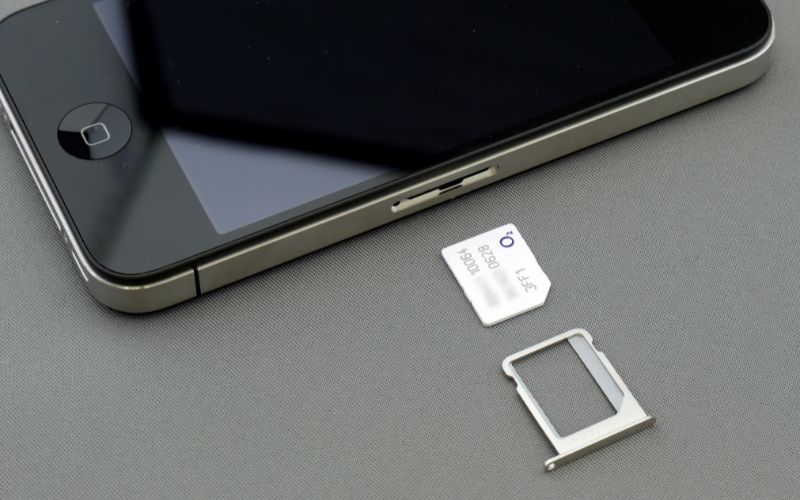
A SIM swap attack often reveals itself through subtle but disruptive changes in your phone’s behavior. Knowing what to look for can help you act quickly before serious damage occurs.
Sudden Loss of Cellular Service
One of the earliest and most noticeable signs of a SIM swap is an unexpected loss of cellular service. Your phone may suddenly display “No Service” or fail to connect to your carrier’s network, even in areas with strong coverage. This typically happens because your phone number has been transferred to another SIM card controlled by an attacker.
If restarting your device or checking your settings doesn’t restore connectivity, it’s a strong indication that something is wrong and requires immediate attention.
Unable to Send or Receive Calls or Texts
Another clear warning sign is when you can no longer make or receive calls and text messages. Since your number is no longer linked to your physical SIM, all communications are redirected to the attacker’s device. This can be especially dangerous because many services rely on SMS-based verification codes.
If you suddenly lose the ability to communicate without any technical explanation, you should contact your mobile carrier right away to verify whether your SIM has been altered or replaced.
Notifications of Password or Account Changes
Receiving alerts about password resets or account changes you didn’t initiate is a major red flag. Attackers who successfully perform a SIM swap often use your phone number to bypass two-factor authentication and gain access to your accounts.
If you notice emails or messages about login attempts, password updates, or security changes, it’s time to act immediately. This is a key moment when you might ask, How will I know when my SIM has swapped?, and these unauthorized notifications are one of the clearest answers.
Unexpected Carrier Notifications
Sometimes, your mobile carrier may send notifications about changes to your account, such as SIM activation or number transfer requests. If you receive such messages without taking any action yourself, it could indicate that someone is attempting, or has already succeeded, in hijacking your number.
These alerts should never be ignored, as they often provide an early opportunity to stop the attack. Contact your carrier immediately to confirm any changes and secure your account before further damage occurs.
>>> Read More: Solving SIM Card Not Working Errors: A 2026 Expert Guide
3. What to Do If You’ve Been SIM Swapped
If you suspect a SIM swap attack, acting quickly is essential to limit damage and regain control of your accounts. The sooner you respond, the better your chances of stopping further unauthorized access.
Contact Your Carrier Right Away
Your first and most urgent step is to contact your mobile carrier immediately. Inform them that you believe your SIM has been compromised so they can suspend the unauthorized SIM and restore your number to a secure device.
Carriers can also add extra security measures, such as PIN protection or account verification steps, to prevent further attacks. Quick action here is critical, as attackers rely on having uninterrupted control of your phone number to continue accessing your accounts.
Secure Your Online Accounts
Once you’ve contacted your carrier, focus on securing all your important online accounts. Start by changing passwords for your email, banking, and social media accounts, especially those linked to your phone number. Enable stronger authentication methods where possible and review recent login activity for anything suspicious.
If you’ve been wondering, How would I know if someone cloned my SIM card?, unauthorized account access or unusual login alerts are often strong indicators that your number has been compromised.
Remove SMS-Based Two-Factor Authentication
SMS-based two-factor authentication (2FA) is convenient but vulnerable to SIM swap attacks. After regaining control, replace SMS verification with more secure methods such as authenticator apps or hardware security keys.
These options do not rely on your phone number, making them far more resistant to SIM-related threats. Updating your security settings may take a bit of time, but it significantly reduces the risk of attackers gaining access again through similar tactics in the future.
4. Why Secure SIM Activation and Trusted Carriers Matter
Many SIM swap incidents occur when attackers attempt to transfer a phone number to a new SIM card without proper verification. Choosing a mobile provider that enforces strict identity checks and secure activation processes plays a key role in reducing the risk of unauthorized SIM transfers.
Reliable carriers are more likely to implement safeguards such as account PINs, verification steps, and fraud monitoring systems that help protect your number.
The Lifeline Program is a government-supported initiative in the United States that helps low-income households stay connected by offering discounted or free phone and internet services. Eligible participants can access essential communication tools, making it easier to stay in touch with work, healthcare, and emergency services.
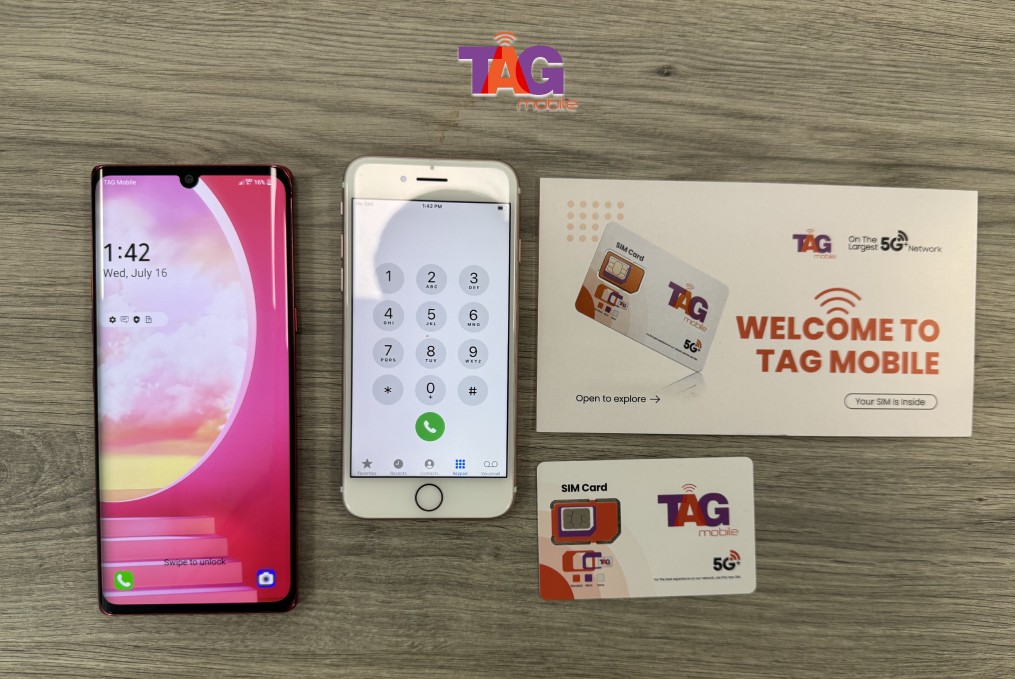
For qualified Lifeline users, Lifeline providers like TAG Mobile offer dependable mobile solutions designed to keep you connected through trusted network infrastructure. Our current plans typically include nationwide coverage, talk, text, and data options, along with support for eSIM-compatible devices for added convenience. In addition, eligible users may receive free or discounted devices, ensuring secure and reliable communication is both accessible and affordable.
>>> Read more: Free SIM Cards With Free Data: How to Claim Yours Now
5. Final Words
Staying aware of how to tell if you’ve been SIM swapped is an important step in protecting your digital identity in an increasingly connected world. Although these kinds of attacks are hard to detect at first, you should spot these signs as early as possible, as it can make a big difference in controlling the possible damage.
Just as important as being aware of these signs is choosing a mobile network provider that can offer you the right tools and support when you need it the most. With TAG Mobile, you can stay informed, aware, and confident in keeping your mobile security on track.
Notice: The government does not cover device costs, only basic service through Lifeline. Any free or discounted devices, upgrades, or top-ups are limited-time TAG Mobile offers and may vary by state, eligibility, and availability. Terms and conditions apply.
- Share This:
-

-

-

-

-



About the author
