Understanding SSI vs SSDI is essential if you’re trying to determine which type of Social Security support fits your situation. While both programs provide financial assistance for individuals with disabilities, they differ in eligibility requirements, income limits, and how benefits are calculated. What is SSDI vs SSI? SSI focuses on financial need, whereas SSDI is based on your work history and contributions.
To explore the differences in more detail and choose the right path, it’s helpful to follow a clear, step-by-step guide from TAG Mobile that explains SSI vs SSDI in a practical and easy-to-understand way.
1. What Is SSI?
Supplemental Security Income (SSI) is a federal program run by the Social Security Administration that provides monthly cash assistance to people with limited income and resources, helping cover basic needs like food and housing.
To qualify, you must be age 65 or older, blind, or have a qualifying disability that prevents you from working, and your condition must last at least 12 months or be life-threatening. In addition, SSI is strictly needs-based, meaning your income and assets must fall below specific limits set by SSA to remain eligible.
2. What Is SSDI?
Social Security Disability Insurance (SSDI) is a federal program that provides monthly benefits to individuals who are unable to work due to a qualifying disability and have previously paid Social Security taxes through their jobs. Unlike SSI, SSDI is based on your work history and the number of work credits you have earned over time.
To qualify, you must have a medical condition that meets SSA’s definition of disability and is expected to last at least 12 months or result in death. You also need enough recent work credits, which typically depend on your age at the time your disability begins.

3. What is the Difference between SSI vs SSDI?
Understanding the difference between SSI and SSDI helps you choose the right program based on your financial situation and work history. Although both provide disability-related support, they follow very different rules for eligibility, funding, and benefits.
| Criteria | SSI (Supplemental Security Income) | SSDI (Social Security Disability Insurance) |
| Program Type | Needs-based assistance funded by general tax revenue | Insurance-based program funded by payroll taxes |
| Eligibility | Must be 65+, blind, or disabled with limited income and resources | Must have a qualifying disability and sufficient work credits |
| Work Requirement | No work history required | Requires prior work and Social Security tax contributions |
| Income & Asset Limits | Strict limits on income and assets (means-tested) | No strict asset limits, but earned income may affect benefits |
| Benefit Amount | Fixed federal payment, sometimes supplemented by states | Based on your past earnings and contribution history |
| Health Coverage | Typically eligible for Medicaid immediately | Eligible for Medicare after a 24-month waiting period |
| Who It’s For | Individuals with low income and limited resources | Workers who become disabled after paying into Social Security |
| Possibility of Both | Can receive SSI alone or combined with SSDI in some cases | Can be combined with SSI if SSDI payments are low |
This comparison highlights that SSI is designed for those with limited financial resources, while SSDI supports individuals who have built up work credits, helping you determine which program best fits your situation.
4. Getting Connected With a Device and Service With SSI
Staying connected is essential when you rely on SSI, especially for receiving updates, managing appointments, and communicating with the Social Security Administration, and that’s where the Lifeline program plays an important role by offering affordable phone and data services for eligible individuals.
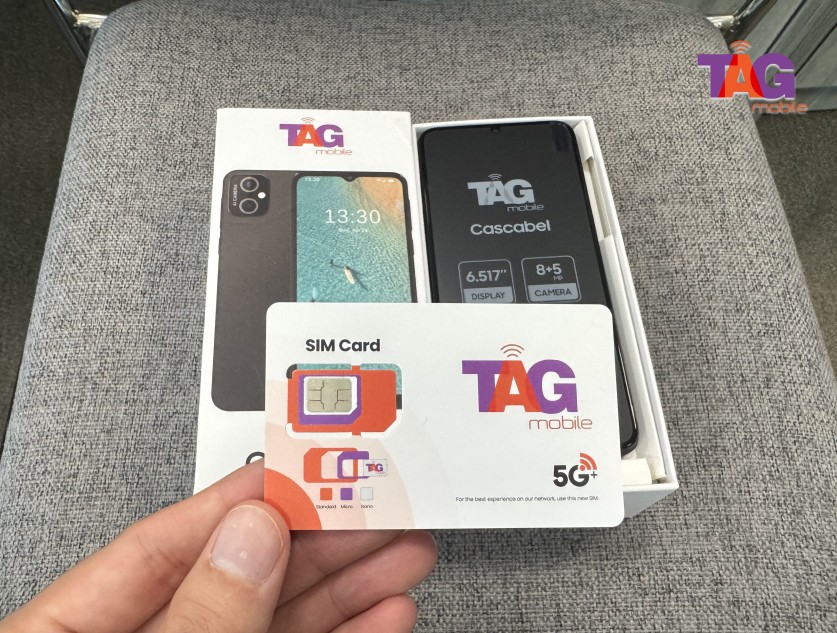
Lifeline providers like TAG Mobile make it easy to access free or discounted devices along with monthly plans, and since SSI is a qualifying program, you can apply using proof such as an award letter without complex income verification, simply by completing an online application, submitting your SSI documentation, and waiting for approval, after which your device and service are delivered so you can stay connected without added financial strain.
Getting a free or discounted device through the Lifeline Program is a straightforward process when you follow the right steps. By preparing your information in advance and applying through a trusted provider like TAG Mobile, you can complete the process smoothly and start using your service without delays.
Step 1: Check availability and start your application
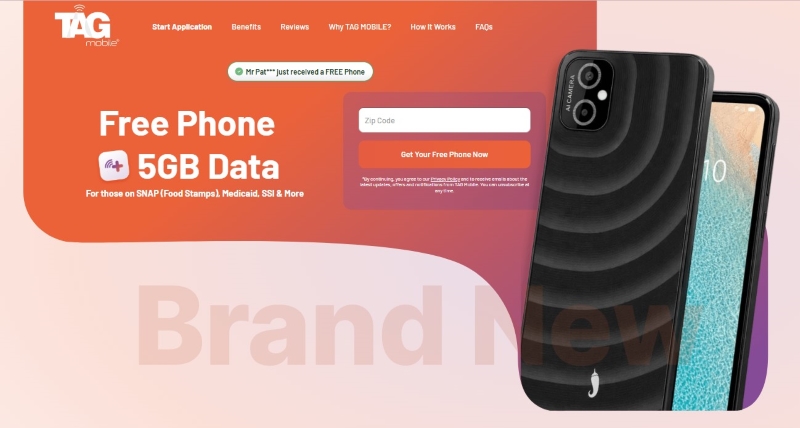
Visit the official TAG Mobile website and enter your ZIP code or select your state to view available Lifeline plans, devices, and SIM or eSIM options in your area.