Free Government Phone Georgia for Seniors: How to Qualify and Apply
Free government phone Georgia for seniors offers low-income seniors in Georgia a real chance to get free government phone service in Georgia through the Lifeline program. If you’re...
Quincy D.-Dec 22, 2025
Table of Contents
Free government phone Georgia for seniors offers low-income seniors in Georgia a real chance to get free government phone service in Georgia through the Lifeline program. If you’re a senior seeking affordable connectivity, read on to find out how to sign up with TAG Mobile and get connected today.
1. What is the Lifeline Program for Seniors in Georgia?
1.1. Overview of the Federal Lifeline Benefit
The Lifeline Program is a federal assistance benefit that helps low-income Americans maintain access to basic phone and internet services. In Georgia, the program works through certified providers such as TAG Mobile, who offer affordable or no-cost service plans to eligible households.
Through Lifeline, qualifying seniors can receive a monthly discount on phone or internet service. This support helps older adults stay connected to family, doctors, and emergency assistance without worrying about high bills.
Lifeline is a federally financed program that started in 1985
1.2. Who Qualifies – Eligibility Criteria
To receive free or discounted phone service in Georgia, applicants must meet one of two main requirements: being enrolled in a qualifying government assistance program or meeting the income rules set by the federal program.
The programs most commonly used by seniors include:
Federal Public Housing Assistance (FPHA or Section 8)
Seniors can also qualify through income alone. Households may be approved if their total income is at or below 135% of the Federal Poverty Guidelines, even if they are not receiving other benefits.
Because many older adults in Georgia rely on Medicaid, SSI, SNAP, and similar programs, a large number of seniors can qualify easily. Lifeline is designed to ensure that older Americans with limited income can stay connected without financial stress.
2. How to Apply for a Free or Discounted Phone in Georgia
2.1. Verify Eligibility Through TAG Mobile
Before applying for a free or discounted phone in Georgia, the first step is to confirm that you meet Lifeline eligibility requirements. You can do this by reviewing the official Lifeline eligibility guidelines or by contacting your local Lifeline office for assistance.
It is also important to prepare your documents in advance. You may need proof of program participation, a recent benefit notice, proof of income, and a document showing your current Georgia address. Having these ready will help make the application process smoother once you choose a Lifeline provider.
2.2. Choose a Lifeline-Certified Provider Serving Georgia
Once you confirm that you qualify, the next step is choosing a Lifeline-certified provider that serves your ZIP code in Georgia. TAG Mobile is one of the approved providers in the state.
Choosing a provider that operates in Georgia helps ensure your application is reviewed under the correct state rules and that your Lifeline benefits are applied properly. With TAG Mobile, eligible seniors may receive benefits such as a free smartphone and a free phone for seniors in Georgia that includes free or discounted talk, text, and data.
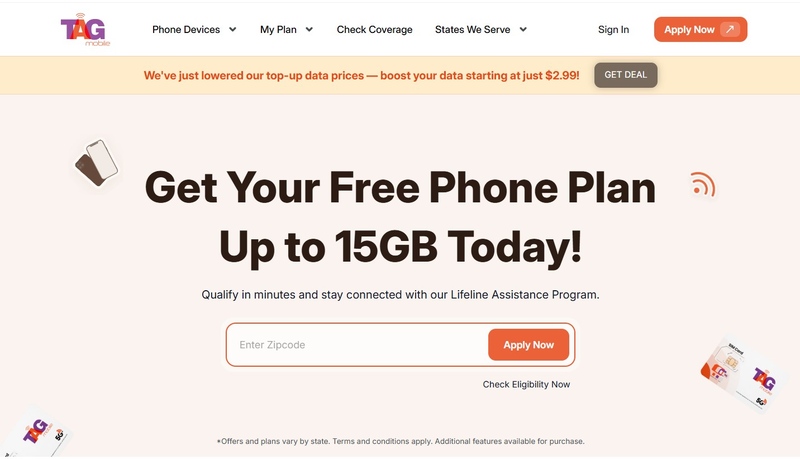
TAG Mobile’s official website
2.3. Submit Application & Required Documentation
After choosing TAG Mobile or another Lifeline provider, you can proceed with the online application. For TAG Mobile, start by visiting the official website and selecting the Lifeline plan available in Georgia.
Next, choose a device from the list of available phones. Options may vary based on eligibility and current availability. After selecting your plan and device, you will be guided to the application form.
During the application process, you may be asked to upload supporting documents, such as a benefit award letter, government-issued ID, proof of address, or proof of income. Make sure all documents are clear, readable, and up to date to avoid delays.
Once you submit the application, the provider will review your information. If your details are approved, you will receive a confirmation notice. Delivery may take about 7-10 business days. Follow instructions to activate and enjoy your Lifeline benefits with the free device!
Notice: The government does not cover device costs, only basic service through Lifeline. Any free or discounted devices, upgrades, or top-ups are limited-time TAG Mobile offers and may vary by state, eligibility, and availability. Terms and conditions apply.
3. What Seniors in Georgia Get: Services, Phones, and Limitations
3.1. Typical Services – Phone, Text, Data & Internet
Seniors in Georgia who qualify for the Lifeline Program can receive basic phone service at no cost. This usually includes unlimited talk and unlimited text. Many providers, including TAG Mobile, also offer data or basic broadband to help with essential online tasks such as email, telehealth appointments, video calls, or checking important information.
TAG Mobile often provides free smartphones that support 4G or 5G, along with nationwide coverage where service is available. Data amounts can vary based on the plan, but they are generally designed to support everyday needs for seniors who use the internet for simple tasks.
3.2. Cost Structure – What “Free” Means & Potential Limitations
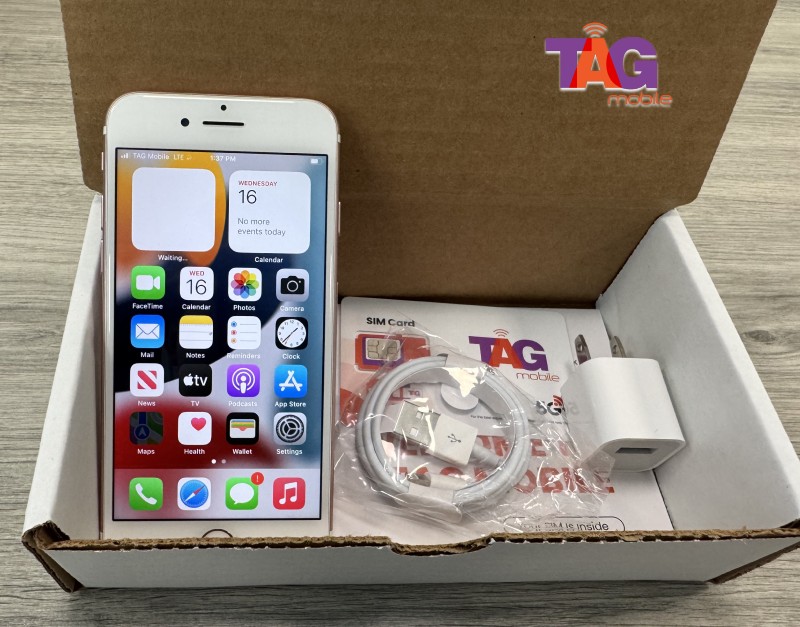
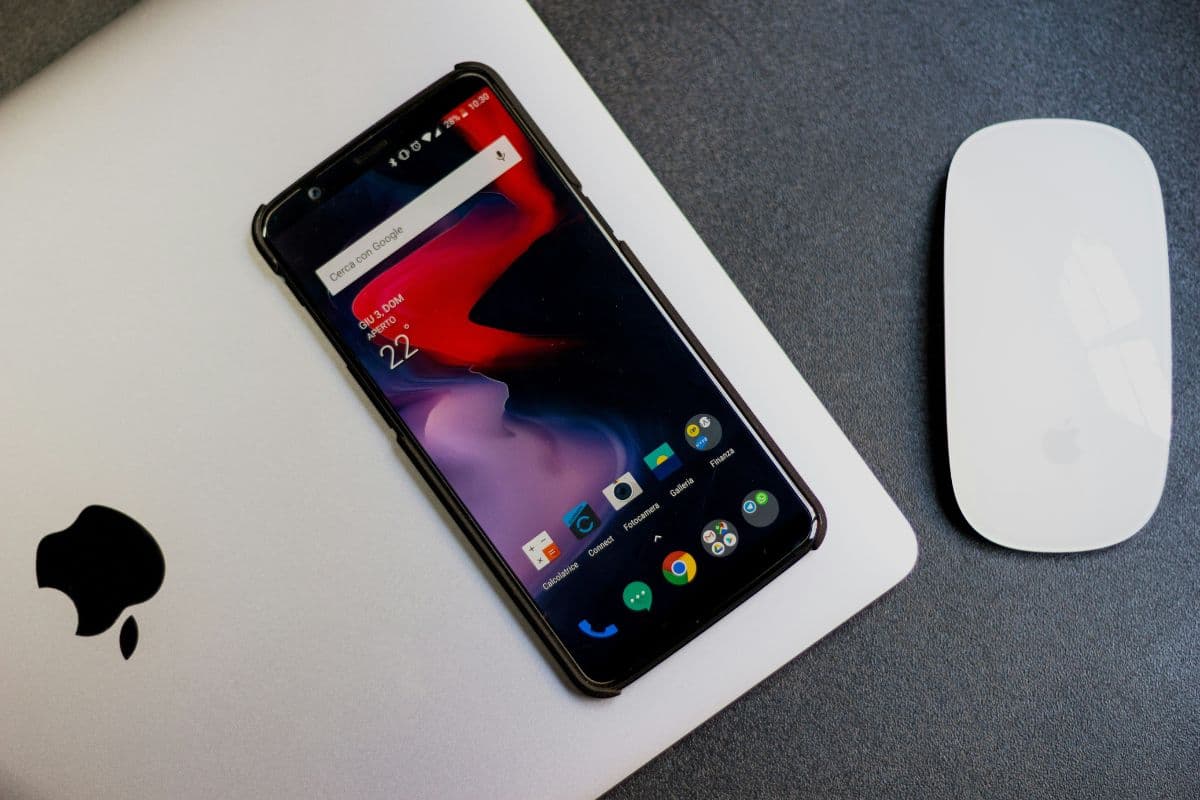
Three steps to apply and get a free iPhone 8 Plus. (Image by Unsplash)
When Lifeline service is described as free, it means eligible seniors do not pay a monthly bill for talk, text, or basic data. There are no contracts, no credit checks, and no activation fees as long as eligibility is maintained. TAG Mobile follows this structure for all qualifying customers.
However, the Lifeline discount can only be used once per household. This means each home can have only one Lifeline plan. If someone in the household already has a Lifeline phone or broadband benefit, you cannot add a second line under the same program.
4. Practical Tips & Common Pitfalls for Free Government Phone Georgia for Seniors
4.1. Gather All Required Documents Before Applying
Prepare proof of your qualifying program (e.g., Medicaid card, SSI award letter), or your income documentation if applying via income-based eligibility (tax return, pay stubs, etc.). Ensure the document shows your name, address, and date, and matches the address you enter on the application.
Without complete documentation, your application may be delayed or rejected.
Because the Lifeline benefit is limited to one per household, confirm that no one else in your home already receives Lifeline service (for phone or internet). Applying for a second line can result in denial or disqualification.
If multiple adults live together, decide carefully who will apply and receive the benefit.
4.3. Watch Out for Scams and Third-Party “Free Phone” Websites
While legitimate providers like TAG Mobile, Life Wireless, etc. follow official Lifeline/PSC rules, some third-party “free phone” websites may try to offer services outside the official program, potentially charging fees or misleading applicants. Always verify that the provider is a certified Lifeline provider and the benefit is free.
Notice: The government does not cover device costs, only basic service through Lifeline. Any free or discounted devices, upgrades, or top-ups are limited-time TAG Mobile offers and may vary by state, eligibility, and availability. Terms and conditions apply.
Final Words
If you’re a senior in Georgia seeking a free government phone, you don’t have to navigate this alone. TAG Mobile offers an excellent, legitimate way for eligible seniors to get a free smartphone plus free phone or internet service under the federal Lifeline program. By preparing your documents and applying today, you can stay connected to loved ones, access telehealth or emergency services, and enjoy reliable communication without monthly bills.
Share
TAG Blog
Stories, guides, and helpful updates for staying connected.