Applying for free government phone through the federal Lifeline Program is a straightforward way to access essential communication services at no cost. If you’re unsure where to begin or what you need to qualify, this guide will help you understand the basics. By breaking down eligibility rules and explaining how to apply for free government phone steps, you’ll be ready to move forward with confidence.
1. What Is the Free Government Phone Program?
1.1. How Lifeline Helps Low-Income Households Stay Connected
The Lifeline Program is a federal benefit that helps make phone and internet service more affordable for people with limited income. If you qualify, you can receive a monthly discount on a phone plan, an internet plan, or a bundle that includes both. This support helps you stay connected to jobs, family, healthcare, and important services.
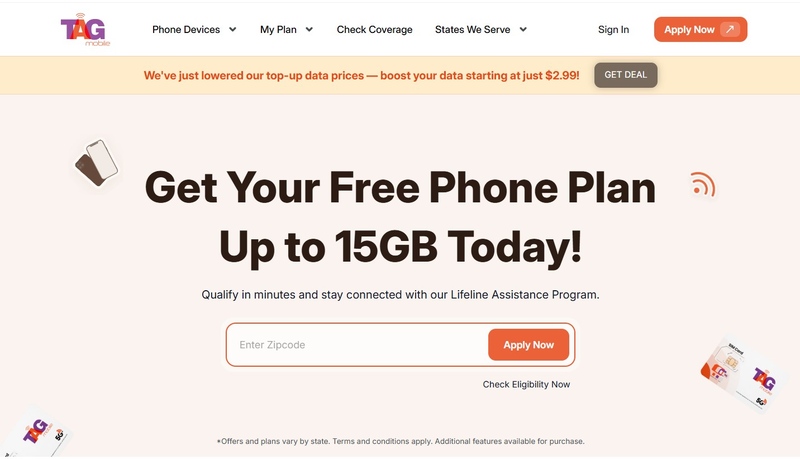
Lifeline is run by the Universal Service Administrative Company, also known as USAC. To sign up for free government phone, you use the National Verifier or submit your information through a Lifeline provider such as TAG Mobile.
1.2. What Type of Free Phones You Can Get Today (Basic, Smartphones, Refurbished)
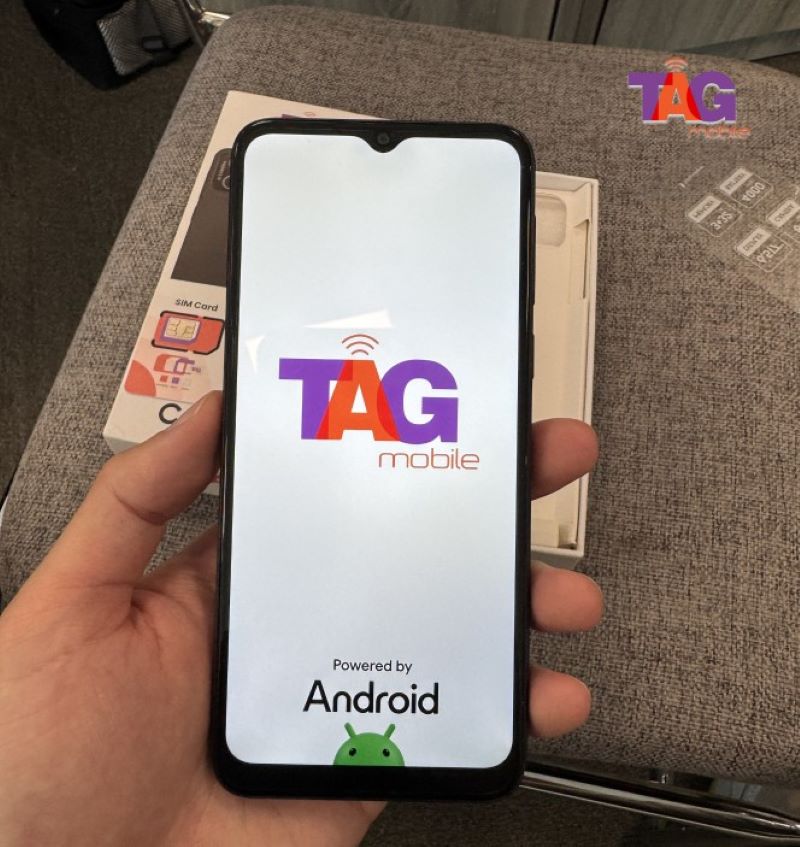
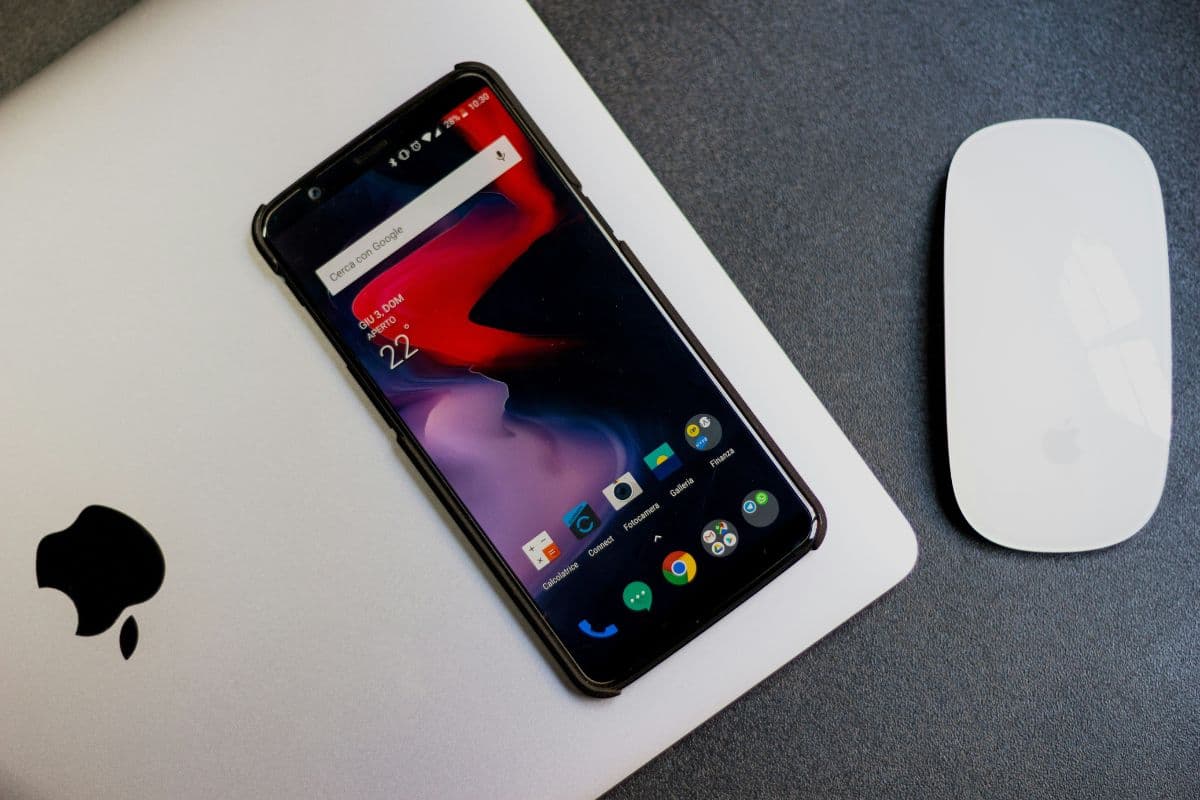
The type of phone you receive depends on the provider you choose. Some providers offer basic phones, while others provide refurbished or even brand-new smartphones. TAG Mobile offers qualifying Lifeline customers a free 4G or 5G LTE smartphone, which is suitable for everyday tasks like calls, texts, internet use, and apps.
The phone itself is usually provided at no cost as part of the Lifeline offer. The Lifeline discount is applied to your service plan, but the phone you receive can vary based on the provider’s available inventory and current promotions.
2. Who Qualifies to Apply for a Free Government Phone?
2.1. Qualification Through Government Benefit Programs
You may be eligible for a free government phone if you or someone in your household participates in certain government assistance programs. These programs include:
- SNAP (Supplemental Nutrition Assistance Program)
- Medicaid or other state health programs
- Supplemental Security Income (SSI)
- Federal Public Housing Assistance or Section 8
- Veterans Pension or Survivors Benefits
- Certain Tribal programs
2.2. Qualification Through Low-Income Requirements
If you do not participate in one of the programs above, you may still qualify based on your household income. To qualify, your total household income must be at or below 135 percent of the Federal Poverty Guidelines. For 2025, for example, a one-person household must earn $21,128 or less annually.
>>> Read more: How to Order a Free Government Phone and Get Free Service
2.3. Documents You Need to Apply

To complete your application, you may need to show documents to verify your eligibility, such ass
- Proof of Identity: driver’s license, passport, birth certificate, or other official ID
- Proof of Address: a utility bill, lease statement, recent income statement, or official letter showing your name and address
- Proof of Benefit or Income: if qualifying through a government program, provide a benefits letter or statement; if qualifying by income, provide pay stubs, tax return, or other income documents
3. How to Apply for a Free Government Phone
Step 1: Check Your Eligibility Through the National Verifier
Start by visiting the official Lifeline Support website to see if you qualify. You will need to provide basic information such as your full name, home address, date of birth, and either the last four digits of your Social Security Number or your Tribal ID.
The National Verifier will check if you qualify based on your income or participation in government assistance programs. If your eligibility cannot be confirmed automatically, you may need to upload or mail documents like benefit letters or income statements.