

How to Delete eSIM iPhone: A Safe and Easy Guide in 2026
If you need to delete eSIM iPhone settings, the process can be completed directly through your device’s Cellular or Mobile Data menu. Users often choose to remove an eSIM when switching carriers, transferring a number to another phone, troubleshooting network issues, or preparing the device for resale. It is important to understand that deleting an eSIM removes the digital carrier profile from your phone, which may deactivate your current line until it is reinstalled.
For detailed step-by-step instructions and helpful precautions, you can refer to the full guide from TAG Mobile below to learn more.
1. How to Delete eSIM on iPhone (Quick Steps)
If you are planning to switch carriers, transfer your number, or reset your device, you may need to delete eSIM iPhone settings properly. The removal process is simple, but you should understand that once the eSIM profile is deleted, that mobile line will no longer function on your phone unless reactivated.
Open Settings
Begin by unlocking your iPhone and launching the Settings app. Your device stores all SIM and network configurations within this menu. Navigating here ensures you are accessing the correct system controls.
Tap Cellular (or Mobile Data)
Next, you scroll down and tap Cellular (U.S.) or Mobile Data (in other regions). Your iPhone will display all active plans, including both physical SIM and eSIM iPhone profiles. Take a moment to confirm which line you intend to remove.
Select the eSIM Plan
Tap the specific eSIM plan that you want to delete. If your iPhone has multiple lines enabled, carefully check the carrier name and line label. This step prevents accidental removal of the wrong number.
Tap Remove Cellular Plan
After selecting the correct plan, scroll down and tap Remove Cellular Plan. When you choose this option, the system prepares to delete esim iphone configuration data associated with that carrier profile. A confirmation message will appear on your screen.
Confirm Removal
Finally, you confirm the removal when prompted. Once approved, your iPhone will permanently erase the selected eSIM profile from the device. If you plan to use the number again, you will need to contact your carrier to request a new QR code or digital activation before reconnecting the line.
2. What Happens When You Delete an eSIM?
The moment you remove an eSIM from your phone, the change takes effect immediately. Your device loses access to that carrier’s network, which means no calls, no text messages, and no mobile data on that line. If it were your only active plan, your phone would show “No Service” until another SIM or eSIM is installed.
Once deleted, the eSIM profile is permanently erased from the device. Unlike photos or apps, there is no “Recently Deleted” folder for eSIM profiles. In many cases, you cannot simply restore it from your phone’s settings. You must request a new activation QR code or digital profile from your carrier to reinstall the plan.
It’s also important to understand that deleting the eSIM from your device does not automatically cancel your carrier account. Your service plan may still be active, and billing may continue unless you contact your provider to formally disconnect it.
Because of this, you should only remove an eSIM when you are sure you no longer need that line on your device. If you delete it by mistake, your best option is to contact your carrier as soon as possible to request reactivation instructions.
3. Important Things to Check Before Removing eSIM
Before delete esim iphone, take a moment to review a few key details to avoid losing connectivity or access to your number. A quick check now can save you time and prevent unnecessary reactivation delays later.
- Contact your carrier or check their support page to confirm their rules for eSIM reactivation. Some providers allow you to download the same eSIM profile multiple times, while others require issuing a brand-new QR code. Knowing this in advance helps you avoid unexpected service disruptions.
- Keep copies of your QR code, activation emails, and setup instructions. Store screenshots in your photo gallery and write down any confirmation or setup codes. Having this information ready makes the reinstallation process much smoother.
- An internet connection is required to reinstall an eSIM profile. Ensure you have access to stable Wi-Fi before deleting your current plan. Removing an eSIM without internet access could leave you temporarily disconnected.
- Check if your primary phone number is attached to the eSIM you plan to remove. Deleting that profile may temporarily disconnect your main line until it is reactivated. Travel or secondary data plans usually carry less risk, but your primary number requires extra caution.
4. Changing Carriers? There’s an Easier Way to Stay Connected
Changing carriers often involves multiple steps, requesting transfer codes, swapping SIM cards, waiting for activation emails, and hoping there’s no service interruption in between. Instead of navigating the process alone, you can choose options that simplify activation and reduce downtime.
If you meet eligibility requirements, the Lifeline Program provides free or discounted monthly wireless service to qualifying low-income consumers. This federal benefit helps ensure reliable access to essential communication services, including job searches, healthcare appointments, online learning, and emergency contact.
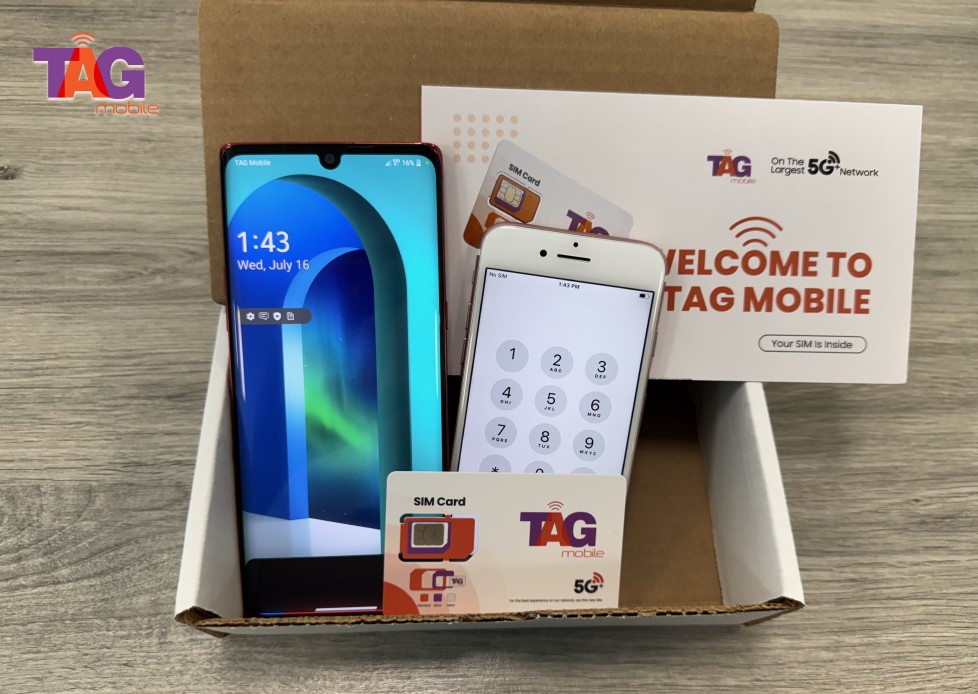
Lifeline carriers like TAG Mobile participate in the Lifeline Program and offer smartphones or tablets with talk, text, and data included.
TAG supports both traditional SIM cards and eSIM activation for compatible devices. Many devices may arrive pre-activated, including configured eSIM profiles on eligible models, so you can power on your phone and begin using your service immediately. This streamlined approach reduces the need for manual SIM changes and makes switching carriers far more convenient.
>>> Read More: Can I Get A Free iPhone Government Phone? A Step-By-Step Guide
5. Final Words
If you plan to delete eSIM iPhone, it is essential that you are aware of the implications before you delete your mobile plan. Removing an eSIM immediately terminates the line, and you might have to get new activation details from your network provider to get the service running again. However, taking a few precautions beforehand can save you time and reduce the downtime you might face in the long run. If you are planning on changing your network provider or looking for more convenient options, you might want to consider the flexible eSIM options offered at TAG Mobile.
Notice: The government does not cover device costs, only basic service through Lifeline. Any free or discounted devices, upgrades, or top-ups are limited-time TAG Mobile offers and may vary by state, eligibility, and availability. Terms and conditions apply.
- Share This:
-

-

-

-

-



About the author
